
Pink Wallpapers
Pink phone wallpapers in every shade, from soft blush to bold rose and dreamy pastel mixes.
Saves at 1440×3120 – Original picture (matched to the phone you're on)
Pink Wallpapers
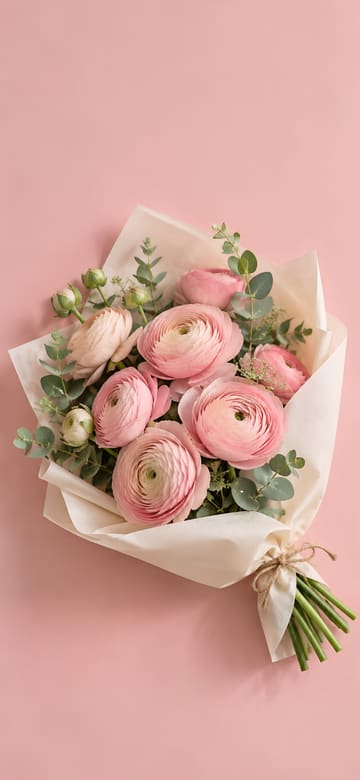
Pink Ranunculus Bouquet
Download Pink Ranunculus Bouquet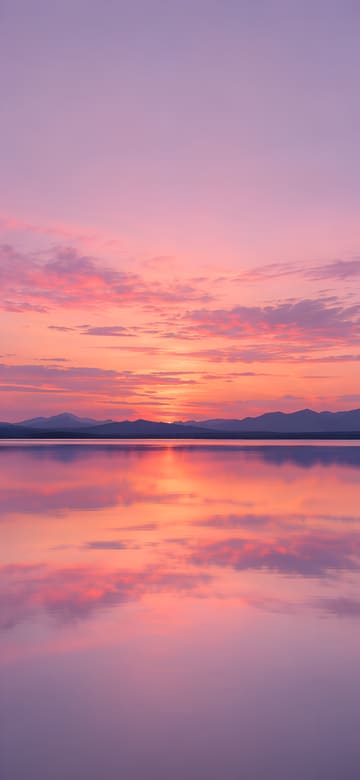
Pink Sunset over a Calm Lake
Download Pink Sunset over a Calm Lake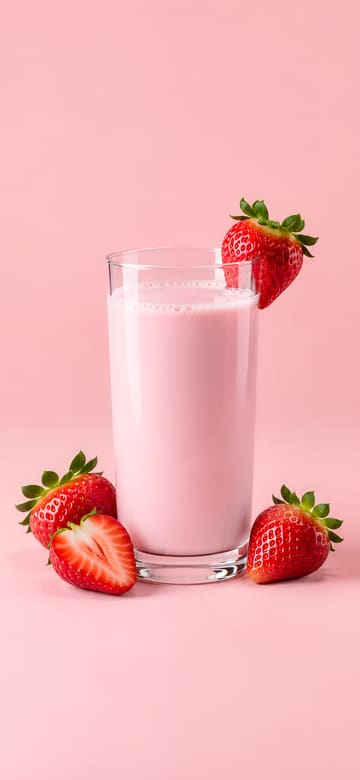
Glass of Strawberry Milk
Download Glass of Strawberry Milk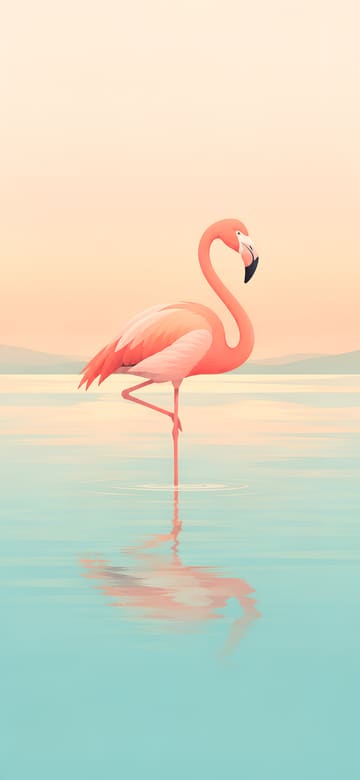
Flamingo in Pastel Water
Download Flamingo in Pastel Water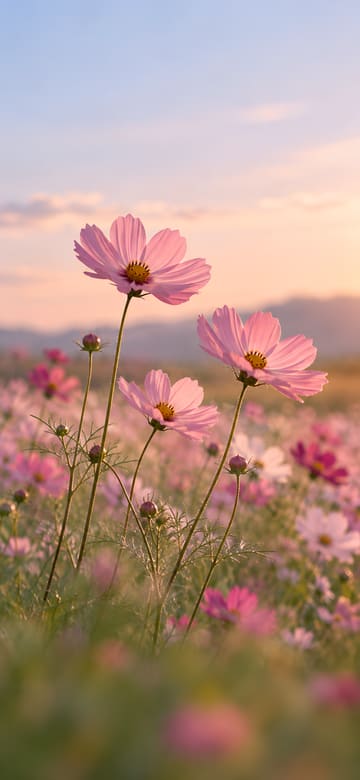
Pink Cosmos in the Breeze
Download Pink Cosmos in the Breeze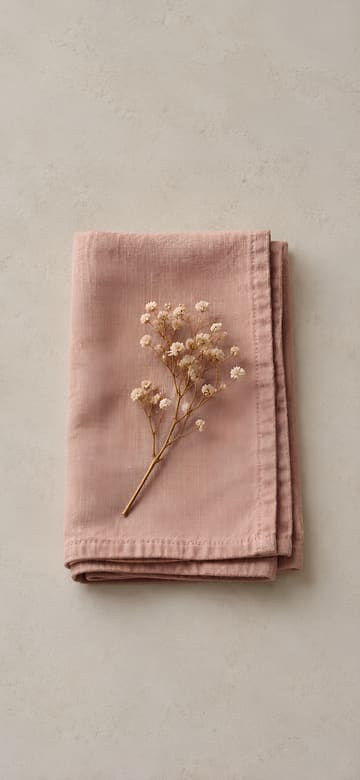
Dusty Rose Linen Napkin
Download Dusty Rose Linen Napkin
Smiling Pink Sprinkle Donut
Download Smiling Pink Sprinkle Donut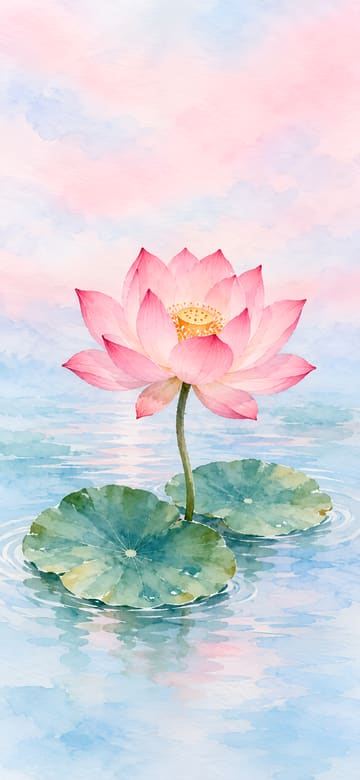
Pink Lotus Watercolor
Download Pink Lotus Watercolor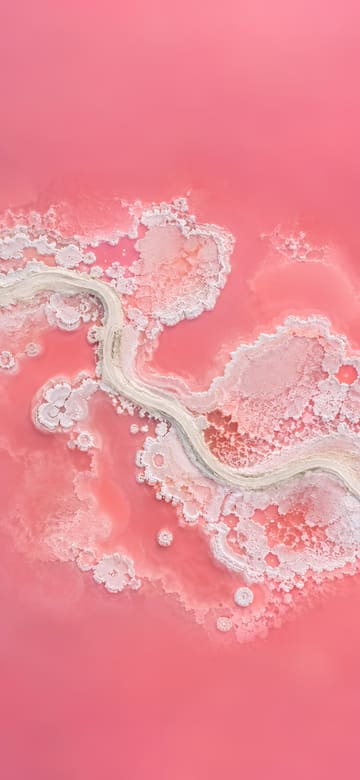
Pink Salt Lake from Above
Download Pink Salt Lake from Above
Pink Heart Balloon
Download Pink Heart Balloon
Smiling Pink Axolotl
Download Smiling Pink Axolotl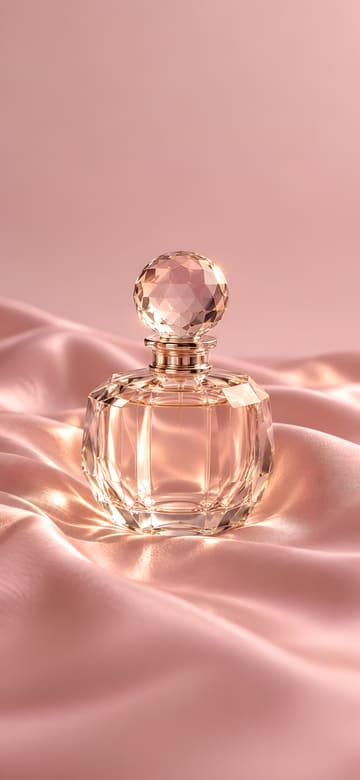
Perfume Bottle on Pink Silk
Download Perfume Bottle on Pink Silk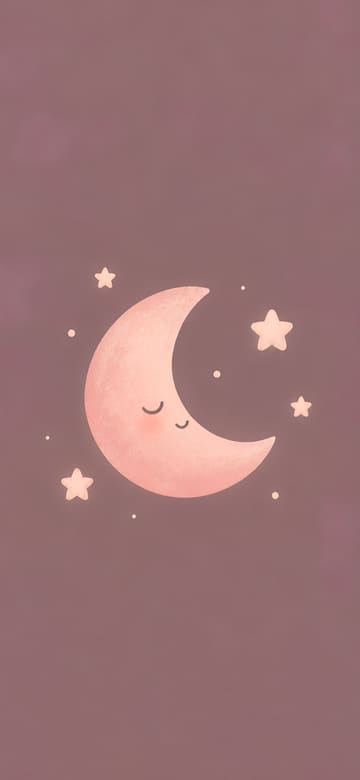
Smiling Pink Moon and Stars
Download Smiling Pink Moon and Stars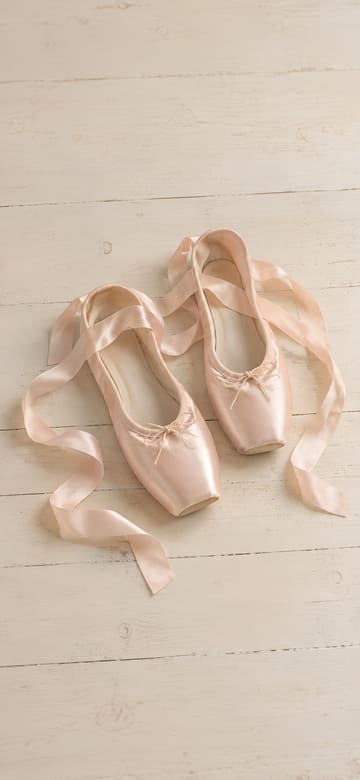
Pink Ballet Slippers
Download Pink Ballet Slippers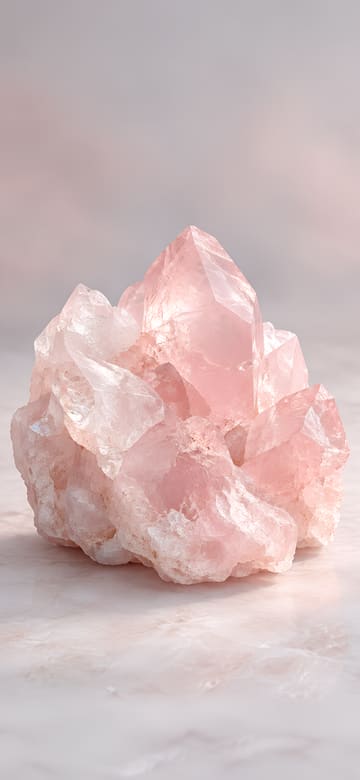
Rose Quartz Crystal
Download Rose Quartz Crystal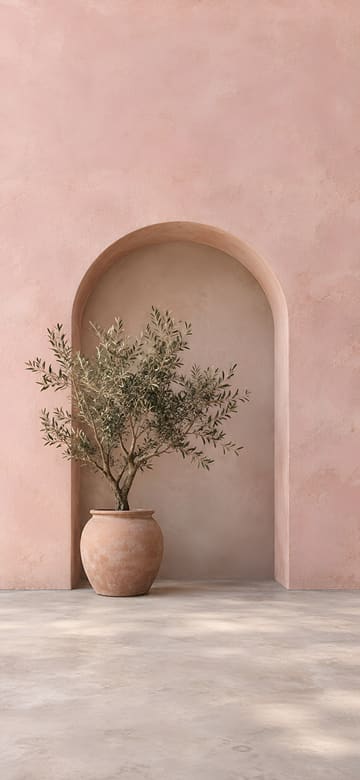
Pink Arch and Olive Tree
Download Pink Arch and Olive Tree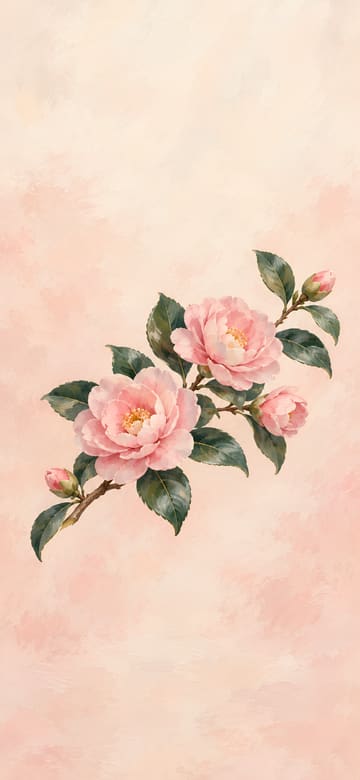
Pink Camellia Branch
Download Pink Camellia Branch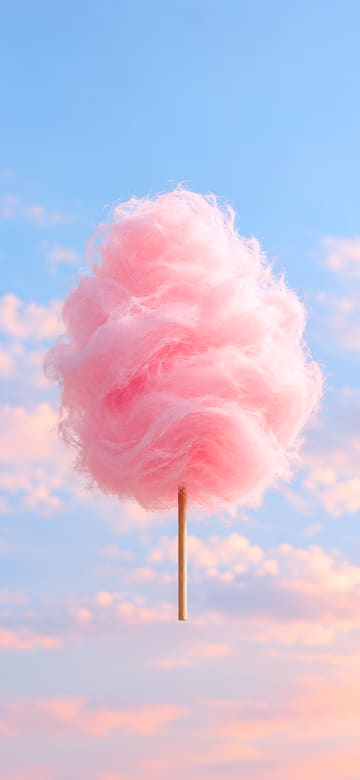
Pink Cotton Candy on a Stick
Download Pink Cotton Candy on a Stick
Piglet in a Flower Crown
Download Piglet in a Flower Crown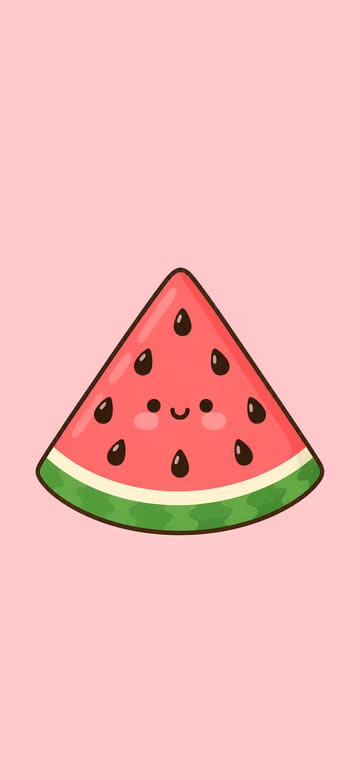
Smiling Watermelon Slice
Download Smiling Watermelon Slice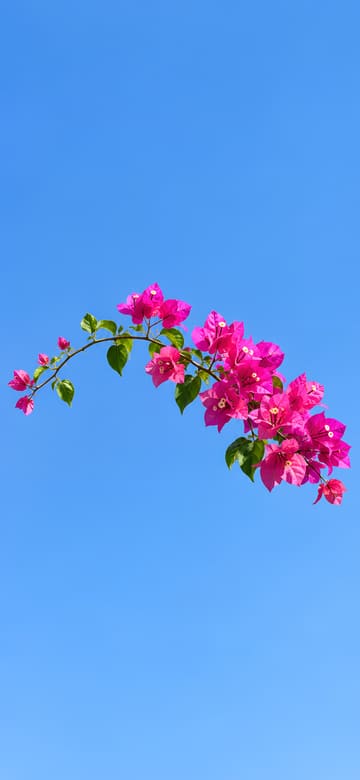
Bougainvillea and Blue Sky
Download Bougainvillea and Blue Sky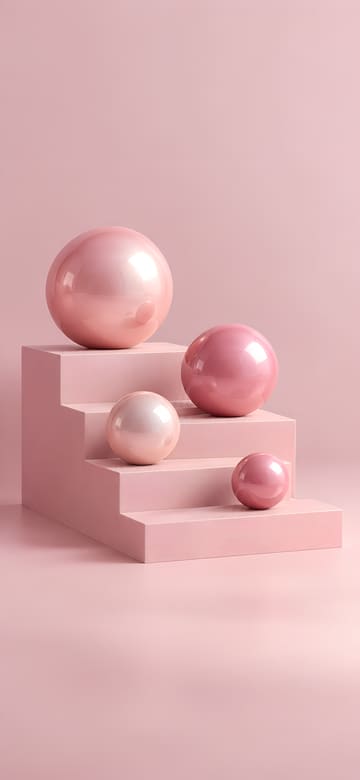
Glossy Pink Spheres on Steps
Download Glossy Pink Spheres on Steps
Pink to Peach Gradient Sun
Download Pink to Peach Gradient Sun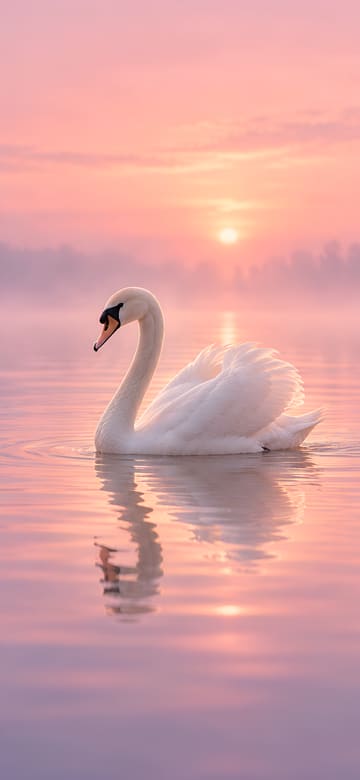
White Swan at Pink Dawn
Download White Swan at Pink Dawn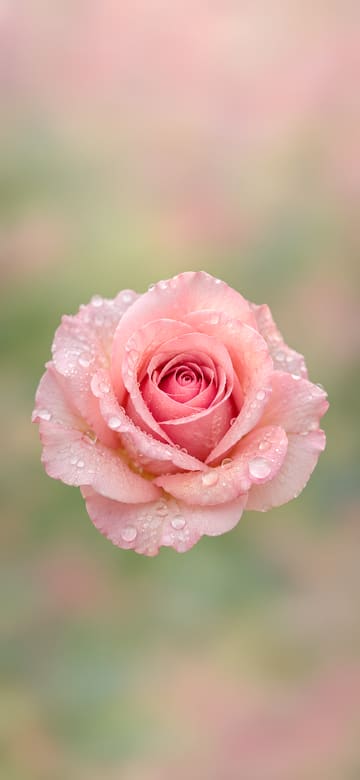
Pink Rose with Dewdrops
Download Pink Rose with Dewdrops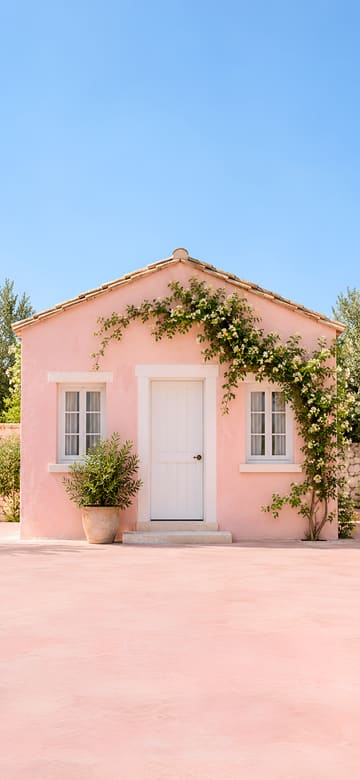
Pastel Pink House Front
Download Pastel Pink House Front
Floating Pink Bubbles
Download Floating Pink Bubbles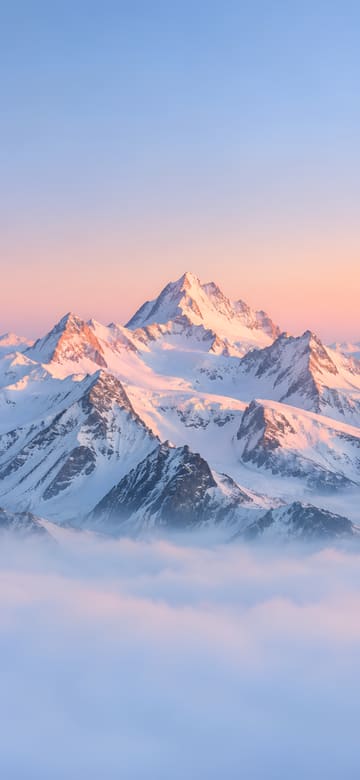
Snowy Peaks in Pink Alpenglow
Download Snowy Peaks in Pink Alpenglow
Heart-Shaped Pink Bokeh
Download Heart-Shaped Pink Bokeh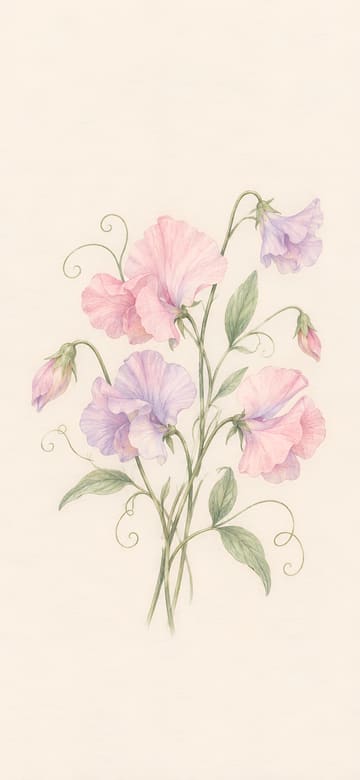
Sweet Pea Flowers
Download Sweet Pea Flowers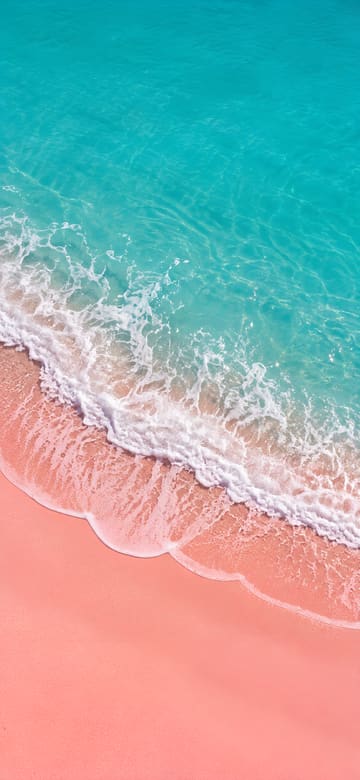
Pink Sand Beach from Above
Download Pink Sand Beach from Above
Layered Paper-Cut Hearts
Download Layered Paper-Cut Hearts
Pink Stairway in the Clouds
Download Pink Stairway in the Clouds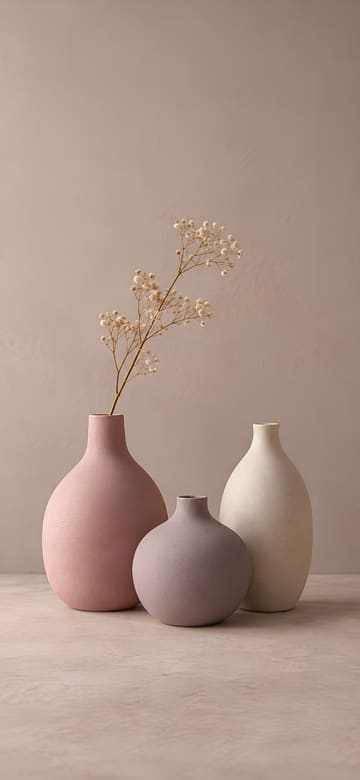
Three Matte Ceramic Vases
Download Three Matte Ceramic Vases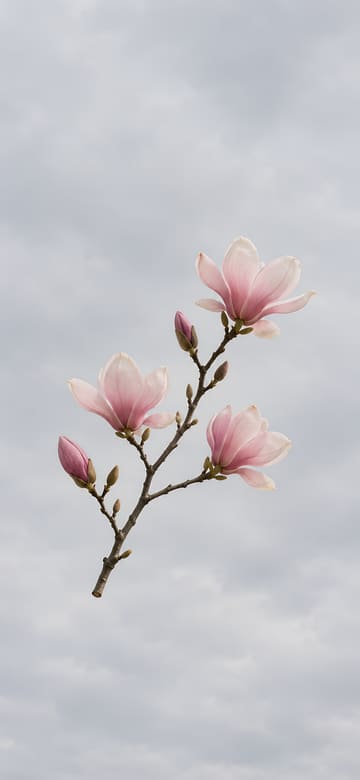
Magnolia against a Gray Sky
Download Magnolia against a Gray Sky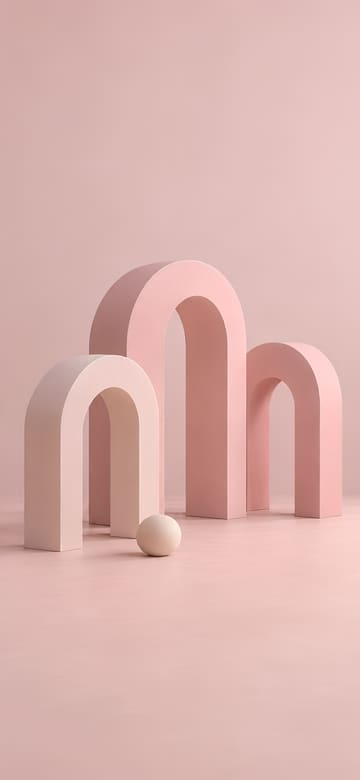
Pastel 3D Arches and Ball
Download Pastel 3D Arches and BallAbout these wallpapers
Pink wallpapers come in a lot of moods. Pale blush and baby pink feel calm and clean, rose and hot pink are bolder, and pink mixed with peach or lavender gives the soft, dreamy look people call pink aesthetic or pastel.
Light pinks are a safe pick for a busy home screen, because colorful app icons stand out against them. Deeper pinks shine on the lock screen, where there's less on top of the picture.
Pink also goes well with a pink, white or clear phone case. On iPhone you can change the color of the lock screen clock, so a white or deep rose clock can match the picture.
Wallpaper sizes for each phone
| Phone | Size (pixels) | Crop |
|---|---|---|
| Original picture | 1440×3120 | Full size, no crop |
| iPhone 18 Pro / 17 Pro / 17 | 1206×2622 | Under 0.5% cropped |
| iPhone 18 Pro Max / 17 Pro Max | 1320×2868 | Under 0.5% cropped |
| iPhone Air | 1260×2736 | Under 0.5% cropped |
| iPhone 17e | 1170×2532 | Under 0.5% cropped |
| Galaxy S26 | 1080×2340 | Scaled down, no crop |
| Galaxy S26+ / S26 Ultra | 1440×3120 | Full size, no crop |
| Galaxy Z Flip8 main screen / Z Fold8 Ultra cover screen | 1080×2520 | About 3.6% cropped from each side |
| Pixel 11 | 1080×2424 | Under 2% cropped from each side |
| Pixel 11 Pro | 1280×2856 | Under 2% cropped from each side |
| Pixel 11 Pro XL | 1344×2992 | Under 2% cropped from each side |
How to set it on your lock screen and home screen
On iPhone
- Pick your iPhone above and tap Download, then tap Save Image in the menu that opens. The picture goes to Photos.
- Open it in Photos, tap the Share button, choose Use as Wallpaper, adjust it and tap Add.
- Tap Set as Wallpaper Pair to use it on both the lock screen and the home screen, or Customize Home Screen to change the home screen on its own.
On Android (Galaxy, Pixel)
- Pick your phone above and tap Download. The picture is saved to your Downloads folder and shows up in your gallery or photos app.
- Open the picture, tap ⋮ (More) and choose Set as wallpaper. You can also open Settings > Wallpaper (on some phones, Wallpaper and style) and pick it from your photos.
- Choose the lock screen, the home screen or both, and you're done.
Questions
What's the difference between pink and pastel wallpapers?
Pastel wallpapers mix several soft, light colors – pink with lavender, mint or peach. Pink wallpapers are mostly pink, from pale blush to deep rose. This page is about pink, so even the mixes keep pink in the lead.
Will the clock be easy to read on a light pink wallpaper?
A white clock can look faint on pale pink. On iPhone, touch and hold the lock screen, tap Customize, then tap the time to choose a darker color. The top quarter of every picture is plain, so nothing busy sits behind it.
Other styles
Original AI-generated pictures with no text on them, free to download and use as the wallpaper on your own phone. They aren't the wallpapers that come with any phone.
iPhone is a trademark of Apple Inc., registered in the U.S. and other countries and regions. Galaxy is a trademark of Samsung Electronics Co., Ltd. Pixel and Android are trademarks of Google LLC. This site is not affiliated with or endorsed by Apple, Samsung or Google.