
Dark Wallpapers
Dark phone wallpapers in black and deep tones – easy on the eyes at night, with the subject kept clear of the clock.
Saves at 1440×3120 – Original picture (matched to the phone you're on)
Dark Wallpapers
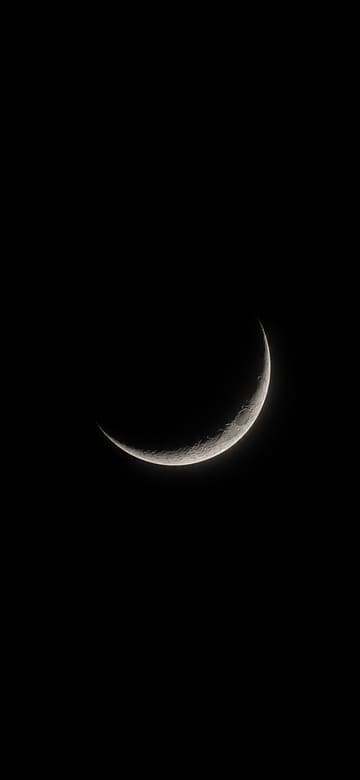
Thin Silver Crescent Moon
Download Thin Silver Crescent Moon
Single Red Rose on Black
Download Single Red Rose on Black
Gold Line Arches on Black
Download Gold Line Arches on Black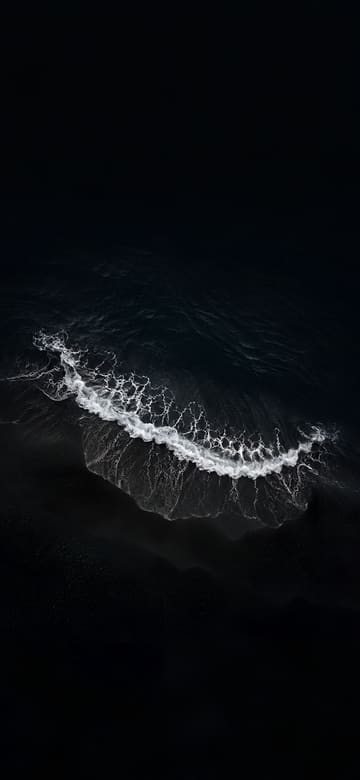
Black Sand Beach from Above
Download Black Sand Beach from Above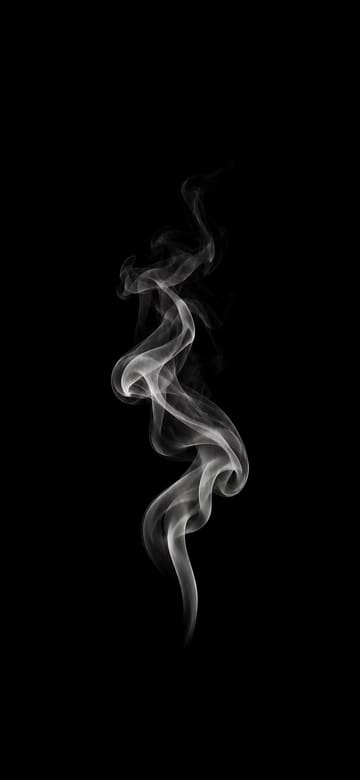
Wisp of White Smoke
Download Wisp of White Smoke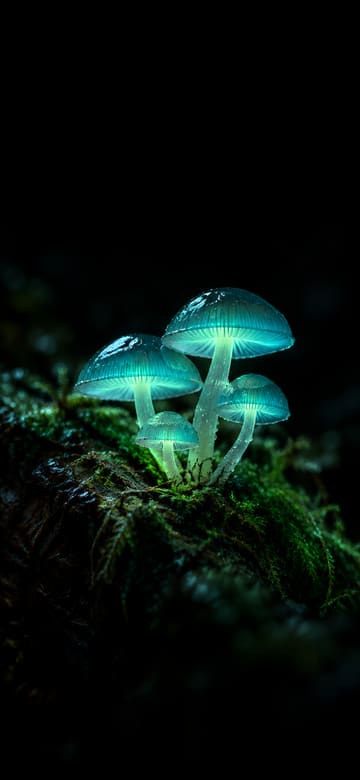
Glowing Mushrooms in a Dark Forest
Download Glowing Mushrooms in a Dark Forest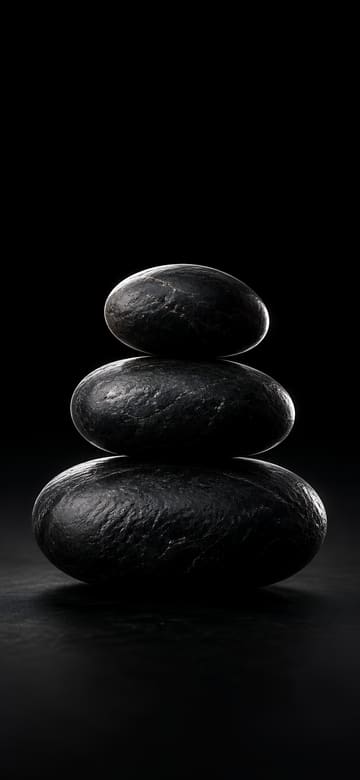
Balanced Black Stones
Download Balanced Black Stones
White Feather on Black
Download White Feather on Black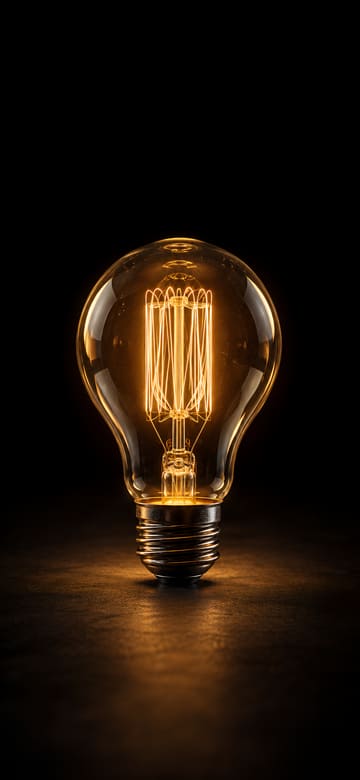
Glowing Filament Bulb
Download Glowing Filament Bulb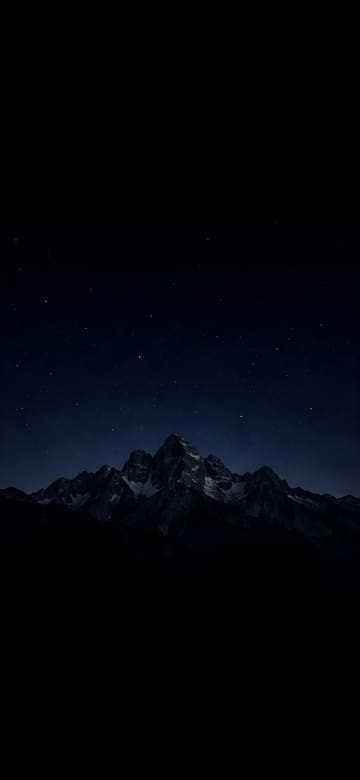
Mountain Ridge under the Stars
Download Mountain Ridge under the Stars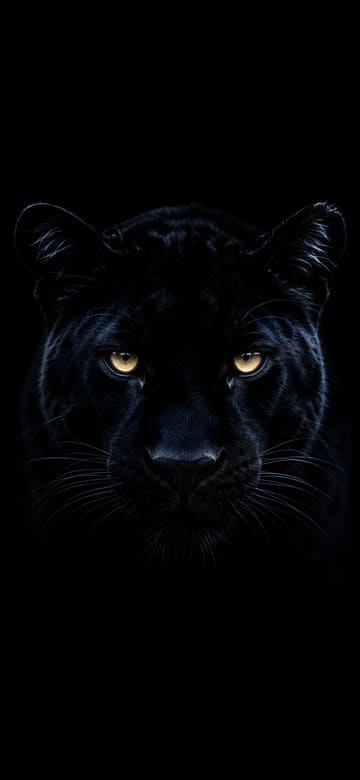
Panther Eyes in the Dark
Download Panther Eyes in the Dark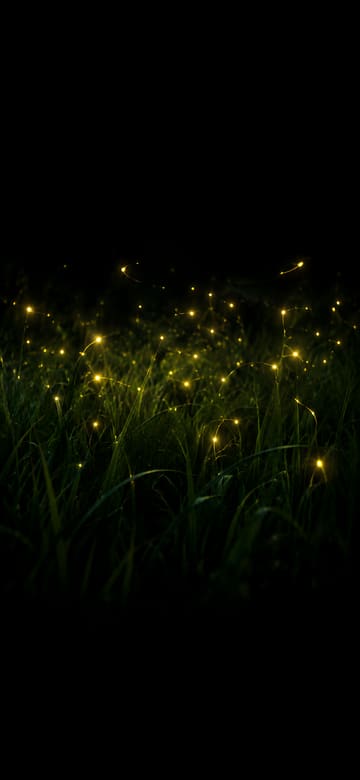
Fireflies over Night Grass
Download Fireflies over Night Grass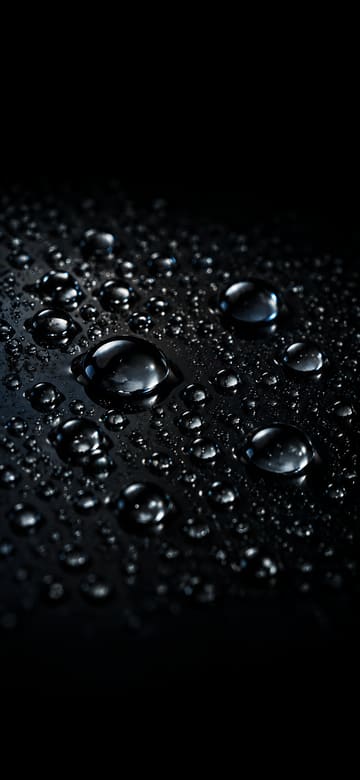
Raindrops on Black Glass
Download Raindrops on Black Glass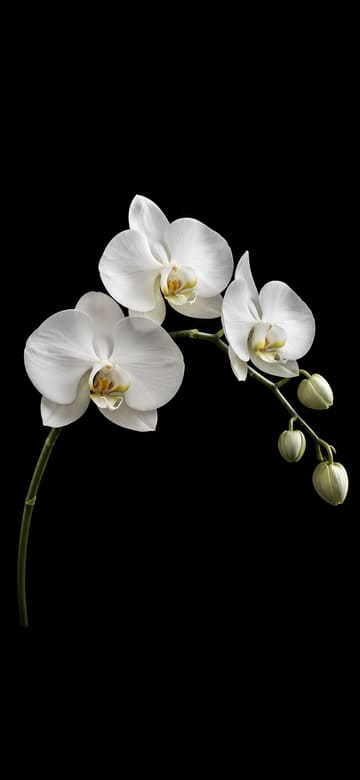
White Orchid on Black
Download White Orchid on Black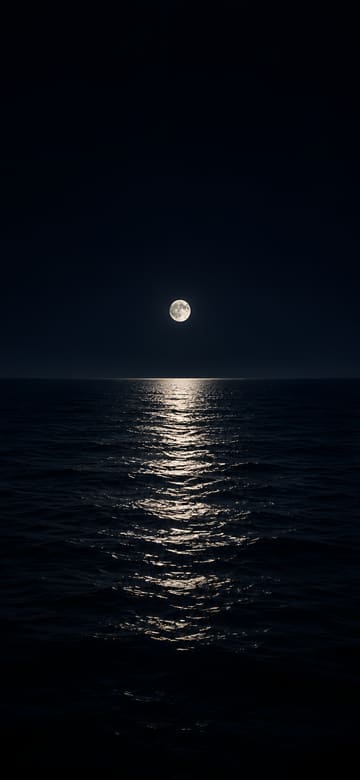
Moonlight Path on a Dark Sea
Download Moonlight Path on a Dark Sea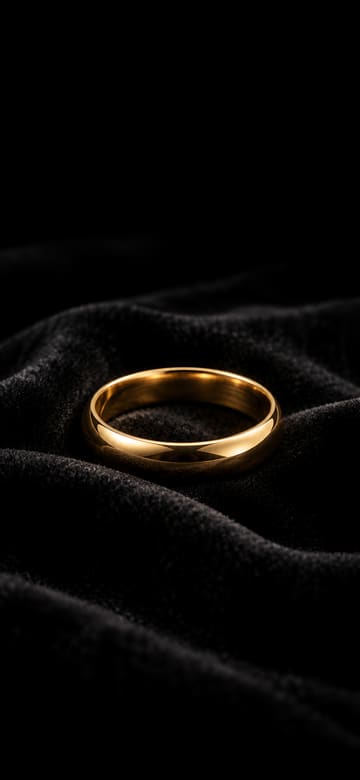
Gold Ring on Black Velvet
Download Gold Ring on Black Velvet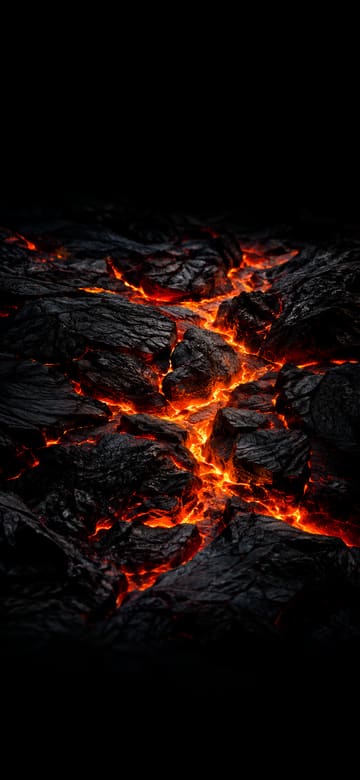
Glowing Lava Cracks
Download Glowing Lava Cracks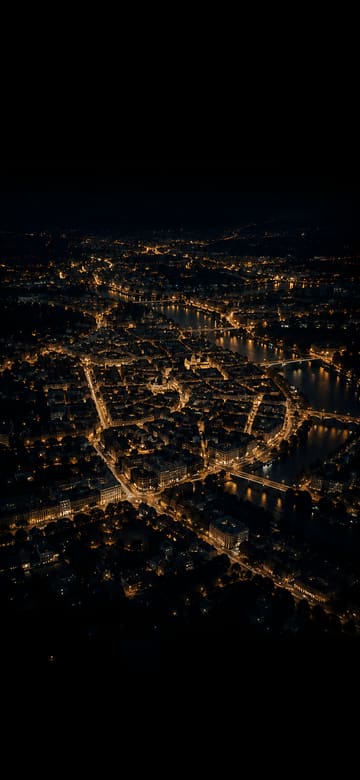
City Lights from Above at Night
Download City Lights from Above at Night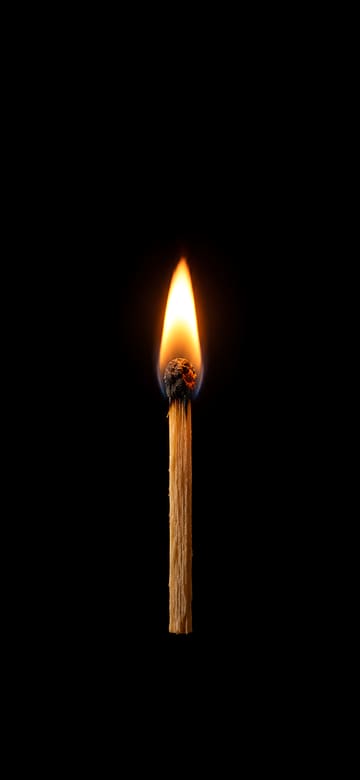
Lit Matchstick in the Dark
Download Lit Matchstick in the Dark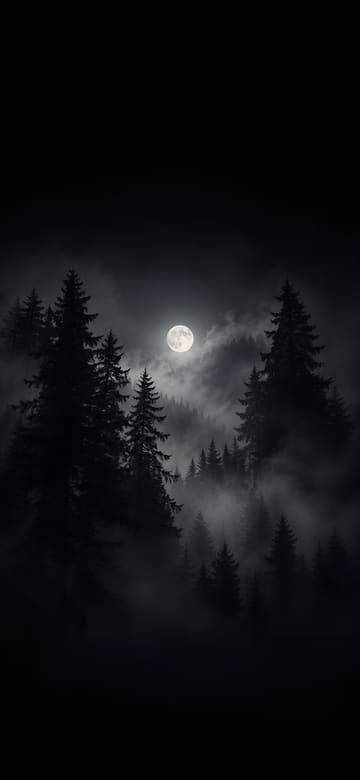
Misty Pine Forest and Pale Moon
Download Misty Pine Forest and Pale Moon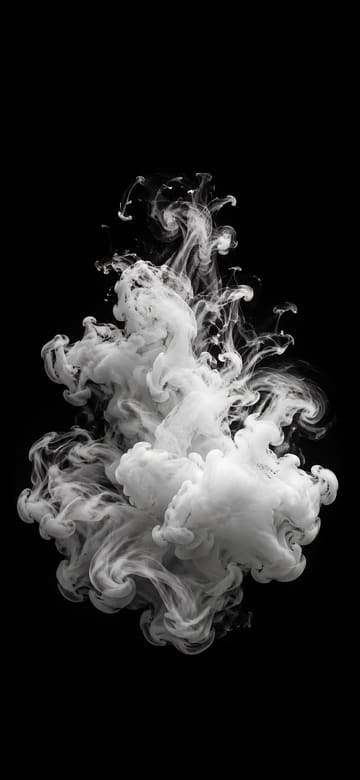
White Ink Blooming in Black Water
Download White Ink Blooming in Black Water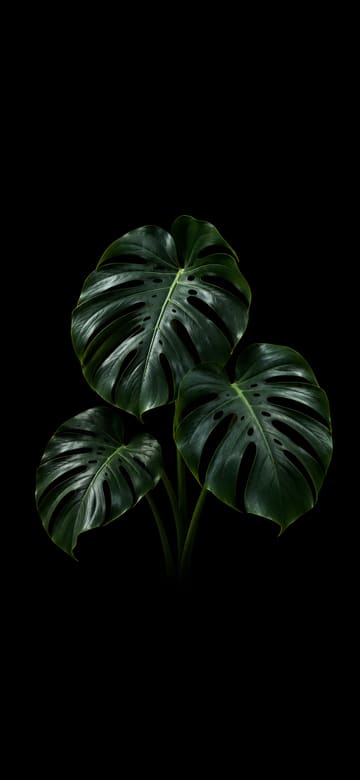
Monstera Leaves in the Dark
Download Monstera Leaves in the Dark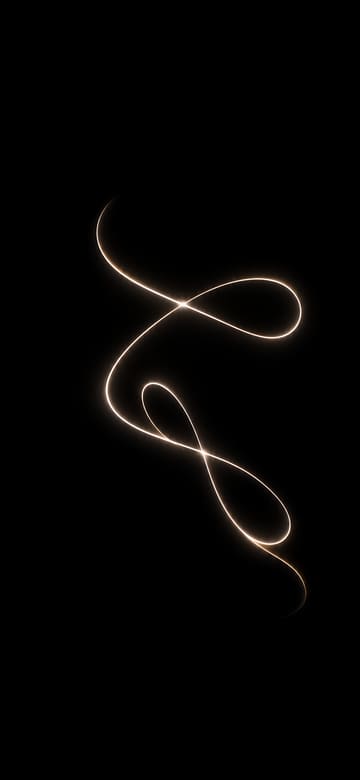
Light Painting Loop
Download Light Painting Loop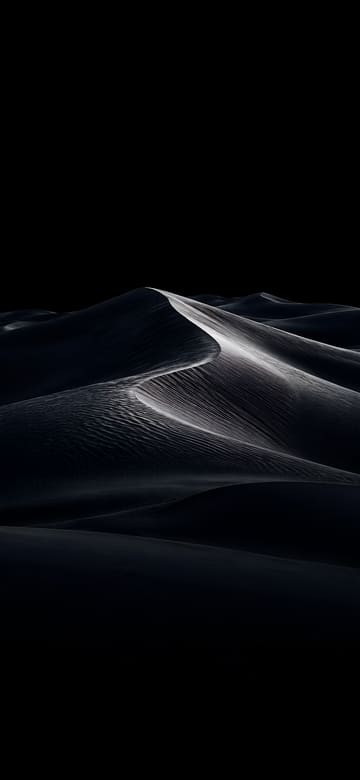
Dark Dunes in Moonlight
Download Dark Dunes in Moonlight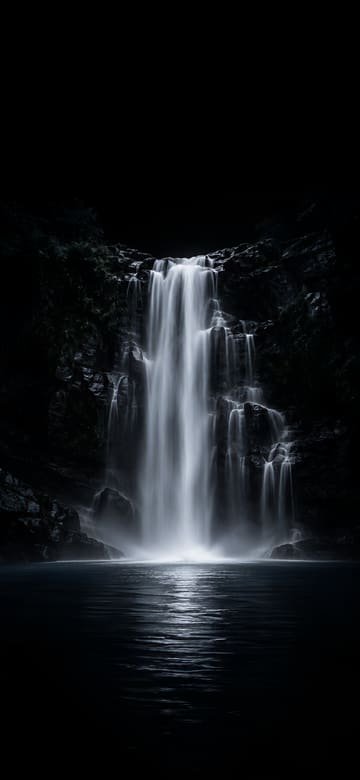
Silky Waterfall at Night
Download Silky Waterfall at Night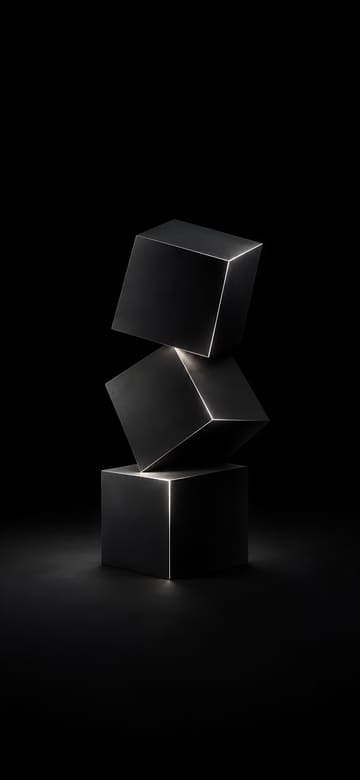
Stacked Matte Black Cubes
Download Stacked Matte Black Cubes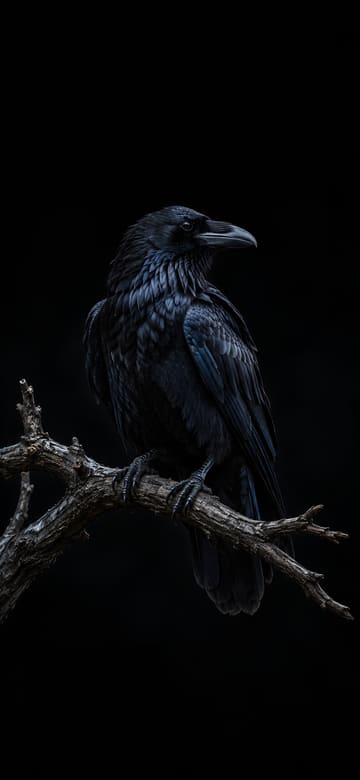
Raven on a Bare Branch
Download Raven on a Bare Branch
Black Lace on Satin
Download Black Lace on Satin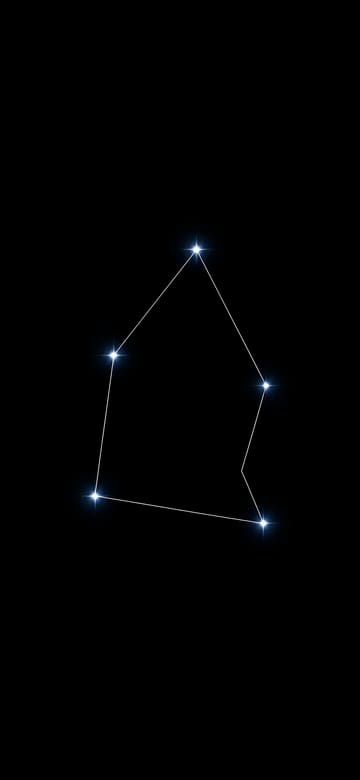
Constellation Lines on Black
Download Constellation Lines on Black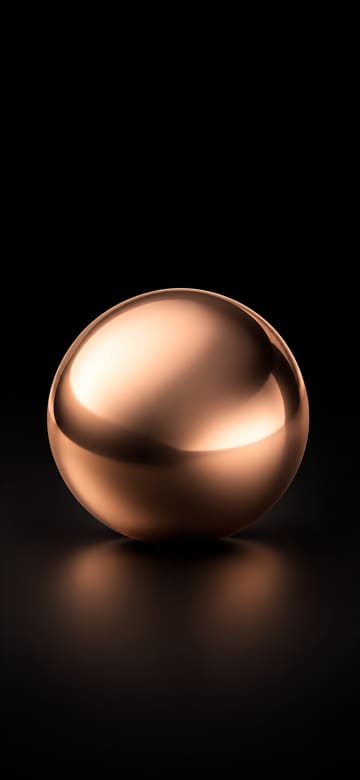
Rose Gold Sphere on Black
Download Rose Gold Sphere on Black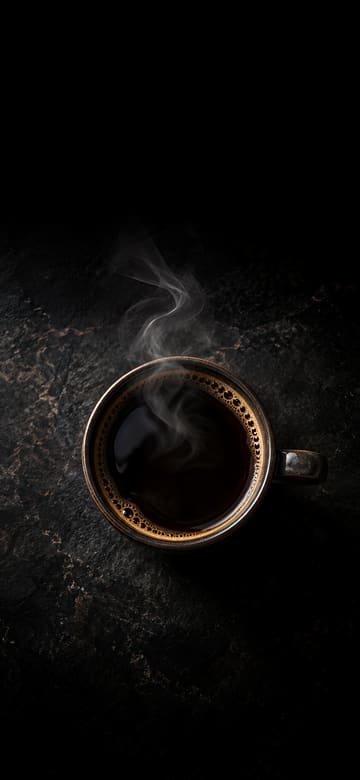
Black Coffee with Steam
Download Black Coffee with Steam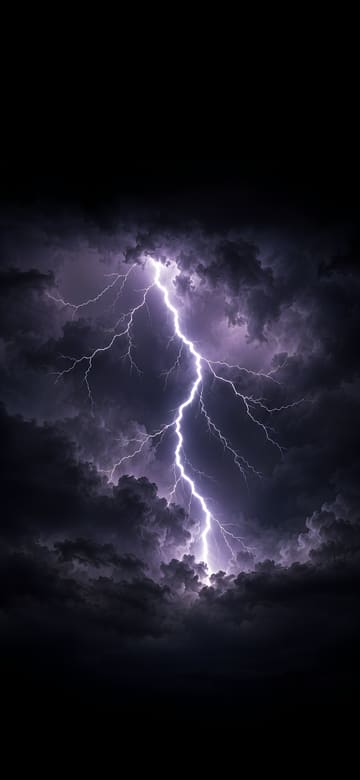
Lightning between Storm Clouds
Download Lightning between Storm Clouds
White Wave Lines on Black
Download White Wave Lines on Black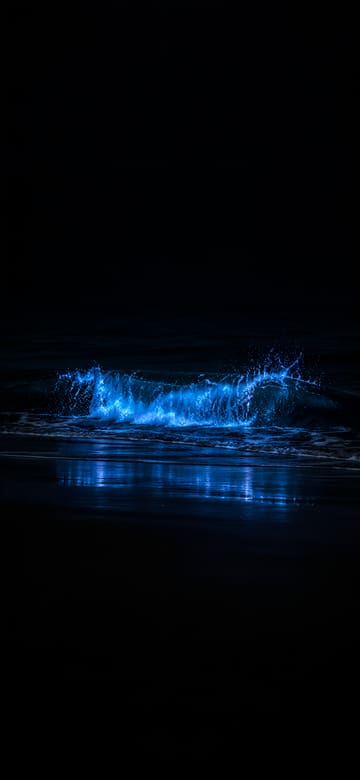
Glowing Blue Plankton Wave
Download Glowing Blue Plankton Wave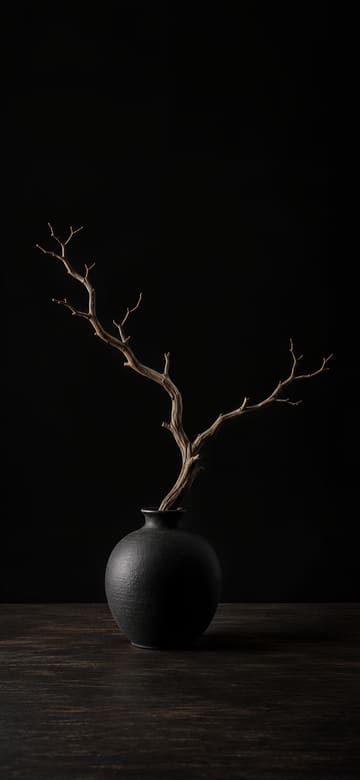
Black Vase with a Bare Branch
Download Black Vase with a Bare Branch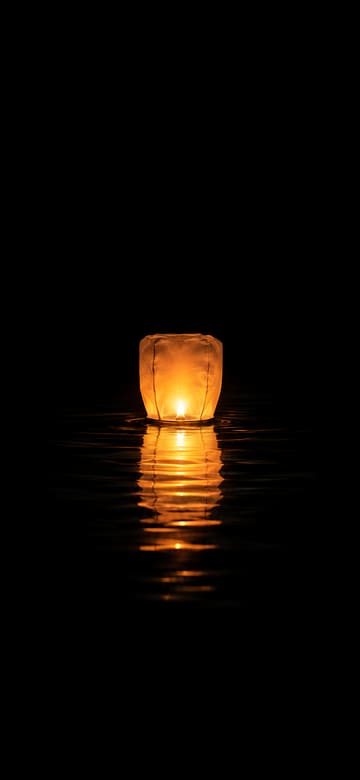
Paper Lantern on Dark Water
Download Paper Lantern on Dark WaterAbout these wallpapers
Dark wallpapers run from near-black to deep navy, charcoal and moody night scenes. If you're after a black wallpaper, a dark picture with a little soft light in it often looks richer on a phone than a flat black screen.
A dark background is gentle on the eyes at night and pairs naturally with Dark Mode. The clock, widgets and white text stand out clearly, and bright app icons pop against it.
For the lock screen, pick one with a bit of light near the middle so it doesn't look like the screen is off. For the home screen, a plainer, darker picture lets your icons do the talking.
Wallpaper sizes for each phone
| Phone | Size (pixels) | Crop |
|---|---|---|
| Original picture | 1440×3120 | Full size, no crop |
| iPhone 18 Pro / 17 Pro / 17 | 1206×2622 | Under 0.5% cropped |
| iPhone 18 Pro Max / 17 Pro Max | 1320×2868 | Under 0.5% cropped |
| iPhone Air | 1260×2736 | Under 0.5% cropped |
| iPhone 17e | 1170×2532 | Under 0.5% cropped |
| Galaxy S26 | 1080×2340 | Scaled down, no crop |
| Galaxy S26+ / S26 Ultra | 1440×3120 | Full size, no crop |
| Galaxy Z Flip8 main screen / Z Fold8 Ultra cover screen | 1080×2520 | About 3.6% cropped from each side |
| Pixel 11 | 1080×2424 | Under 2% cropped from each side |
| Pixel 11 Pro | 1280×2856 | Under 2% cropped from each side |
| Pixel 11 Pro XL | 1344×2992 | Under 2% cropped from each side |
How to set it on your lock screen and home screen
On iPhone
- Pick your iPhone above and tap Download, then tap Save Image in the menu that opens. The picture goes to Photos.
- Open it in Photos, tap the Share button, choose Use as Wallpaper, adjust it and tap Add.
- Tap Set as Wallpaper Pair to use it on both the lock screen and the home screen, or Customize Home Screen to change the home screen on its own.
On Android (Galaxy, Pixel)
- Pick your phone above and tap Download. The picture is saved to your Downloads folder and shows up in your gallery or photos app.
- Open the picture, tap ⋮ (More) and choose Set as wallpaper. You can also open Settings > Wallpaper (on some phones, Wallpaper and style) and pick it from your photos.
- Choose the lock screen, the home screen or both, and you're done.
Questions
Is the clock easy to read on a dark wallpaper?
Yes. A white clock stands out on a dark background, and every picture keeps the top quarter plain, so nothing busy sits behind the time.
Do dark wallpapers save battery?
On phones with OLED screens – recent iPhones, Galaxy and Pixel phones – dark areas use less power, so a very dark wallpaper can help a little. Screen brightness makes a much bigger difference.
Other styles
Original AI-generated pictures with no text on them, free to download and use as the wallpaper on your own phone. They aren't the wallpapers that come with any phone.
iPhone is a trademark of Apple Inc., registered in the U.S. and other countries and regions. Galaxy is a trademark of Samsung Electronics Co., Ltd. Pixel and Android are trademarks of Google LLC. This site is not affiliated with or endorsed by Apple, Samsung or Google.