
iPhone Wallpapers
Original phone wallpapers with no text on them. Pick your phone, tap Download, and the picture is saved at that screen's exact size, with the subject kept clear of the clock.
Saves at 1440×3120 – Original picture (matched to the phone you're on)
Cute Wallpapers
Kittens, puppies, red pandas, capybaras and little sweets, drawn in kawaii, soft clay and watercolor styles.
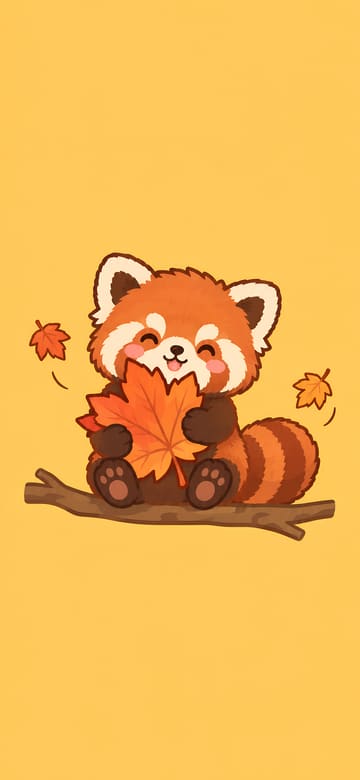
Red Panda Hugging a Maple Leaf
Download Red Panda Hugging a Maple LeafMore: Cute Wallpapers
Pink Wallpapers
Pink and pastel wallpapers, from barely-there blush to bright rose.
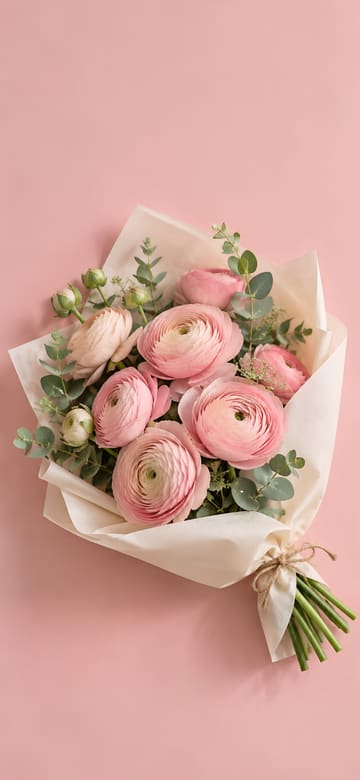
Pink Ranunculus Bouquet
Download Pink Ranunculus BouquetMore: Pink Wallpapers
Aesthetic Wallpapers
Film-look still lifes, soft gradients, beaches and gardens in calm, muted colors.
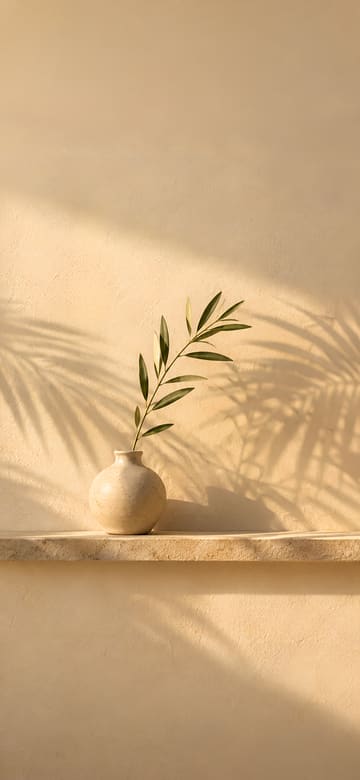
Palm Shadows on a Beige Wall
Download Palm Shadows on a Beige WallMore: Aesthetic Wallpapers
Dark Wallpapers
Black and deep-toned wallpapers that are easy on the eyes at night and let a white clock stand out.
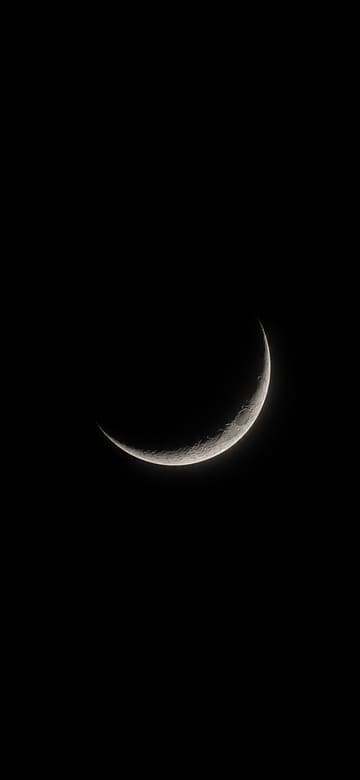
Thin Silver Crescent Moon
Download Thin Silver Crescent MoonMore: Dark Wallpapers
Flower phone wallpapers
Floral wallpapers in soft, natural colors, with the blooms set mid-screen and clear of the clock.
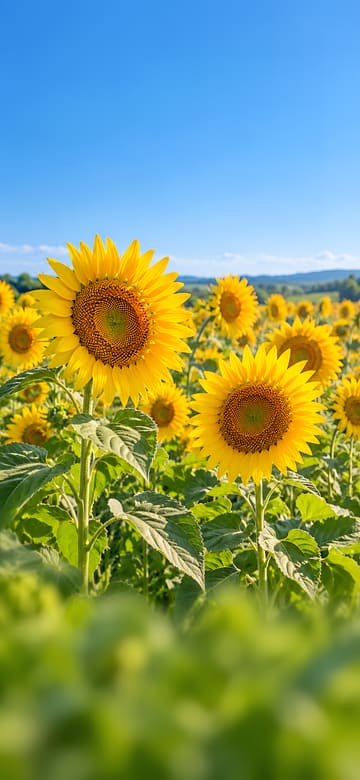
Sunflower Field under a Blue Sky
Download Sunflower Field under a Blue Sky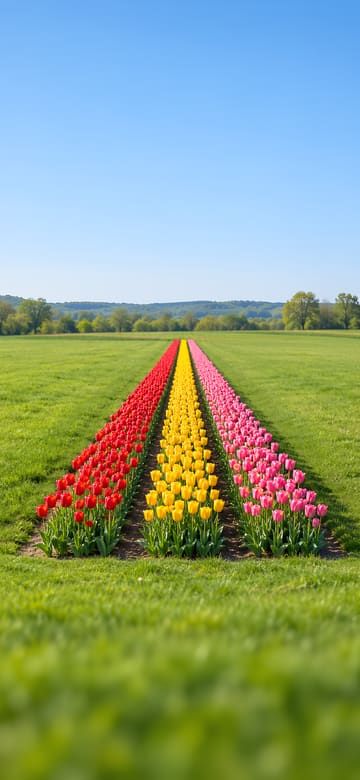
Rows of Colorful Tulips
Download Rows of Colorful Tulips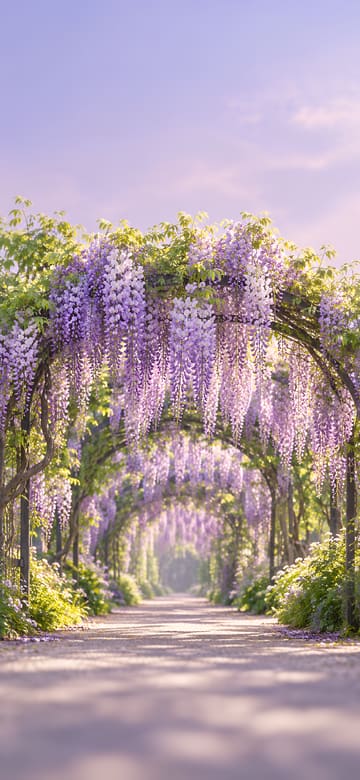
Wisteria Tunnel
Download Wisteria Tunnel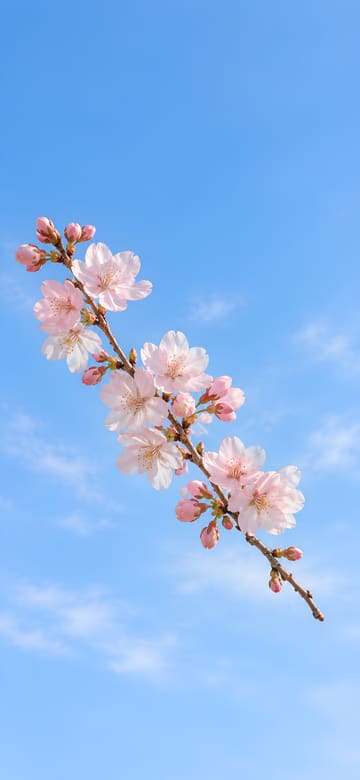
Pale Pink Cherry Blossom Branch
Download Pale Pink Cherry Blossom Branch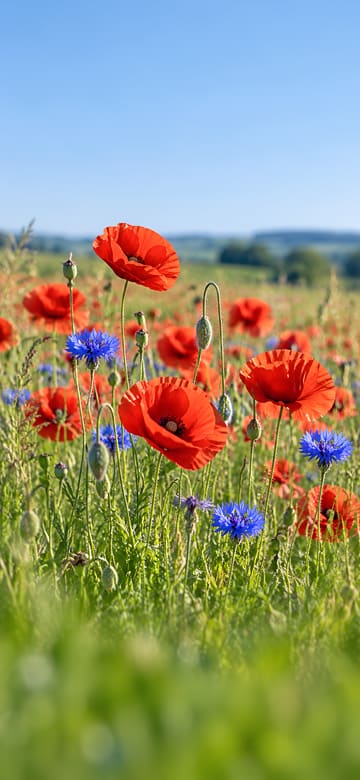
Red Poppies and Cornflowers
Download Red Poppies and Cornflowers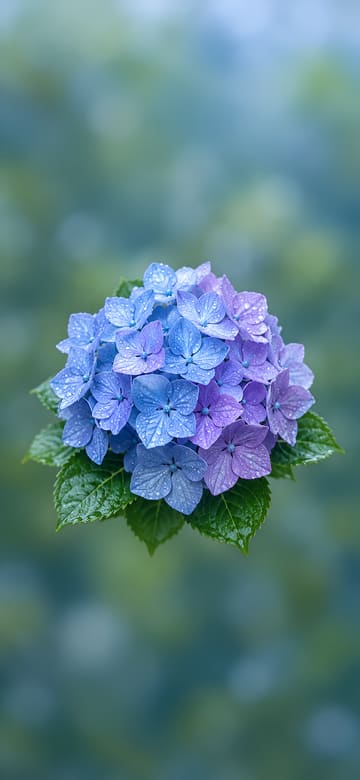
Lush Blue and Violet Hydrangea
Download Lush Blue and Violet HydrangeaBy iPhone model
Wallpaper sizes for each phone
| Phone | Size (pixels) | Crop |
|---|---|---|
| Original picture | 1440×3120 | Full size, no crop |
| iPhone 18 Pro / 17 Pro / 17 | 1206×2622 | Under 0.5% cropped |
| iPhone 18 Pro Max / 17 Pro Max | 1320×2868 | Under 0.5% cropped |
| iPhone Air | 1260×2736 | Under 0.5% cropped |
| iPhone 17e | 1170×2532 | Under 0.5% cropped |
| Galaxy S26 | 1080×2340 | Scaled down, no crop |
| Galaxy S26+ / S26 Ultra | 1440×3120 | Full size, no crop |
| Galaxy Z Flip8 main screen / Z Fold8 Ultra cover screen | 1080×2520 | About 3.6% cropped from each side |
| Pixel 11 | 1080×2424 | Under 2% cropped from each side |
| Pixel 11 Pro | 1280×2856 | Under 2% cropped from each side |
| Pixel 11 Pro XL | 1344×2992 | Under 2% cropped from each side |
How to set it on your lock screen and home screen
On iPhone
- Pick your iPhone above and tap Download, then tap Save Image in the menu that opens. The picture goes to Photos.
- Open it in Photos, tap the Share button, choose Use as Wallpaper, adjust it and tap Add.
- Tap Set as Wallpaper Pair to use it on both the lock screen and the home screen, or Customize Home Screen to change the home screen on its own.
On Android (Galaxy, Pixel)
- Pick your phone above and tap Download. The picture is saved to your Downloads folder and shows up in your gallery or photos app.
- Open the picture, tap ⋮ (More) and choose Set as wallpaper. You can also open Settings > Wallpaper (on some phones, Wallpaper and style) and pick it from your photos.
- Choose the lock screen, the home screen or both, and you're done.
Questions
Which size should I download?
Pick your phone above and the picture is saved at its screen size; if the page can tell which phone you're on, it picks the size for you. If your phone isn't listed, choose Original (1440×3120) – you can position it when you set it as your wallpaper.
Do these work on Android phones?
Yes. There are sizes for Galaxy S26, S26+ and S26 Ultra, Galaxy Z Flip8 and Pixel 11 phones. On other Android phones, use the Original and adjust it when you set it.
Does any of the picture get cut off?
Very little. iPhone and Galaxy S26 sizes keep the whole picture or lose under 0.5%. Pixel sizes trim under 2% from each side and Galaxy Z Flip8 about 3.6%, and since the subject sits in the middle, it stays in view.
Where does the picture go after I tap Download?
On iPhone, tap Save Image in the menu that opens and it goes to Photos. On Android it's saved to Downloads and shows up in your gallery or photos app. On a computer it goes to your Downloads folder.
Are the wallpapers free?
Yes, free to use as the wallpaper of your own phone. They're original AI-generated pictures with no text on them.
Original AI-generated pictures with no text on them, free to download and use as the wallpaper on your own phone. They aren't the wallpapers that come with any phone.
iPhone is a trademark of Apple Inc., registered in the U.S. and other countries and regions. Galaxy is a trademark of Samsung Electronics Co., Ltd. Pixel and Android are trademarks of Google LLC. This site is not affiliated with or endorsed by Apple, Samsung or Google.