
Aesthetic Wallpapers
Aesthetic phone wallpapers with a soft, film-photo feel – calm colors that sit nicely behind your apps.
Saves at 1440×3120 – Original picture (matched to the phone you're on)
Aesthetic Wallpapers
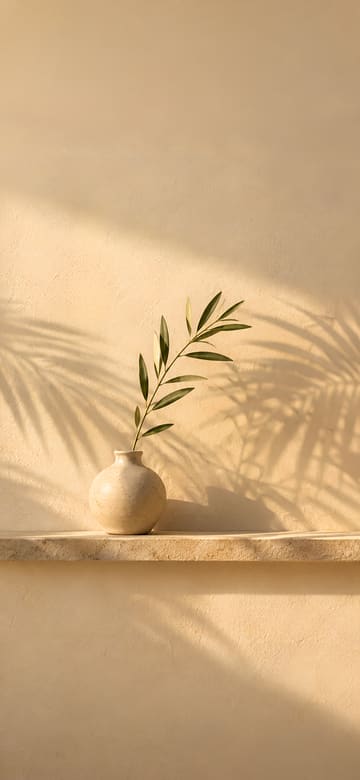
Palm Shadows on a Beige Wall
Download Palm Shadows on a Beige Wall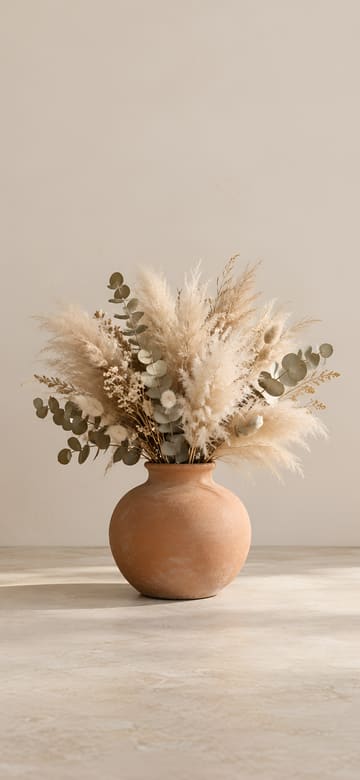
Dried Pampas in a Terracotta Vase
Download Dried Pampas in a Terracotta Vase
Latte on Linen
Download Latte on Linen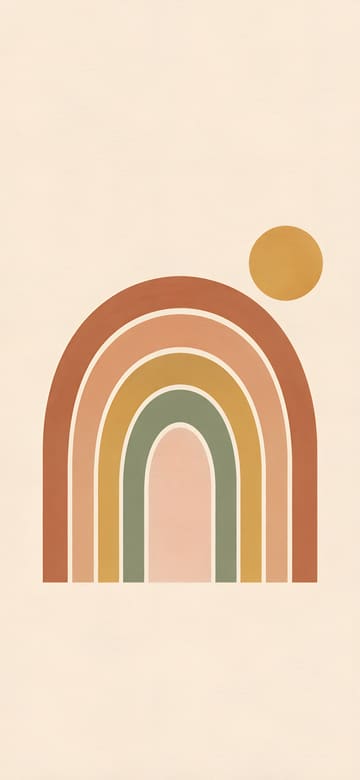
Boho Rainbow Arches
Download Boho Rainbow Arches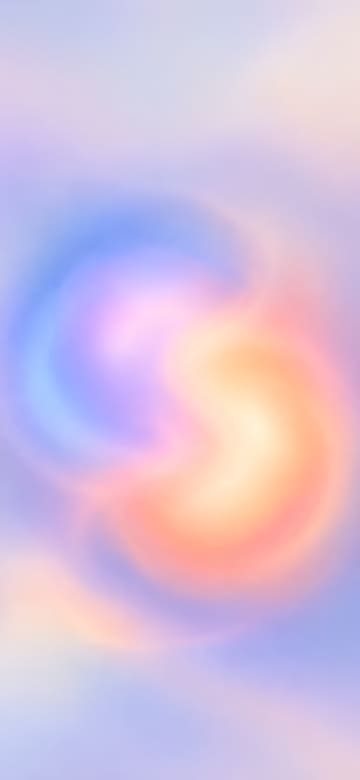
Soft Aura Gradient
Download Soft Aura Gradient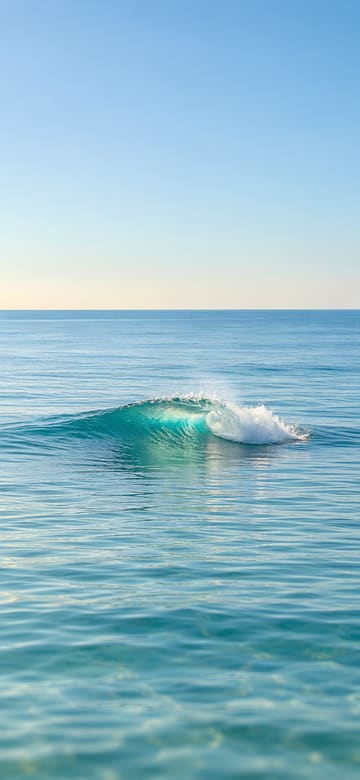
Sunlit Teal Wave
Download Sunlit Teal Wave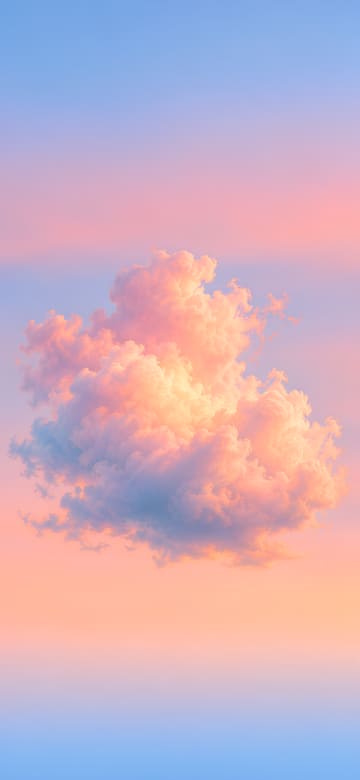
Cotton Candy Clouds
Download Cotton Candy Clouds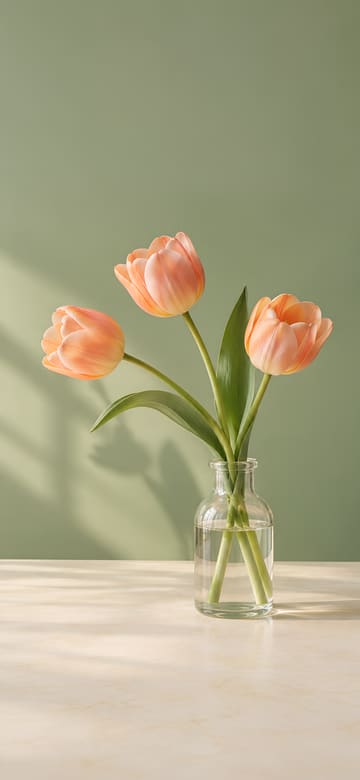
Peach Tulips in a Glass Bottle
Download Peach Tulips in a Glass Bottle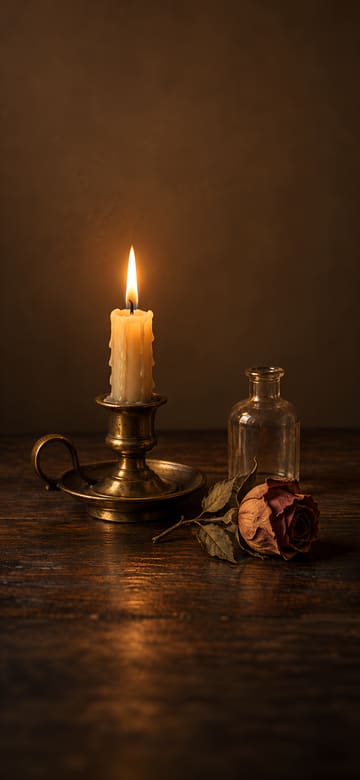
Candlelight and a Dried Rose
Download Candlelight and a Dried Rose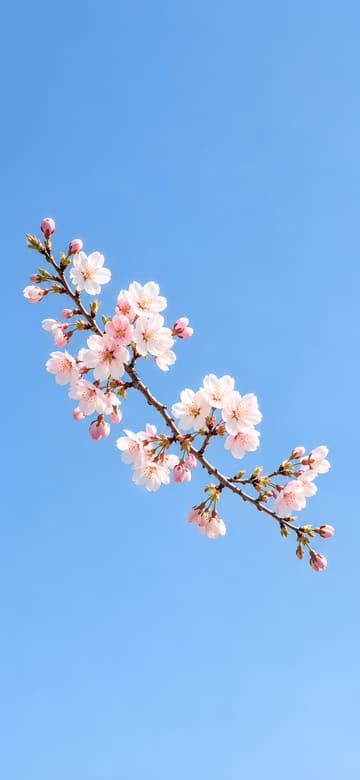
Cherry Blossoms and Blue Sky
Download Cherry Blossoms and Blue Sky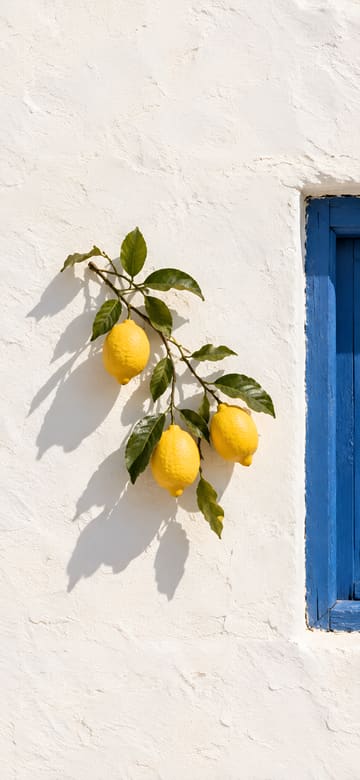
Lemon Branch on a White Wall
Download Lemon Branch on a White Wall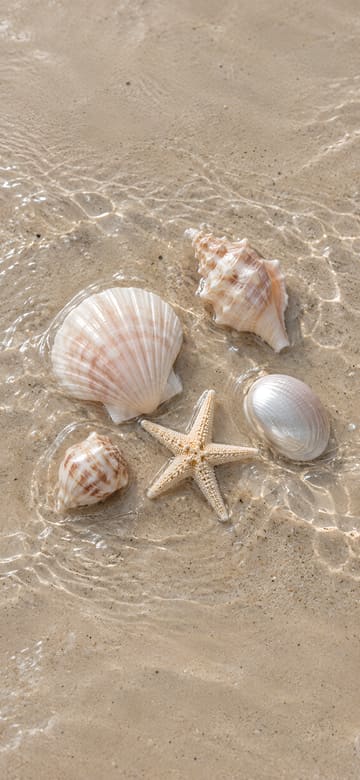
Seashells on Wet Sand
Download Seashells on Wet Sand
Wheat at Golden Hour
Download Wheat at Golden Hour
Satin Bow on Lace
Download Satin Bow on Lace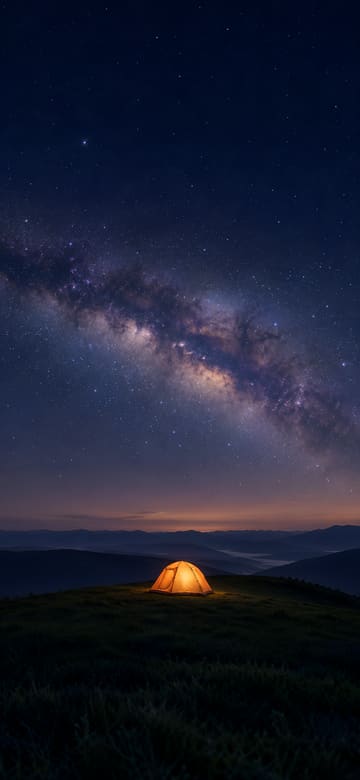
Glowing Tent under the Milky Way
Download Glowing Tent under the Milky Way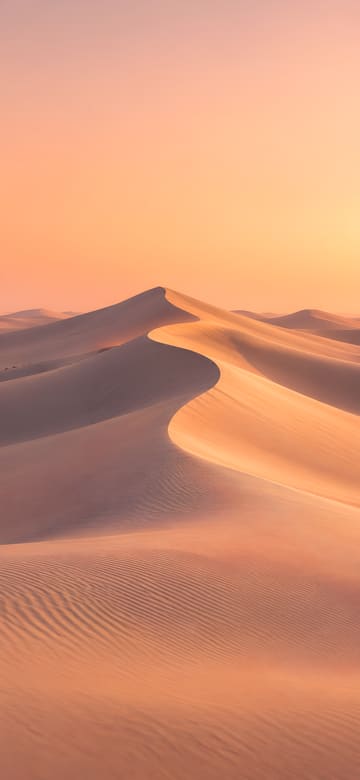
Sand Dune Curves
Download Sand Dune Curves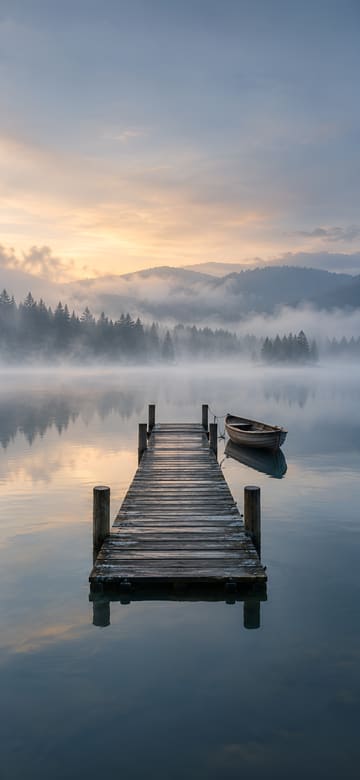
Wooden Pier in Morning Mist
Download Wooden Pier in Morning Mist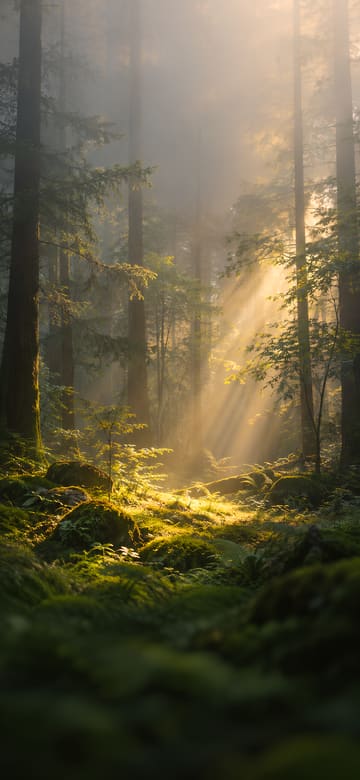
Sunbeams in a Misty Forest
Download Sunbeams in a Misty Forest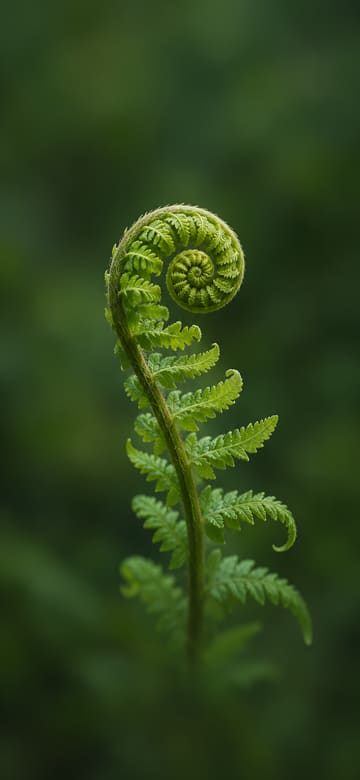
Unfurling Fern Frond
Download Unfurling Fern Frond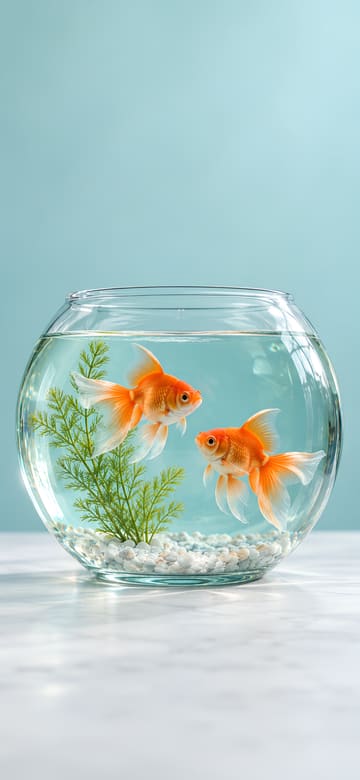
Goldfish in a Glass Bowl
Download Goldfish in a Glass Bowl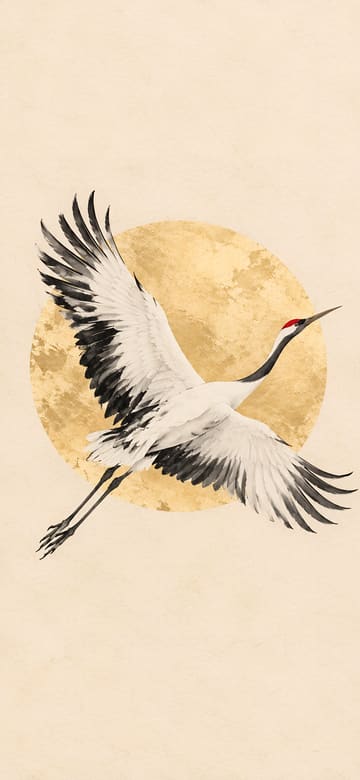
Ink Crane and Golden Sun
Download Ink Crane and Golden Sun
White Horse in a Misty Meadow
Download White Horse in a Misty Meadow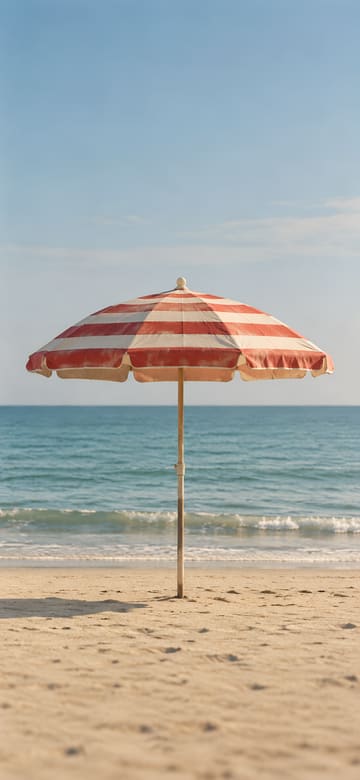
Striped Beach Umbrella
Download Striped Beach Umbrella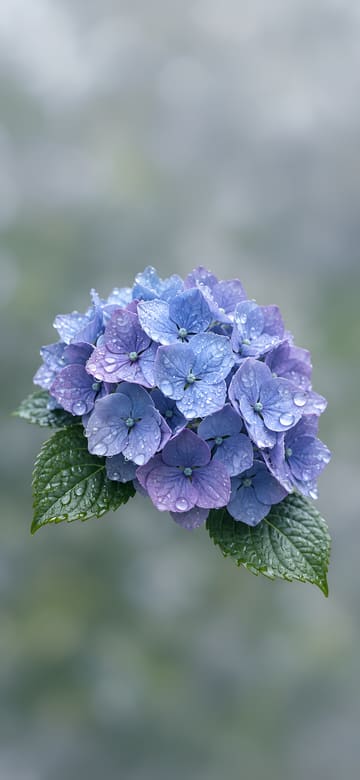
Hydrangeas after the Rain
Download Hydrangeas after the Rain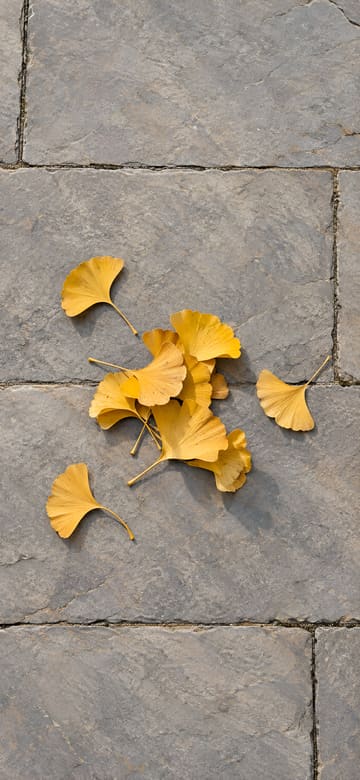
Ginkgo Leaves on Stone Paving
Download Ginkgo Leaves on Stone Paving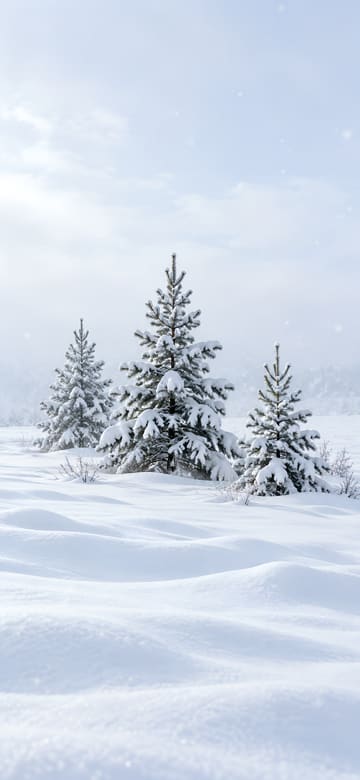
Young Pines in the Snow
Download Young Pines in the Snow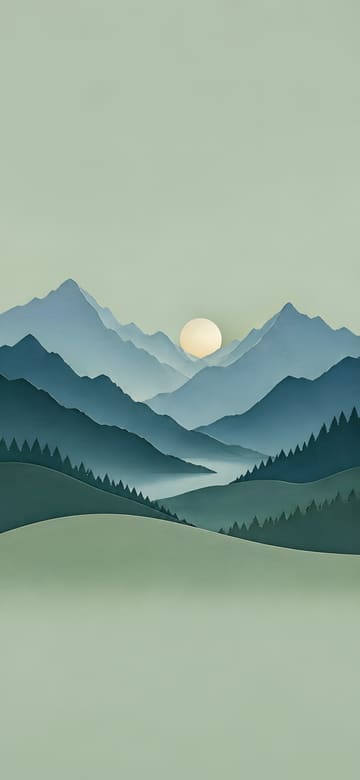
Paper-Cut Mountains
Download Paper-Cut Mountains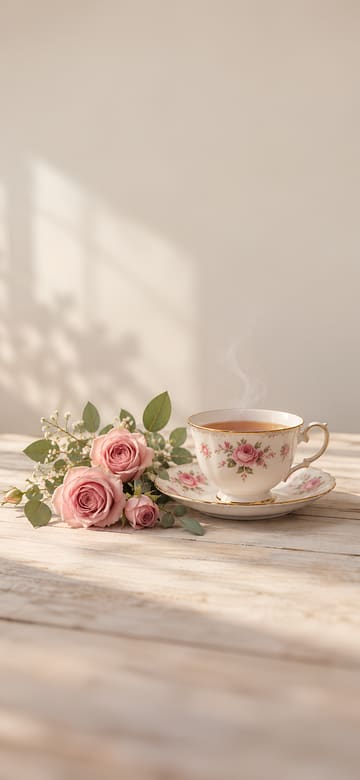
Floral Teacup and Roses
Download Floral Teacup and Roses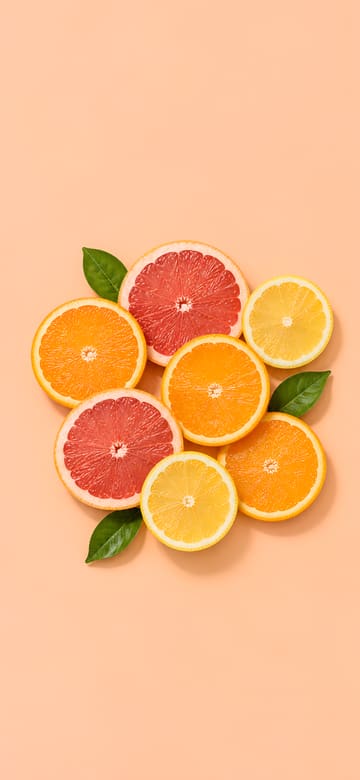
Citrus Slices on Pastel
Download Citrus Slices on Pastel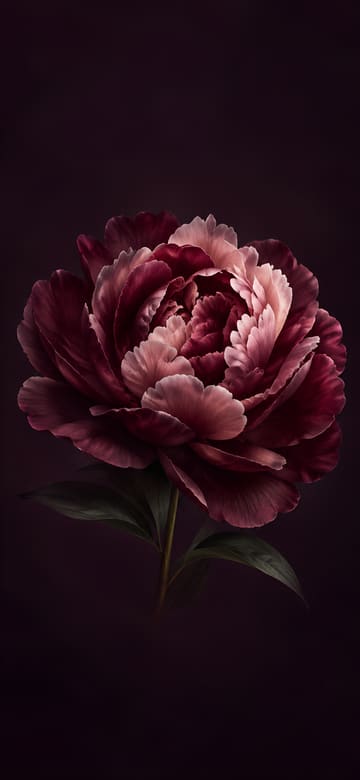
Burgundy Peony in the Dark
Download Burgundy Peony in the Dark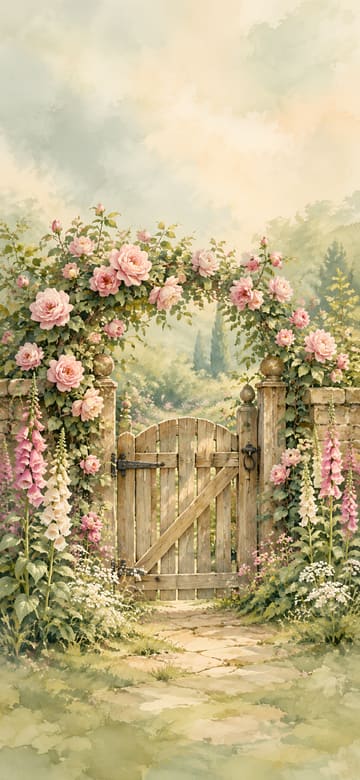
Rose-Covered Garden Gate
Download Rose-Covered Garden Gate
Pearls on Navy Velvet
Download Pearls on Navy Velvet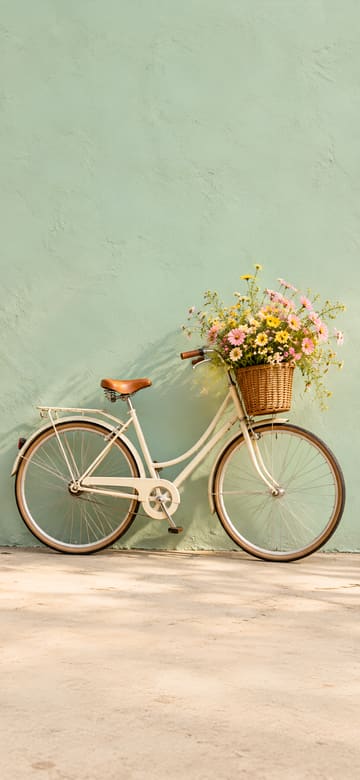
Bicycle with a Flower Basket
Download Bicycle with a Flower Basket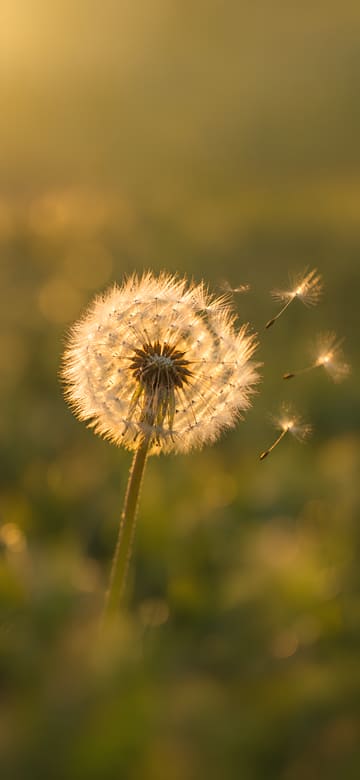
Backlit Dandelion
Download Backlit Dandelion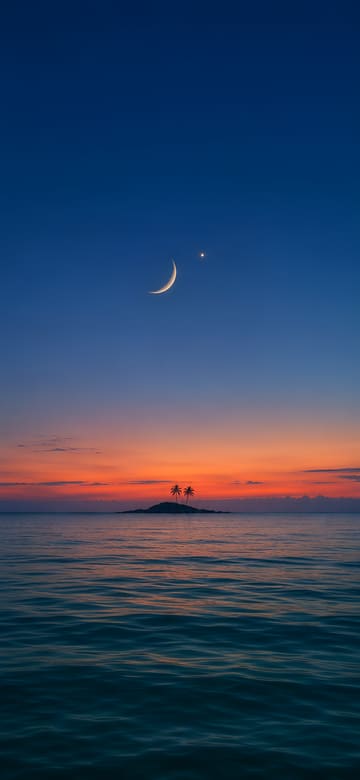
Crescent Moon at Blue Hour
Download Crescent Moon at Blue Hour
Sunlight through a Water Glass
Download Sunlight through a Water GlassAbout these wallpapers
An aesthetic wallpaper is less about one subject and more about a mood: muted colors, soft light, film grain and plenty of empty space. This set has that look – palm shadows on a plaster wall, a latte on linen, pampas grass in a clay vase, a faded striped beach umbrella.
Pick by color family first. Warm beige and sand tones feel cozy, cool blues like a misty lake or a blue-hour sea feel quiet, pink and peach clouds feel dreamy, and darker pictures like a moody peony or pearls on navy velvet suit a dark home screen.
Because the subject sits in the middle with calm space above it, the clock and widgets stay easy to read. If you use dark or tinted app icons, a muted picture keeps the whole home screen looking pulled together.
Wallpaper sizes for each phone
| Phone | Size (pixels) | Crop |
|---|---|---|
| Original picture | 1440×3120 | Full size, no crop |
| iPhone 18 Pro / 17 Pro / 17 | 1206×2622 | Under 0.5% cropped |
| iPhone 18 Pro Max / 17 Pro Max | 1320×2868 | Under 0.5% cropped |
| iPhone Air | 1260×2736 | Under 0.5% cropped |
| iPhone 17e | 1170×2532 | Under 0.5% cropped |
| Galaxy S26 | 1080×2340 | Scaled down, no crop |
| Galaxy S26+ / S26 Ultra | 1440×3120 | Full size, no crop |
| Galaxy Z Flip8 main screen / Z Fold8 Ultra cover screen | 1080×2520 | About 3.6% cropped from each side |
| Pixel 11 | 1080×2424 | Under 2% cropped from each side |
| Pixel 11 Pro | 1280×2856 | Under 2% cropped from each side |
| Pixel 11 Pro XL | 1344×2992 | Under 2% cropped from each side |
How to set it on your lock screen and home screen
On iPhone
- Pick your iPhone above and tap Download, then tap Save Image in the menu that opens. The picture goes to Photos.
- Open it in Photos, tap the Share button, choose Use as Wallpaper, adjust it and tap Add.
- Tap Set as Wallpaper Pair to use it on both the lock screen and the home screen, or Customize Home Screen to change the home screen on its own.
On Android (Galaxy, Pixel)
- Pick your phone above and tap Download. The picture is saved to your Downloads folder and shows up in your gallery or photos app.
- Open the picture, tap ⋮ (More) and choose Set as wallpaper. You can also open Settings > Wallpaper (on some phones, Wallpaper and style) and pick it from your photos.
- Choose the lock screen, the home screen or both, and you're done.
Questions
What makes a wallpaper aesthetic?
There's no single rule, but most aesthetic wallpapers share muted colors, soft light and one simple subject with lots of empty space around it. That empty space is also what keeps the clock and app icons easy to see.
Are these real photos?
No. They're original AI-generated pictures made to look like film photos, paintings and paper craft. There's no text on them, and no real people or brands in them.
Other styles
Original AI-generated pictures with no text on them, free to download and use as the wallpaper on your own phone. They aren't the wallpapers that come with any phone.
iPhone is a trademark of Apple Inc., registered in the U.S. and other countries and regions. Galaxy is a trademark of Samsung Electronics Co., Ltd. Pixel and Android are trademarks of Google LLC. This site is not affiliated with or endorsed by Apple, Samsung or Google.