
Nice List Certificates
Santa’s Official Nice List (12)
-
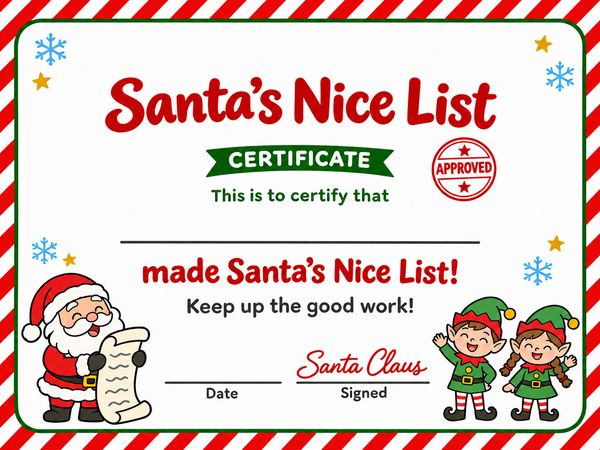 Striped border · Color
-
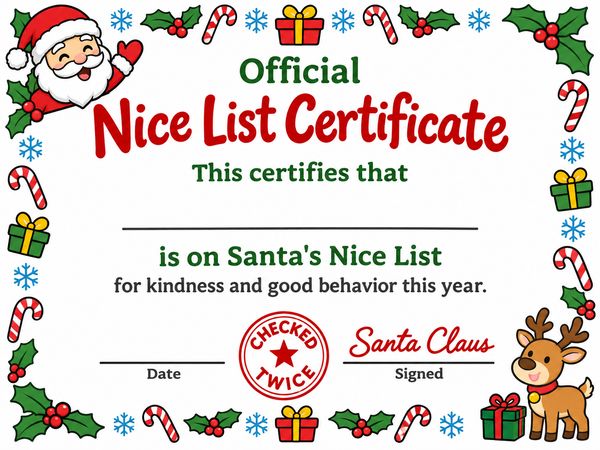 Holly border · Color
-
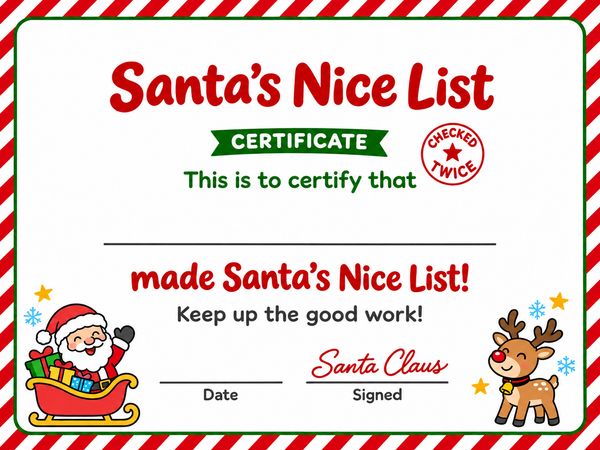 Striped border · Color
-
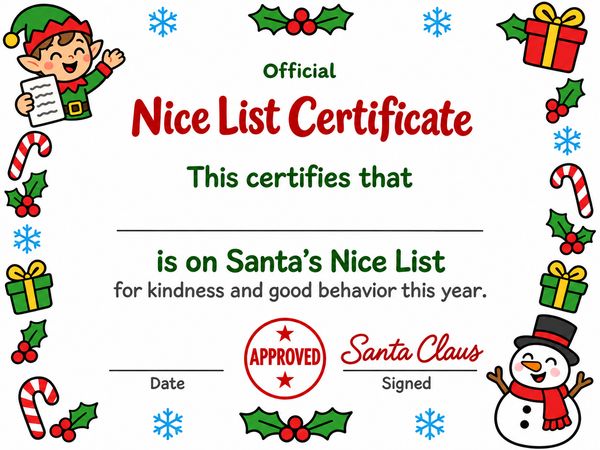 Holly border · Color
-
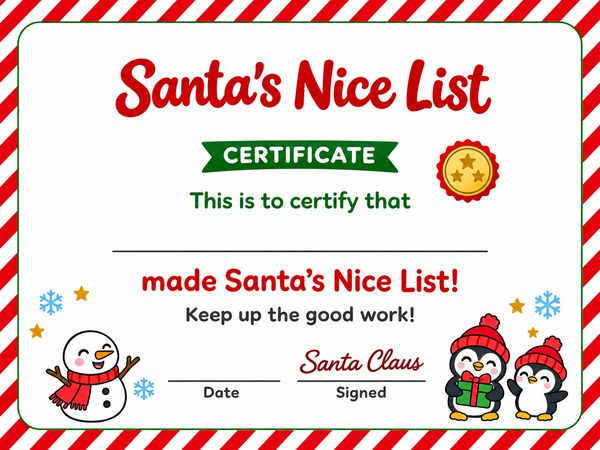 Striped border · Color
-
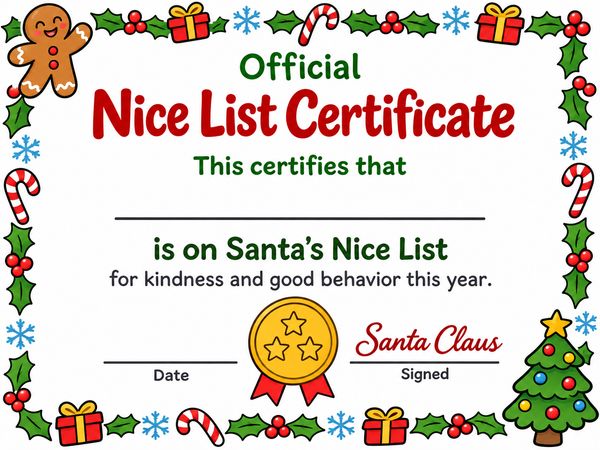 Holly border · Color
-
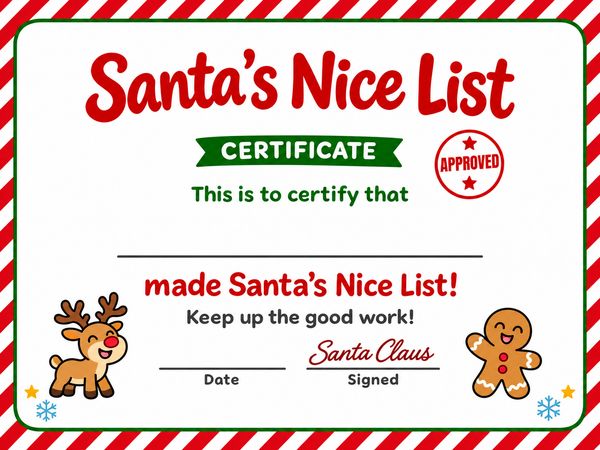 Striped border · Color
-
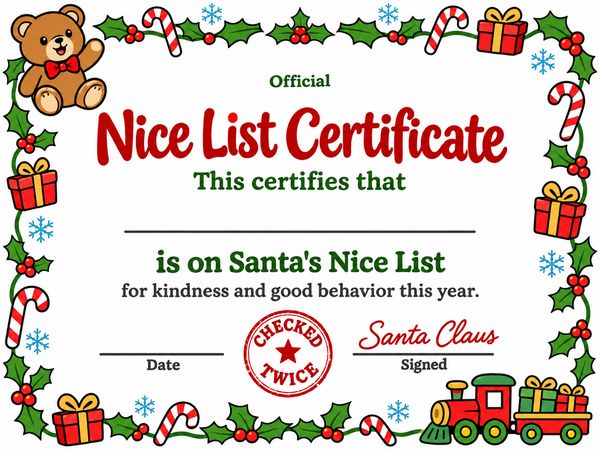 Holly border · Color
With a Line for a Good Deed
-
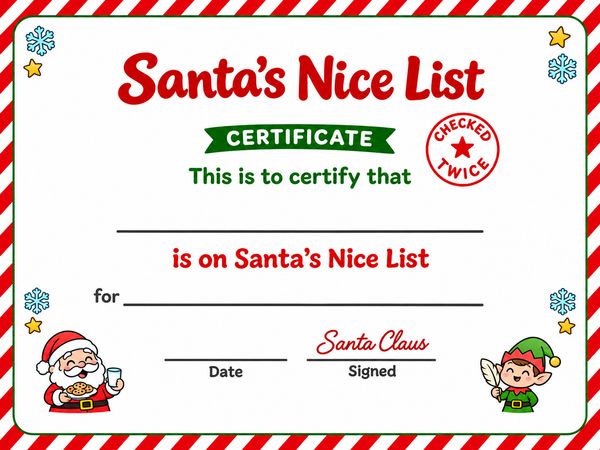 Good deed line · Color
-
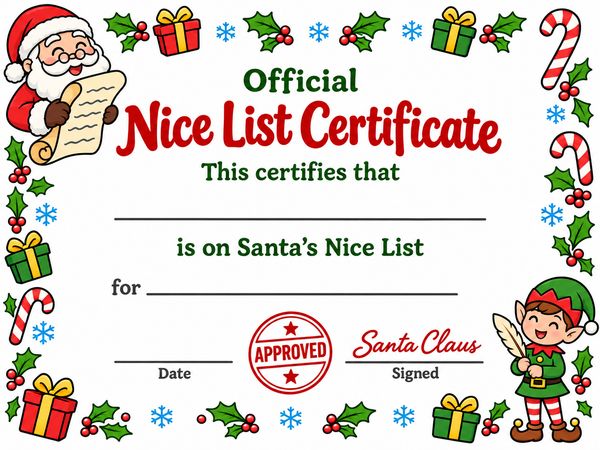 Good deed line · Color
-
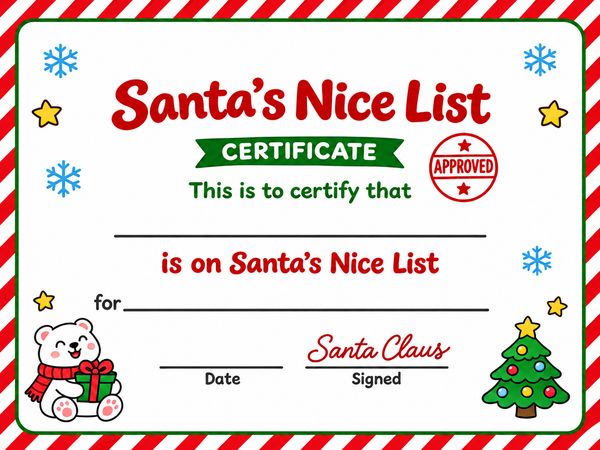 Good deed line · Color
-
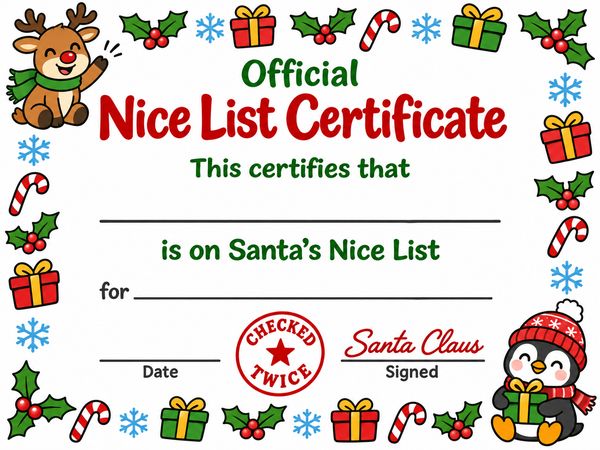 Good deed line · Color
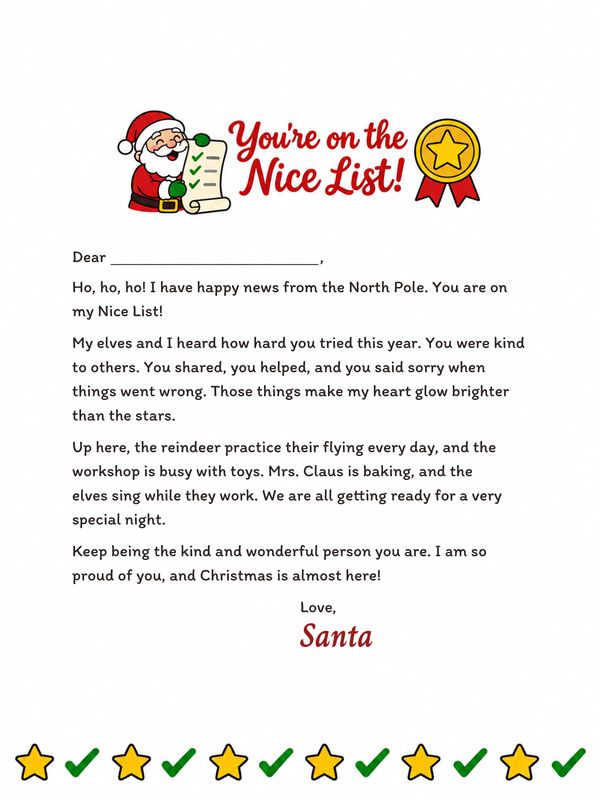
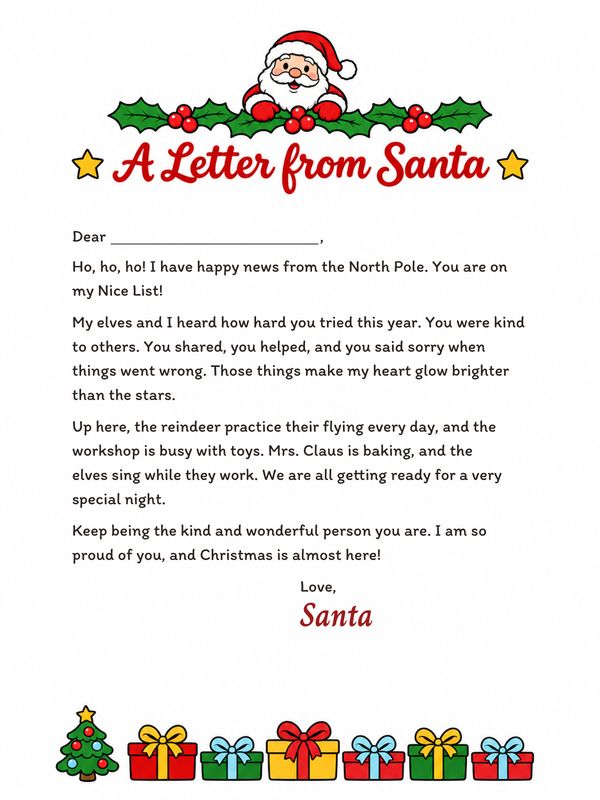 Letter from Santa TemplatesAdd a Nice List letter from Santa – 4 letters, already written →
Black and White Nice List Certificates (12)
-
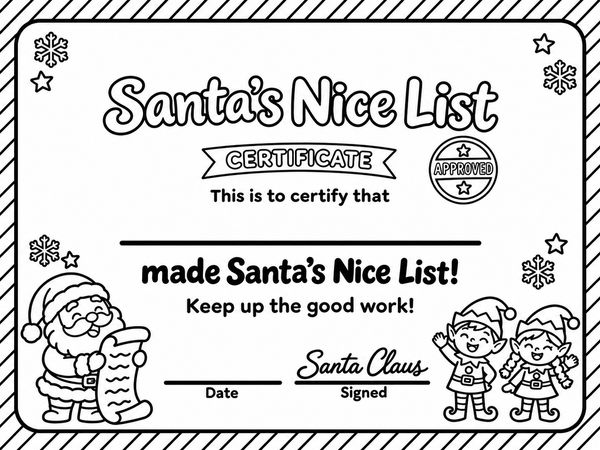 Striped border · B&W
-
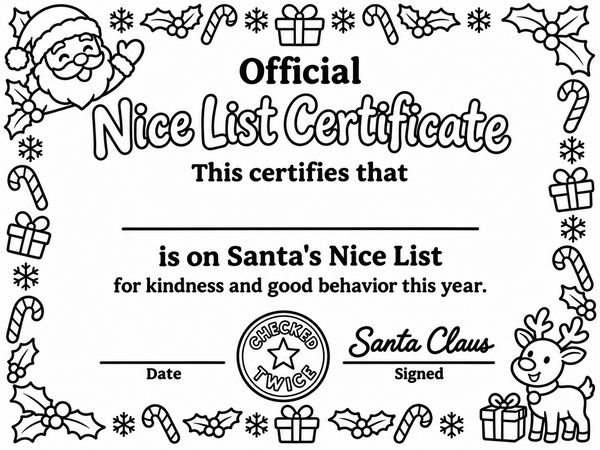 Holly border · B&W
-
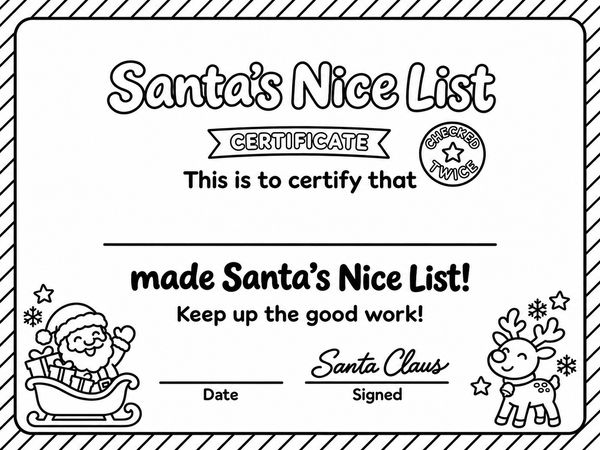 Striped border · B&W
-
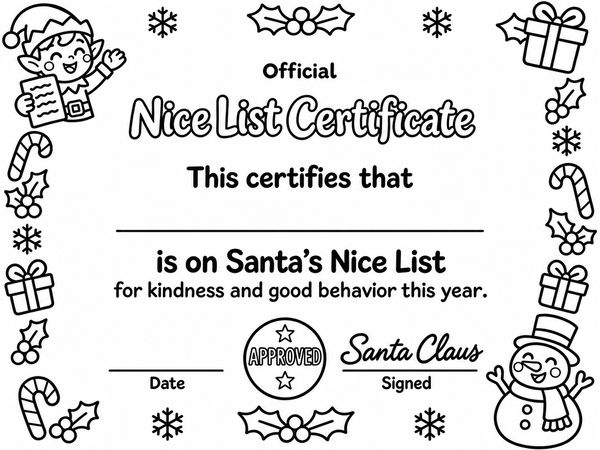 Holly border · B&W
-
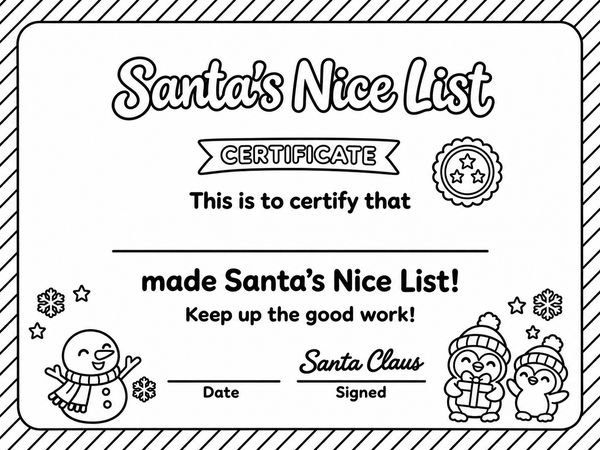 Striped border · B&W
-
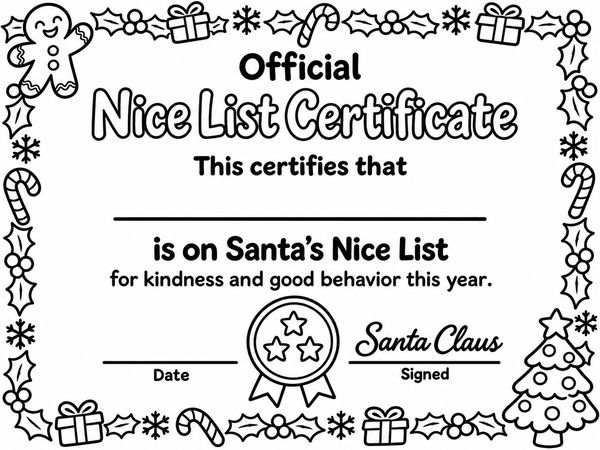 Holly border · B&W
-
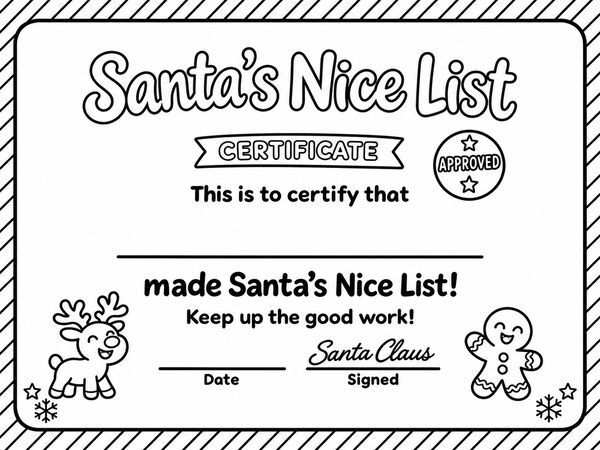 Striped border · B&W
-
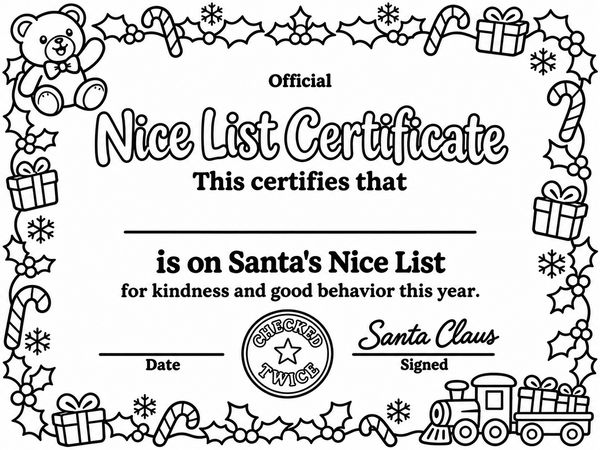 Holly border · B&W
-
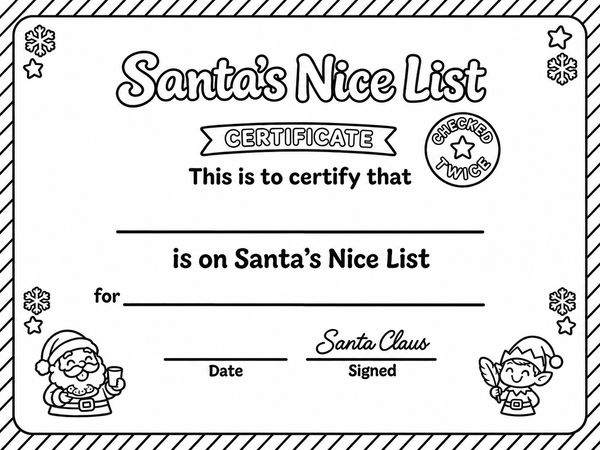 Good deed line · B&W
-
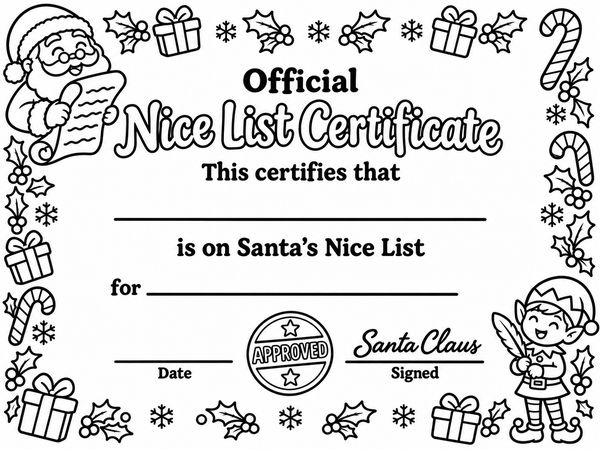 Good deed line · B&W
-
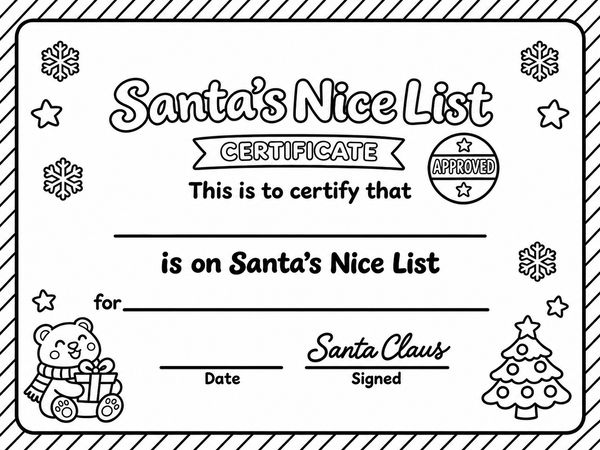 Good deed line · B&W
-
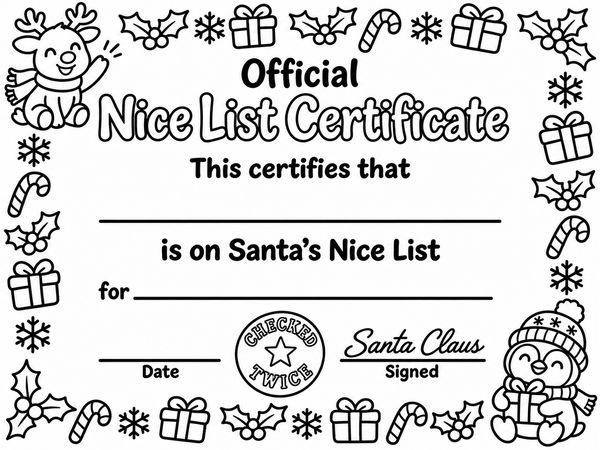 Good deed line · B&W
What to Write on a Nice List Certificate
- Name – your child’s first name on the long line, or first and last name for a class.
- Good deed – on the designs with a “for” line, a few words after the printed “for”: “sharing toys with a little brother” or “helping feed the dog.”
- Date – the day you give it.
- Signature – already printed: every certificate is signed Santa Claus.
The rest is already printed. Most striped certificates say “made Santa’s Nice List! Keep up the good work!” and most holly ones say “is on Santa’s Nice List for kindness and good behavior this year.” The good-deed designs say “is on Santa’s Nice List for ____” – write one good thing your child did on that line.
How to Give It
Roll it up with a ribbon for the stocking, tuck it into a Christmas Eve box, or leave it by the milk and cookies or under the tree. Some families have their elf deliver it in early December.
Want a letter to go with it? Print one of the Nice List letters from Santa – they’re already written.
Mailing it? Put it in with a Nice List letter and follow the North Pole postmark steps for the envelope.
Questions
What size paper do these certificates print on?
US Letter turned sideways – 11 × 8.5 in, with a half-inch white margin. In the print window, pick Landscape if your printer doesn’t turn it on its own, and set the scale to 100% (Actual size). On A4 paper, use Fit to page instead.
How do I print a certificate from my phone?
Tap US Letter PDF below the certificate you want. On an iPhone, open the Share menu and choose Print; on Android, use the ⋮ menu (or Share) and choose Print. If it comes out small, print it from a computer instead, where you can pick Landscape and 100%. To keep it on your phone, tap Save image.
Can I type my child’s name on it?
No – you can’t type on these certificates. Print one and write the name on the long line by hand; a marker or gel pen shows up best.
My child knows my handwriting – what can I do?
Ask another grown-up to fill it in, or print the words in neat block letters. Santa’s signature and the stamp are already printed, so you only add the name, the date and, on some designs, a good deed.
Can I print these for a whole class?
Yes. Open the PDF and enter the number of copies in the print window, then write each child’s name by hand. The black-and-white certificates use less ink, and kids can color them in.
Is there a naughty list certificate?
No. Every certificate here puts your child on Santa’s Nice List – there are no naughty or warning versions, so it’s a happy surprise for every child.
Can I use it again next year?
Yes. There’s no year printed on the certificates, so the same PDF works every Christmas – write the new date on the Date line.
Are these certificates really free?
Yes. Every certificate is free, with no sign-up and no email – tap US Letter PDF and it opens, ready to print.
Free to use and edit, including commercially; no credit needed. You may not sell the images themselves or repost them in bulk on other sites or apps for anyone to download. See the image use rules.