
Printable Christmas Gift Tags
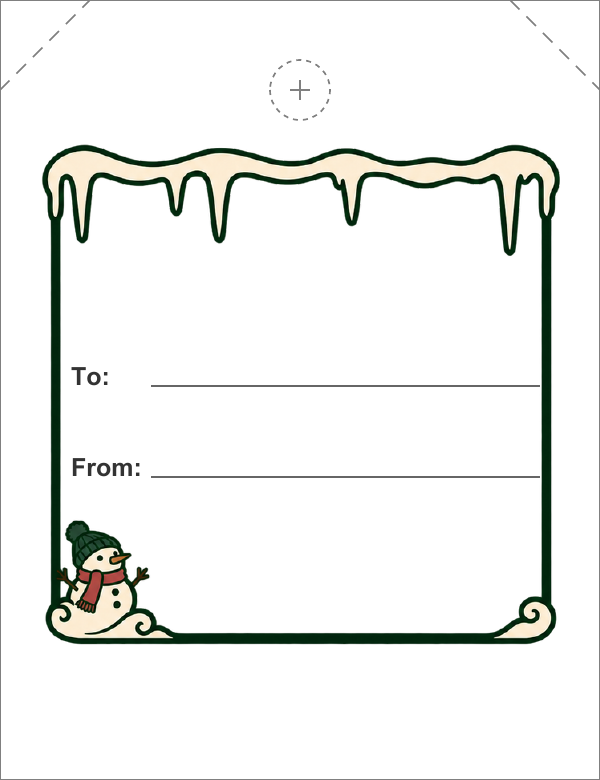
Cute Christmas Gift Tags for Kids
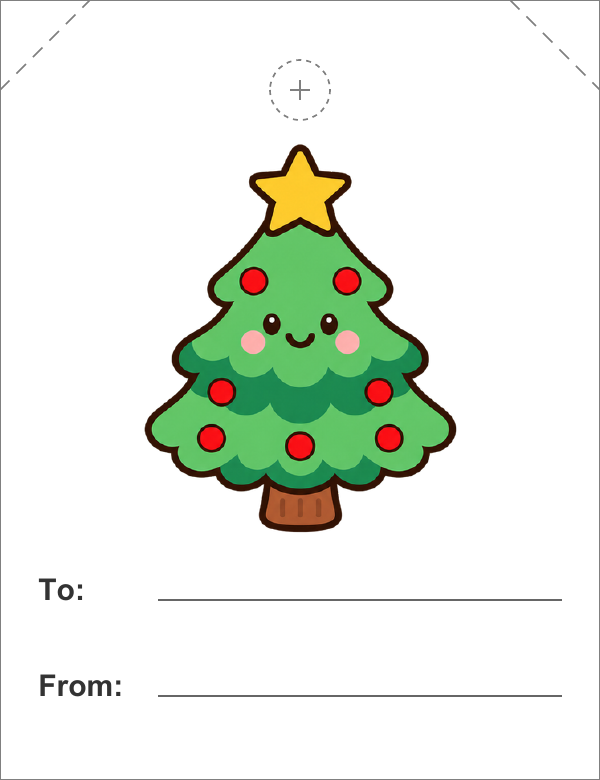
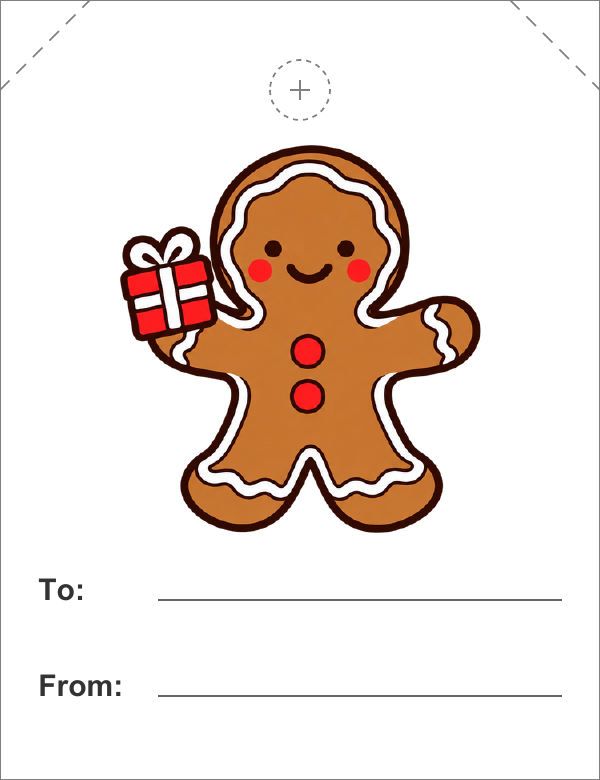
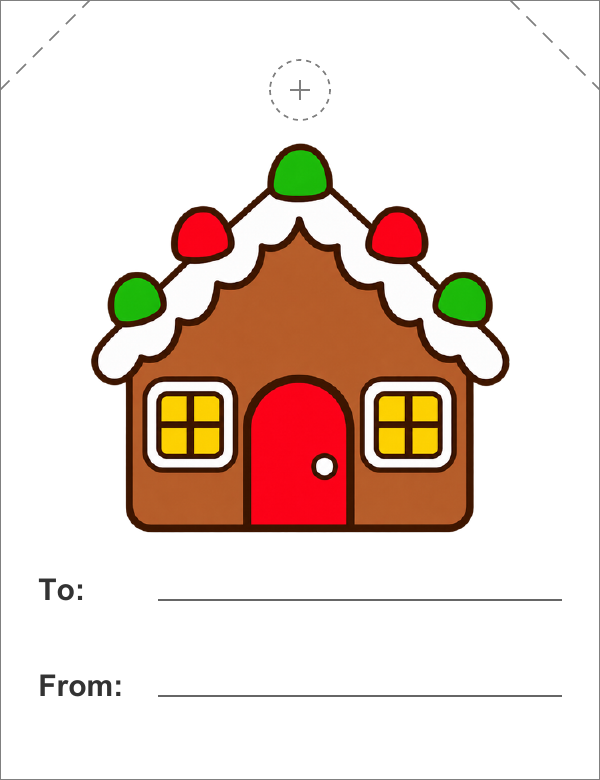
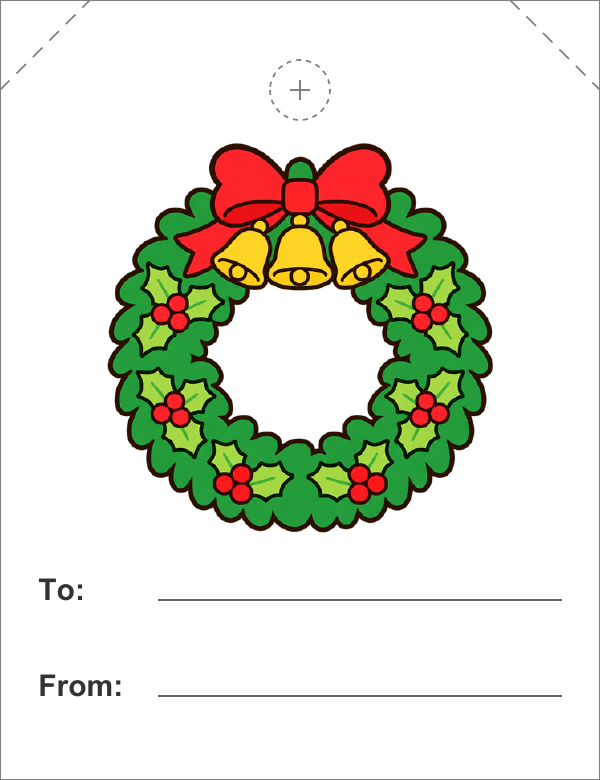

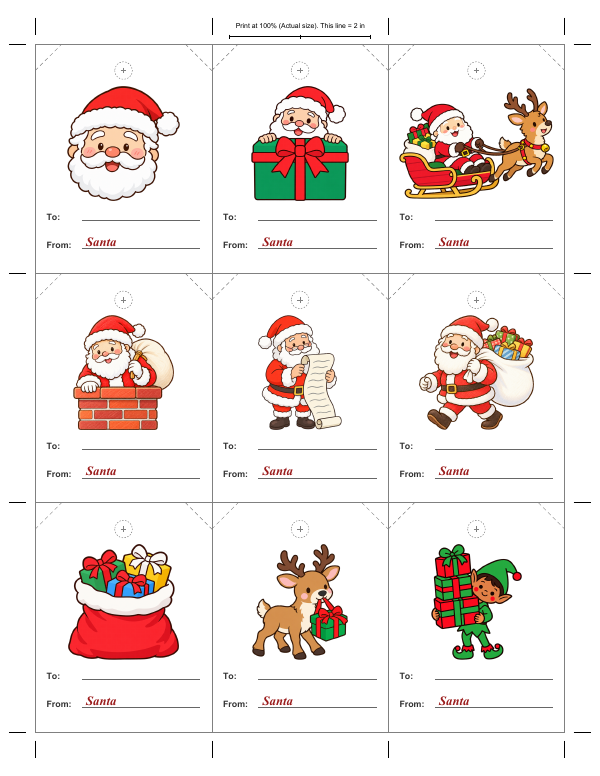
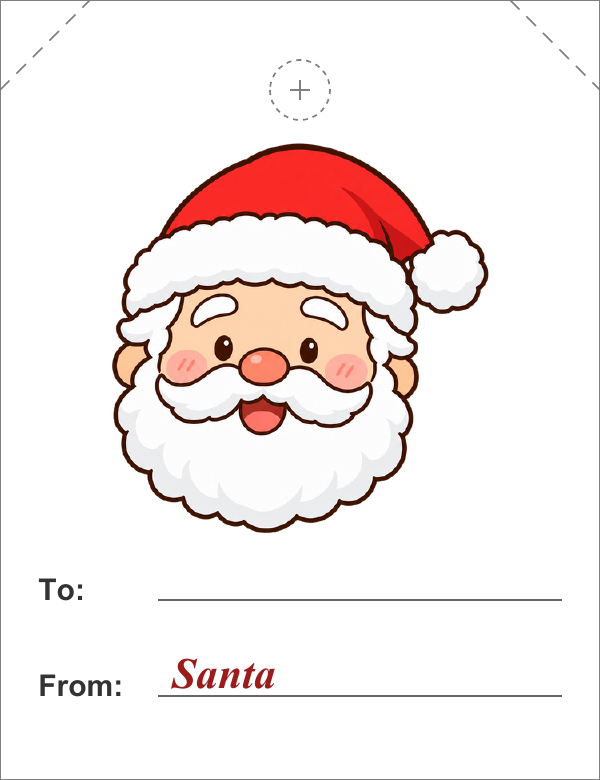
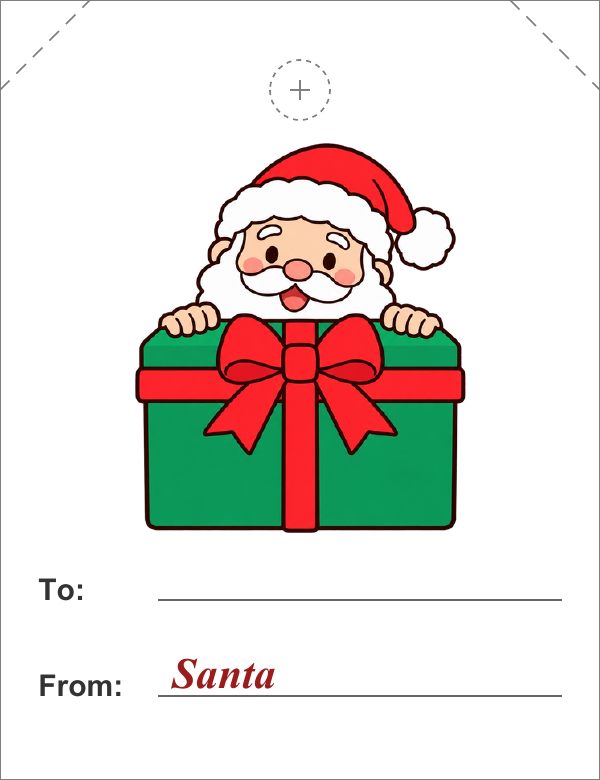
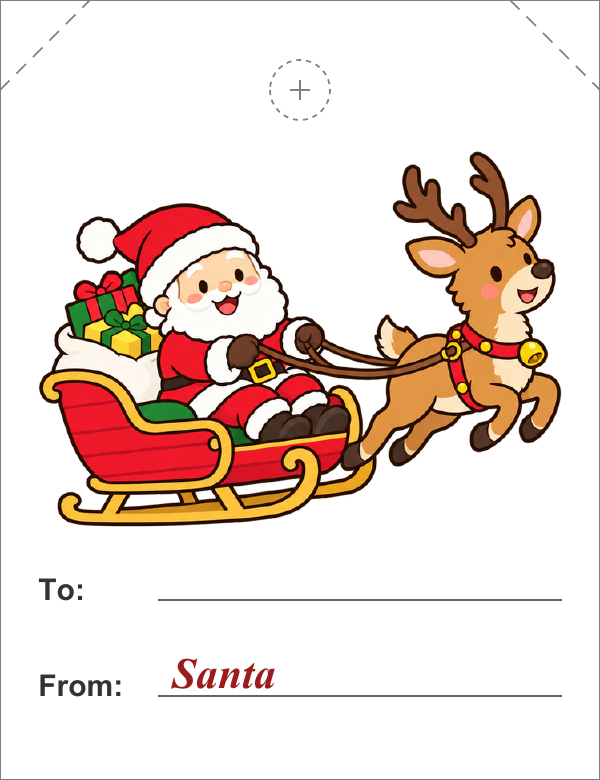
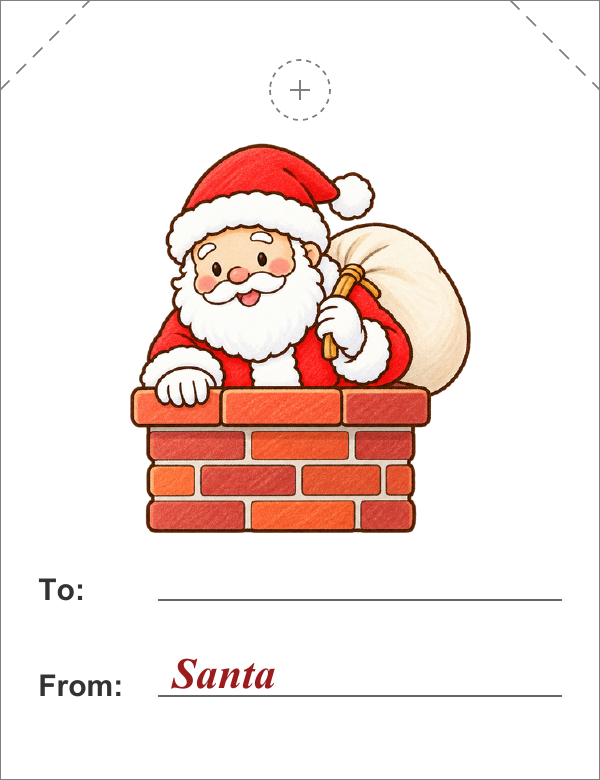
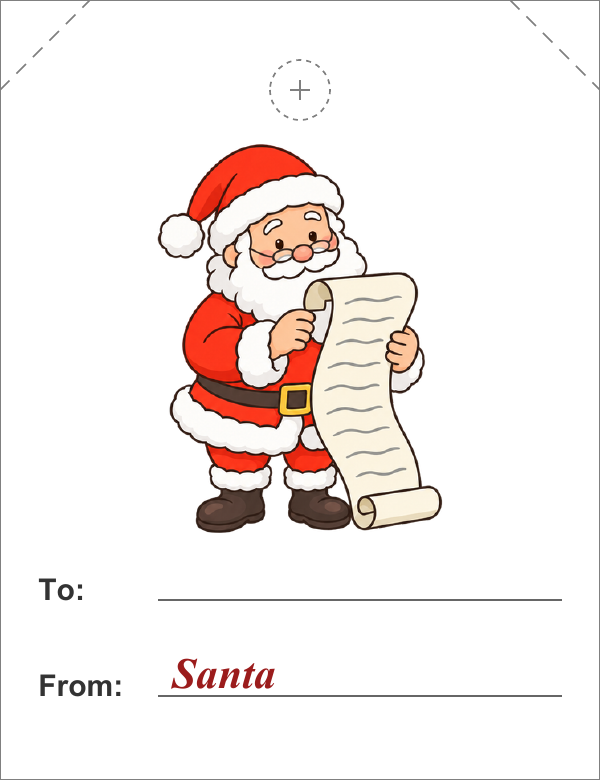
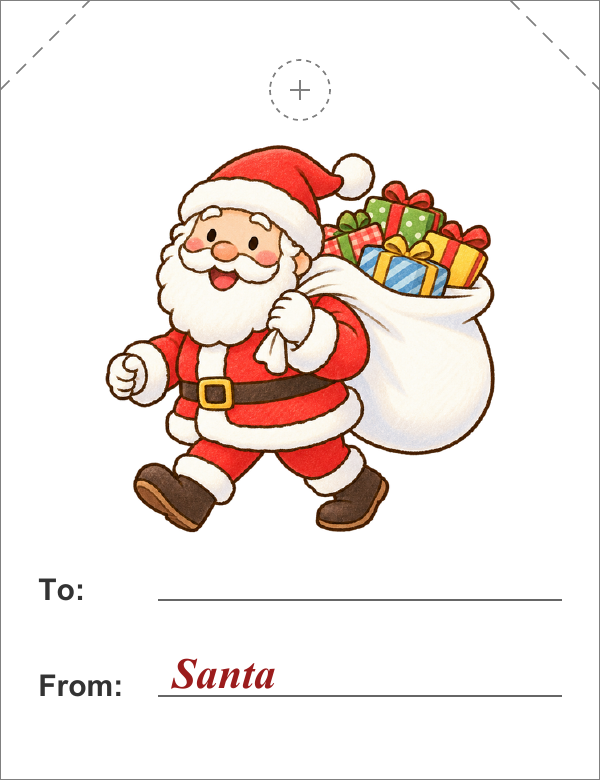
From Santa Gift Tags
Simple Christmas Gift Tags for Adults

Black and White Printable Christmas Tags
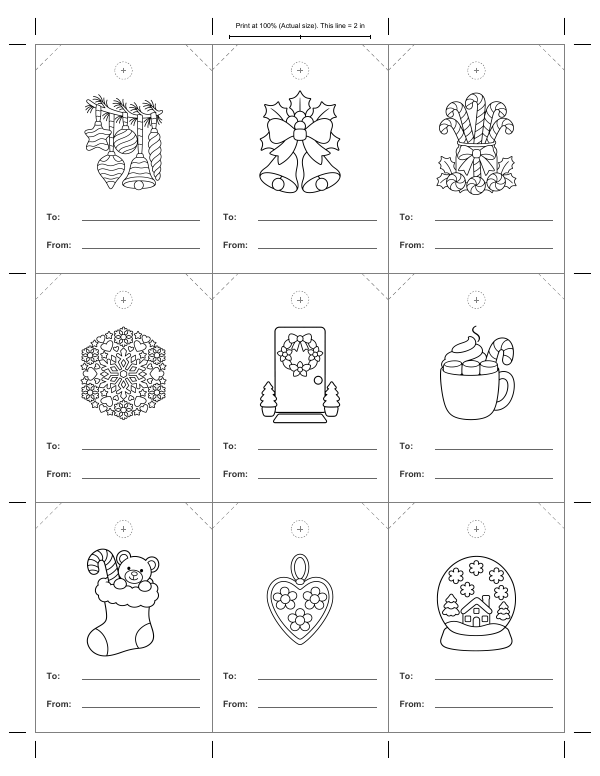
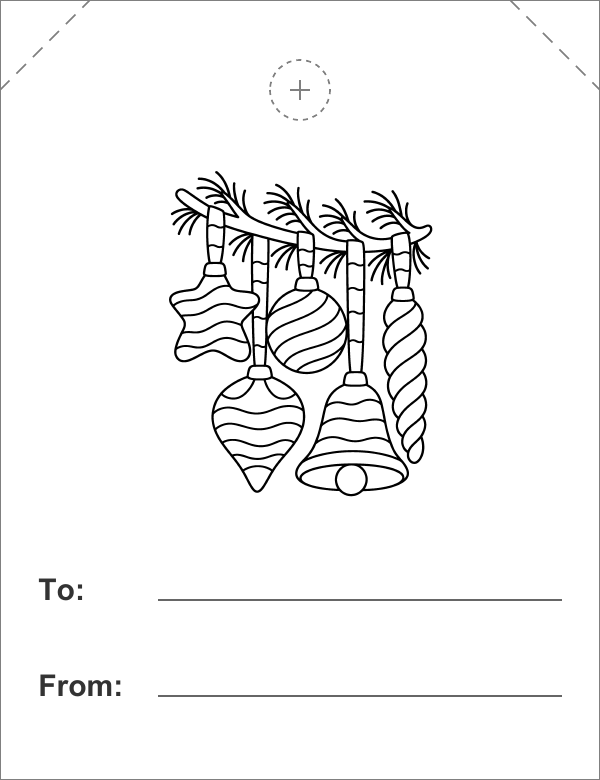
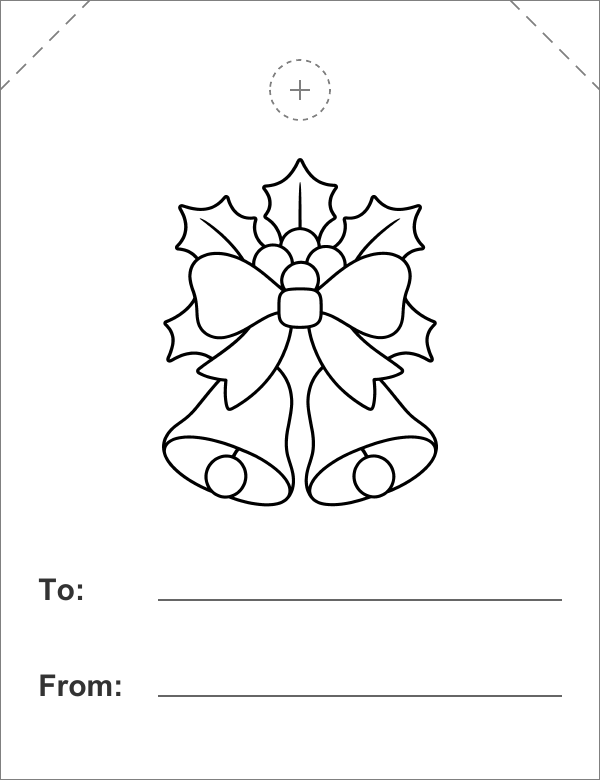
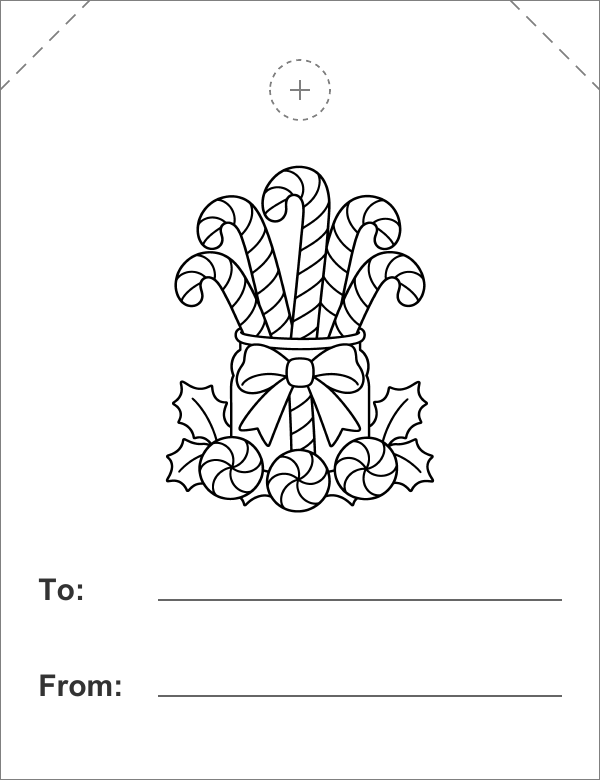
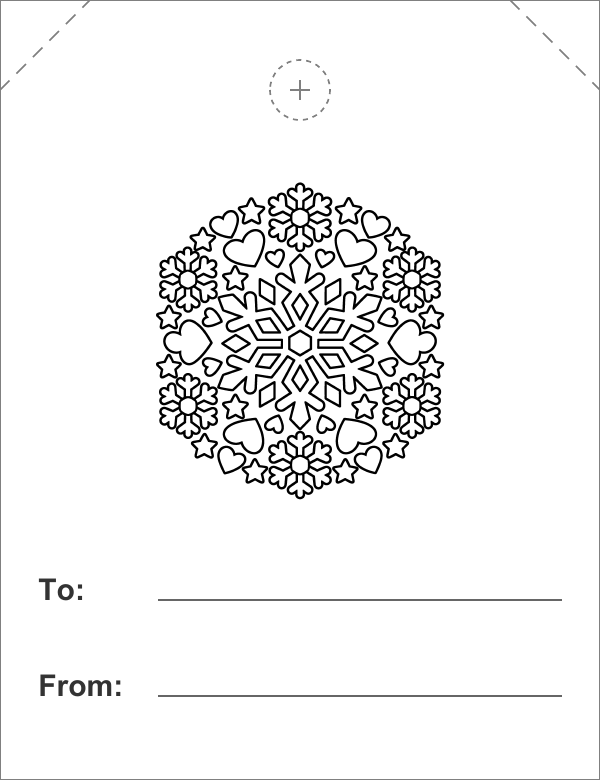
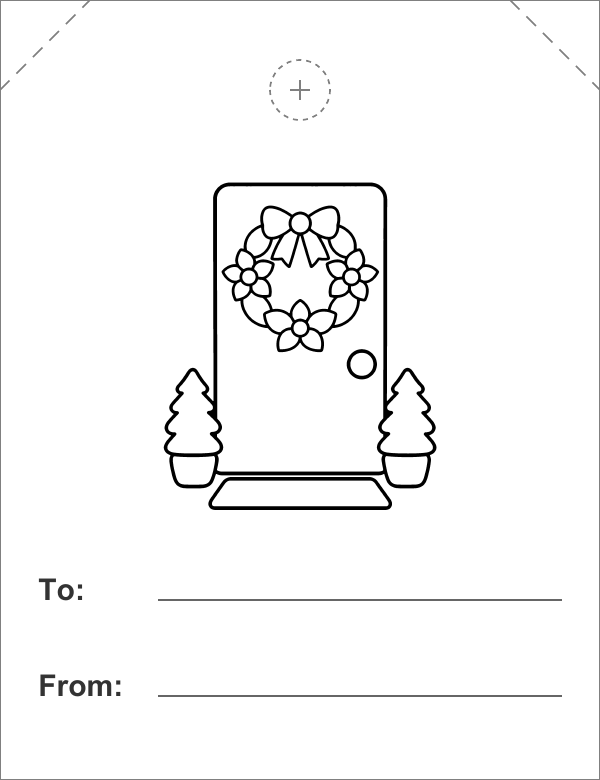
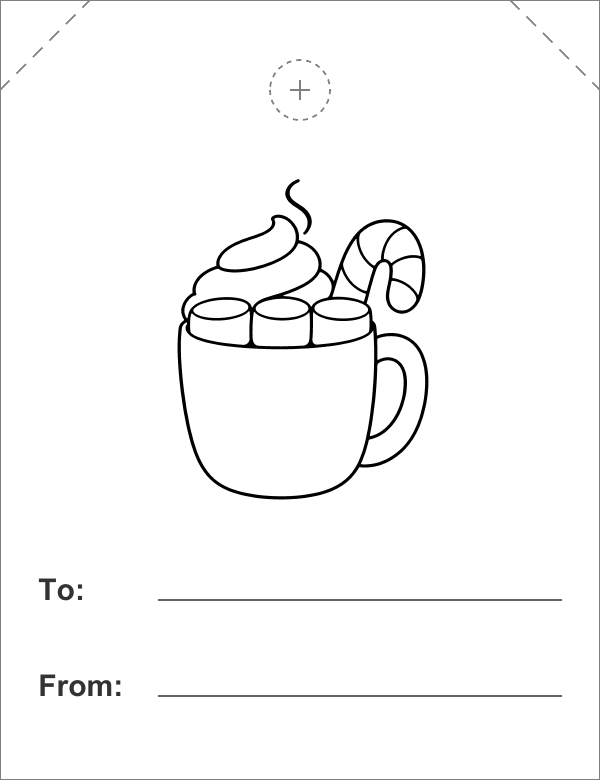
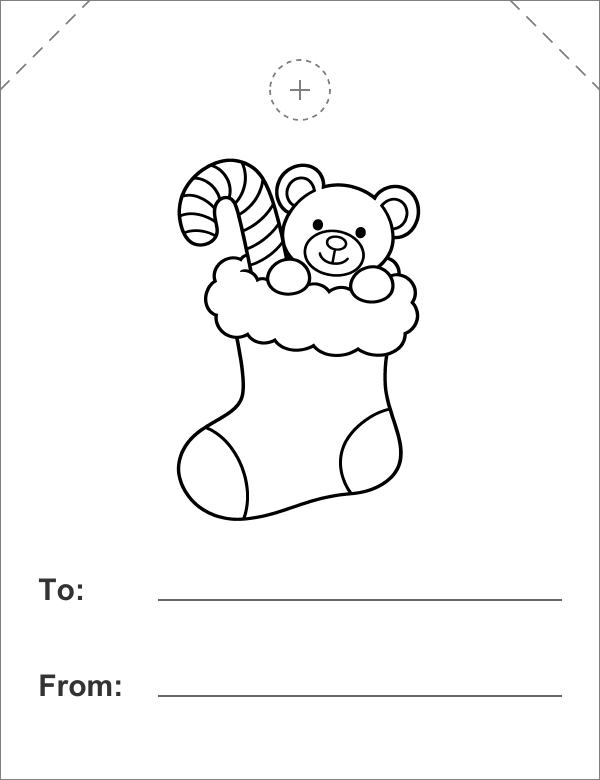
Christmas Gift Tags to Color
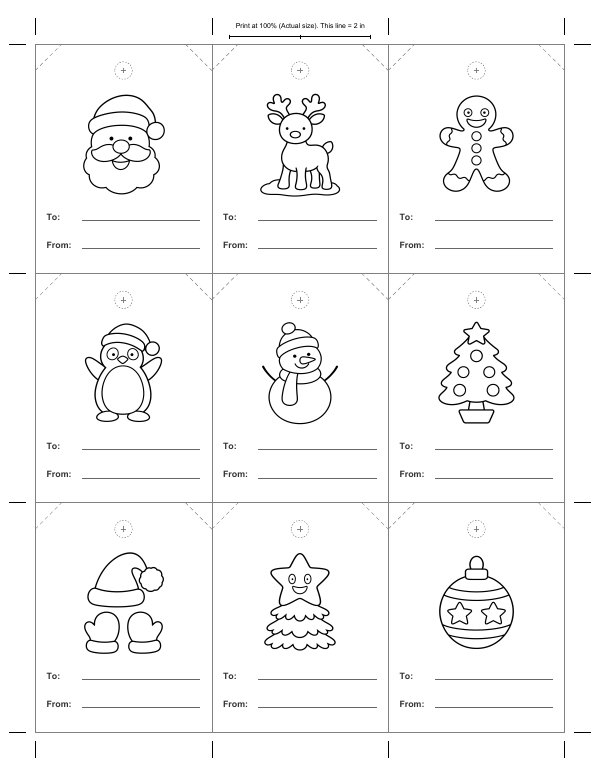
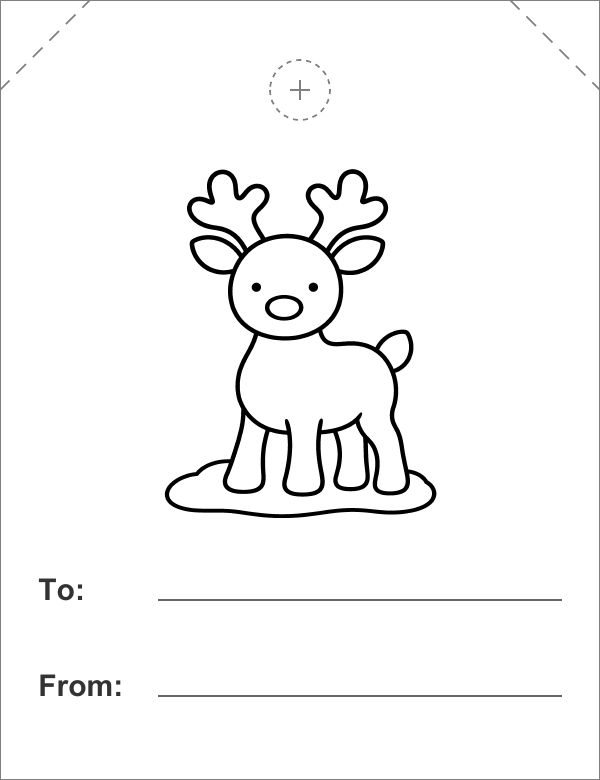
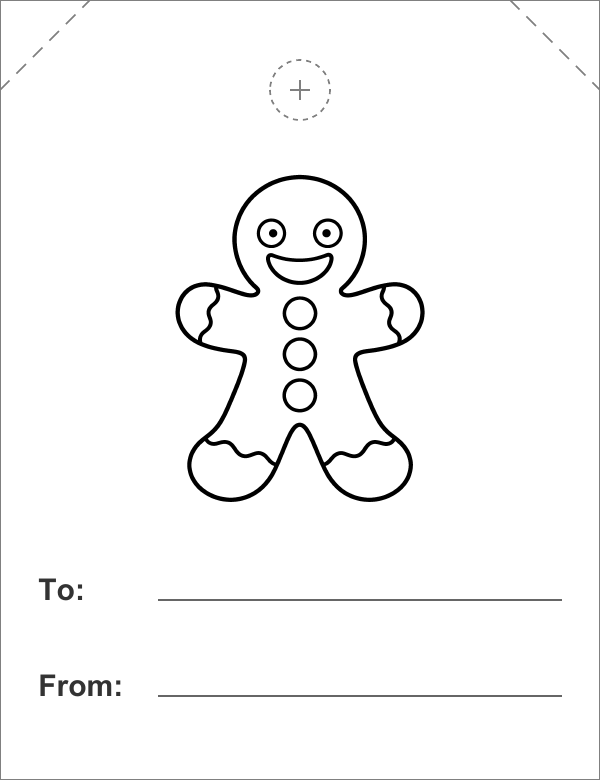
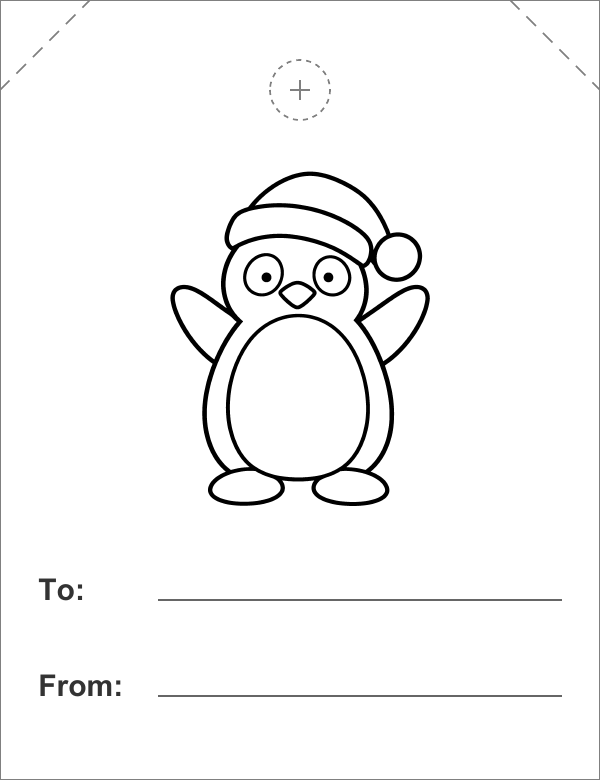
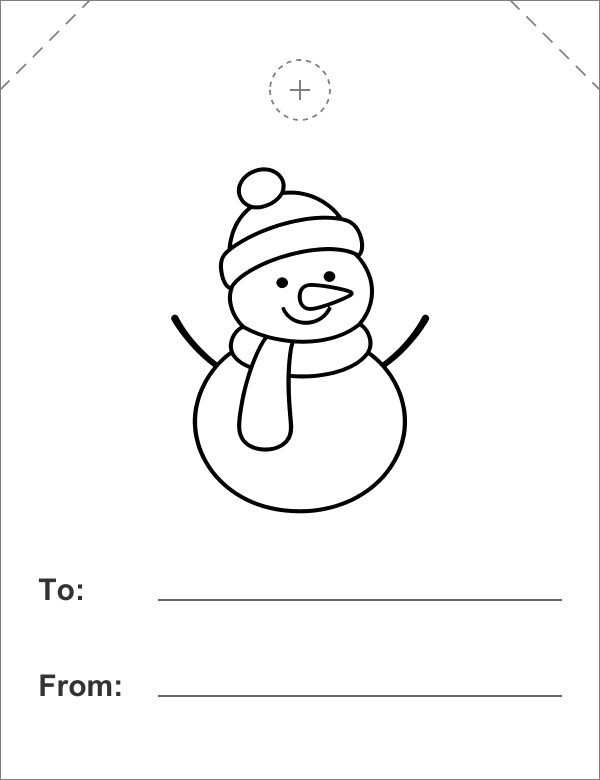
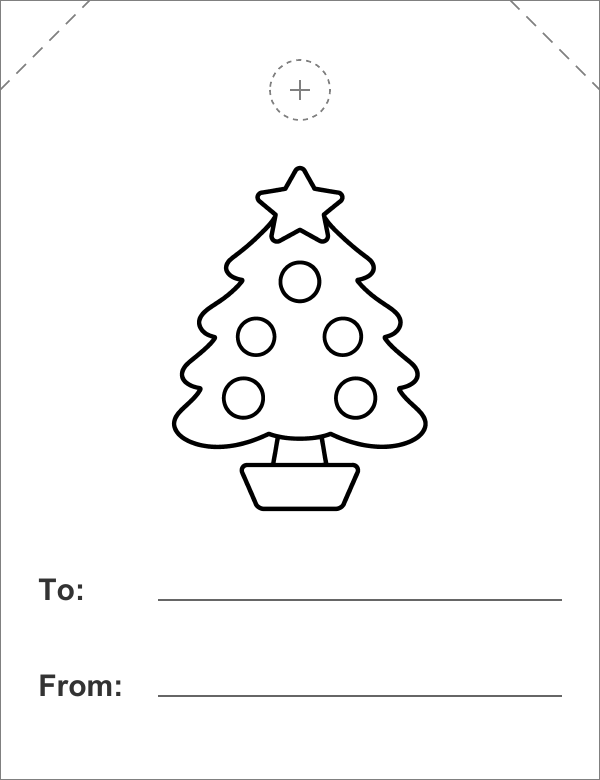
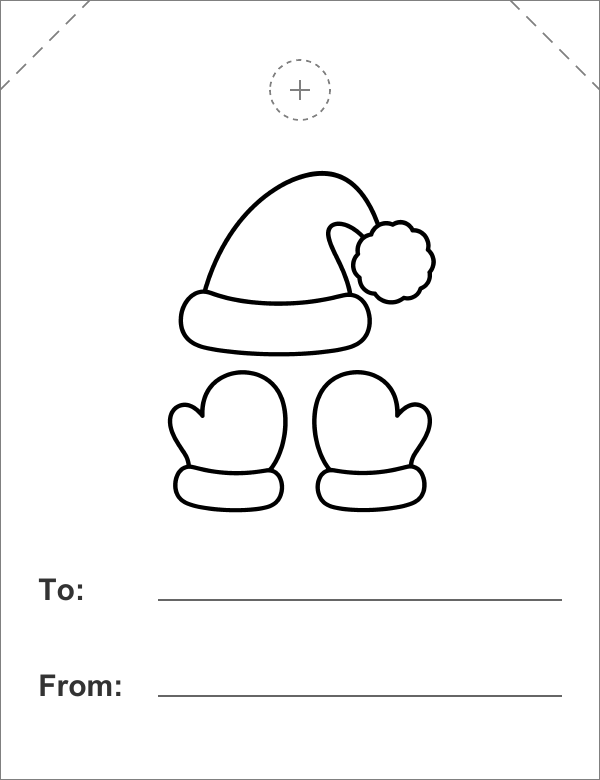
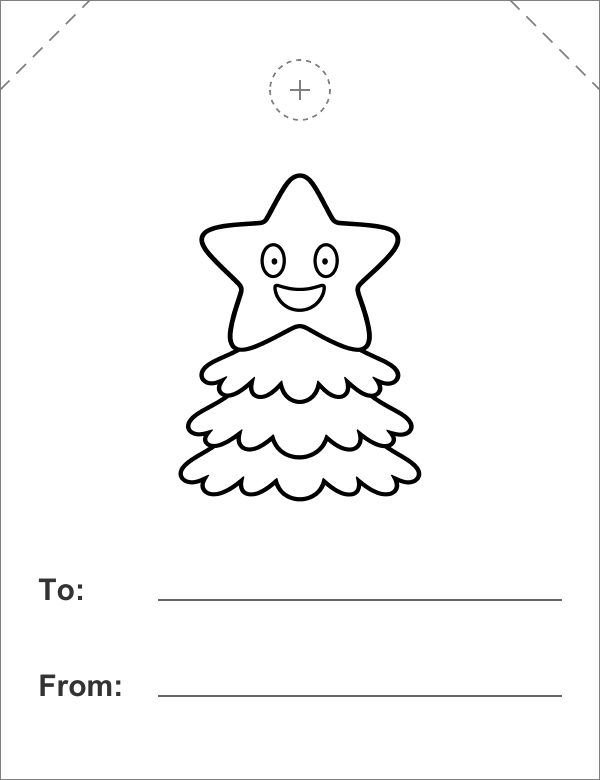
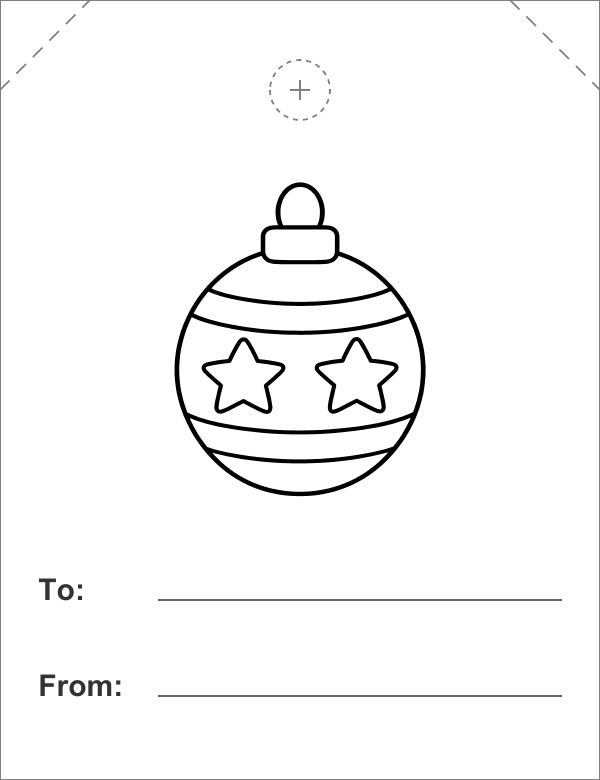
DIY Christmas Gift Tags: How to Print, Cut and Tie
- Tap or click a download button. The sheet opens in a new tab; print it from your browser or Adobe Acrobat Reader.
- Print on US Letter, portrait, at Actual size / 100% — not Fit to page. The line at the top of the sheet should measure 2 inches. On a phone: open the PDF, then Share → Print (Android: ⋮ → Share → Print).
- Use white or kraft cardstock (65–80 lb cover). Kraft looks best with the black and white tags.
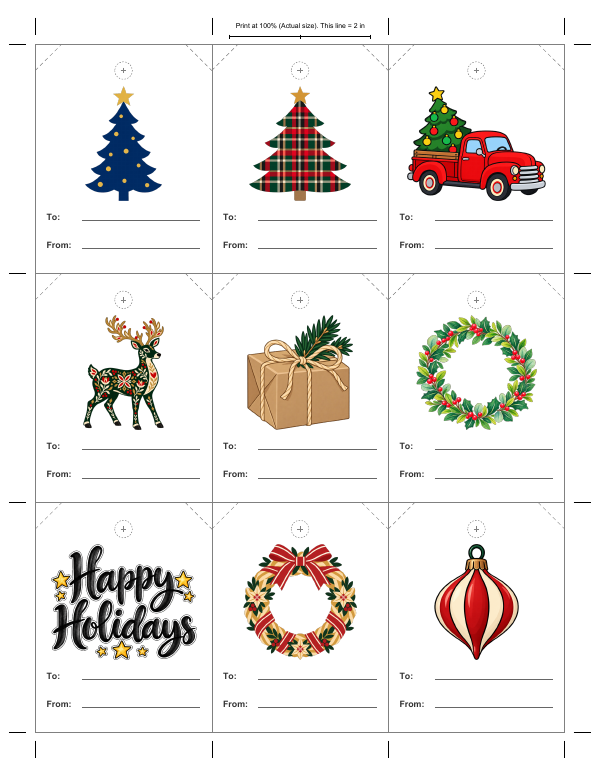
- Cut along the gray lines. With a paper trimmer, that’s 4 cuts down and 4 across. Snipping the dashed top corners is optional.
- Punch the dashed circle with a ⅛-inch or ¼-inch hole punch, tie on ribbon or twine, and write To and From. A fine-tip pen fits longer names like “Grandma & Grandpa.”
Christmas Gift Tag FAQ
What size are these Christmas gift tags?
Each tag is 2½ × 3¼ in (64 × 83 mm). Nine fit on one US Letter page in a 3 × 3 grid with shared cut lines.
How do I print gift tags at the right size?
Choose Actual size or 100% in the print dialog, not Fit to page. Check the 2-inch line at the top of the sheet with a ruler.
What paper should I print gift tags on?
Cardstock between 65 and 80 lb cover makes a sturdy tag. Check the heaviest paper your printer takes and feed one sheet at a time. Plain paper works too if you tape the tag on.
Can I add names before printing?
No — the tags print with blank To and From lines (the From Santa tags already say “Santa”), so you write the names by hand after you cut them out.
How do you label Christmas gifts without names?
Give each person their own design — only you know who gets the snowman and who gets the reindeer. Every design also comes as its own sheet of nine, so for a class of up to 27 a teacher can print one design’s sheet three times.
How do I make a gift look like it’s from Santa?
Use the From Santa tags: “Santa” is already printed on the From line, so only the To line needs handwriting — print it in block capitals or ask another grown-up to write it.
How do I print gift tags from my phone?
Open the PDF, tap Share, then Print (in Chrome on Android: ⋮, then Share, then Print). Pick Letter paper if it asks. Phones may scale the page, so check that the line at the top measures 2 inches — if it’s short, print from a computer at 100%. “1 tag (PNG)” is a single tag — for a full sheet use a PDF.
How can I make my own Christmas gift tags?
Print a sheet on cardstock at 100%, cut along the gray lines, punch the dashed circle and tie the tag on with ribbon or twine. Each design works as a free gift tag template — you only add the names.
More for Christmas
 Printable Christmas cards
 Christmas coloring pages
 Christmas present clipart
Free to use and edit, including commercially; no credit needed. You may not sell the images themselves or repost them in bulk on other sites or apps for anyone to download. See the image use rules.