
Christmas Coloring Pages
Christmas coloring sheets by theme
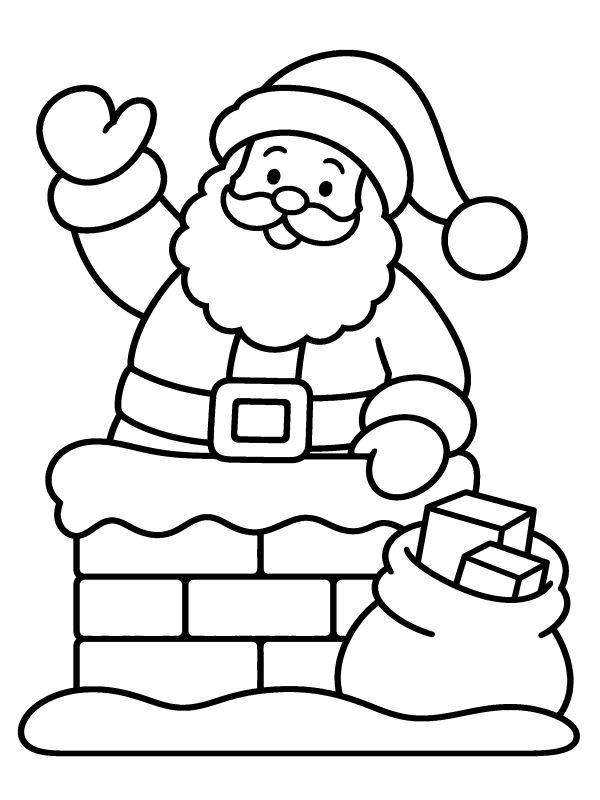
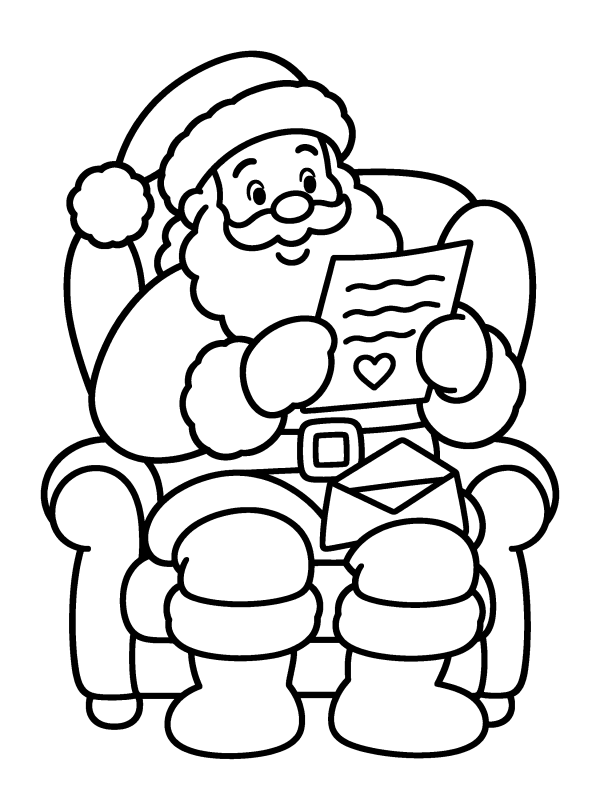
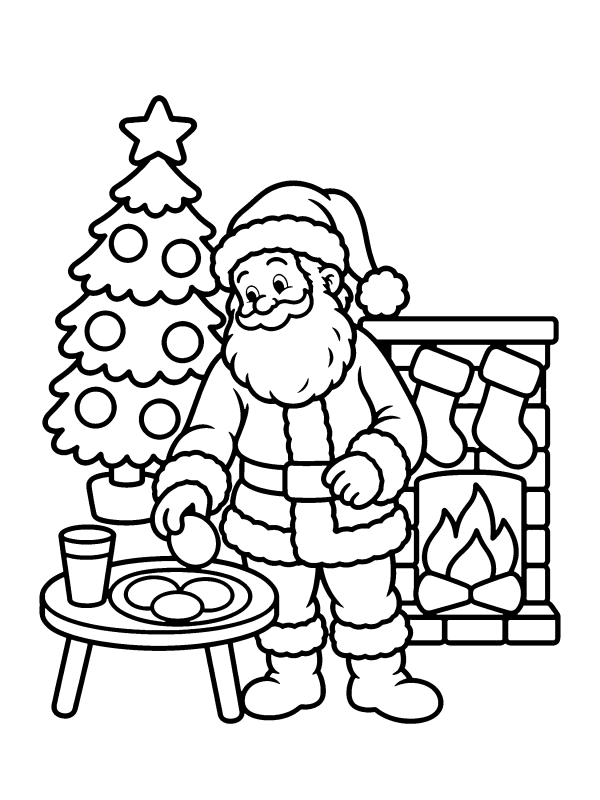
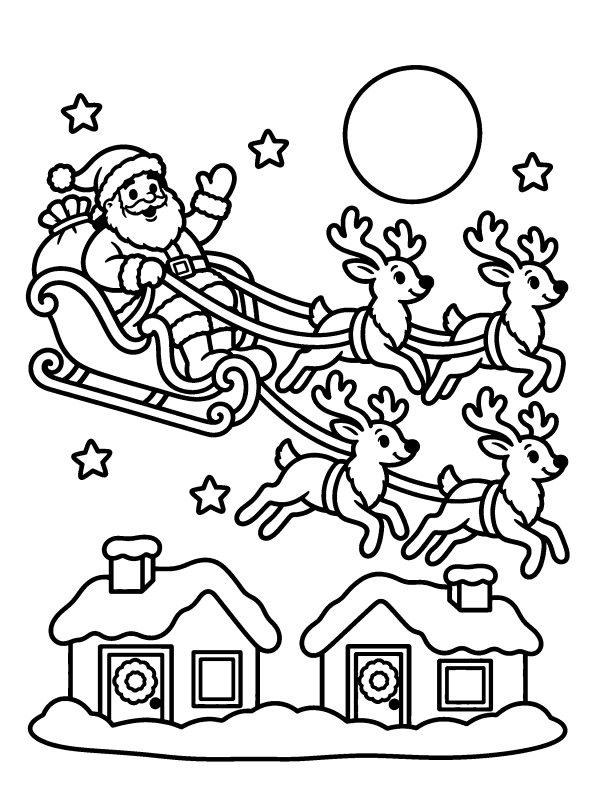
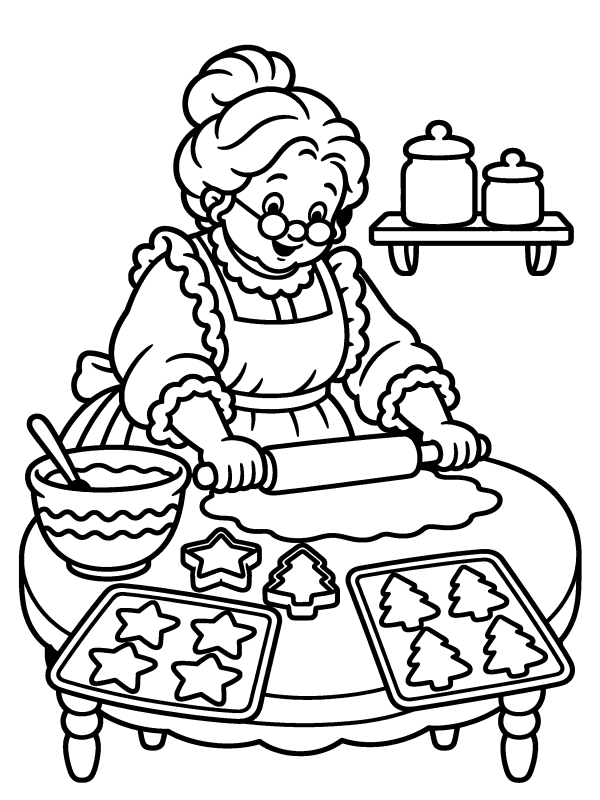
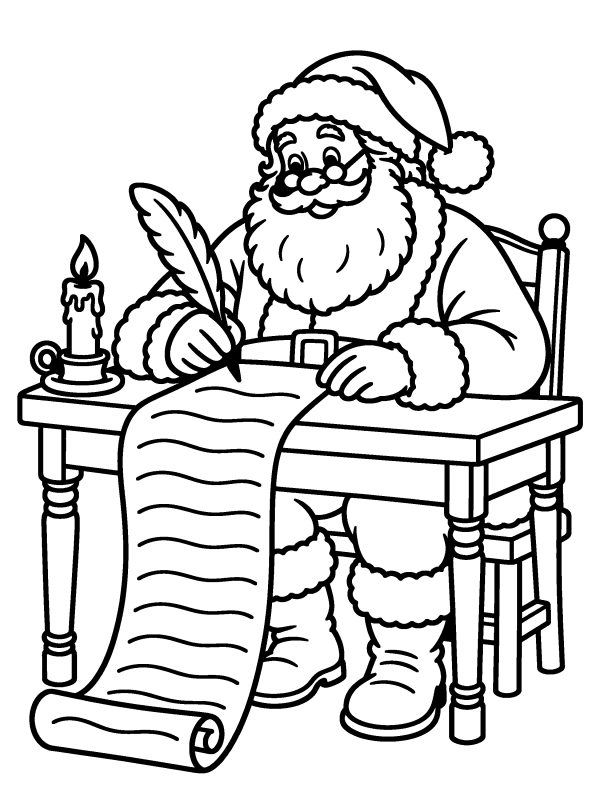
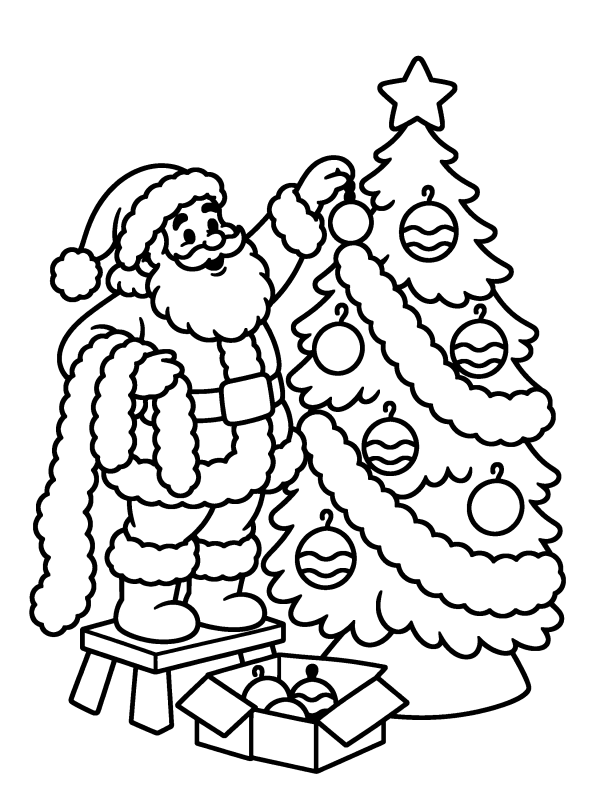
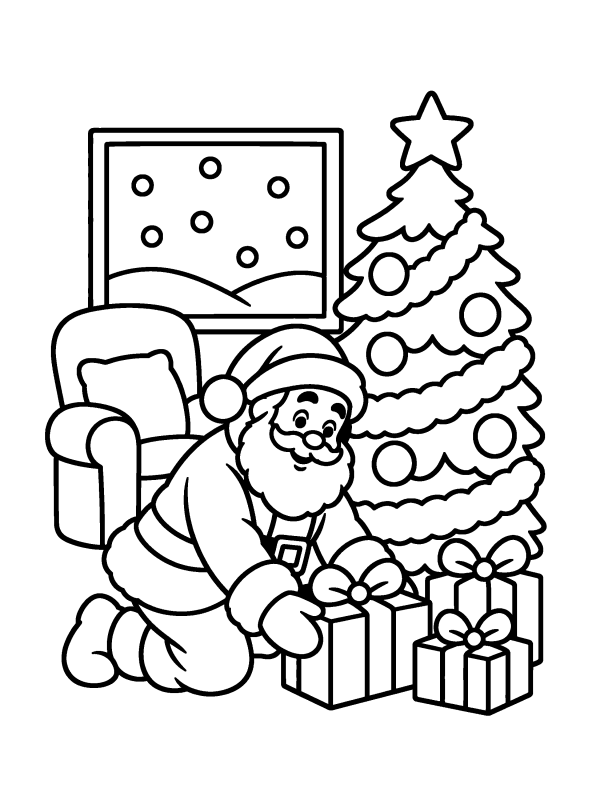
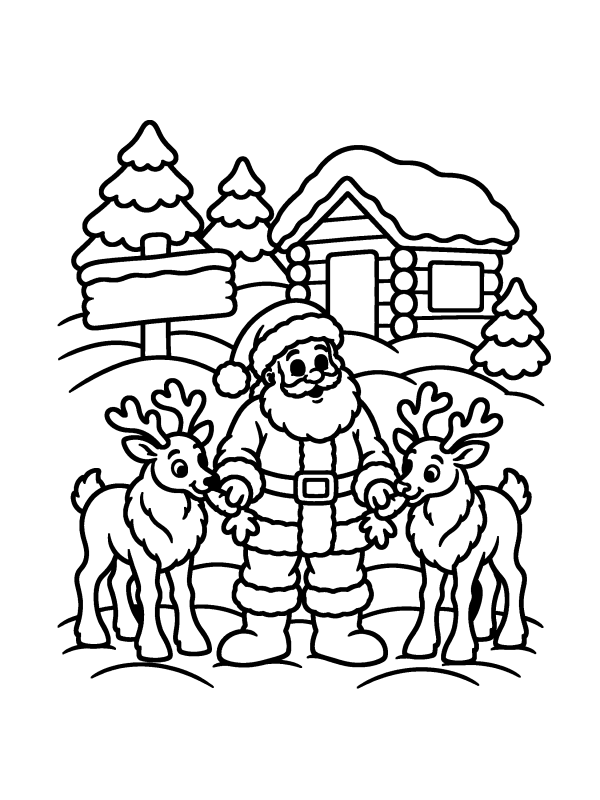
Santa Claus Coloring Pages (14)

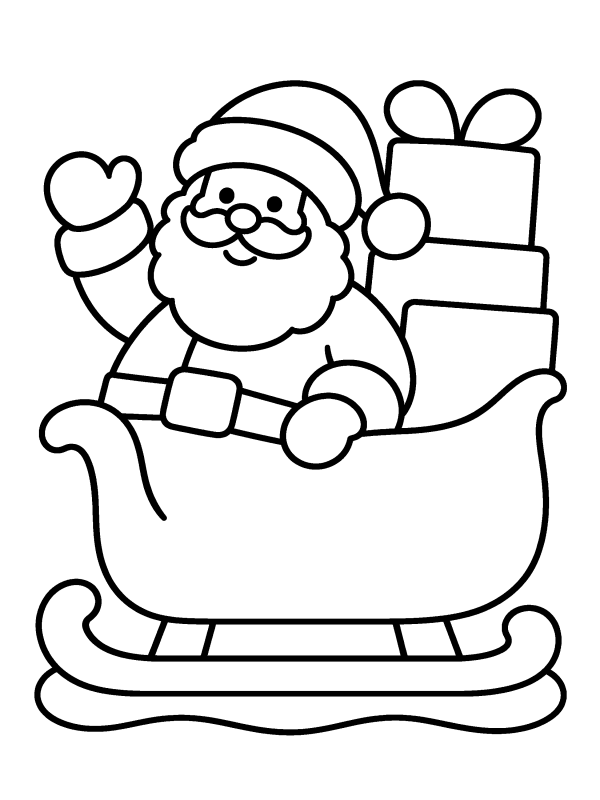
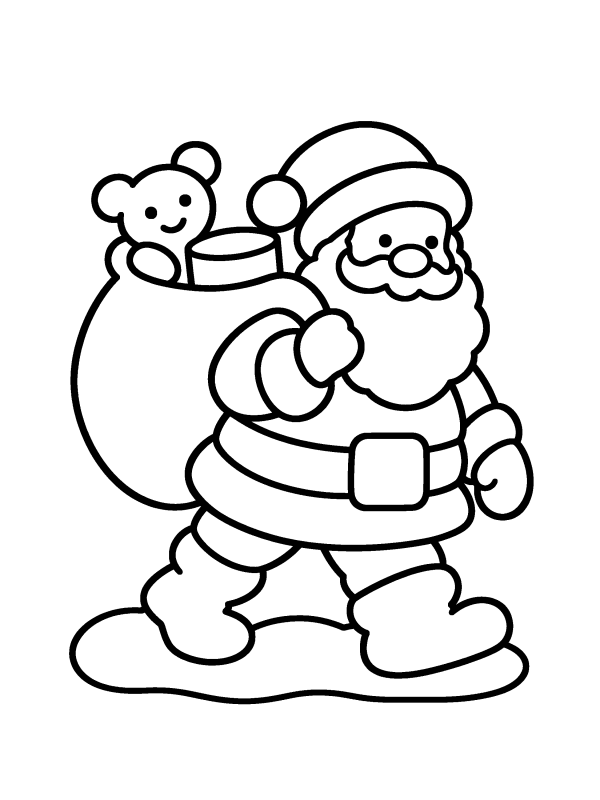
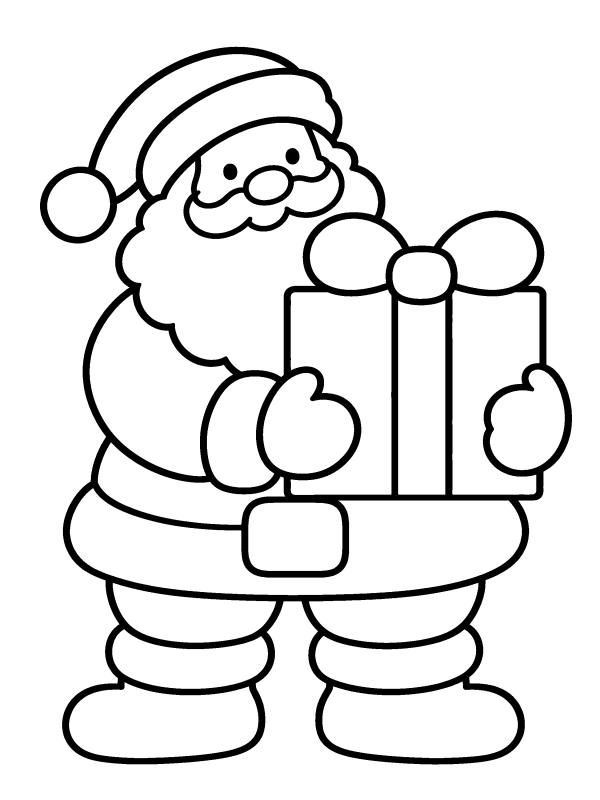
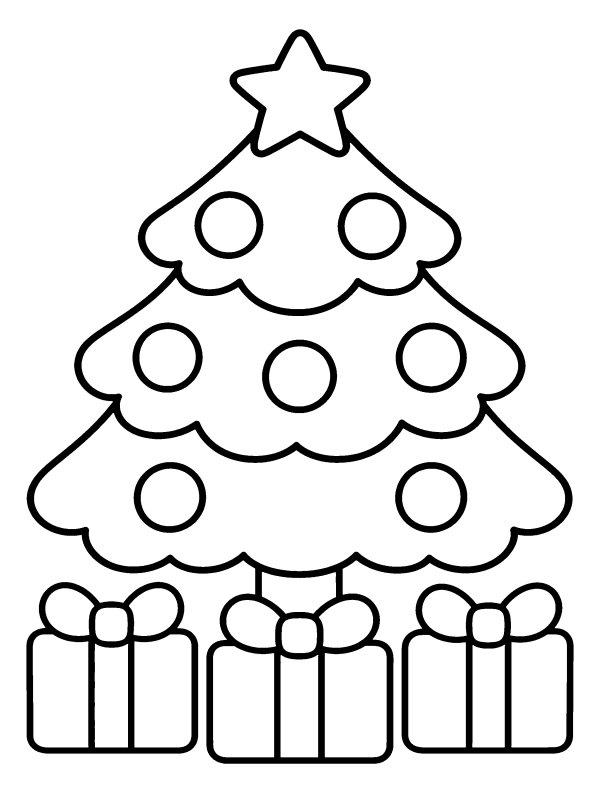
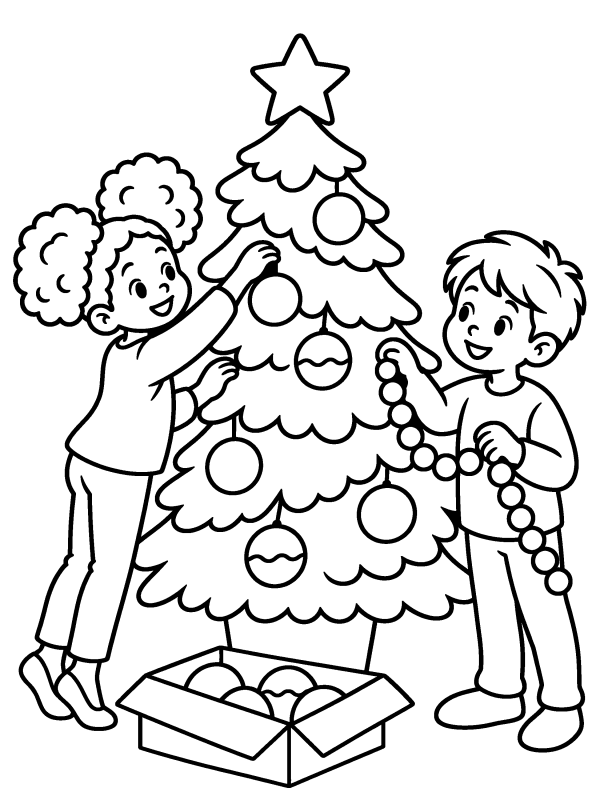
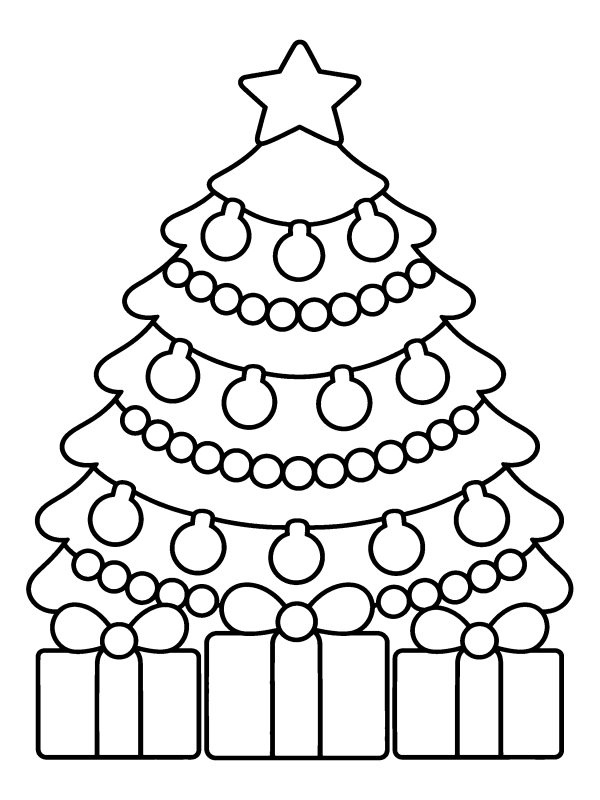
Christmas Tree Coloring Pages (12)




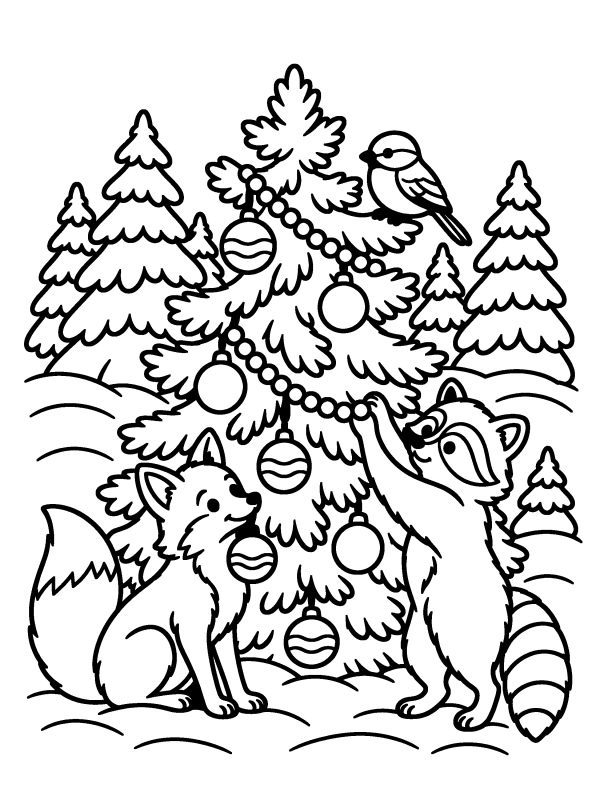
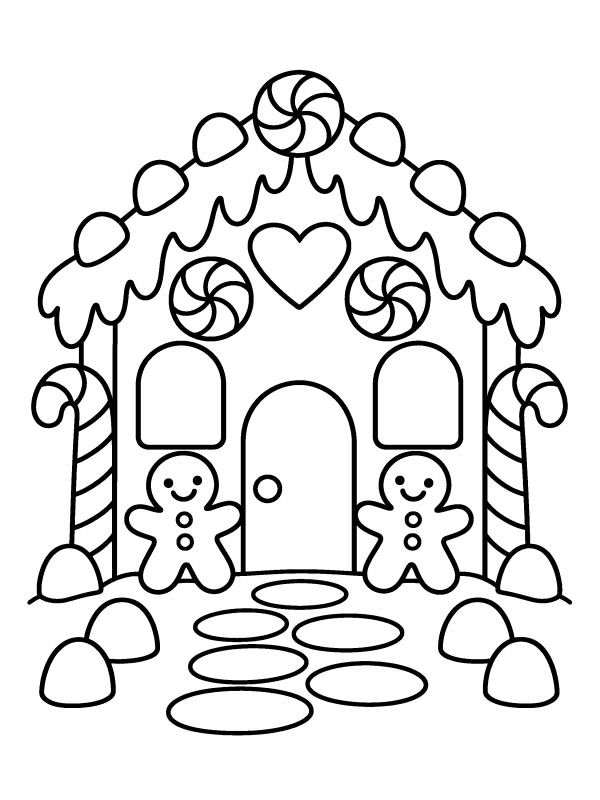
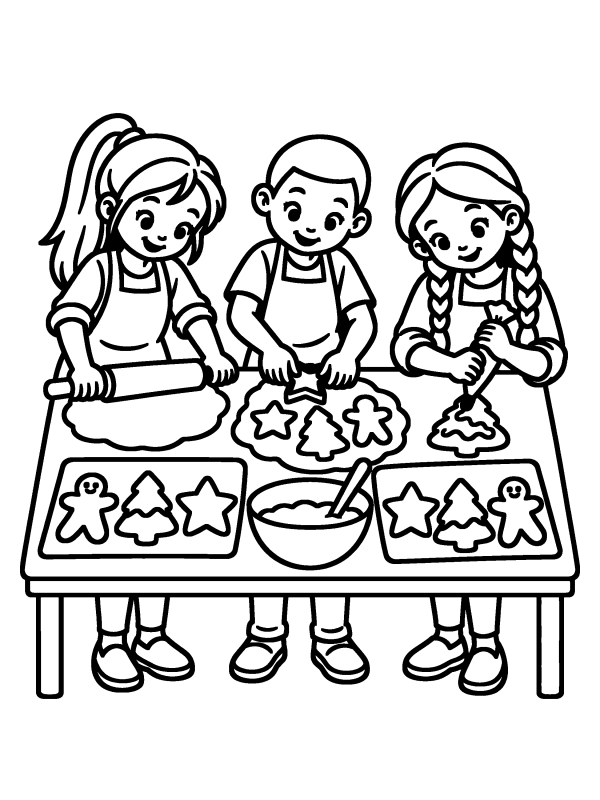
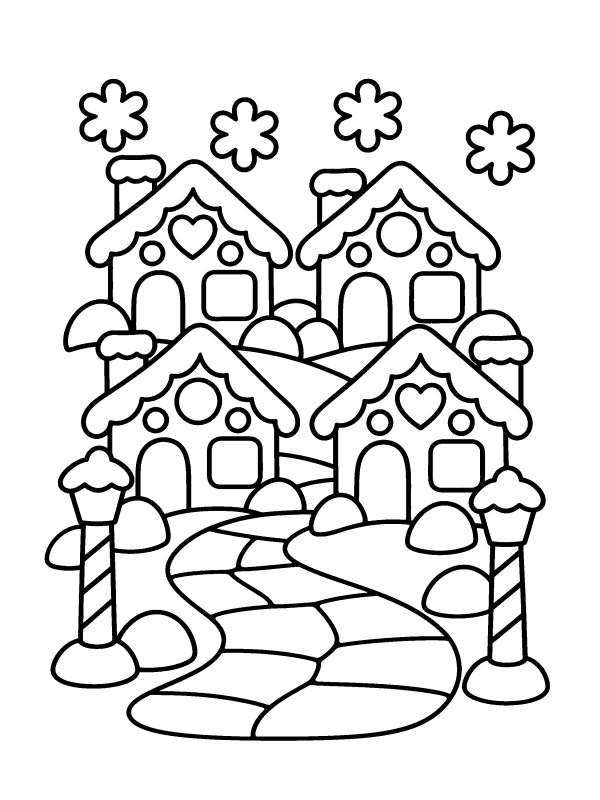
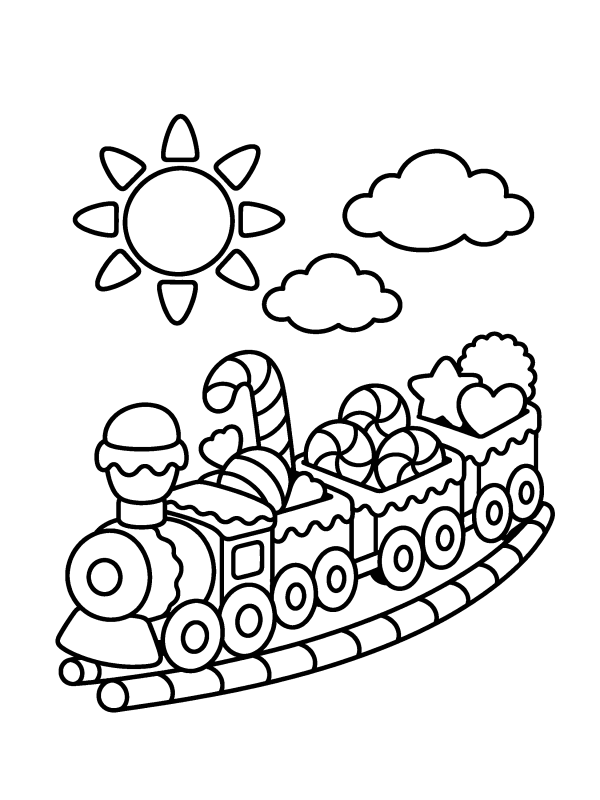
Gingerbread Coloring Pages (8)
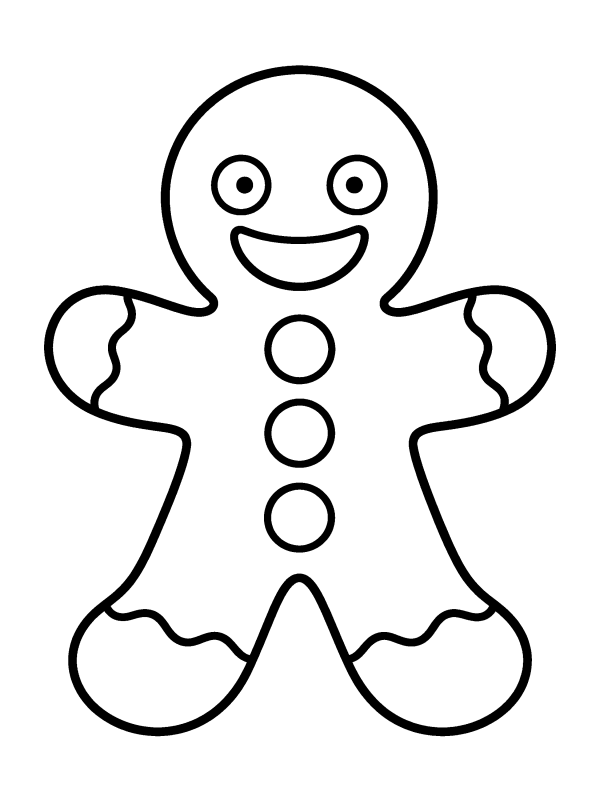

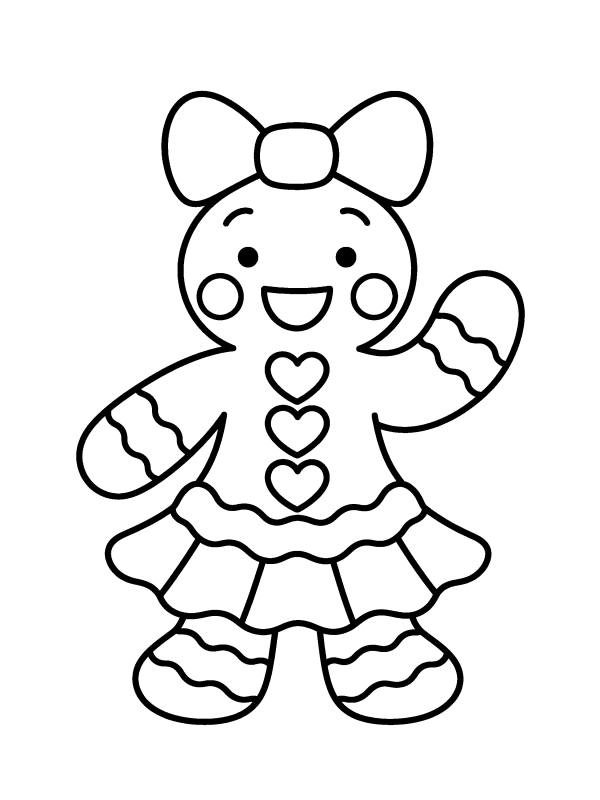
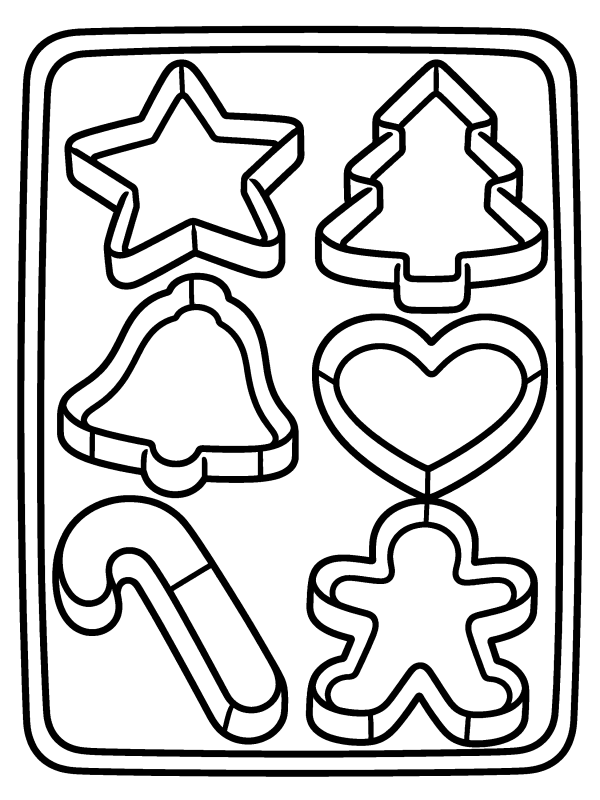
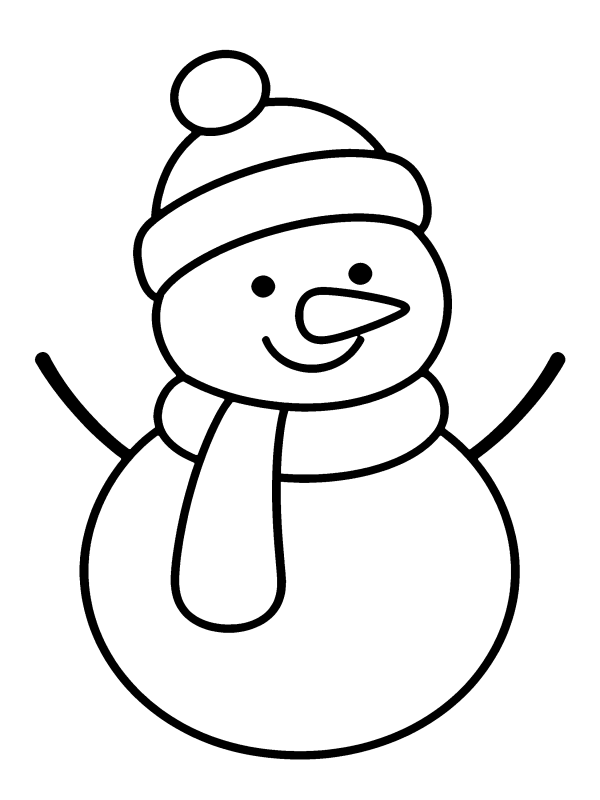
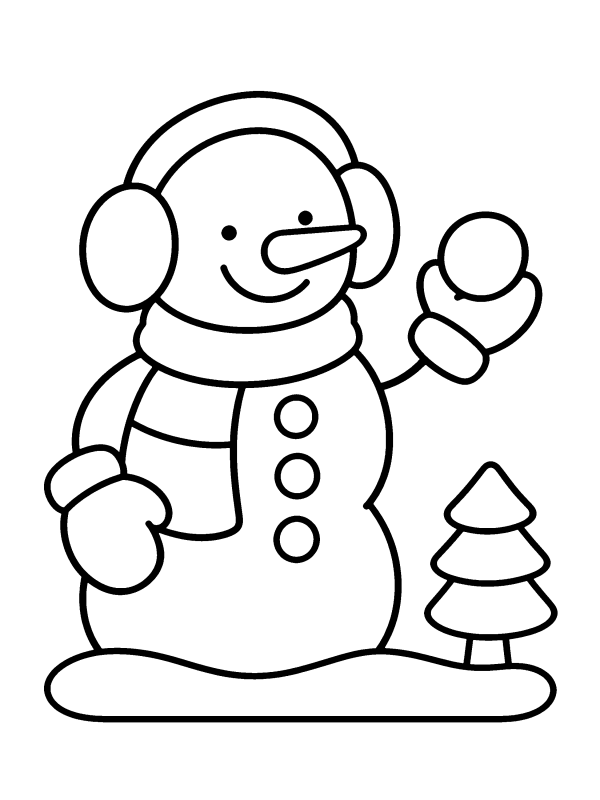
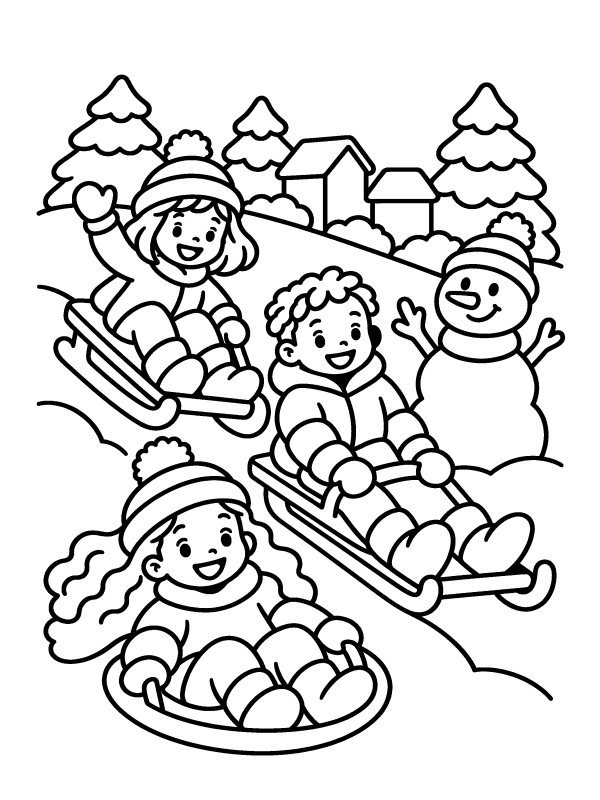
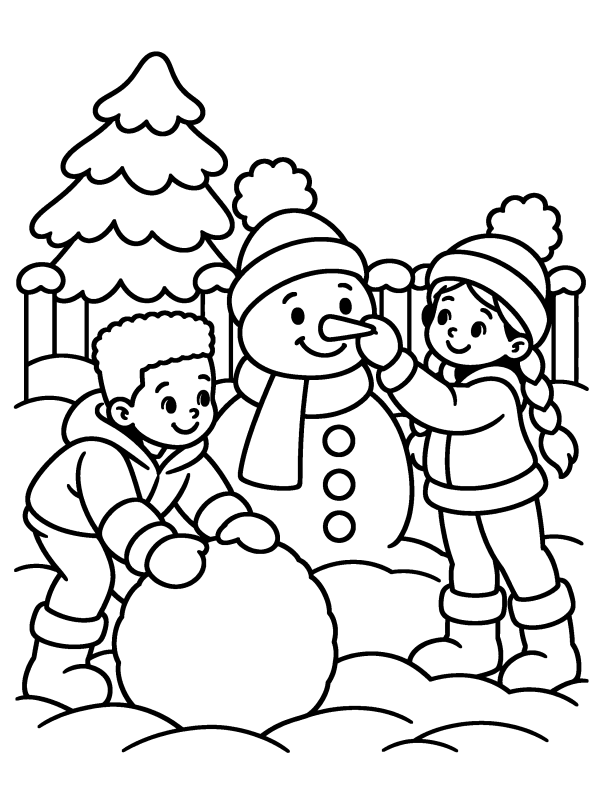
Snowman & Snow Coloring Pages (7)


Candy Canes, Stockings & Ornaments Coloring Pages (7)





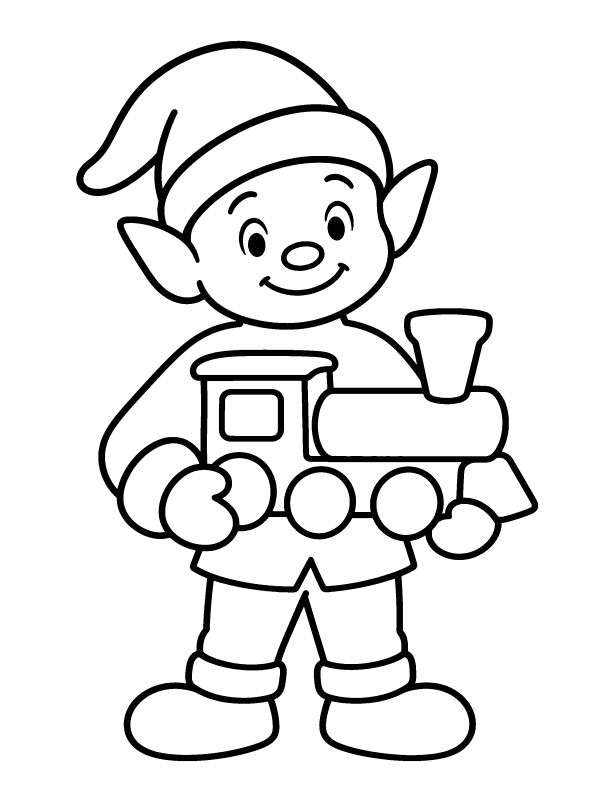
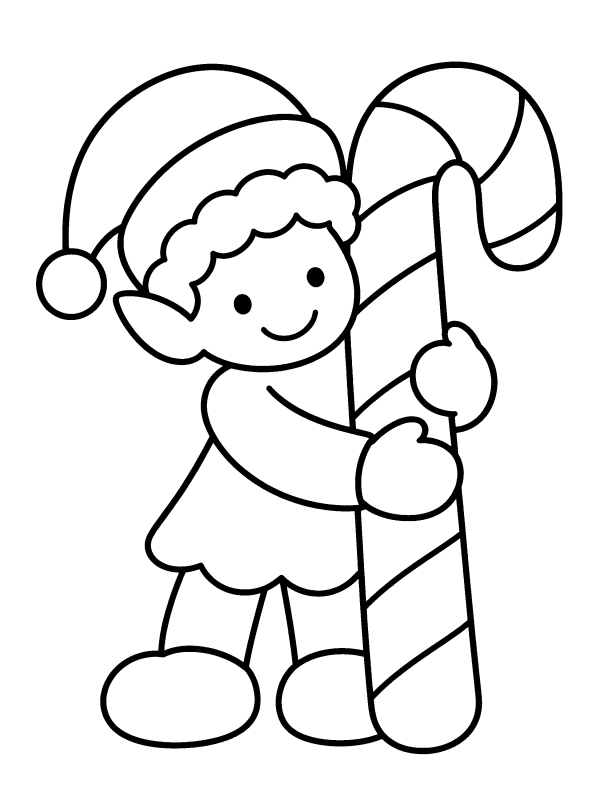
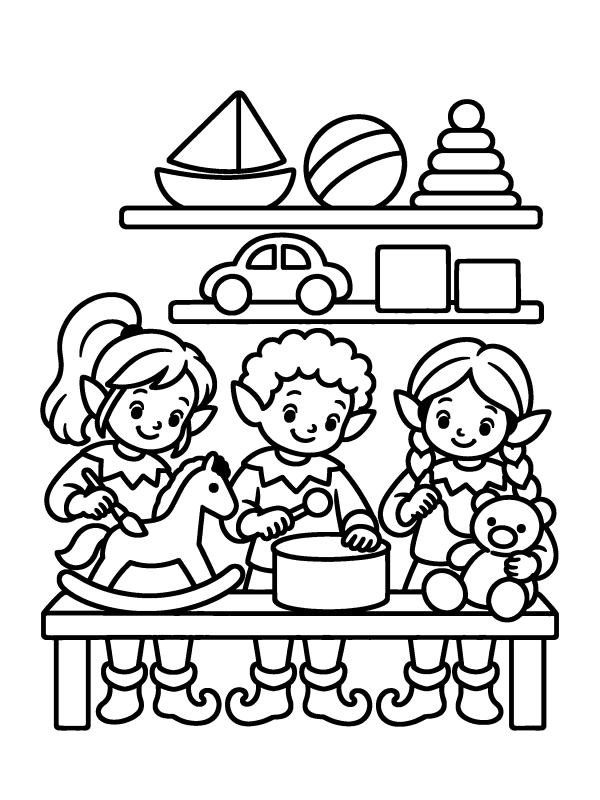
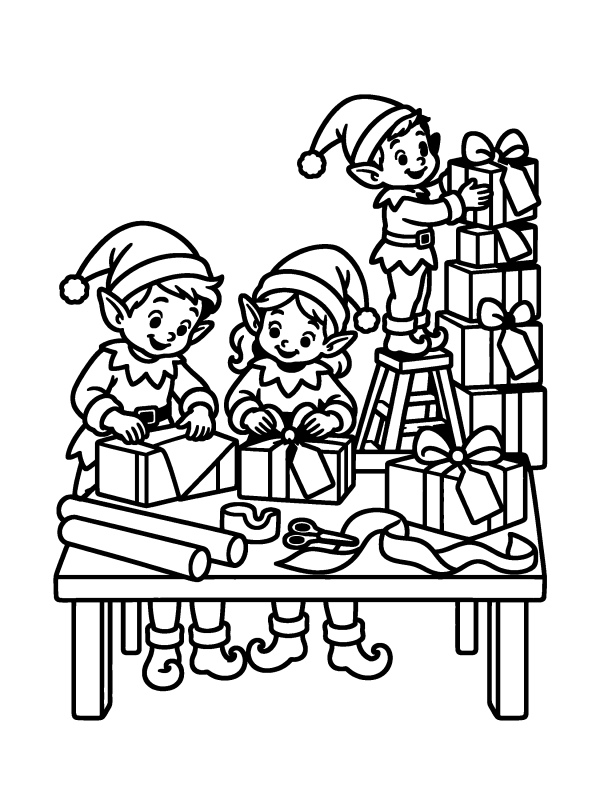
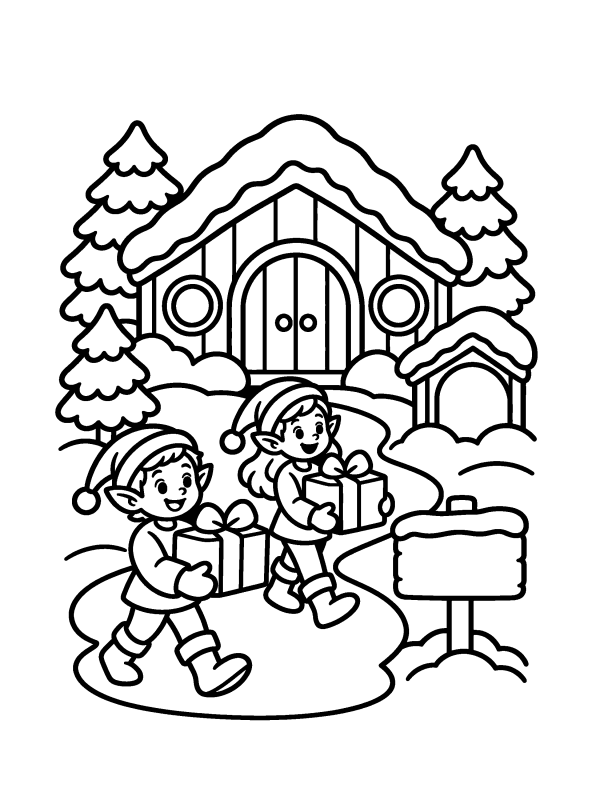
Elves & North Pole Coloring Pages (6)
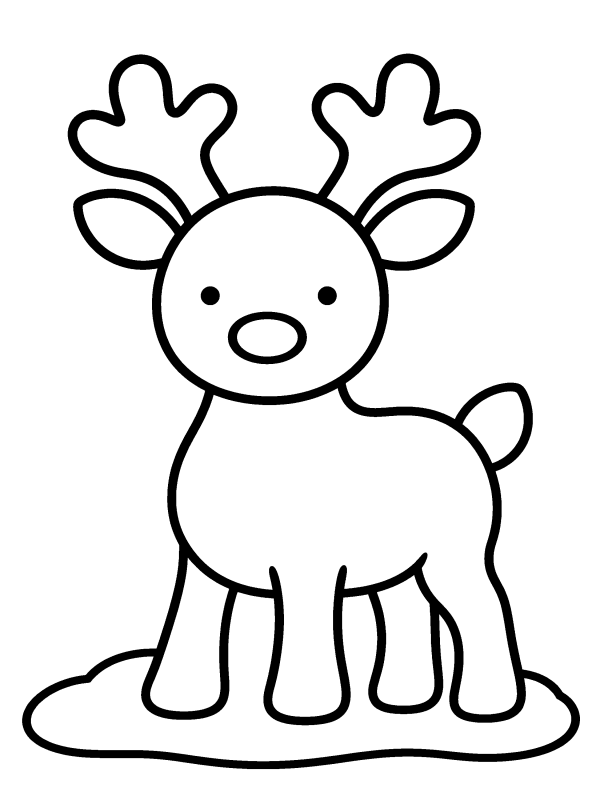
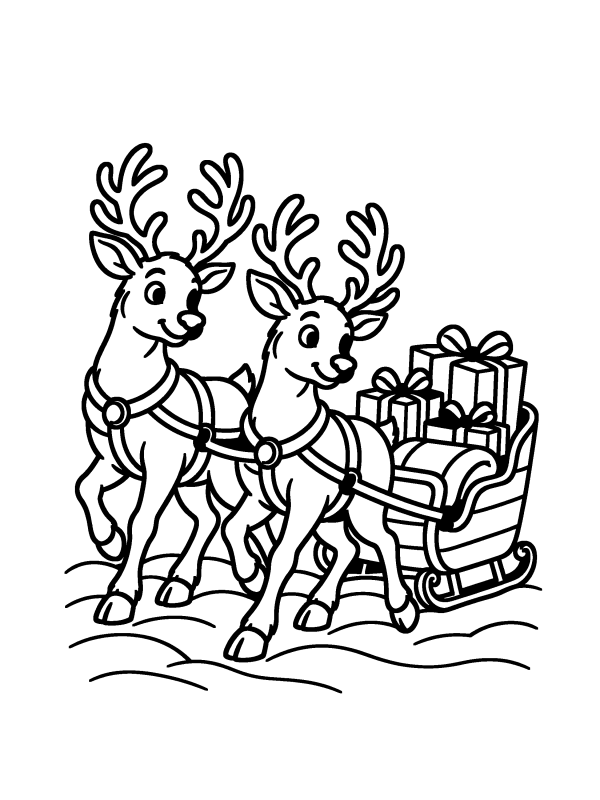
Reindeer Coloring Pages (6)
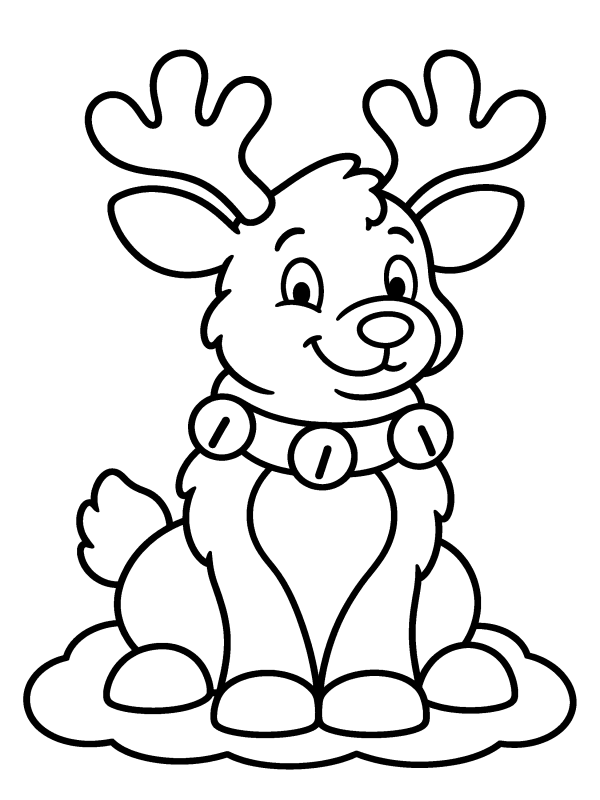
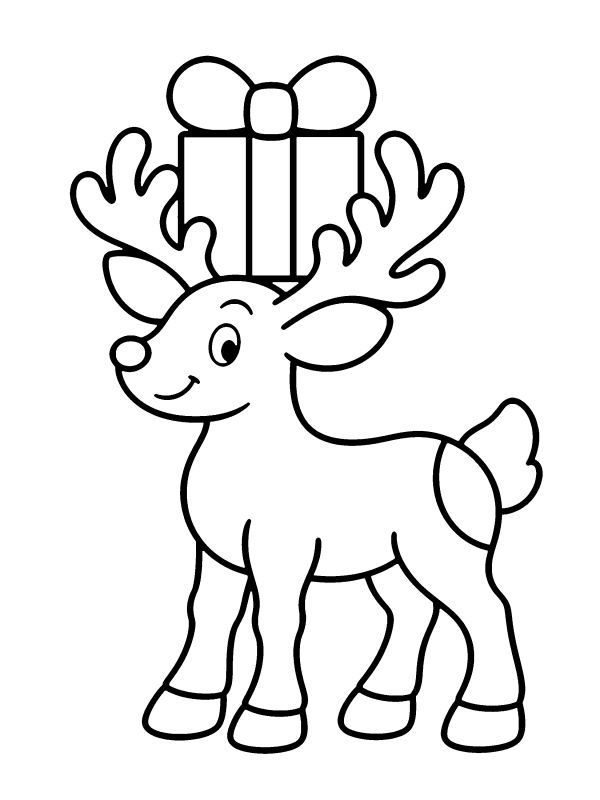
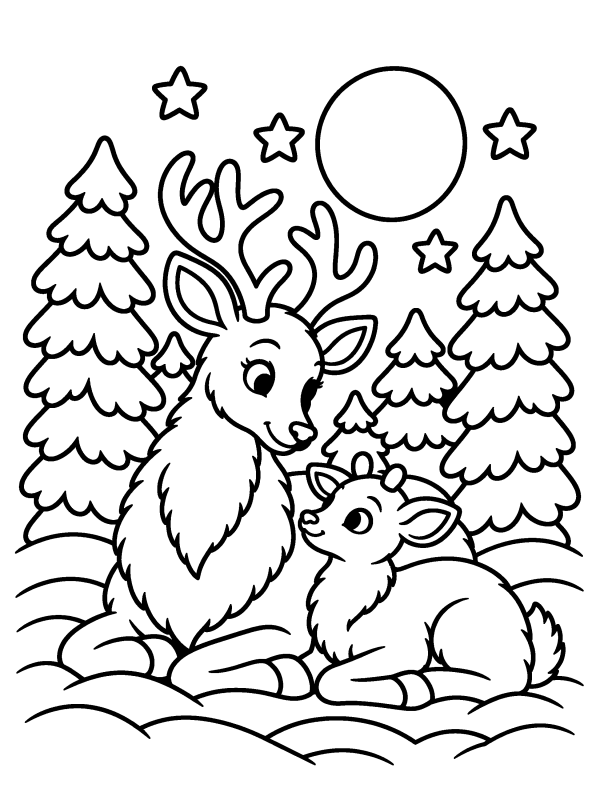
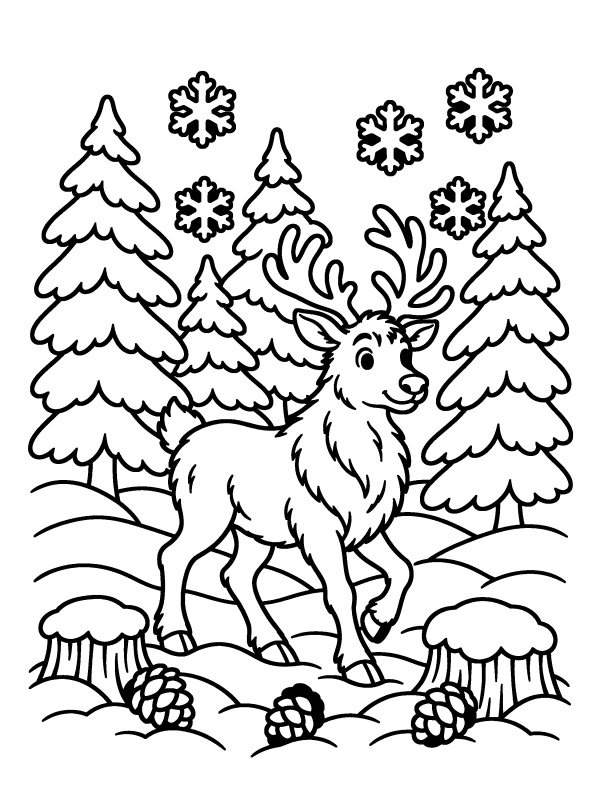
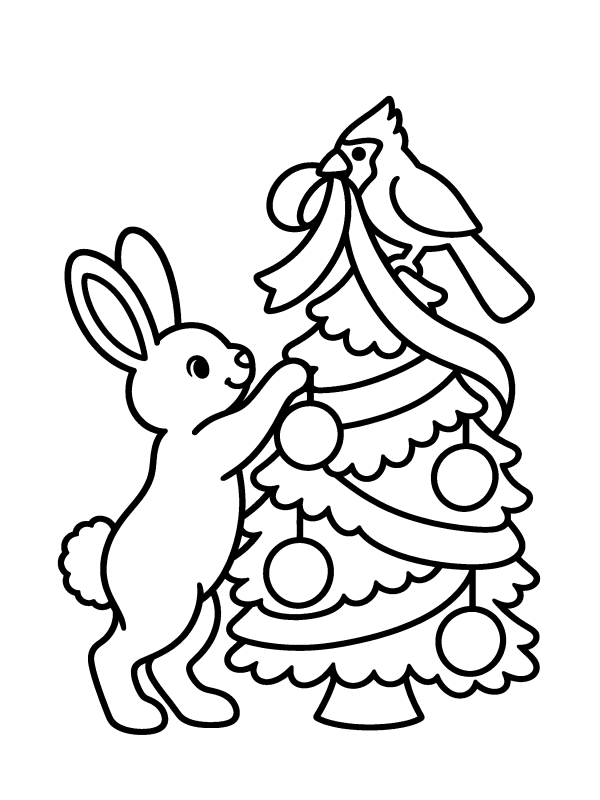
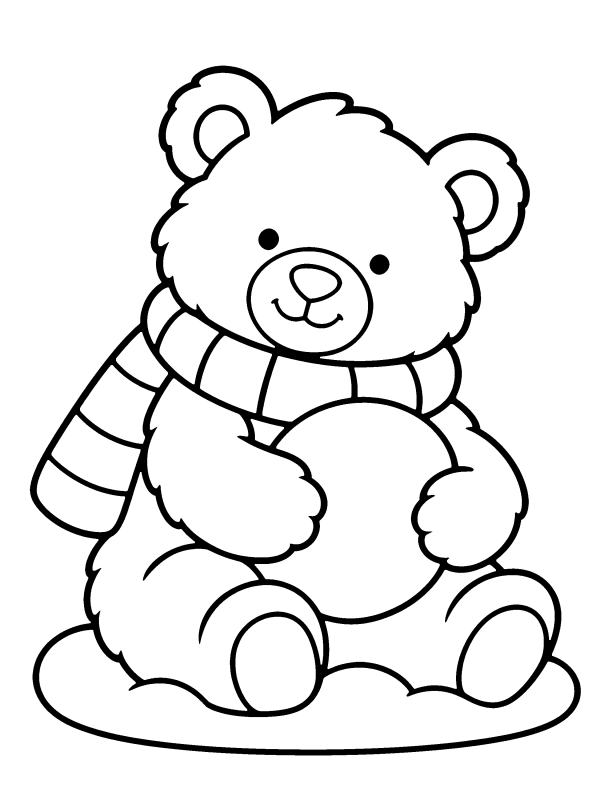
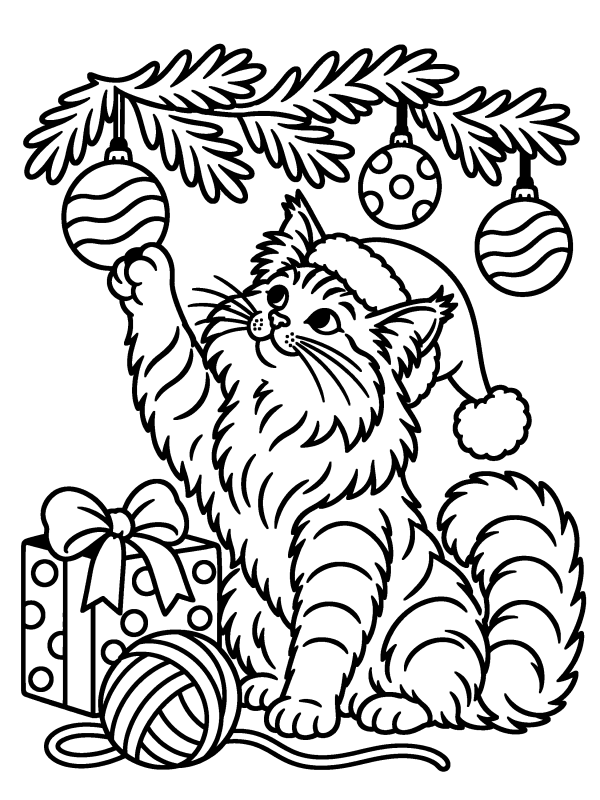
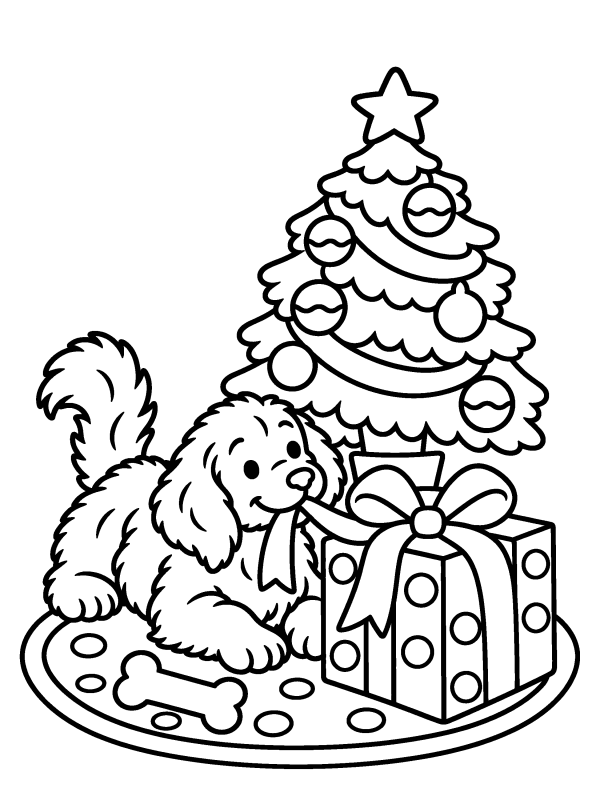
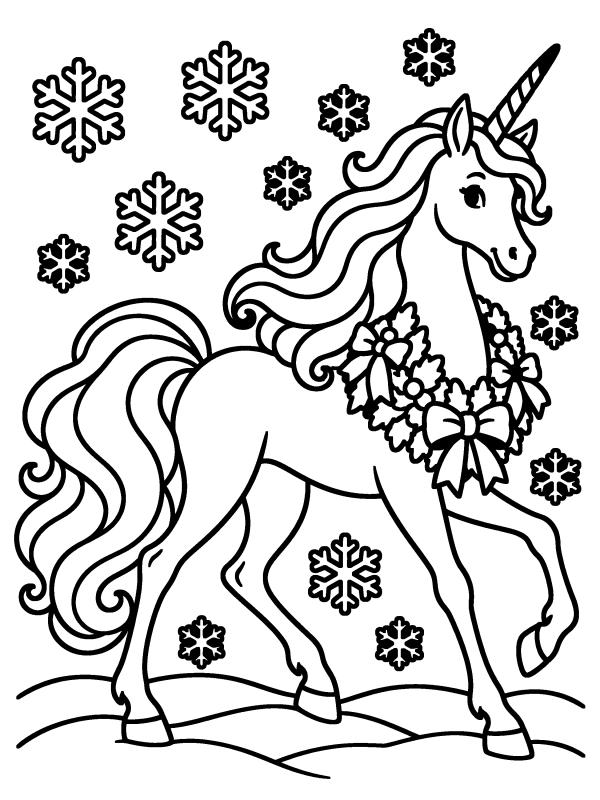
Christmas Animals Coloring Pages (6)

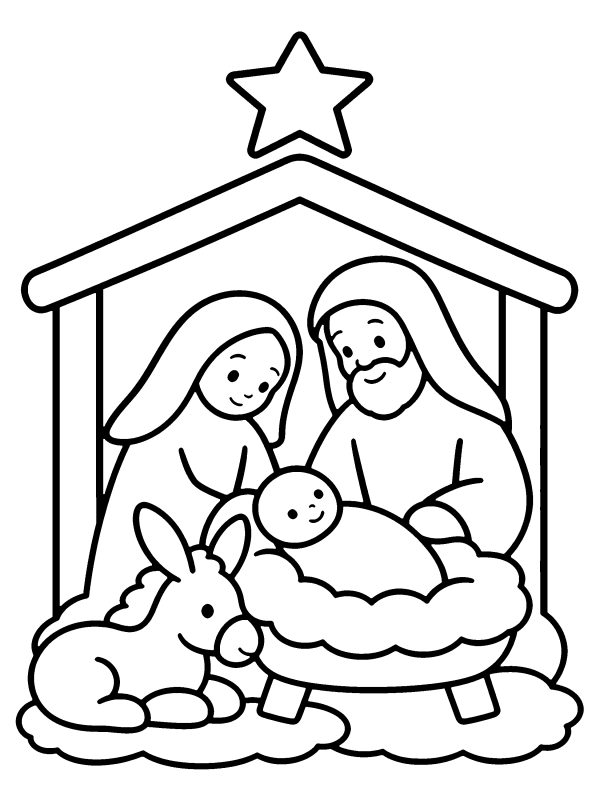
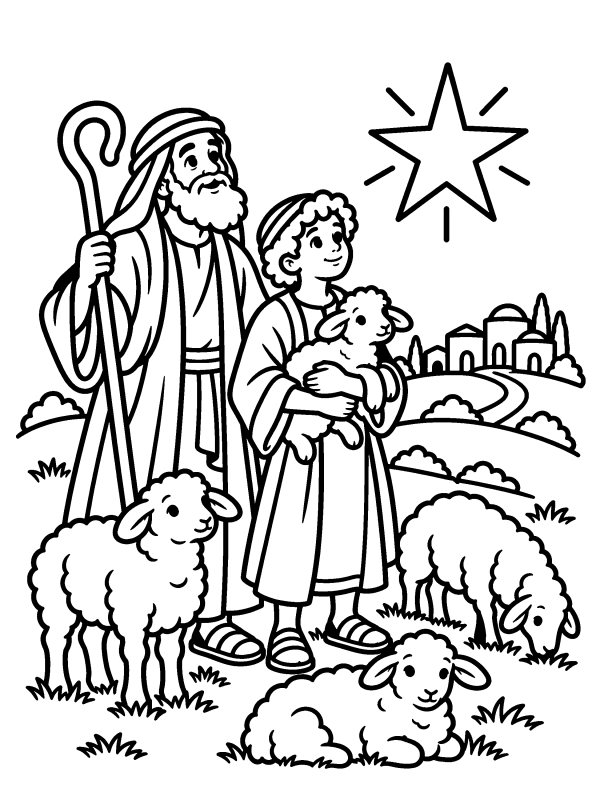
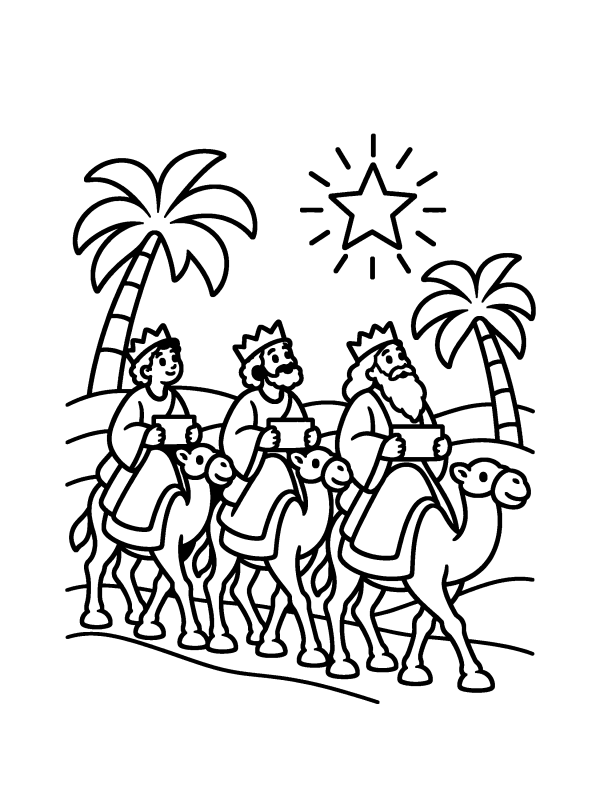
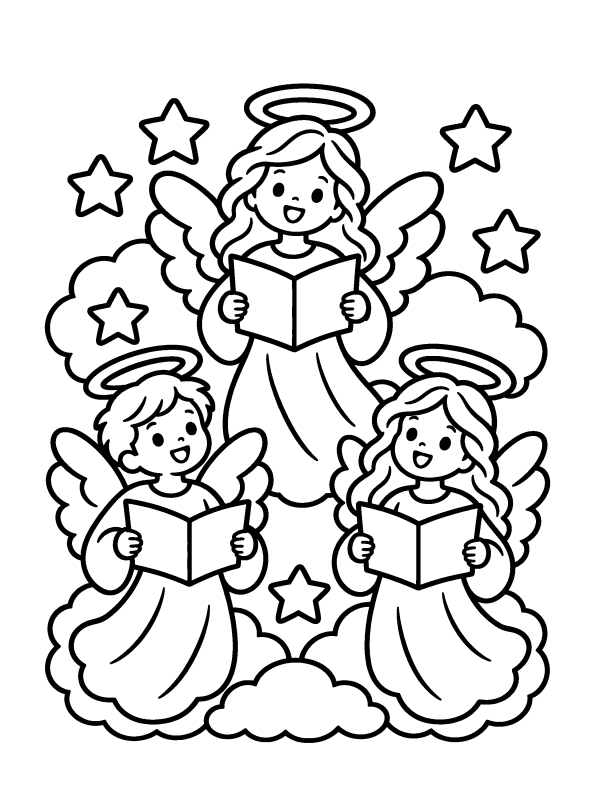
Nativity & Angels Coloring Pages (6)
Religious

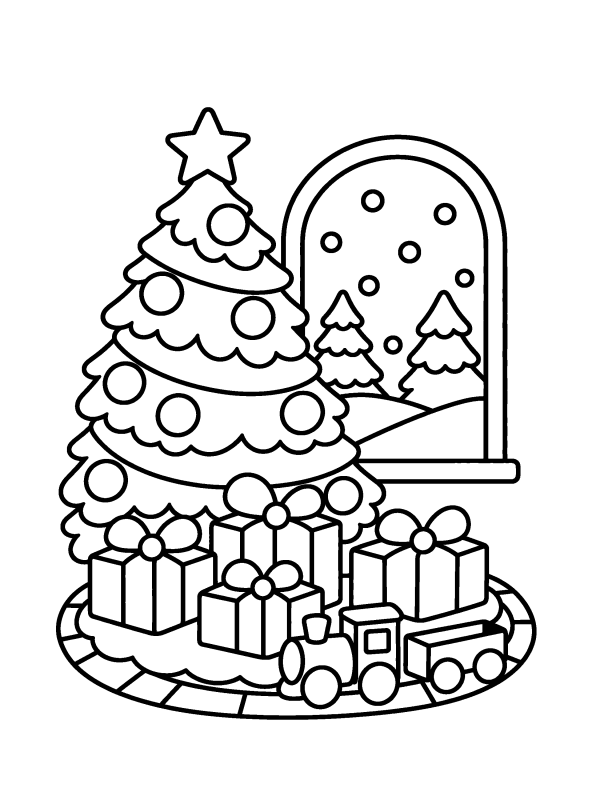
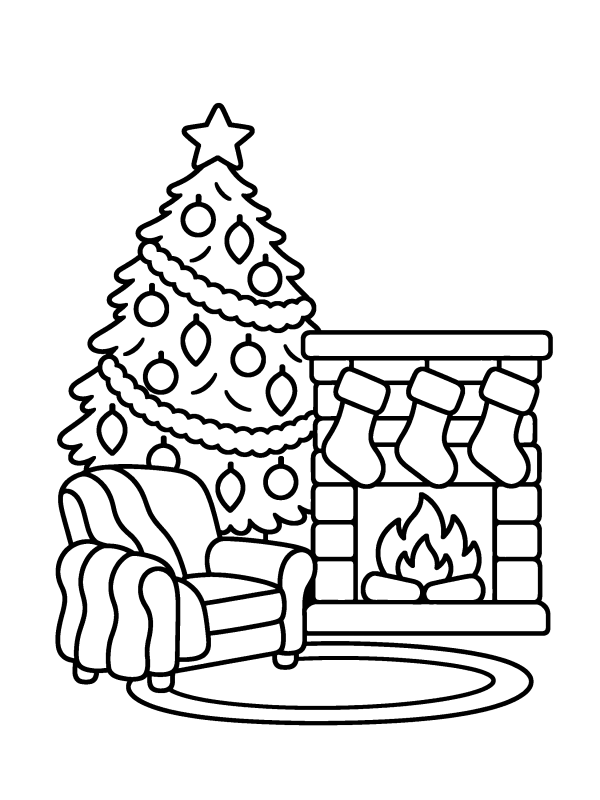
Cozy Christmas Coloring Pages (5)

Christmas Mandala Coloring Pages (3)
How to print or save a coloring page
- Tap or click Print / Download PDF under the picture. The PDF opens in a new tab.
- Print it at Actual size (100%). It is already set up for US Letter in portrait, so a white margin stays around the picture.
- Printing for a class or a group? Download all under a theme gives one PDF with every page of that theme and a Name: line at the bottom of each sheet.
- Want it on your phone or tablet? Tap Save image. On iPhone and iPad, choose Save Image in the share menu to put it in Photos.
Questions
How do I print a coloring page on US Letter paper?
Tap Print / Download PDF under the picture. The PDF opens in a new tab and is already set up for 8.5 × 11 inch paper in portrait. In the print dialog, choose Actual size or 100% so a white margin stays around the picture.
Which pages are best for toddlers and preschoolers?
Start with the pages marked ● Easy: they have thick lines and big areas, and some have only a few very large shapes, which is easiest with crayons. ◆ Medium pages have more and smaller areas for kids who already like to color with pencils.
Can I print a whole section at once?
Yes. Under each theme, Download all opens one PDF with every page of that theme, for example all the Santa Claus pages. Each sheet has a Name: line in the bottom margin, handy for a class or a group.
Are there non-religious pages for school?
Yes. Only the Nativity & Angels section, marked Religious, has Bible-story pages. Every other section has general holiday pictures such as Santa, Christmas trees, snowmen, gingerbread and reindeer.
Do I need to sign up or give an email?
No. Every page is free to print or save, with no account, no email and no watermark.
How do I save a picture on my phone or iPad?
Tap Save image under the picture. On iPhone and iPad the share menu opens: choose Save Image to put it in Photos. On other phones and on computers the PNG goes to your Downloads folder. For printing, the PDF is better because it fits a US Letter sheet exactly.