
City & Rain iPhone Duo Wallpapers
Neon alleys in the rain, café windows, light trails, rooftops, canals at blue hour and a late-night train crossing the river. Every pair comes in both sizes: closed, you see one half; open, the whole scene comes together. No text on the pictures.
Tap or click a phone to open it like a book, and again to close it. The buttons below each phone work too.
City & Rain iPhone Duo Wallpapers
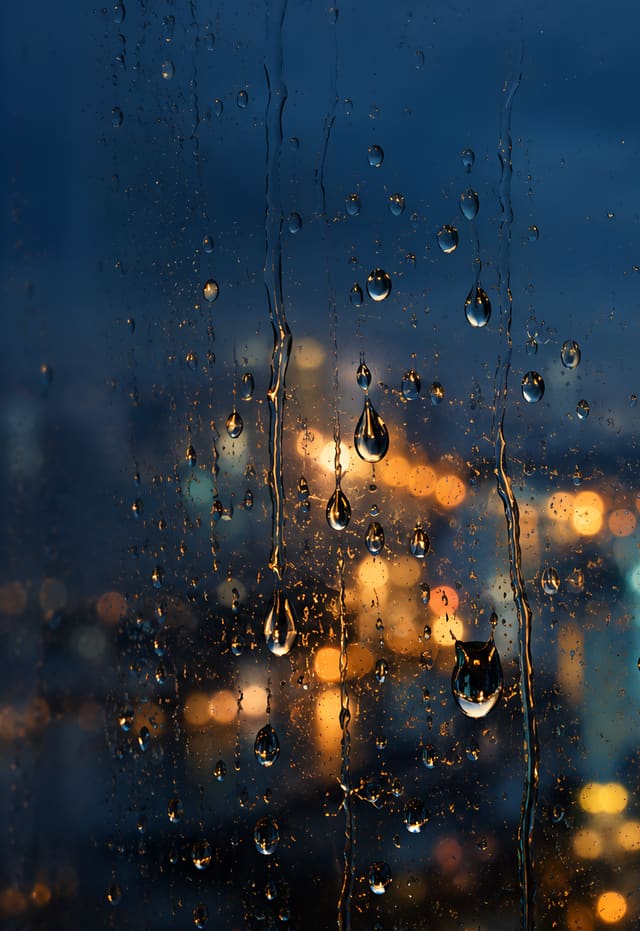
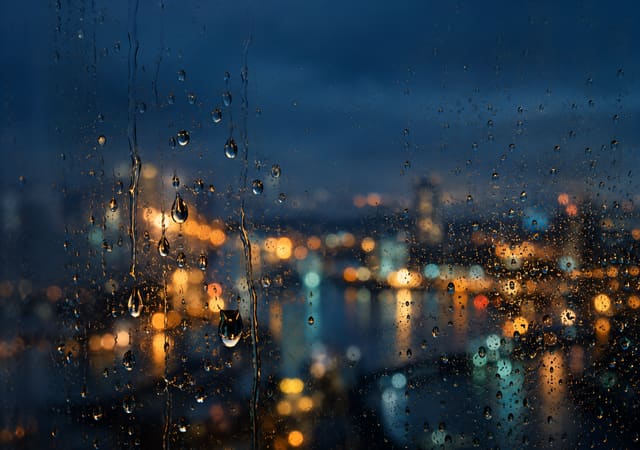
Rainy Window Lights
Every pair comes in both sizes: closed, you see one half; open, the whole scene comes together. No text on the pictures. Tap or click a phone to open it like a book, and again to close it.


Christmas Market Stalls at Blue Hour
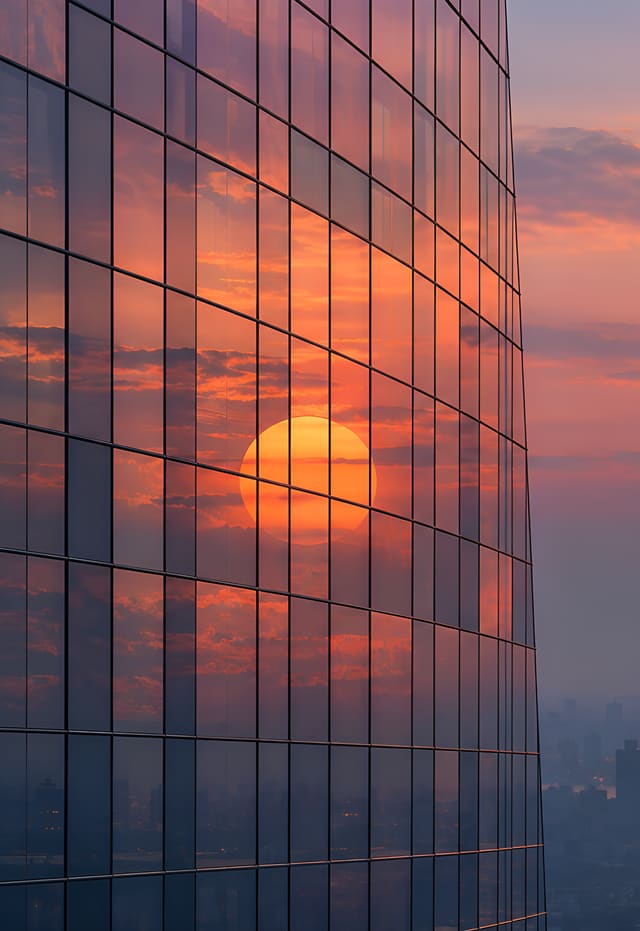
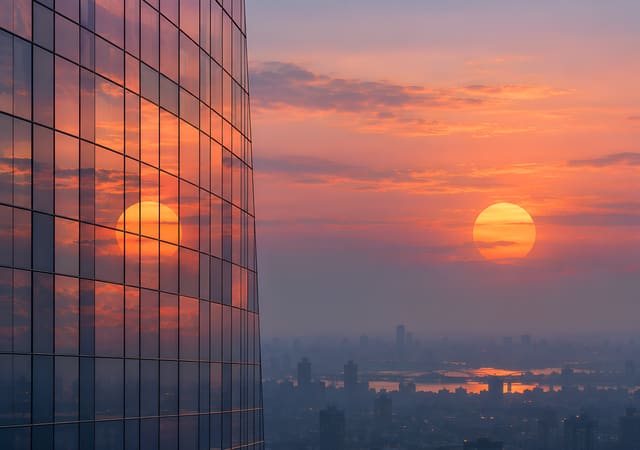
Sunset Mirrored in a Glass Tower
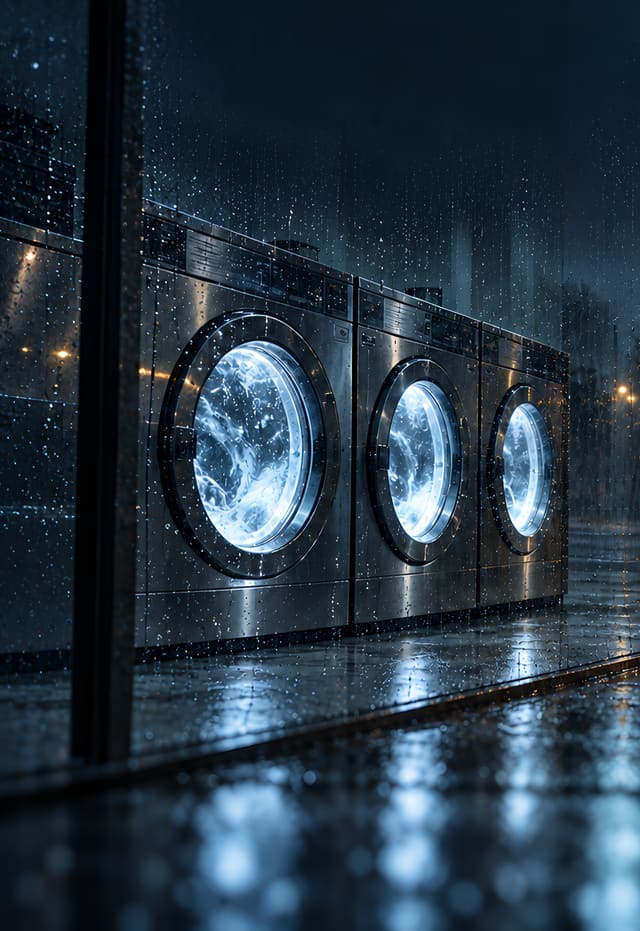
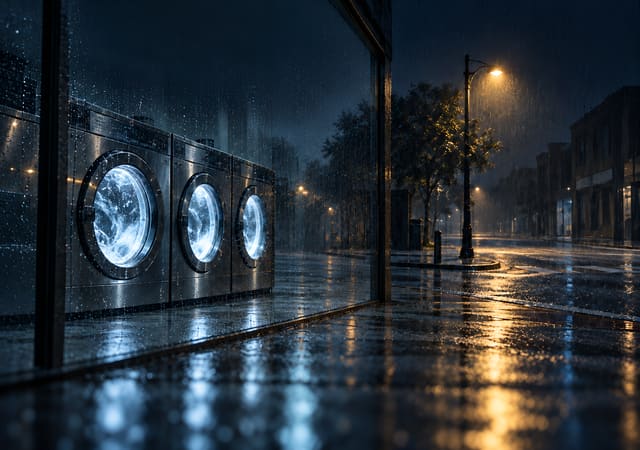
Laundromat on a Rainy Night
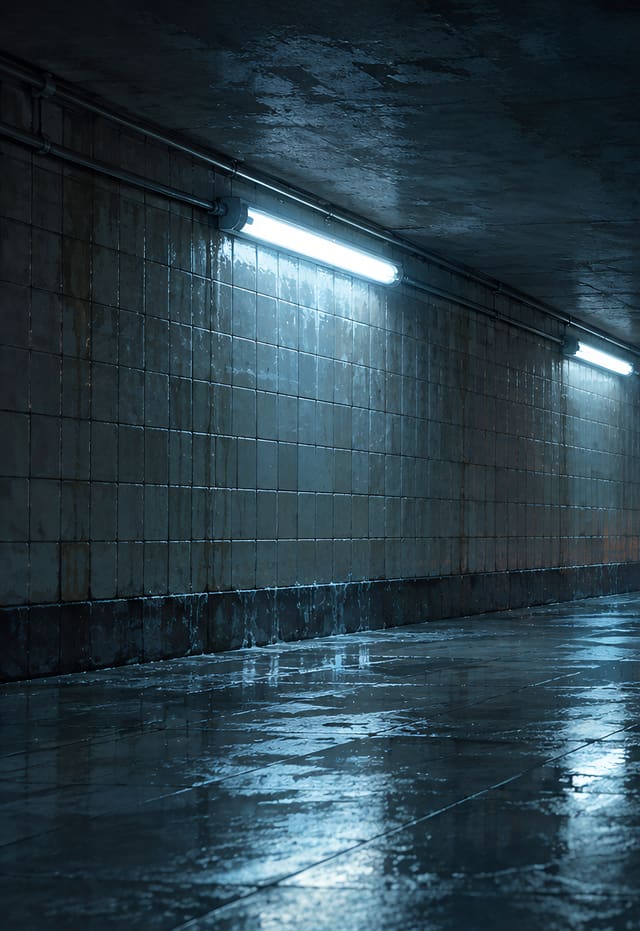
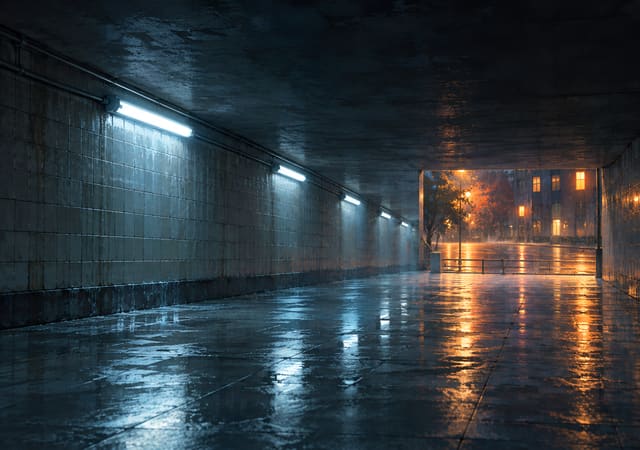
Underpass Opening onto a Rainy Street
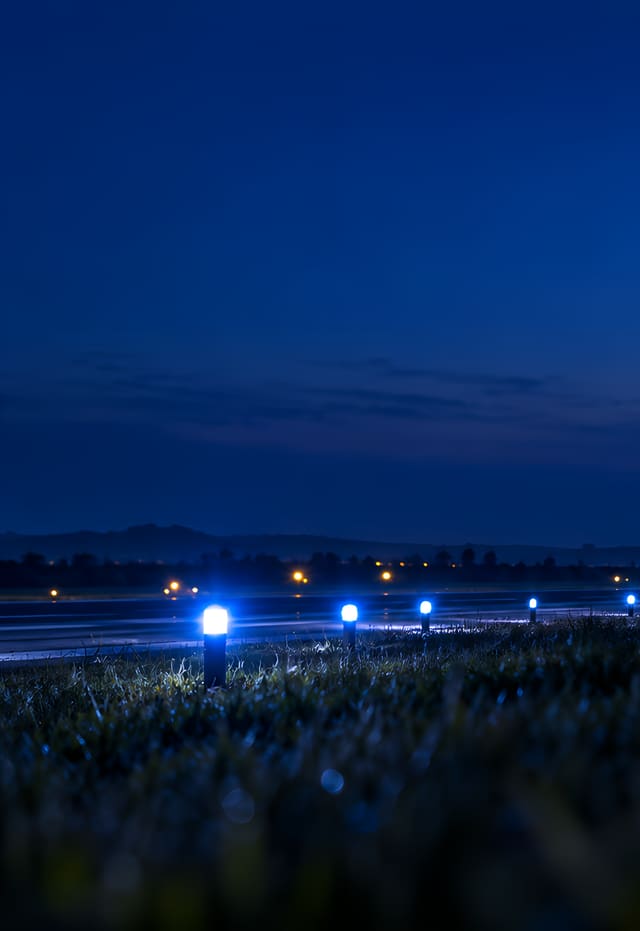

Runway Lights at Nightfall
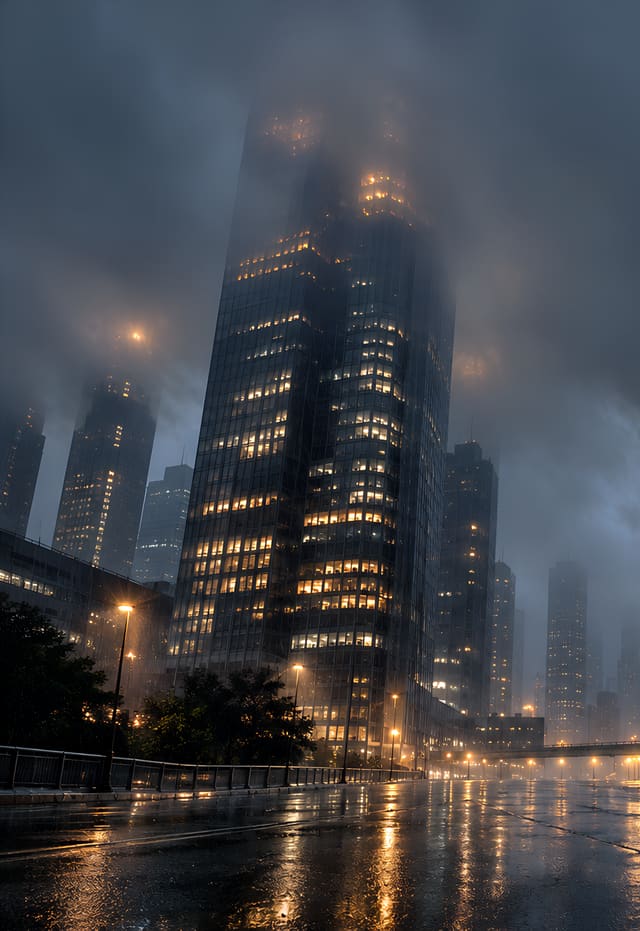
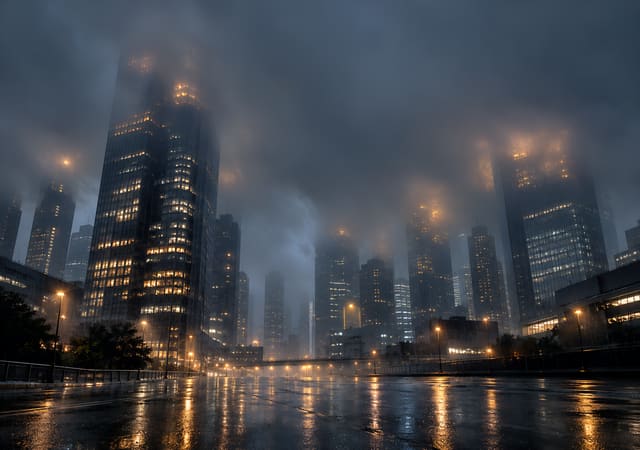
Skyscrapers Vanishing into Rain Clouds
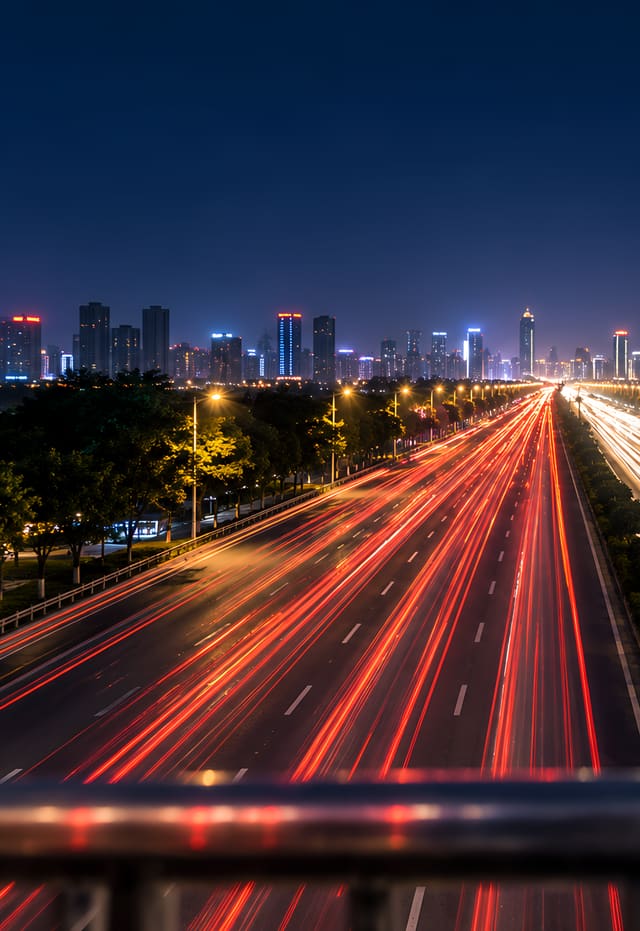
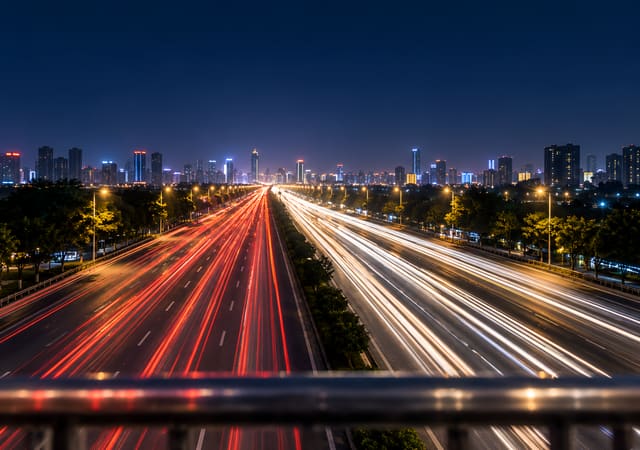
Car Light Trails from a Footbridge
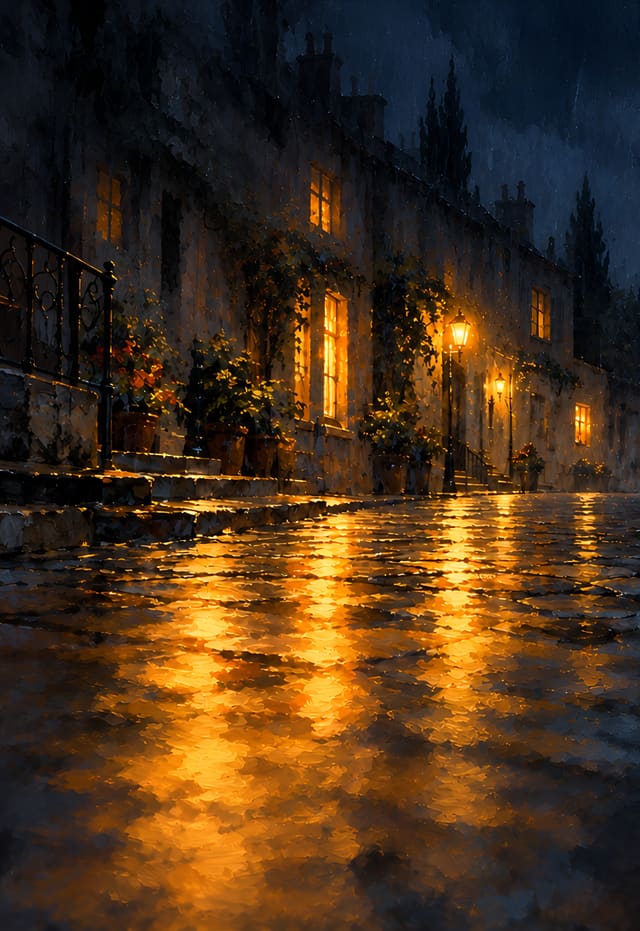
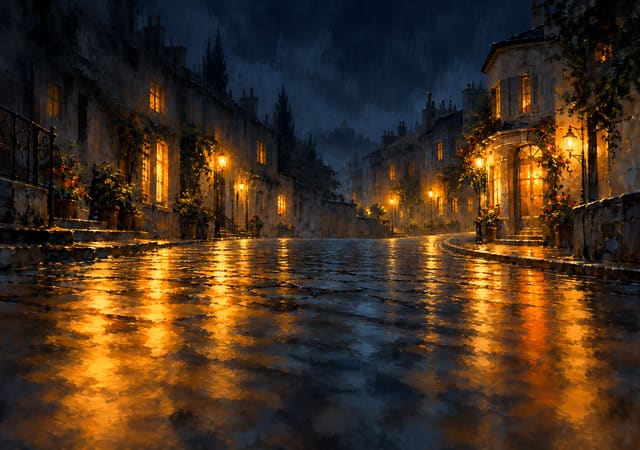
Lamplight on Rain-Wet Cobblestones
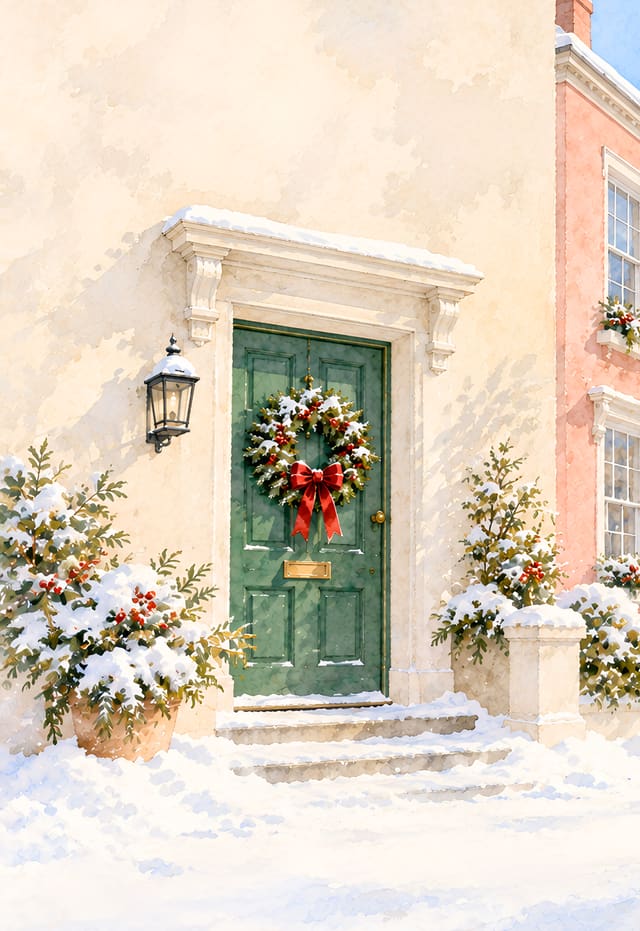
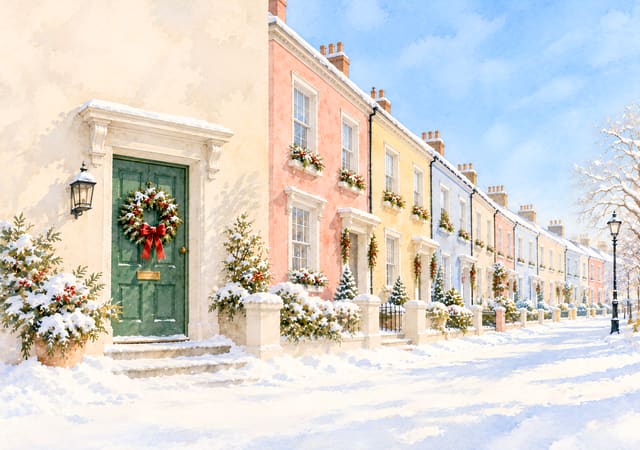
Christmas Wreath and a Row of Pastel Houses


Little Harbor Town at Night
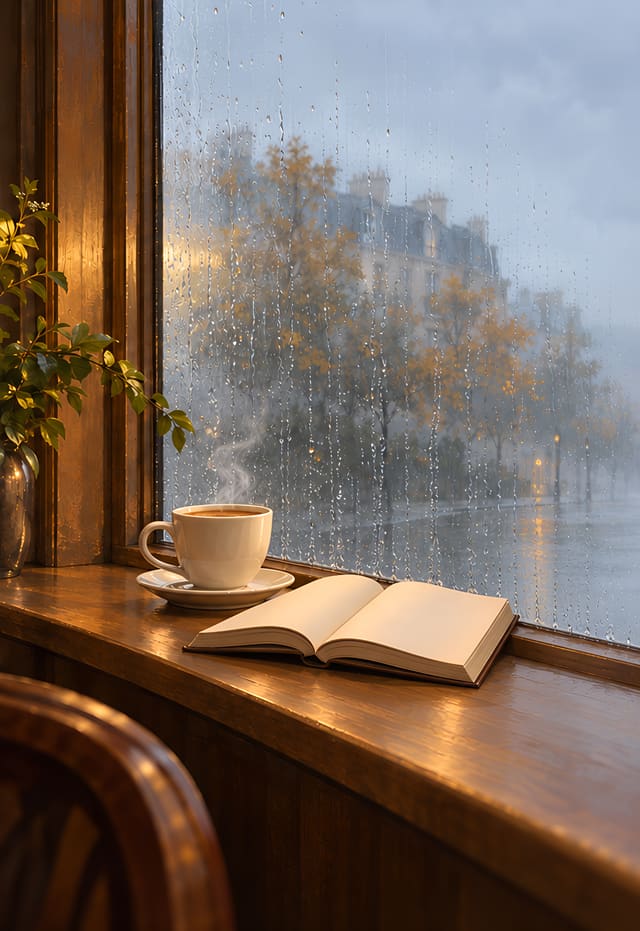
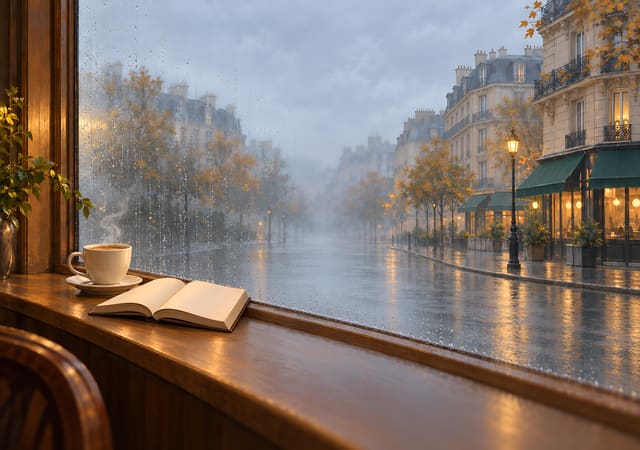
Corner Café on a Rainy Afternoon
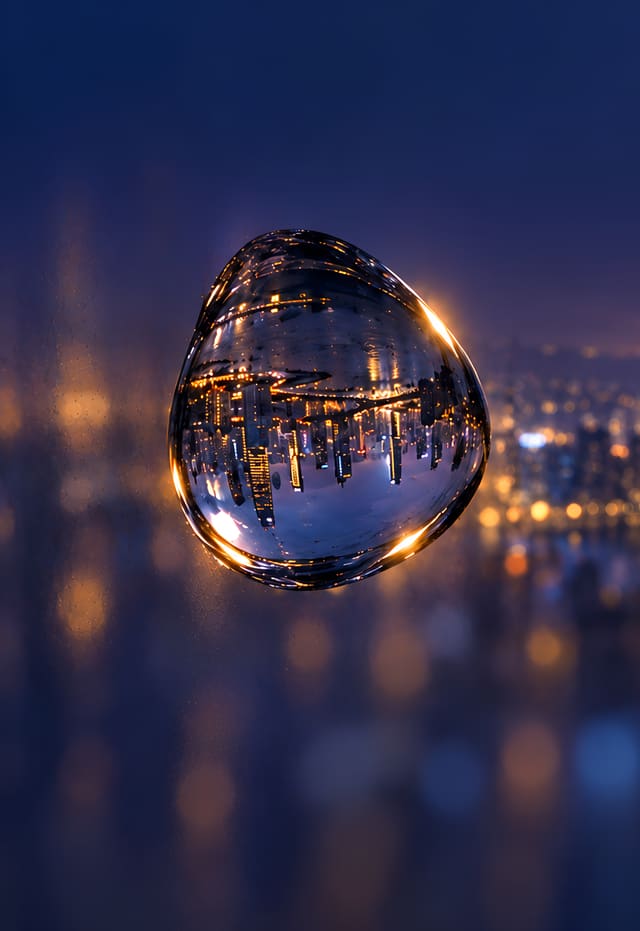

Upside-Down City in a Raindrop
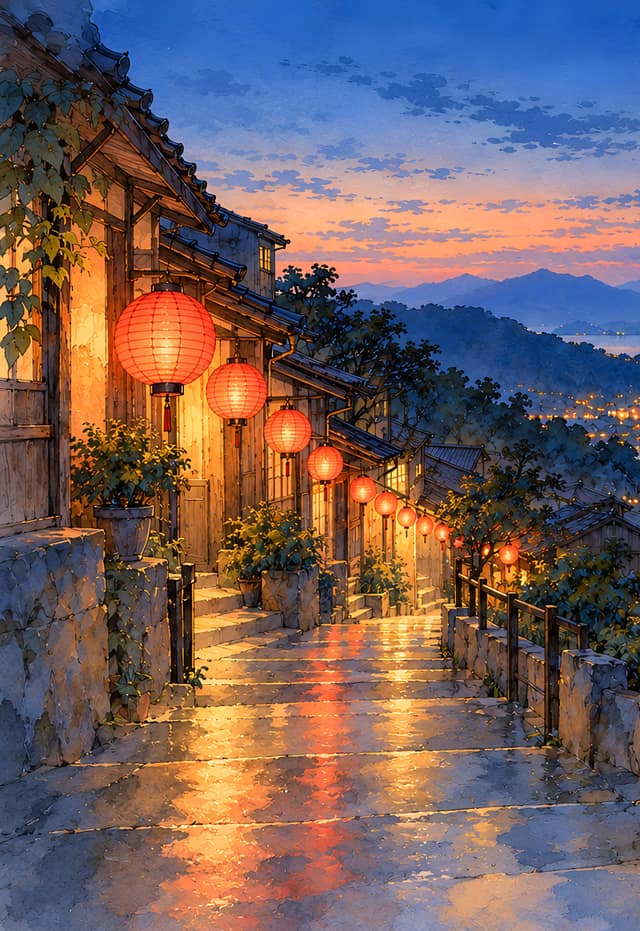

Lantern Steps above the Bay
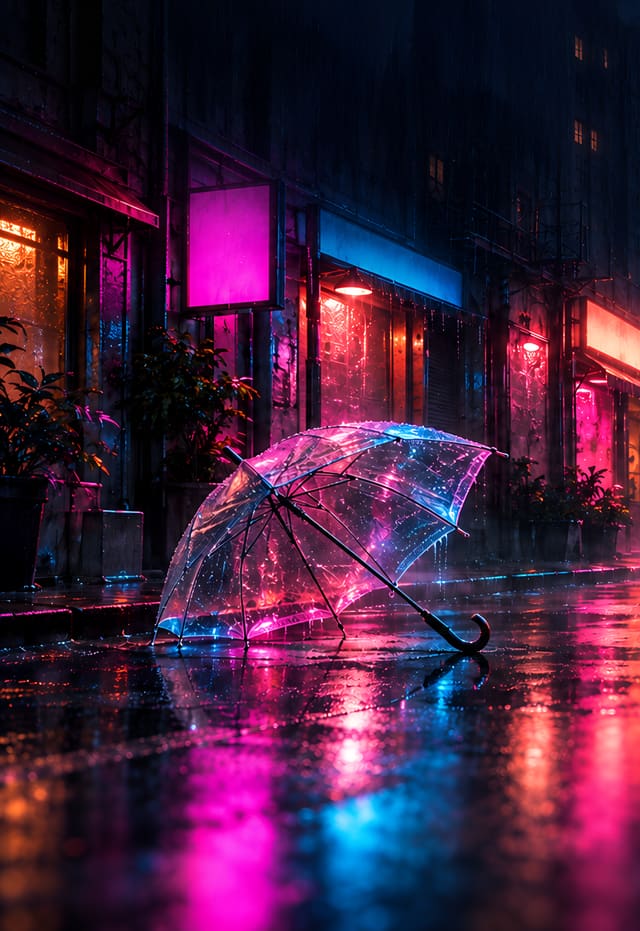
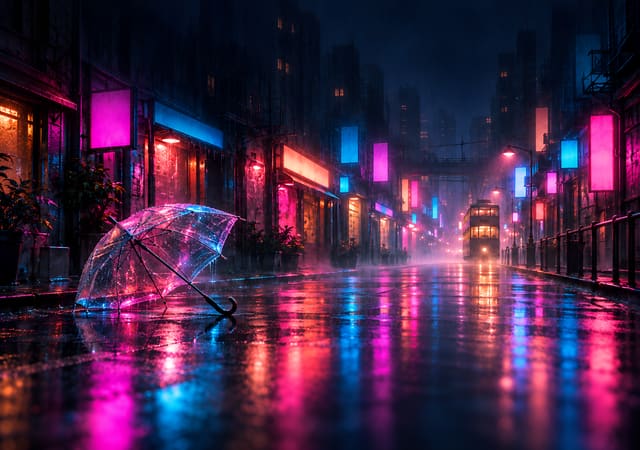
Clear Umbrella in the Neon Rain
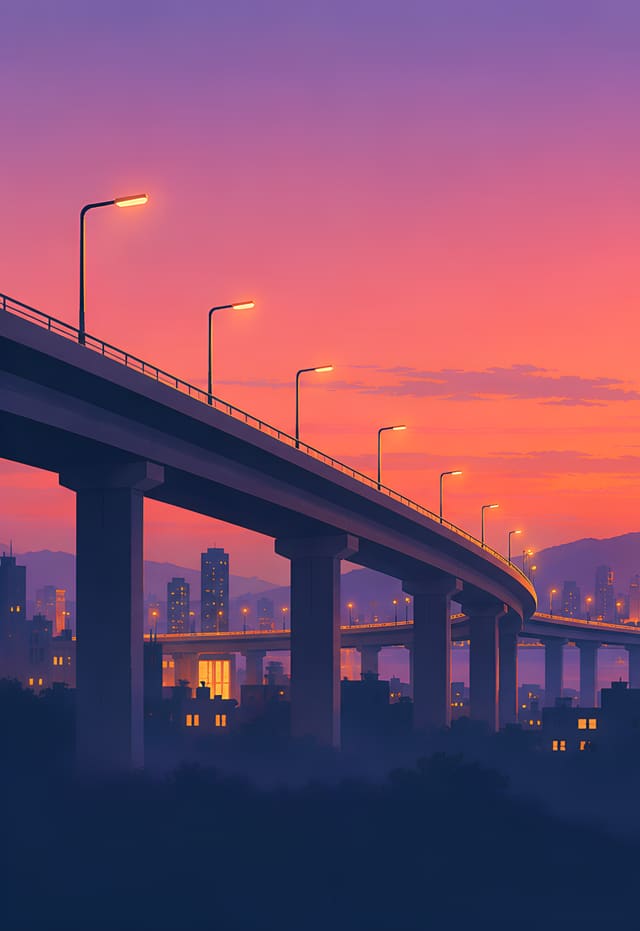
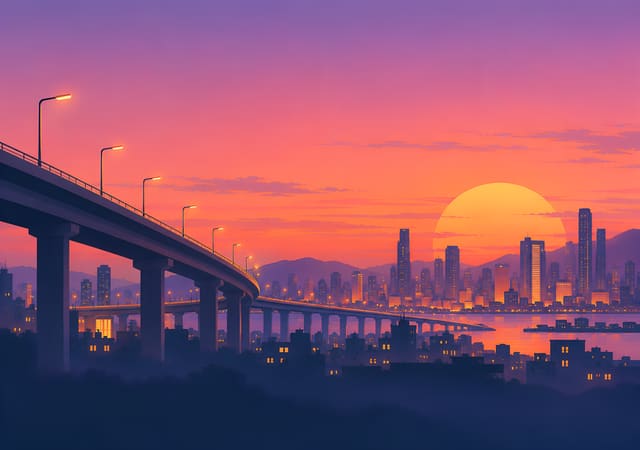
Elevated Highway at Sunset
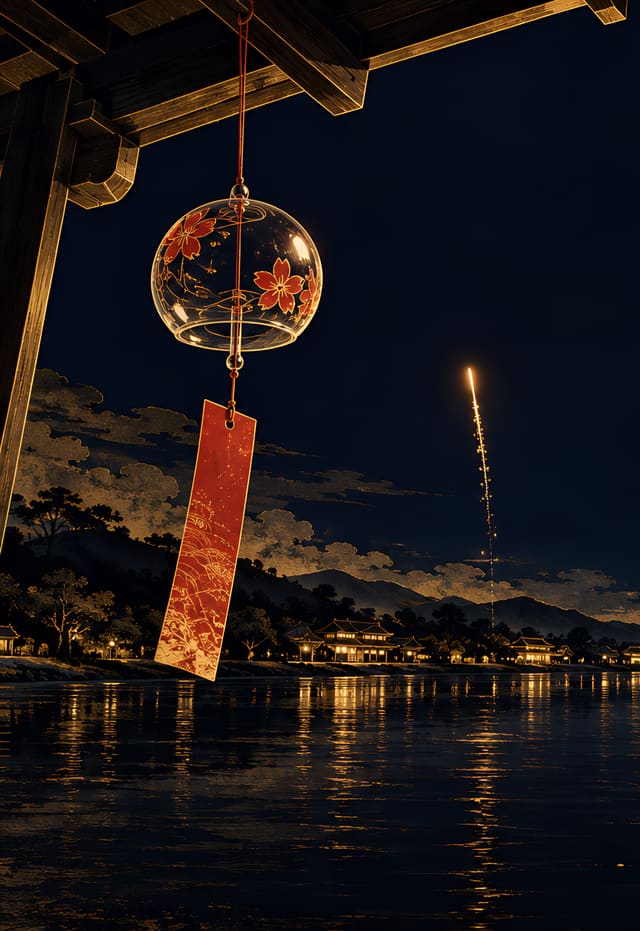
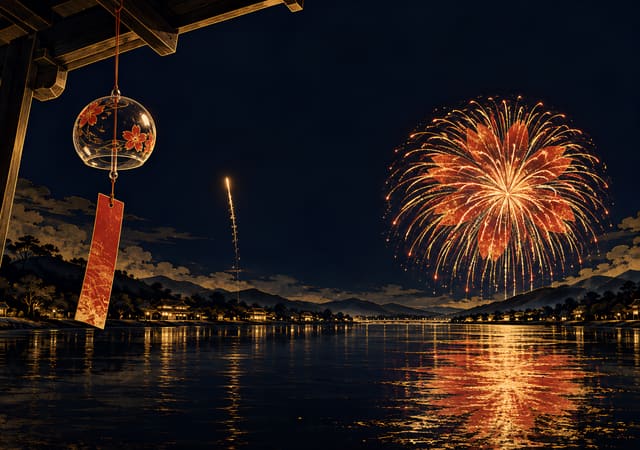
Wind Chime and Fireworks over the River


Container Cranes at Blue Hour
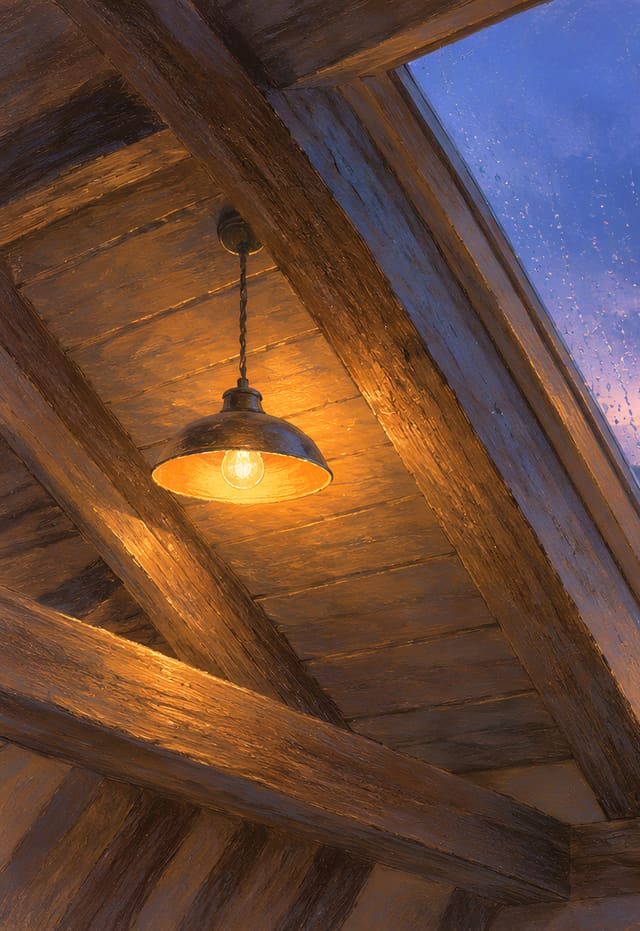
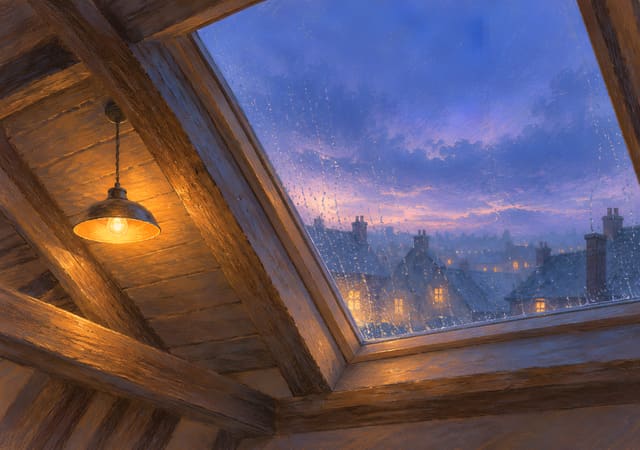
Attic Skylight in the Rain
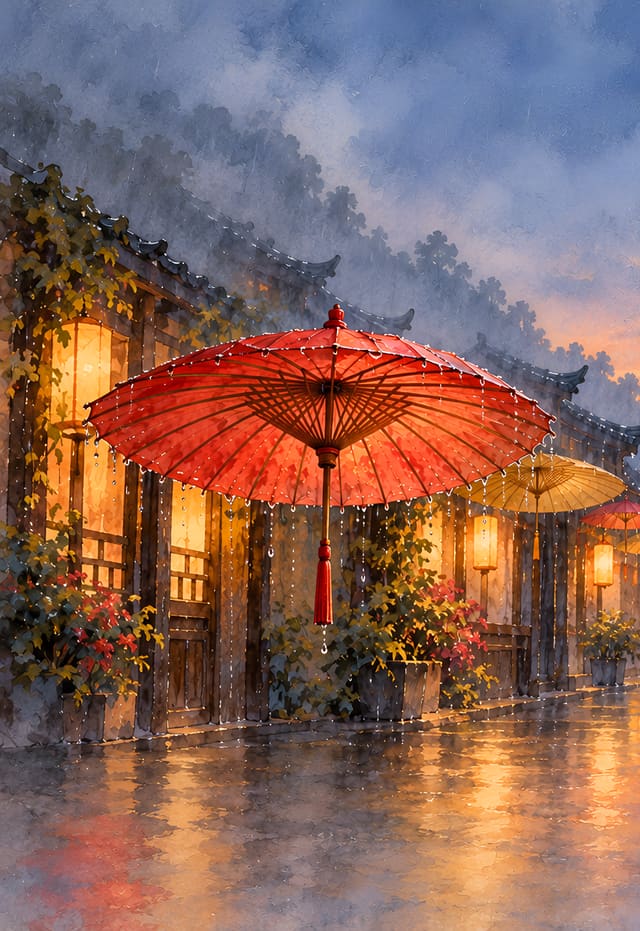

Oil-Paper Umbrellas in the Rain
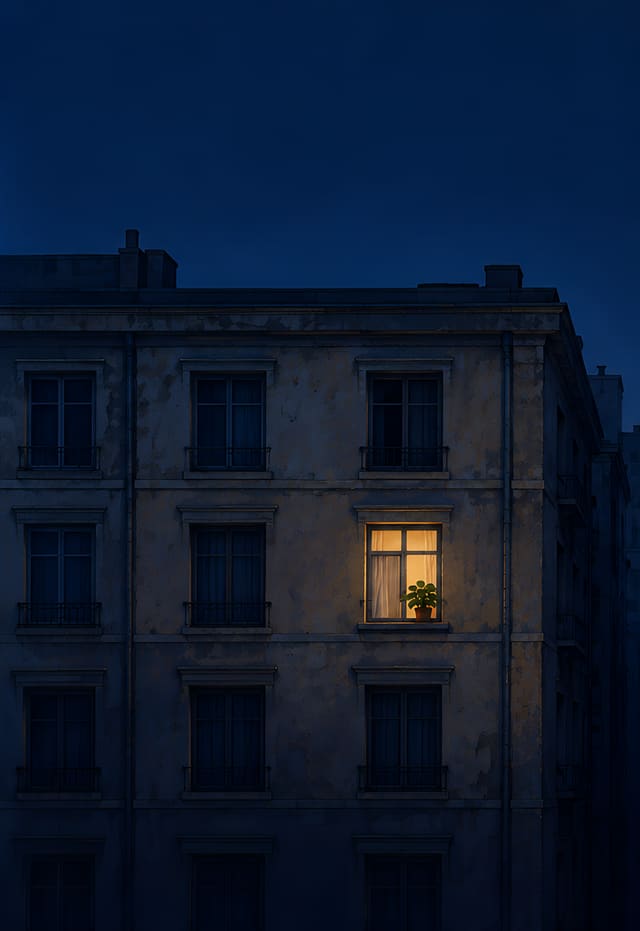
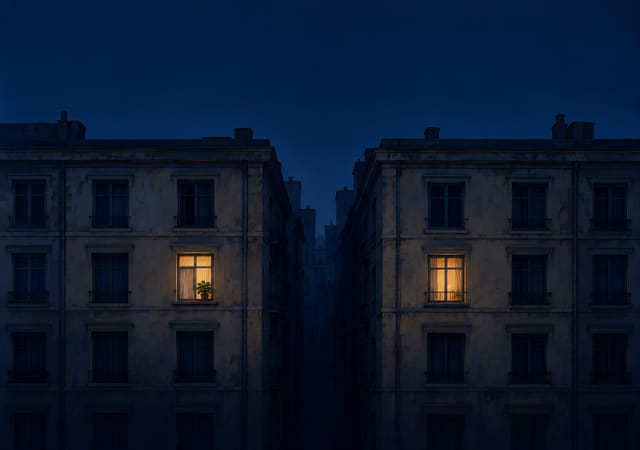
Two Lit Windows in the Night
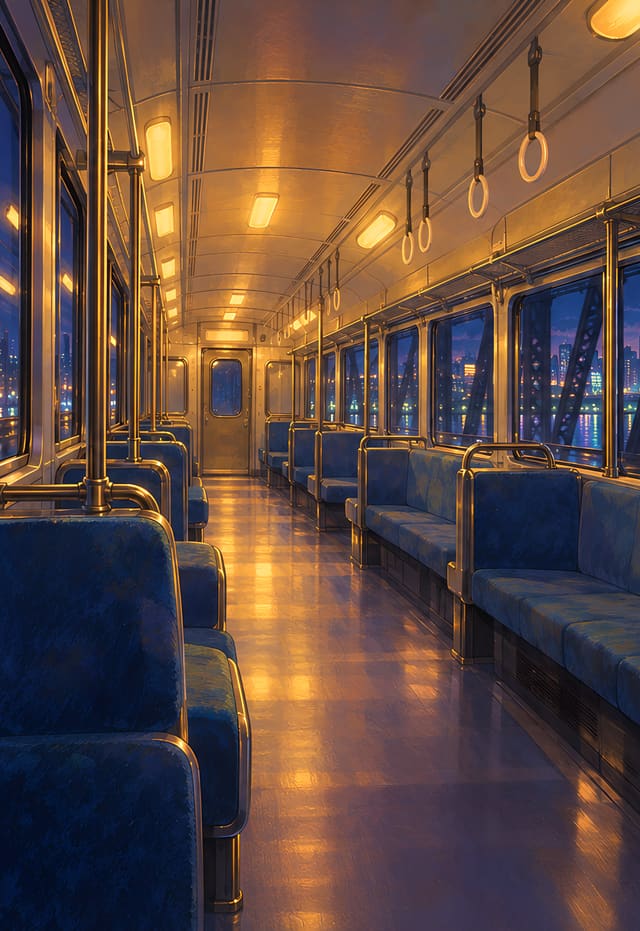
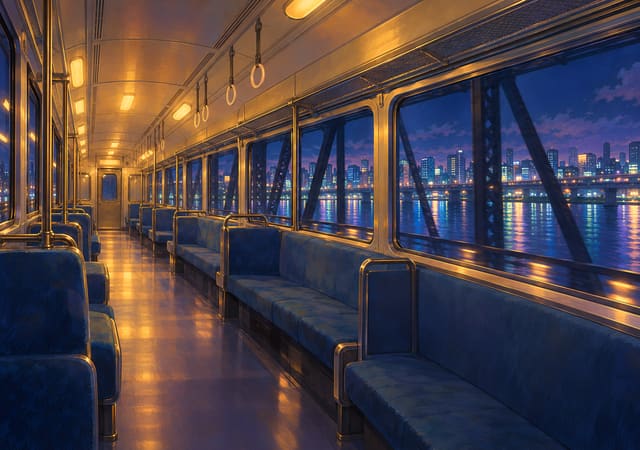
Last Train across the River
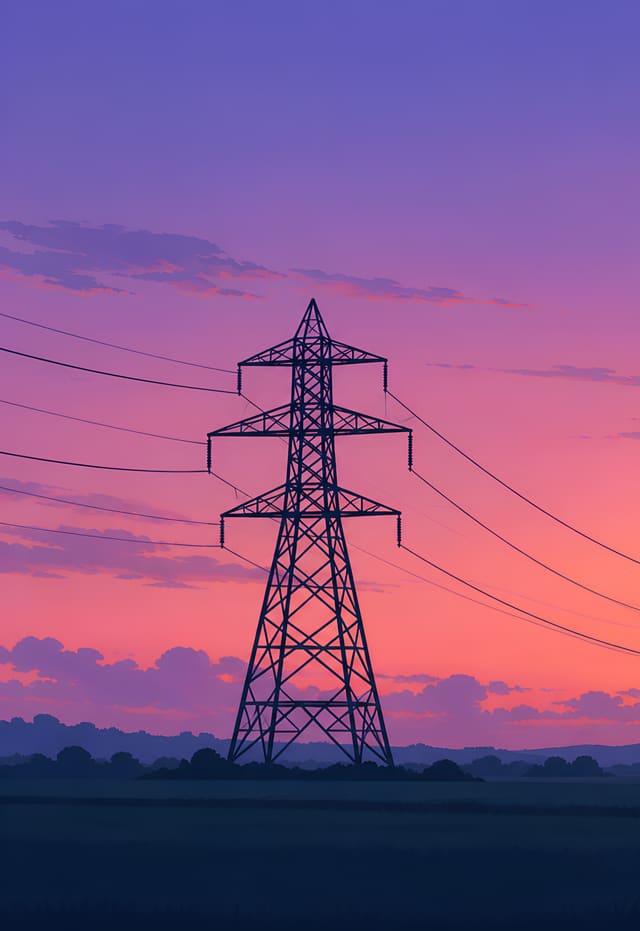
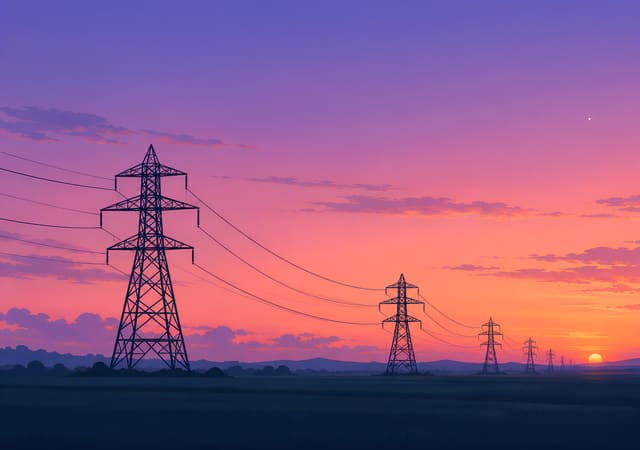
Power Pylons at Dusk


Red Slide in a Rainy Playground
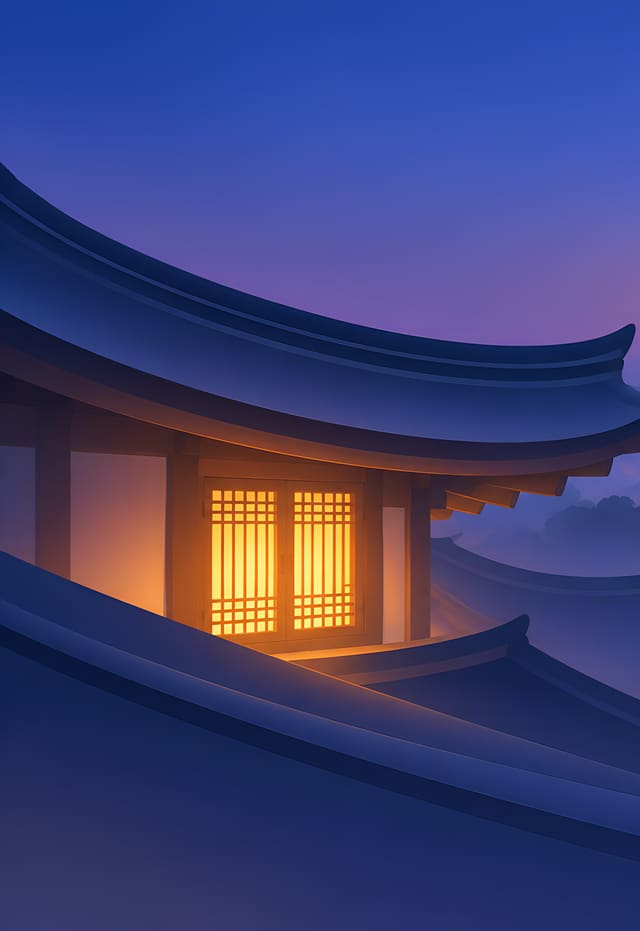

Curved Tile Eaves and a Glowing Lattice Window


Breakfast Steamers in the Morning Sun


Rain Curtain and a Misty Garden
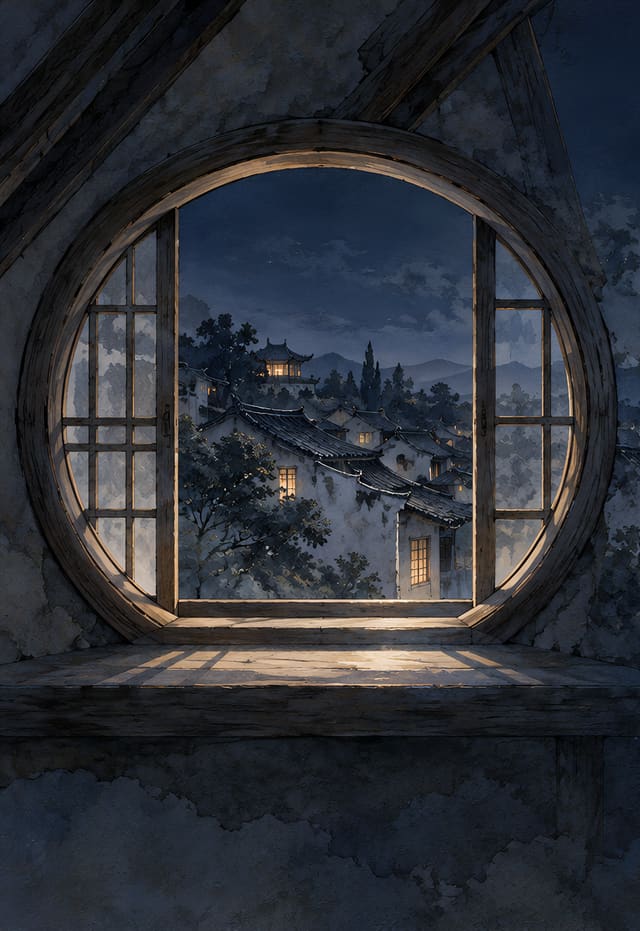
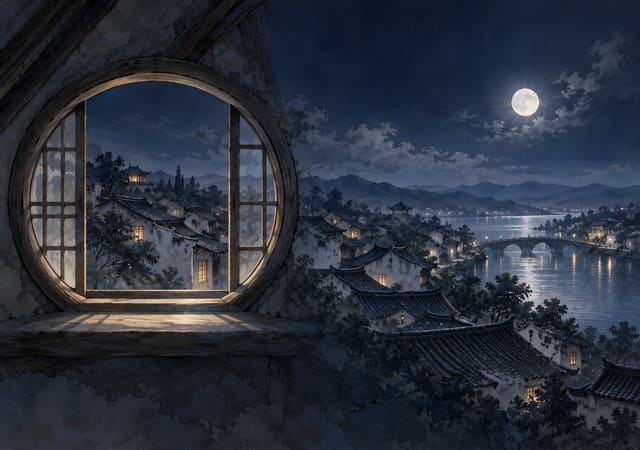
Round Attic Window over a Moonlit Town


Terracotta Roofs above a Sunset Bay
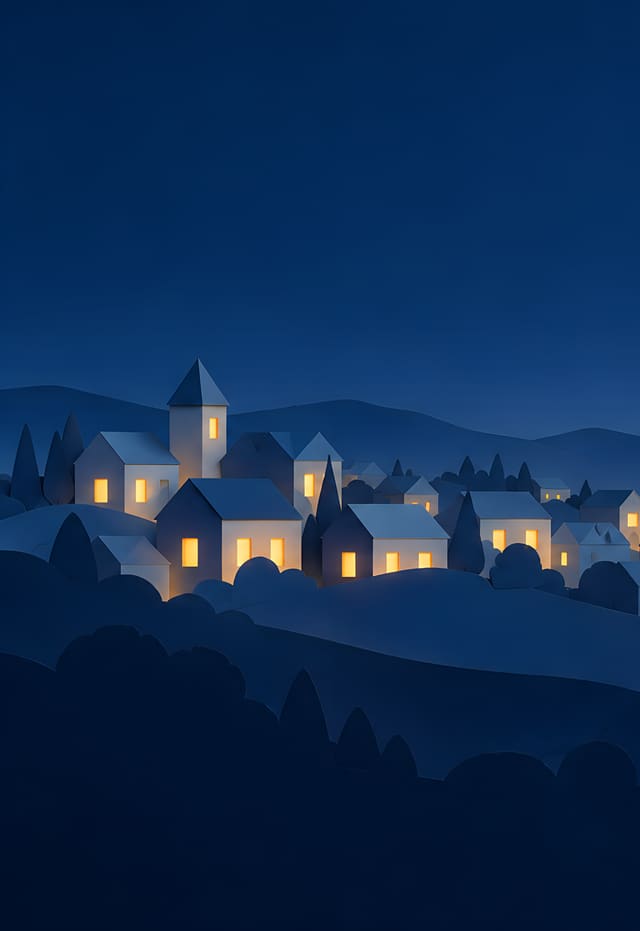
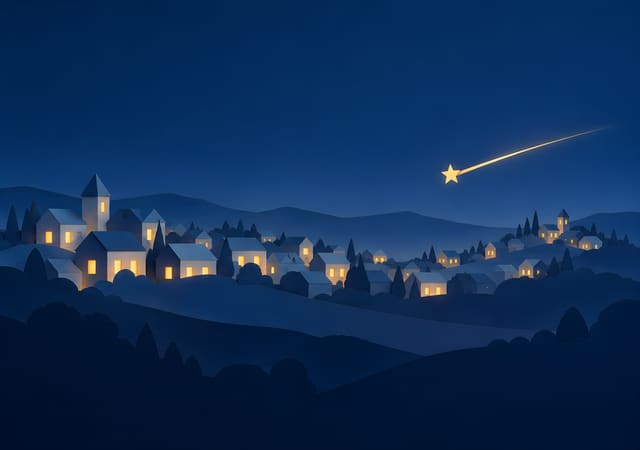
Shooting Star over a Paper-Cut Town
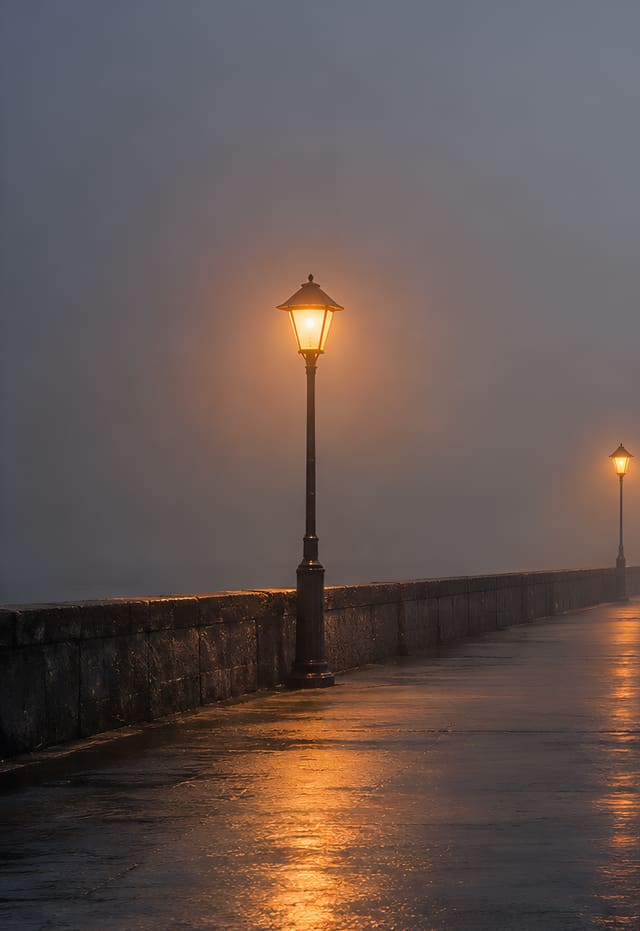
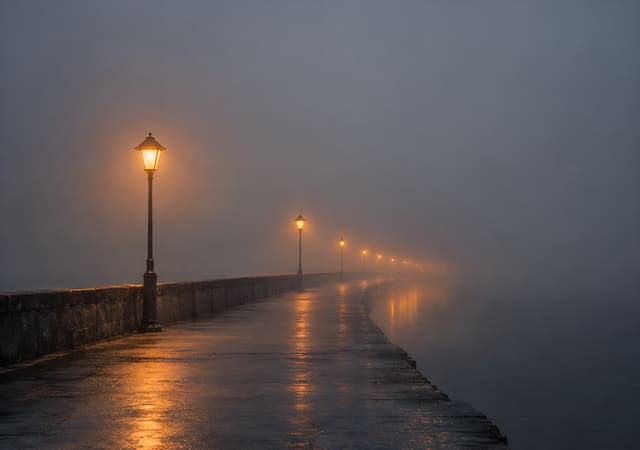
Embankment Lamps Fading into the Fog
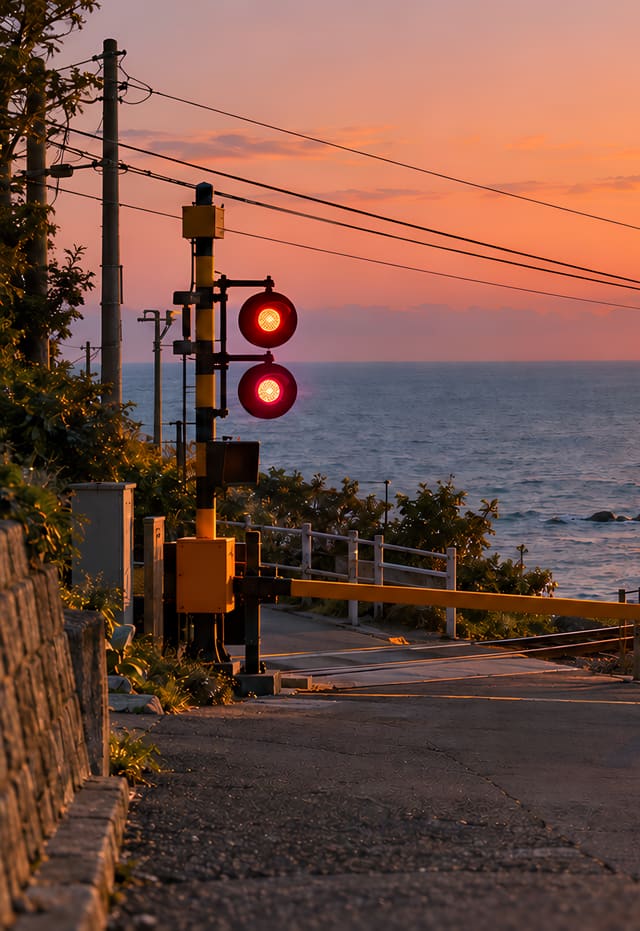

Railroad Crossing by the Sea
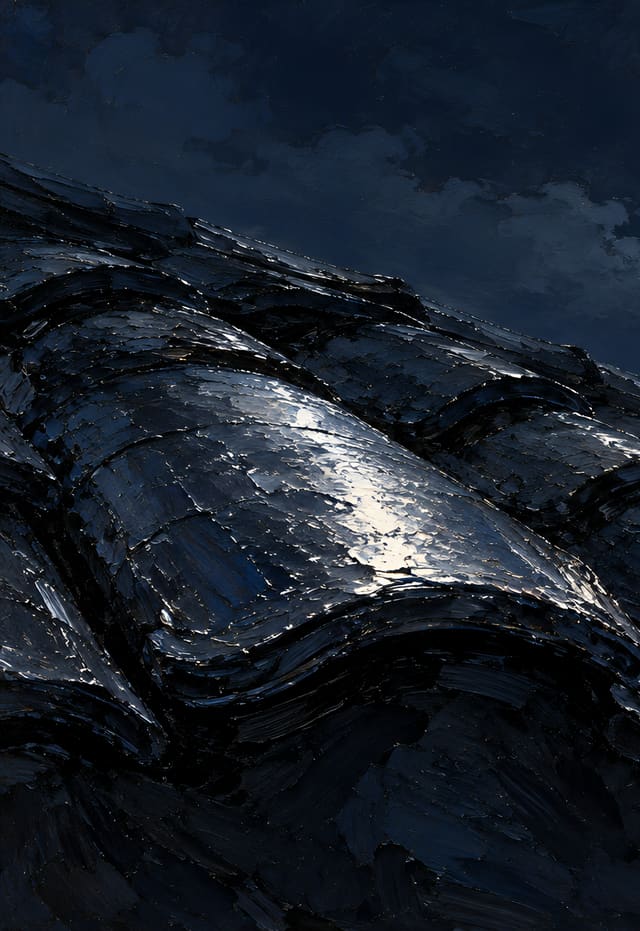
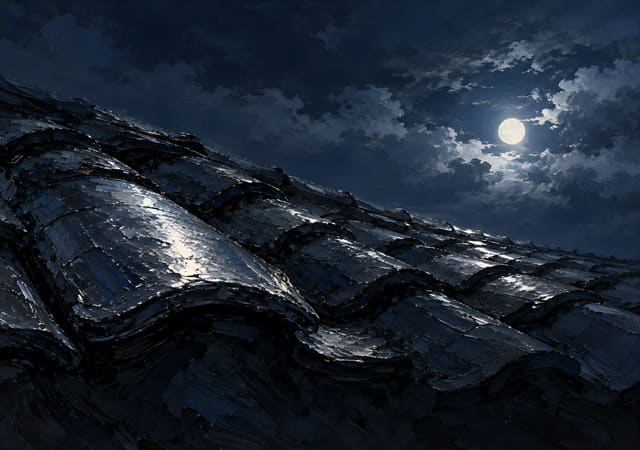
Wet Roof Tiles and the Moon after Rain
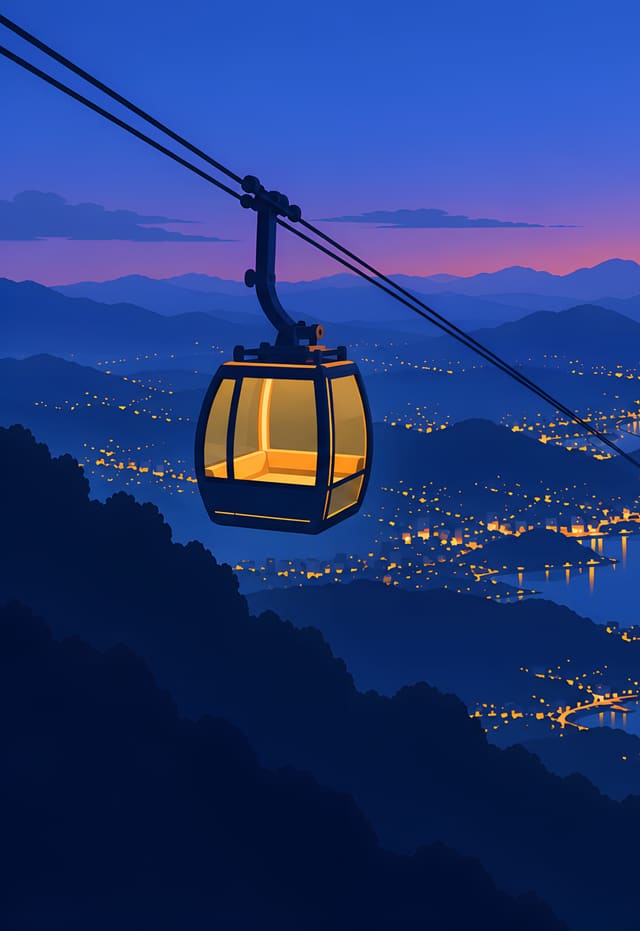

Cable Car Glowing over the Harbor
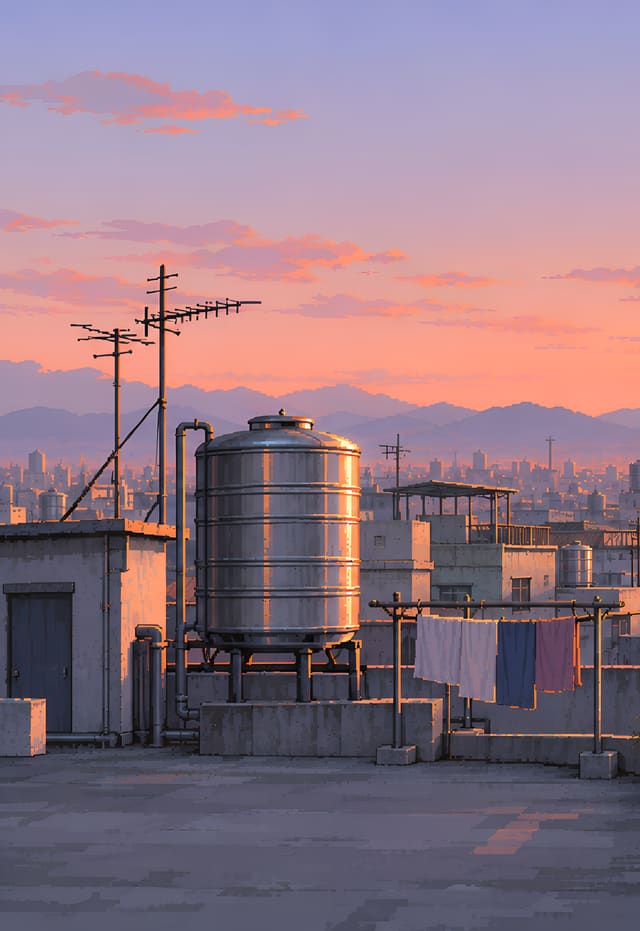

Rooftop Water Tank at Sunrise
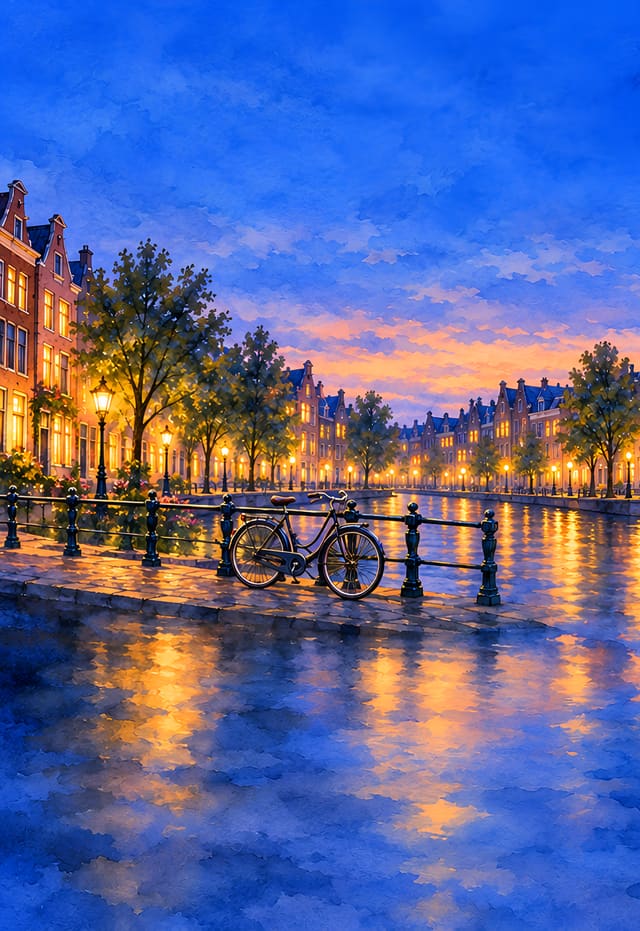
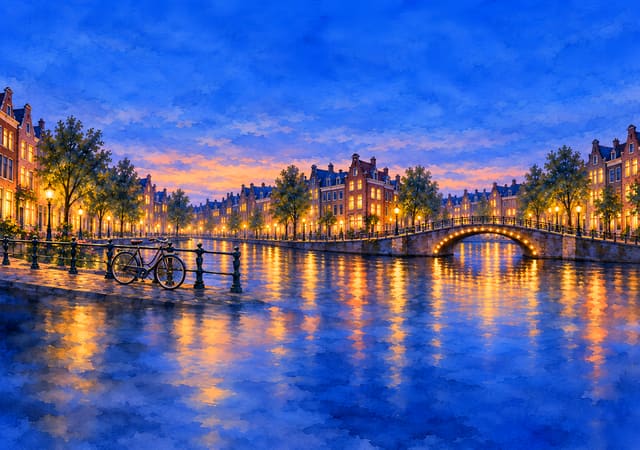
Canal at Blue Hour


Amusement Park Lighting Up at Dusk









How to set it as your wallpaper
- Tap Save both, then Save Images in the menu that opens. Both go to Photos. For just one, tap Outer screen or Inner screen.
- Open it in Photos, tap the Share button, choose Use as Wallpaper, adjust it and tap Add.
Both sizes are included. The left half of the inner-screen image is the outer-screen image, so closed and open look like the same scene.
| File | Size | Where |
|---|---|---|
| Outer screen | 1398×2034 (portrait) | 5.4-inch screen, closed |
| Inner screen | 2670×1878 (landscape) | 7.6-inch screen, open |
Questions
Do these fit the iPhone 18 Duo?
Yes. Some people call the iPhone Duo the iPhone 18 Duo – it's the same phone. Every pair has a 1398×2034 picture for the 5.4-inch outer screen and a 2670×1878 picture for the 7.6-inch inner screen.
Why does every wallpaper come as two pictures?
The outer screen is tall and the inner screen is wide, so each one gets a picture in its own size. The outer picture is the left part of the inner one: closed, you see that part; open, the whole scene.
Are the wallpapers free?
Yes, free to use as the wallpaper of your own phone. They're original AI-generated pictures with no text on them.
Original AI-generated pictures. No text on them; free to use as your own phone wallpaper. iPhone is a trademark of Apple Inc., registered in the U.S. and other countries and regions. This site is not affiliated with or endorsed by Apple.