
Santa Hat Clipart
Red, velvet, knit and glitter Santa hats as transparent PNGs – put one on a photo or a card.
Santa Hat Clipart

Classic Red Santa Hat
Save image
Tilted Santa Hat for Photos
Save image
Red Velvet Santa Hat
Save image
Santa Hat with Holly
Save image
Santa Hat with a Giant Pompom
Save image
Santa Hat Icon
Save image
Fluffy Santa Hat Front View
Save image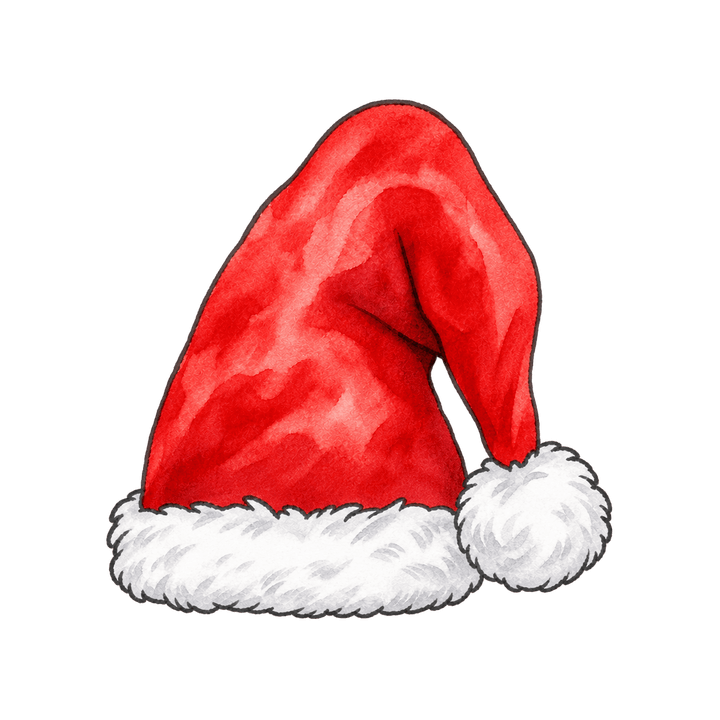
Watercolor Santa Hat
Save image
Buffalo Plaid Santa Hat
Save image
Pink Santa Hat
Save image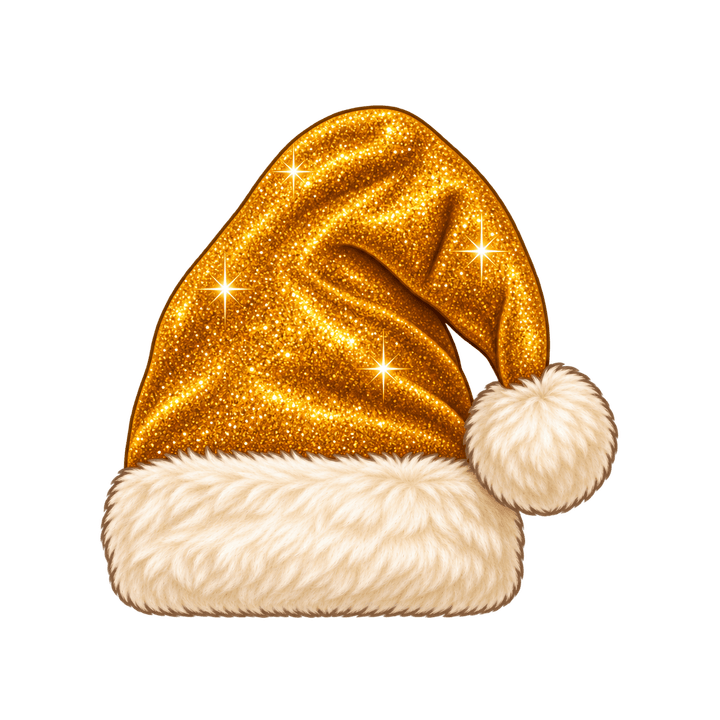
Gold Glitter Santa Hat
Save image
Santa Hat with Pine Cones
Save image
Green Santa Hat
Save image
Santa Hat with a Curled Tip
Save image
Velvet Santa Hat Tilted Right
Save image
Santa Hat with Glasses
Save image
Santa Hat with Snowflakes
Save image
Sequin Santa Hat
Save image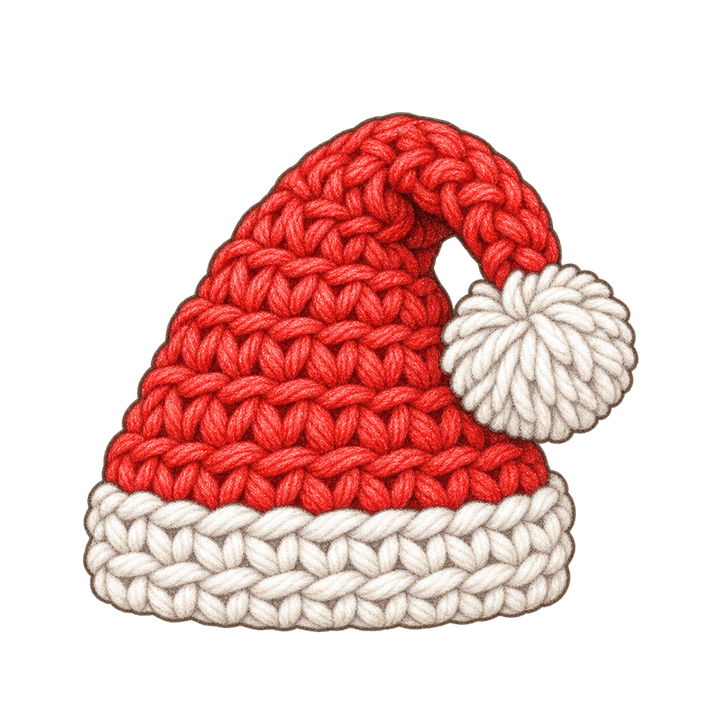
Crochet Santa Hat
Save image
Striped Santa Hat
Save image
Santa Hat and Mustache
Save image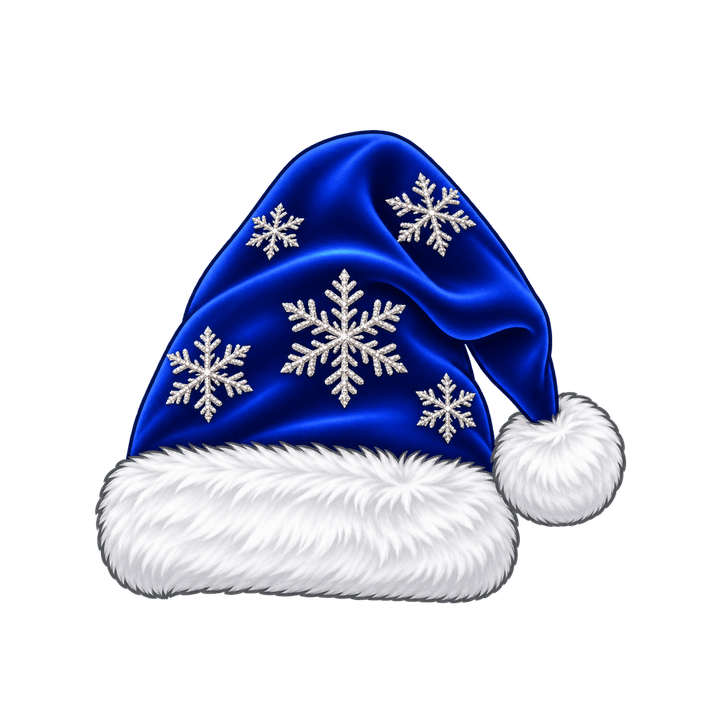
Blue Velvet Santa Hat
Save image
Santa Hat and Beard
Save image
Santa Hat
Save imageEach picture: transparent PNG, 1254×1254 px – prints about 4.2 in (10.6 cm) square at 300 dpi.
Free for personal, school and business projects. You can't sell or redistribute the pictures themselves. License




How to use them
- Flyers and newsletters: insert the PNG in Google Docs, Word or Canva – the background stays transparent.
- Christmas cards: pick “5×7 in card” for a white 1500×2100 card with room for your message.
- Profile pictures: pick “Square with a color” for a 1254×1254 picture on a solid color.
- Phone wallpaper: pick “Phone wallpaper” – the picture sits below the lock-screen clock.
- On a computer: right-click a picture, choose “Copy image” and paste it into your document.
Questions
Are these Christmas clipart images free?
Yes. Every picture on this page is free to save, with no sign-up and no watermark.
Can I use them for business, or sell things with them?
You can use them for free in personal, school and business projects, such as cards, flyers and newsletters. You can't sell or redistribute the pictures themselves, as clipart sets, stickers or printed goods, and you can't use them as a logo. Cutting files for Cricut, sublimation prints and Etsy listings that sell the pictures are not allowed.
How do I save a picture on my phone?
Tap “Save image”. On an iPhone the share sheet opens: choose “Save Image”. On Android the PNG goes to your Downloads.
How do I keep the transparent background?
Save the PNG, not a screenshot. In Google Docs, Google Slides, Word or PowerPoint, insert it as a picture. On a computer you can also right-click it and choose “Copy image”.
How big does a picture print?
Each PNG is 1254×1254 px: about 4.2 in (10.6 cm) square at 300 dpi. We never enlarge a picture, so it stays sharp.
What card and wallpaper sizes can I save?
A 5×7 in card, portrait 1500×2100 px or landscape 2100×1500 px (white), a 1254×1254 px square on a color, and a 1080×1920 px (9:16) phone wallpaper.
Can I use one as a profile picture?
Yes. Pick “Square with a color” and a background color; the square fits profile pictures and group chats.
Free to use and edit, including commercially; no credit needed. You may not sell the images themselves or repost them in bulk on other sites or apps for anyone to download. See the image use rules.
The pictures on this page were made with AI.