
New Year Coloring Pages
New Year coloring sheets by theme
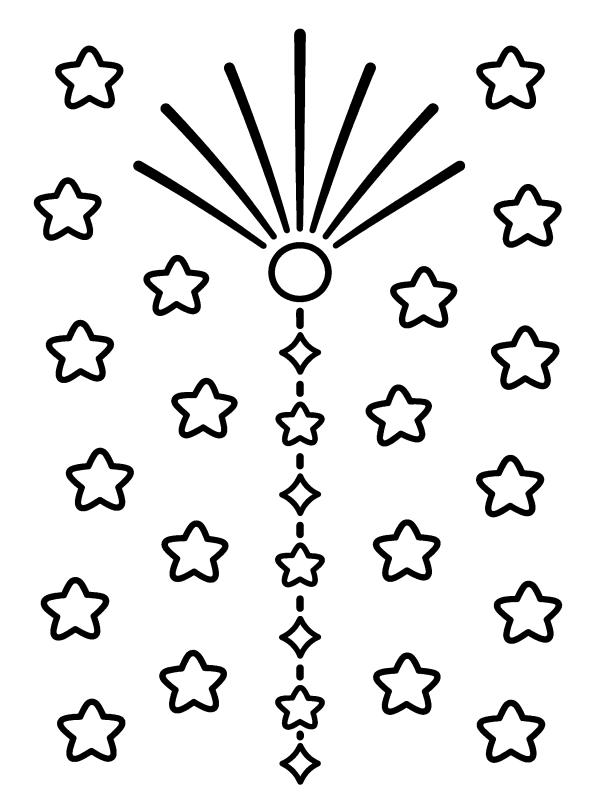
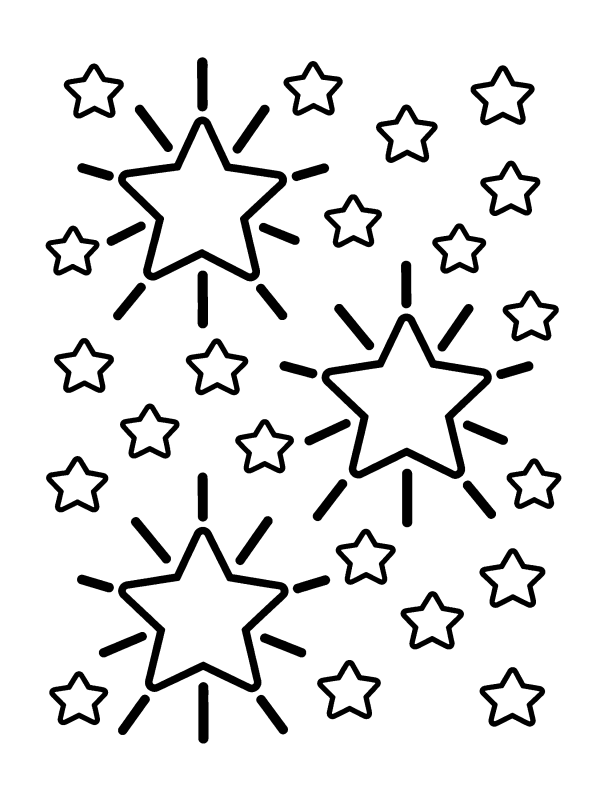
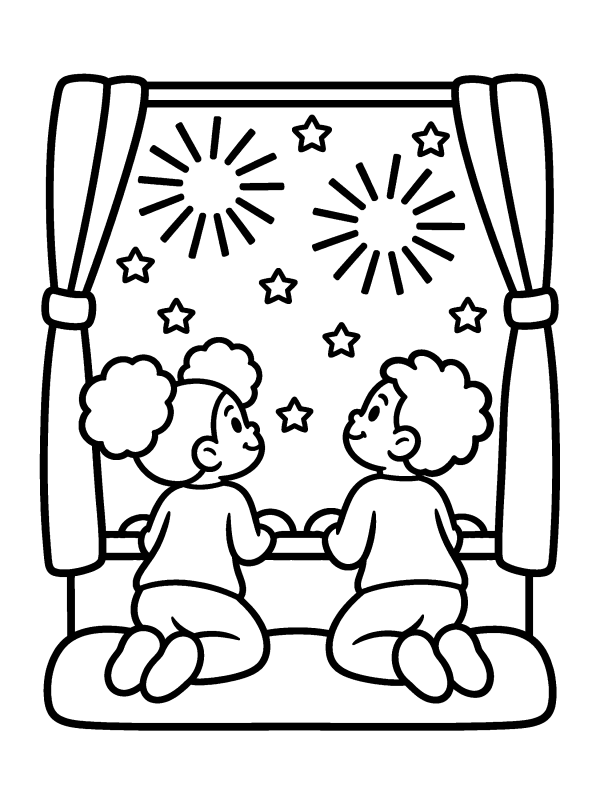
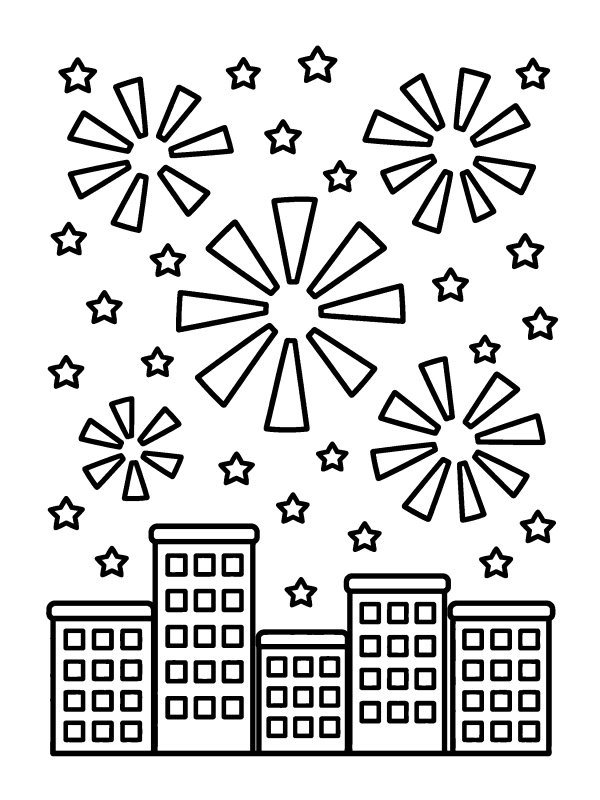
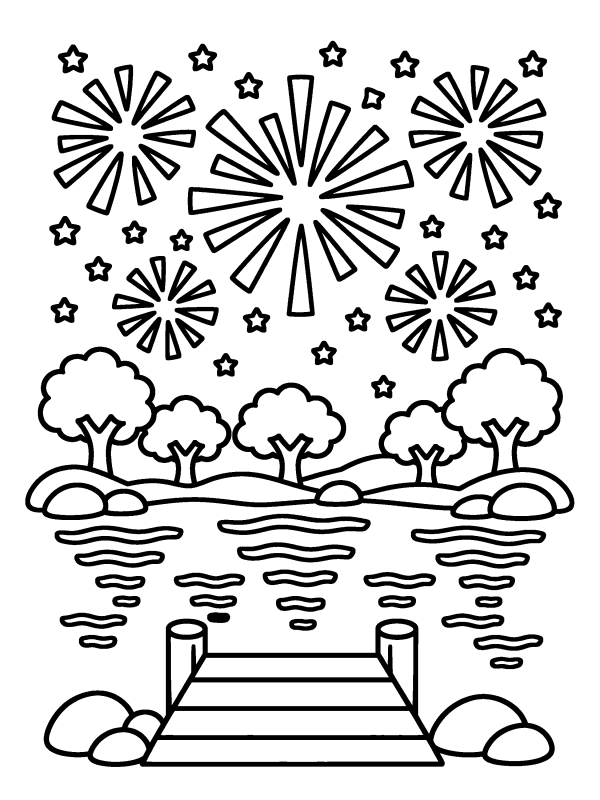
Fireworks Coloring Pages (8)


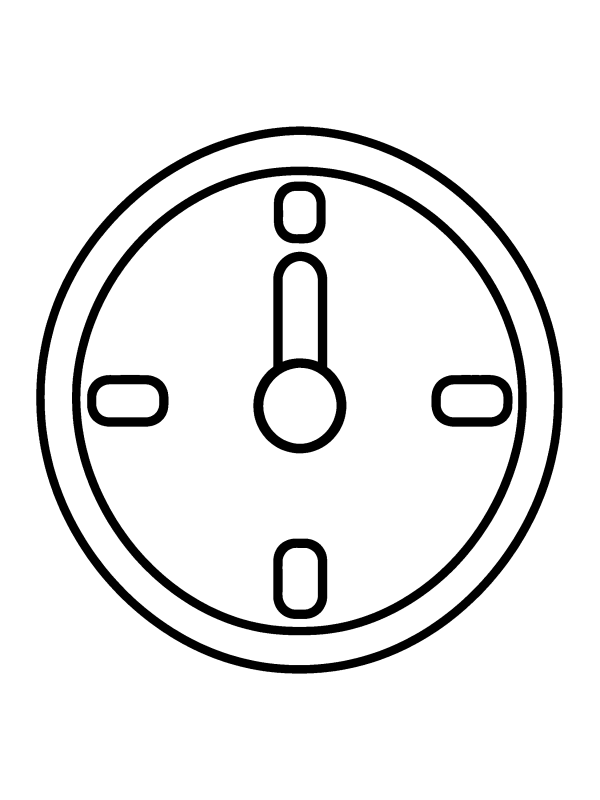
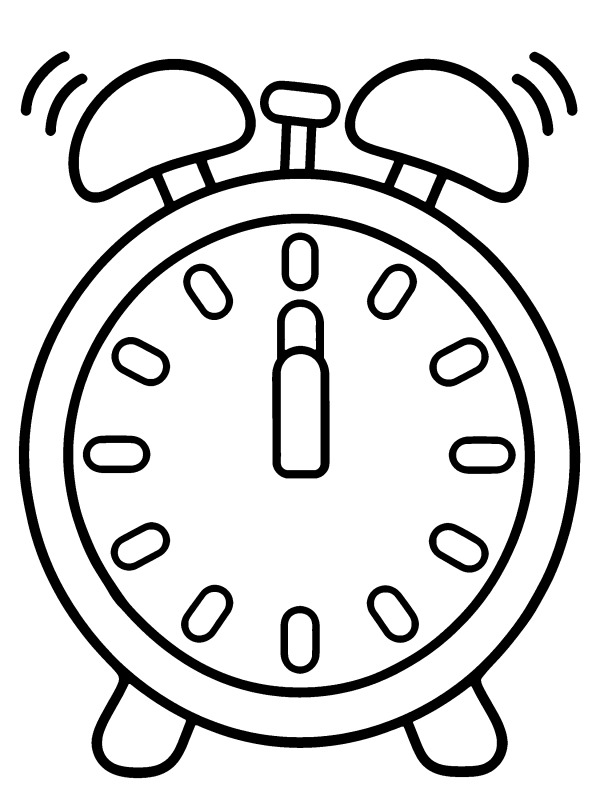
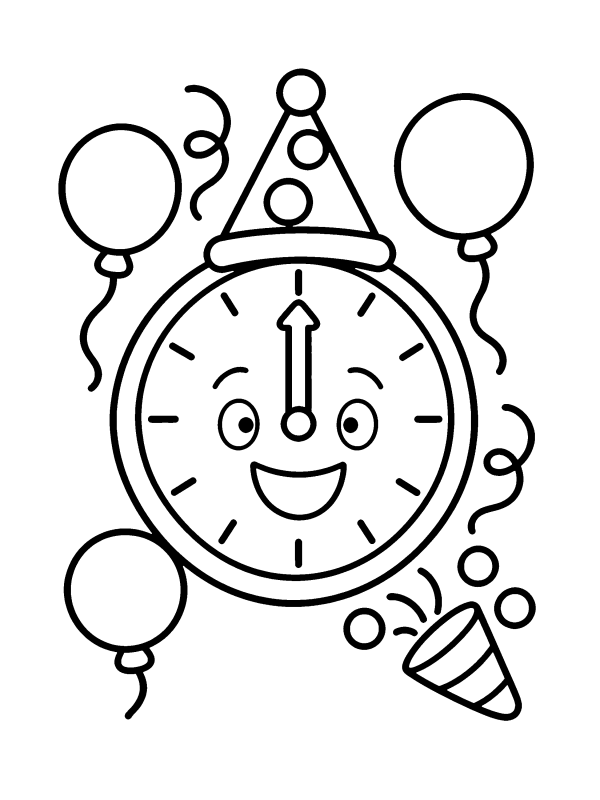
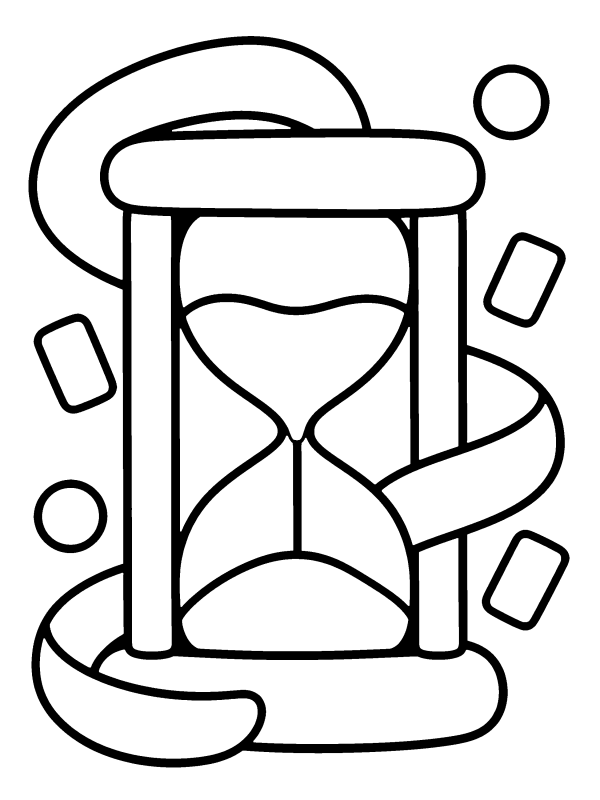
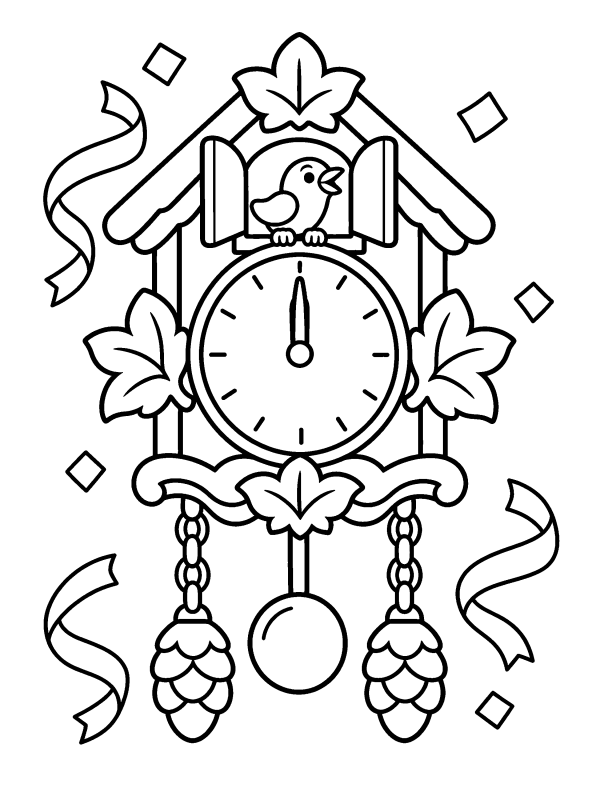
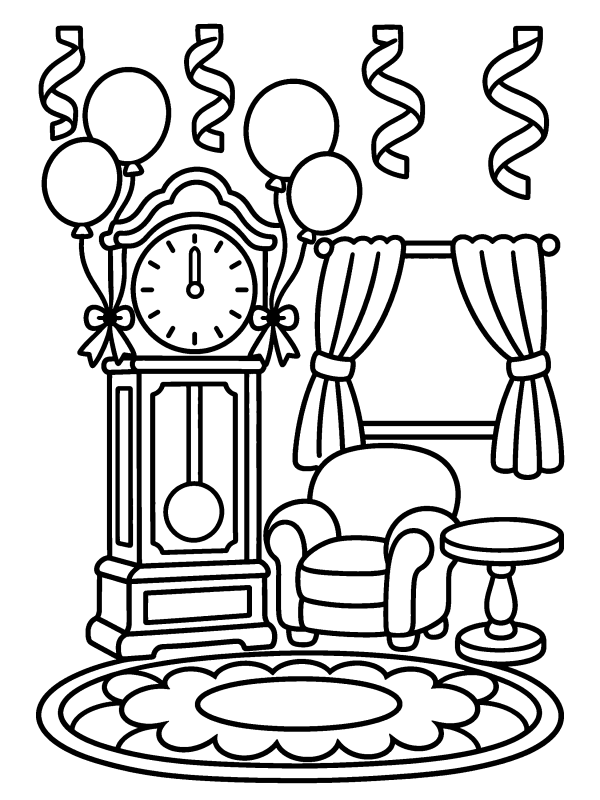
Countdown Clock Coloring Pages (6)
Party Hats & Noisemakers Coloring Pages (8)
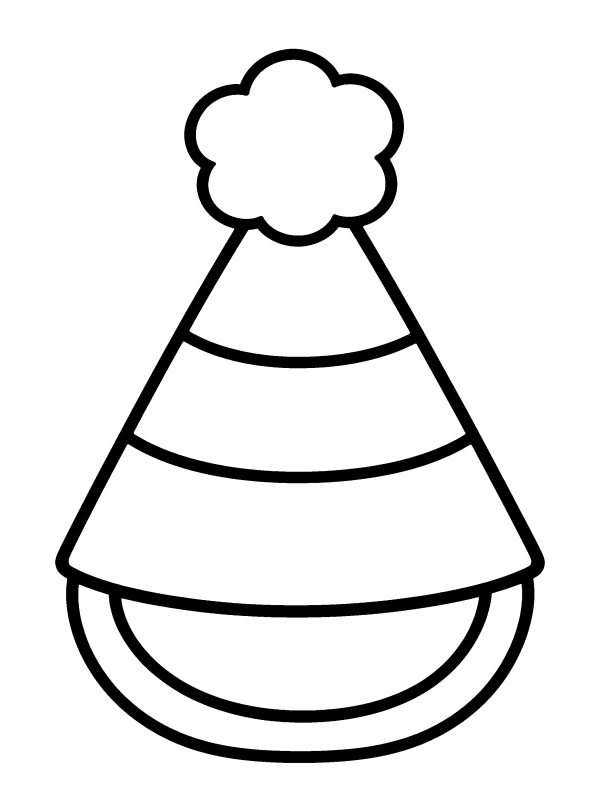

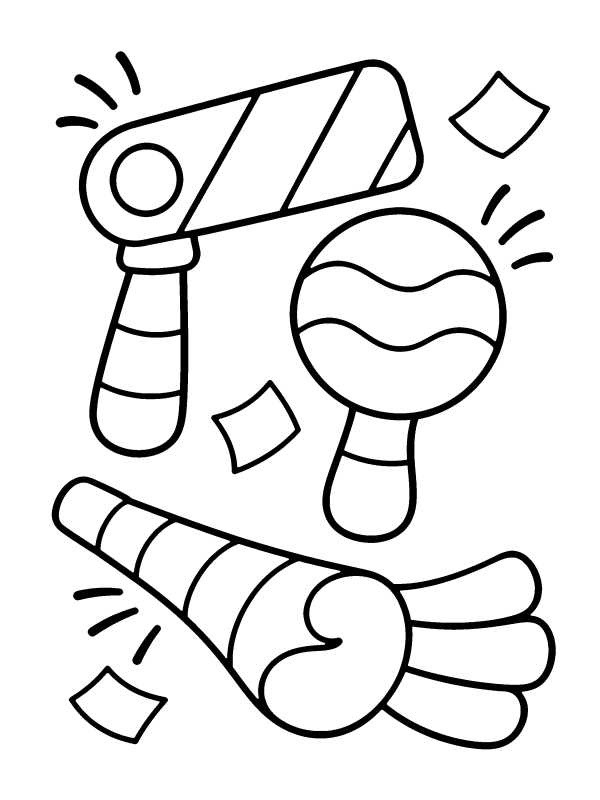
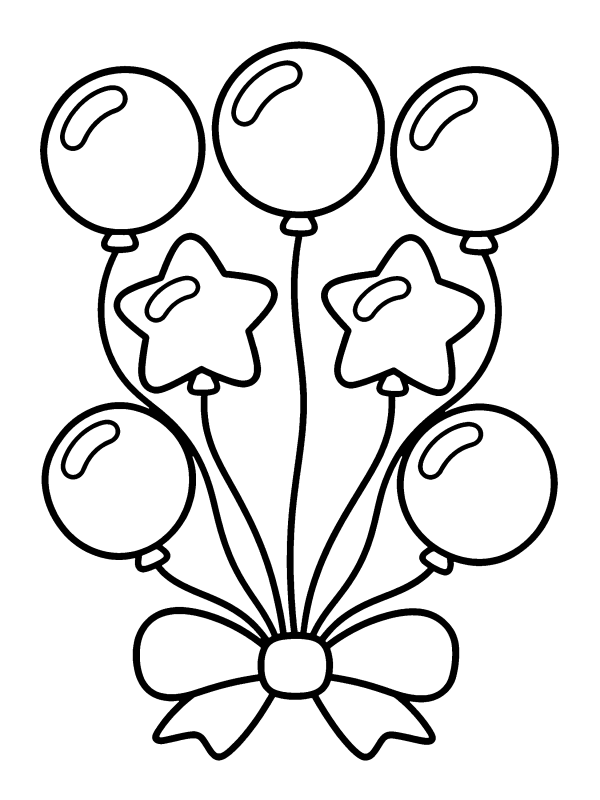
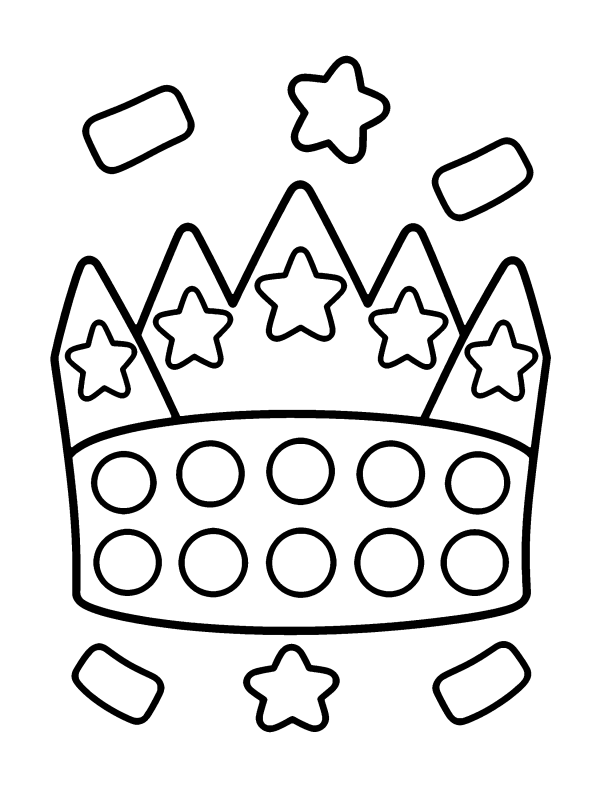

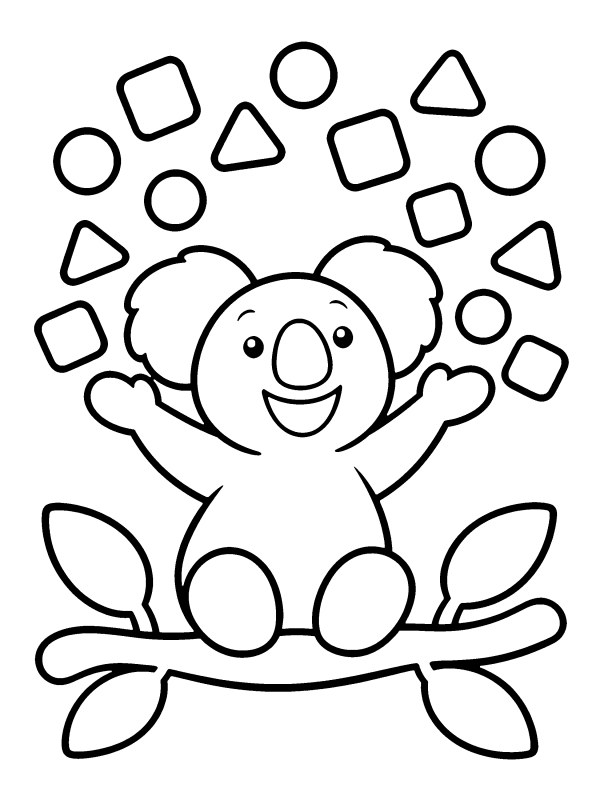
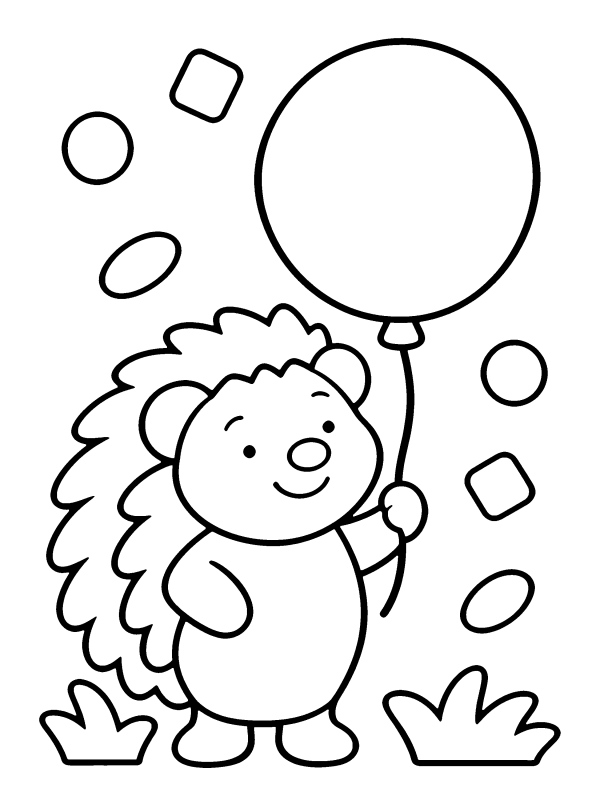
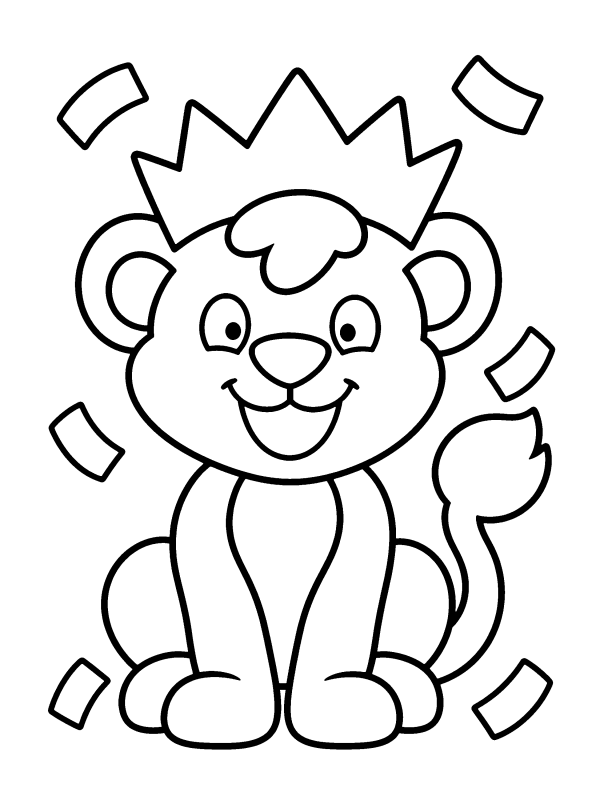
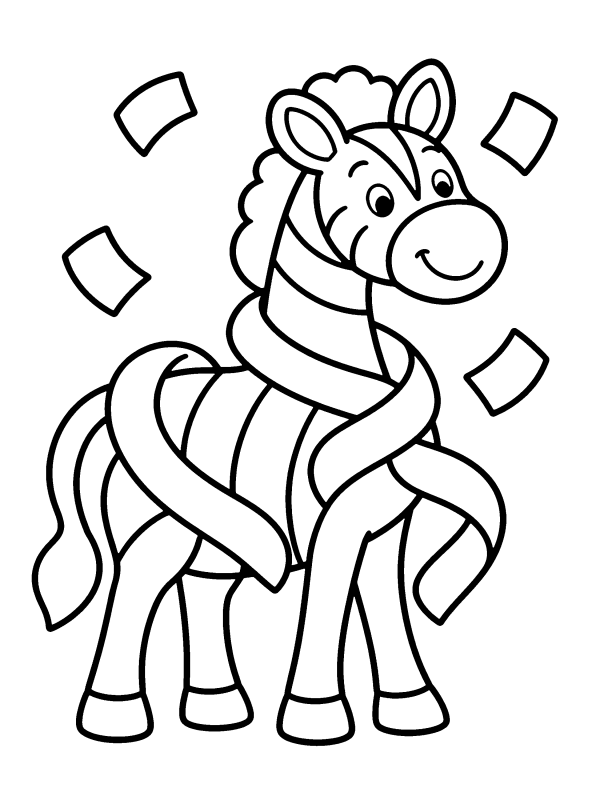
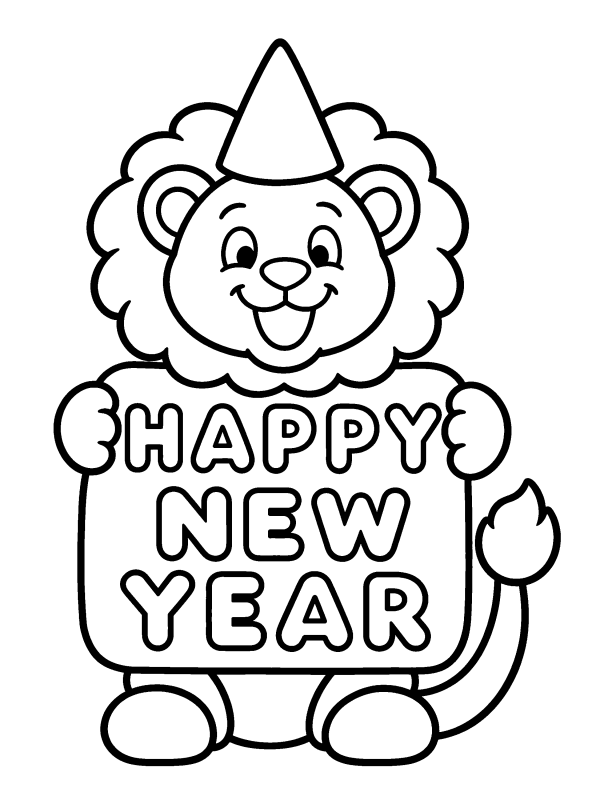
New Year Animals Coloring Pages (10)
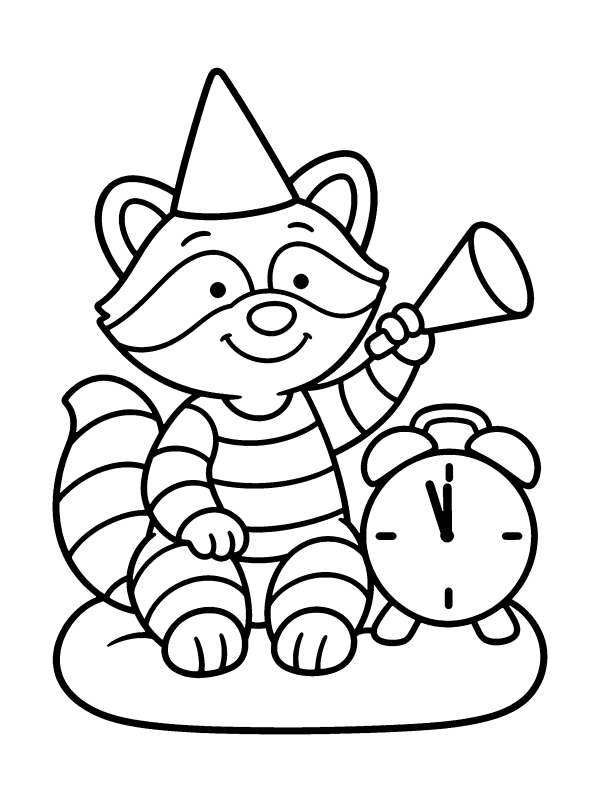
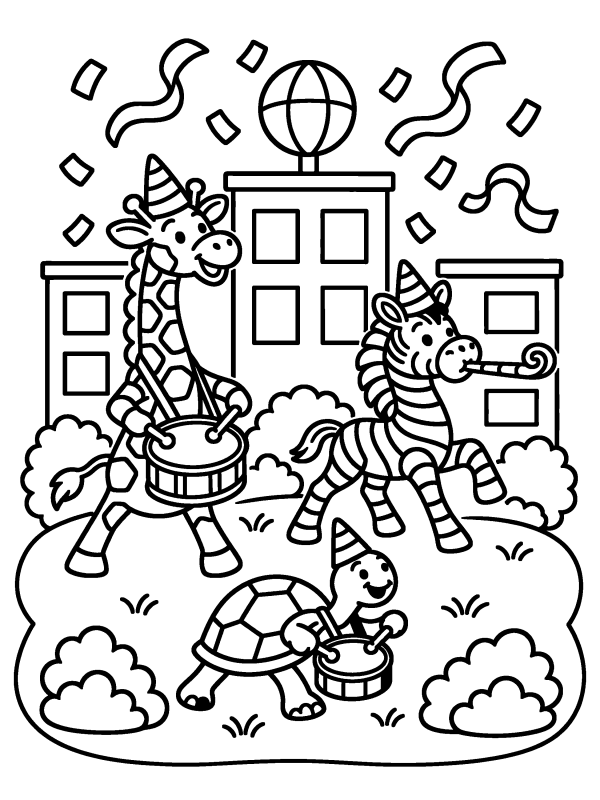
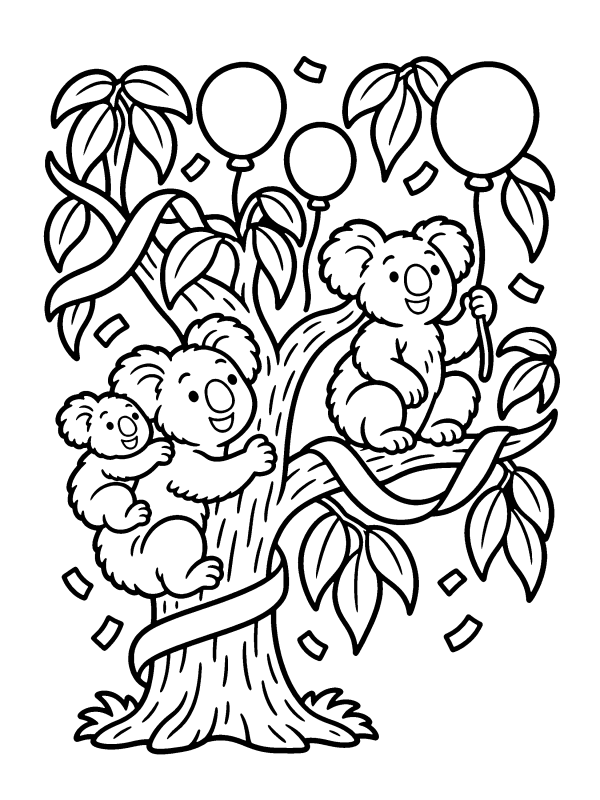
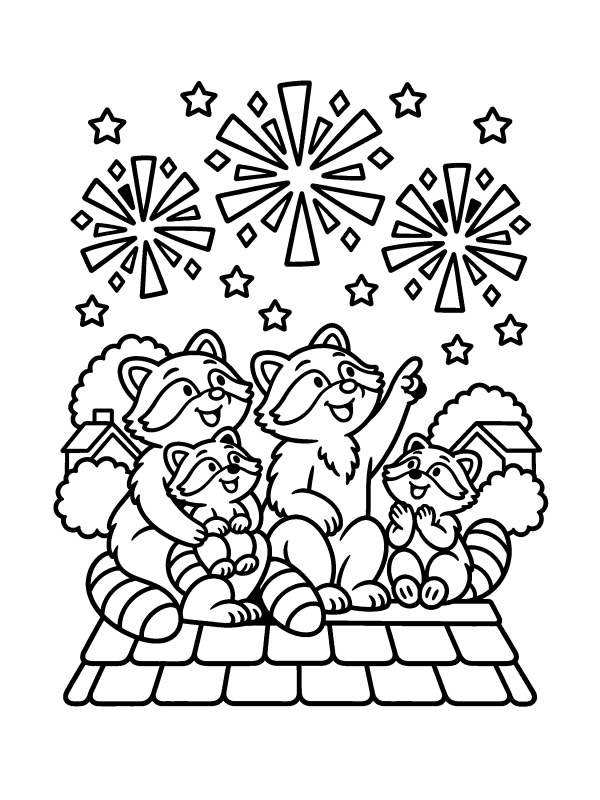
Ball Drop & City Countdown Coloring Pages (6)
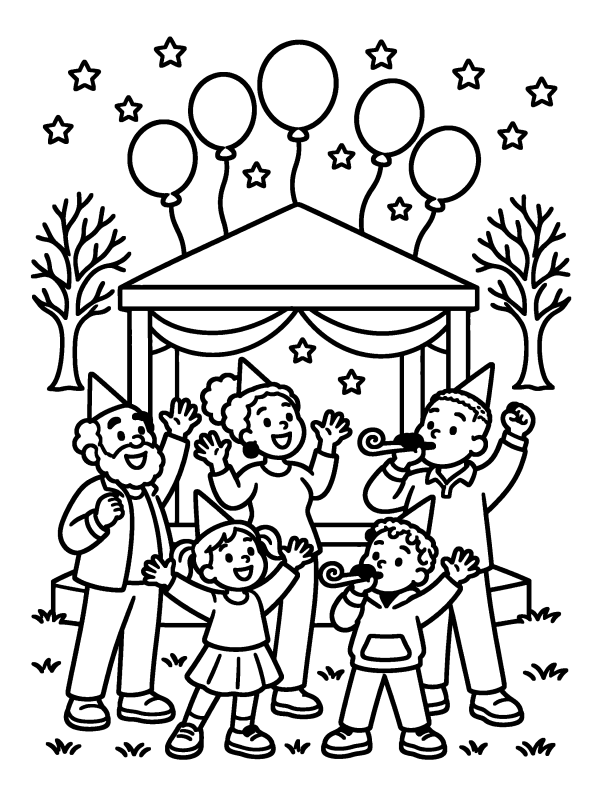

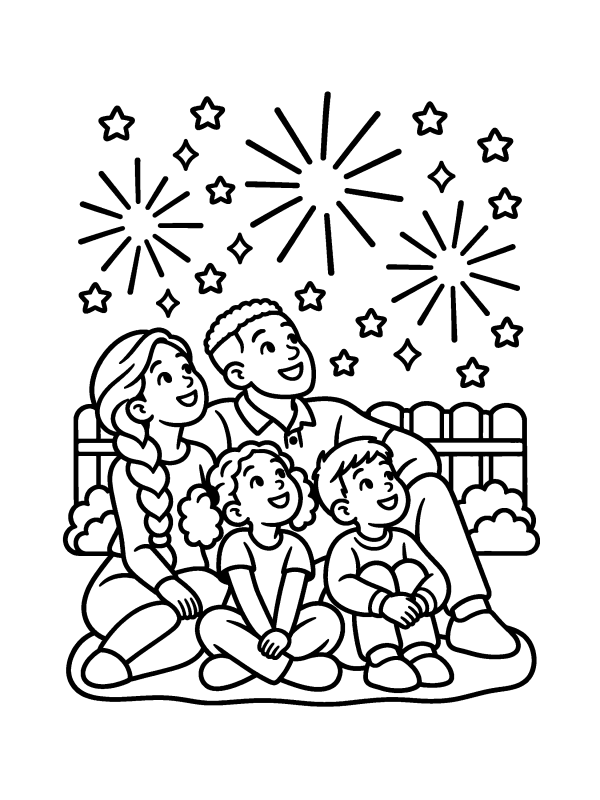
Kids & Family Coloring Pages (6)
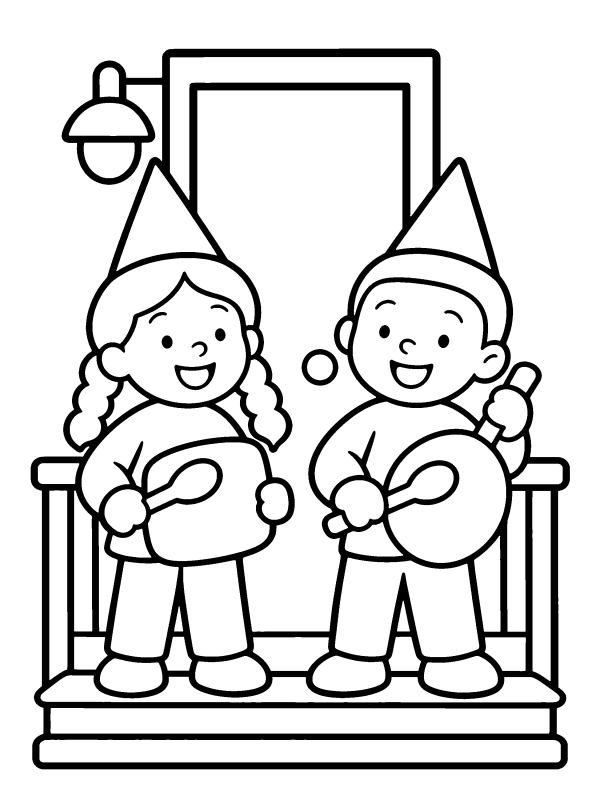
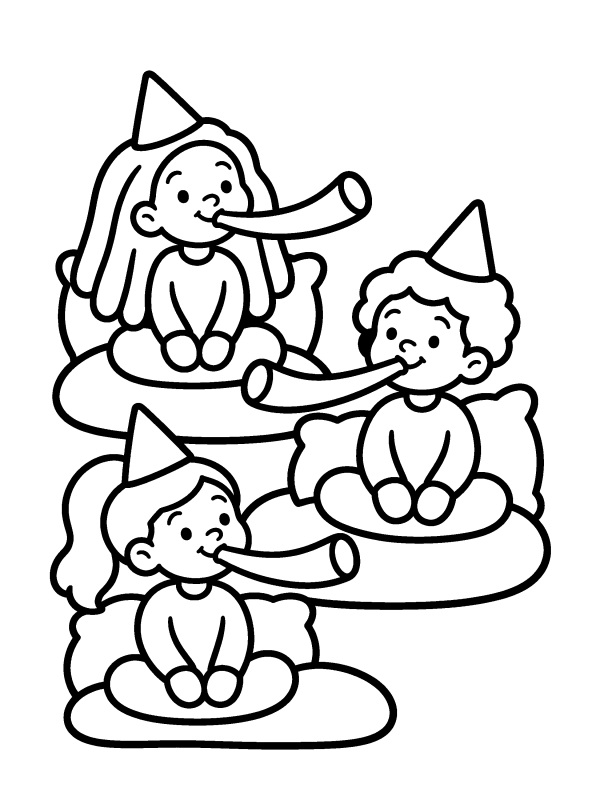
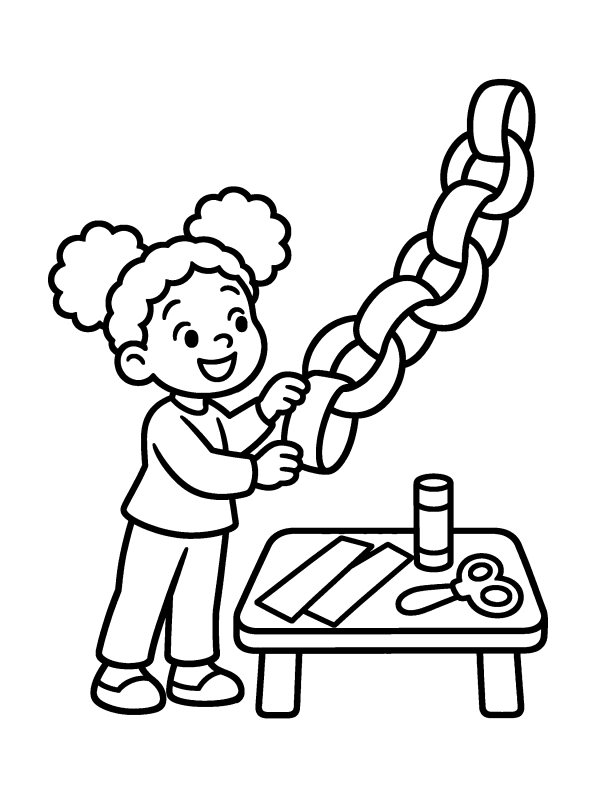
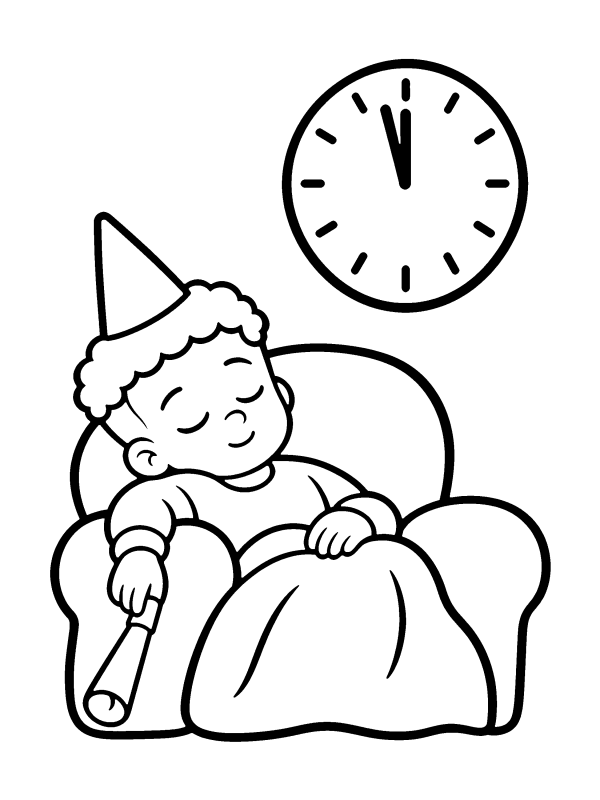
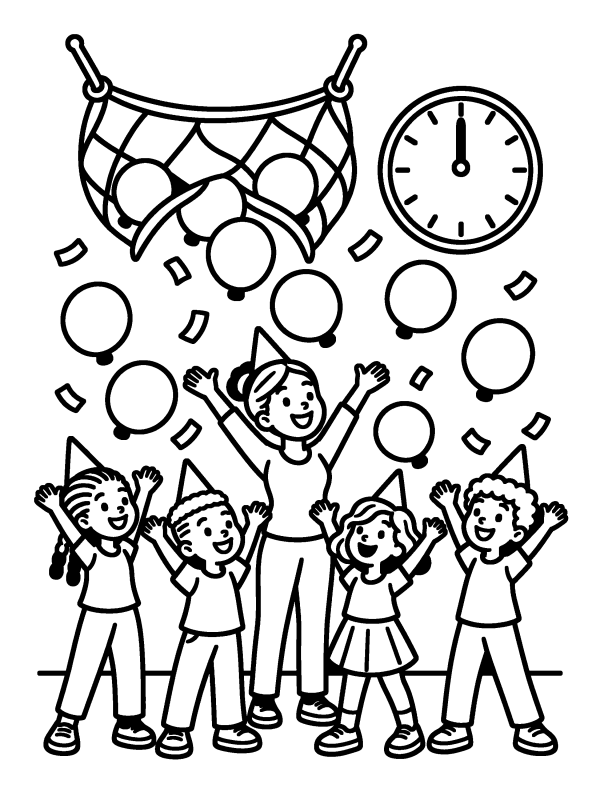
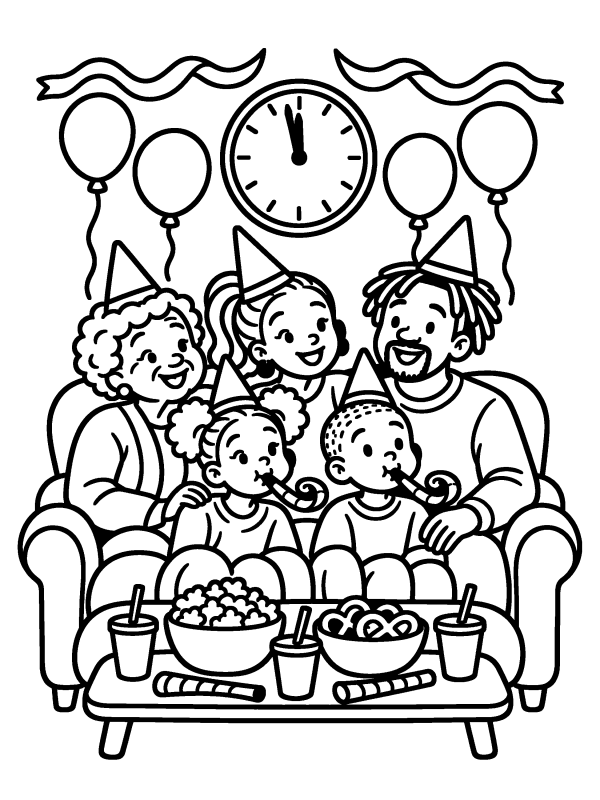
New Year Traditions Coloring Pages (6)

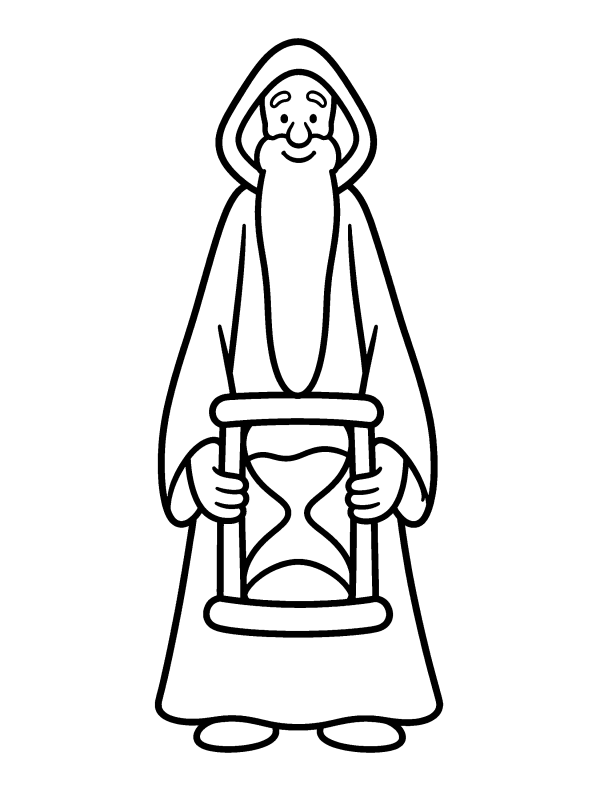
New Year Mandala Coloring Pages (4)
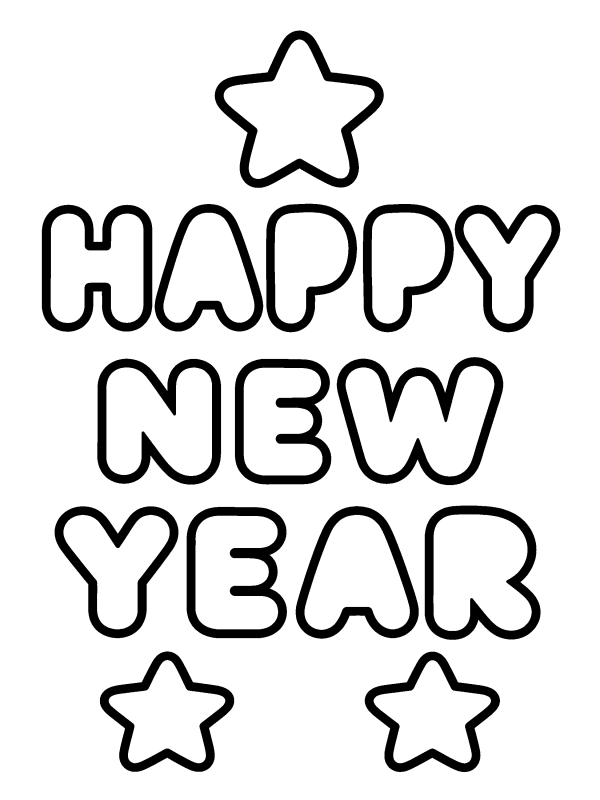
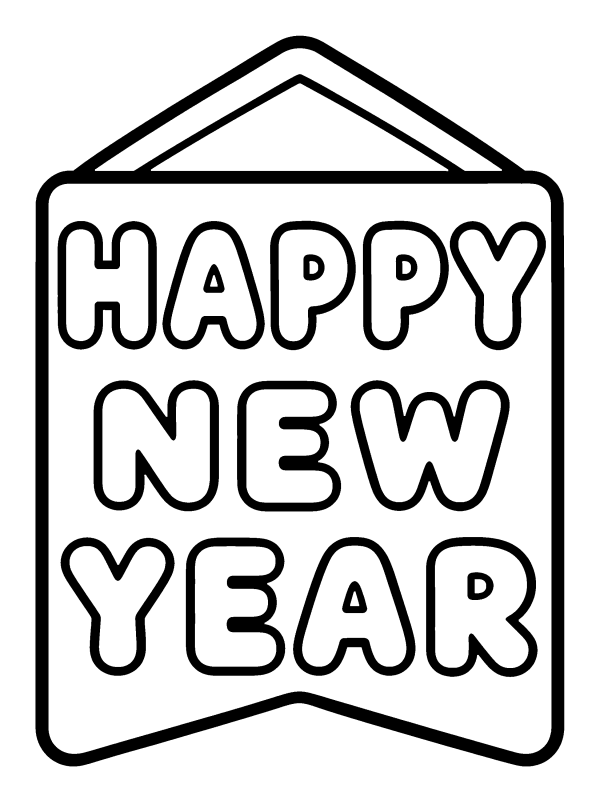
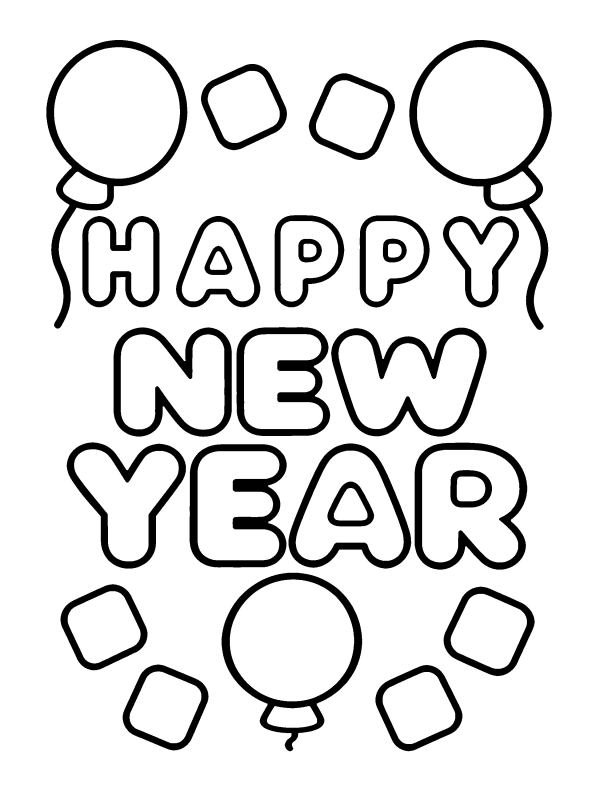
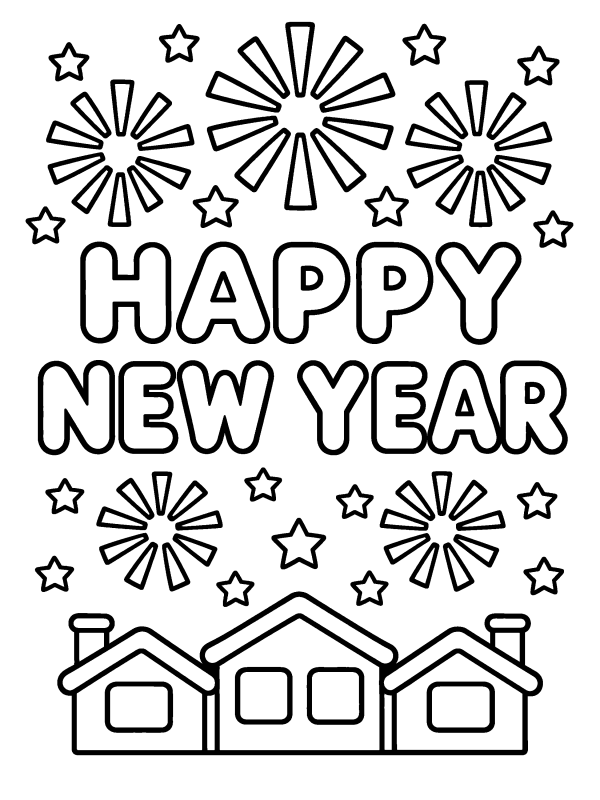
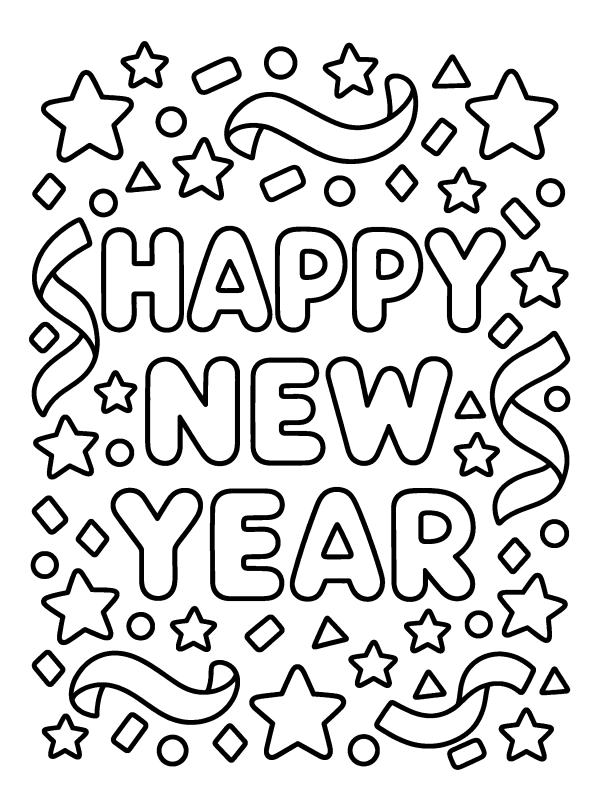
Happy New Year Coloring Pages (6)
How to print or save a coloring page
- Choose US Letter or A4 next to Paper above the pictures, then tap or click Print / Download PDF under the picture. The PDF opens in a new tab.
- Print it at Actual size (100%). It is already set up for the paper you chose (US Letter or A4) in portrait, so a white margin stays around the picture.
- Printing for a class or a group? Download all under a theme gives one PDF with every page of that theme and a Name: line at the bottom of each sheet.
- Want it on your phone or tablet? Tap Save image. On iPhone and iPad, choose Save Image in the share menu to put it in Photos.
Questions
How do I print a coloring page on US Letter paper?
Choose US Letter next to Paper above the pictures (most US browsers already have it chosen), then tap Print / Download PDF under the picture. The PDF opens in a new tab and is set up for 8.5 × 11 inch paper in portrait. In the print dialog, choose Actual size or 100% so a white margin stays around the picture.
Which pages are best for toddlers and preschoolers?
Start with the pages marked ● Easy: they have thick lines and big areas, and some have only a few very large shapes, which is easiest with crayons. ◆ Medium pages have more and smaller areas for kids who already like to color with pencils.
Can I print a whole section at once?
Yes. Under each theme, Download all opens one PDF with every page of that theme, for example all the Fireworks pages. Each sheet has a Name: line in the bottom margin, handy for a class or a group.
Do the pictures have a year on them?
No. None of the pictures has a year or a number on it, and the Happy New Year pages say only Happy New Year, so you can print the same pages again next year.
Do I need to sign up or give an email?
No. Every page is free to print or save, with no account, no email and no watermark.
How do I save a picture on my phone or iPad?
Tap Save image under the picture. On iPhone and iPad the share menu opens: choose Save Image to put it in Photos. On other phones and on computers the PNG goes to your Downloads folder. For printing, the PDF is better because it is already set up for your paper (US Letter or A4).
Can I print these New Year coloring pages on A4 paper?
Yes. Choose A4 next to Paper above the pictures, then tap Print / Download PDF or Download all. Every page and every theme set has its own A4 portrait PDF with a white margin, so nothing is cut off on UK and European printers. Print it at Actual size or 100%.
Free to use and edit, including commercially; no credit needed. You may not sell the images themselves or repost them in bulk on other sites or apps for anyone to download. See the image use rules.