
Happy Birthday Brother Images
Picture categories
20 pictures
No pictures here yet.
-
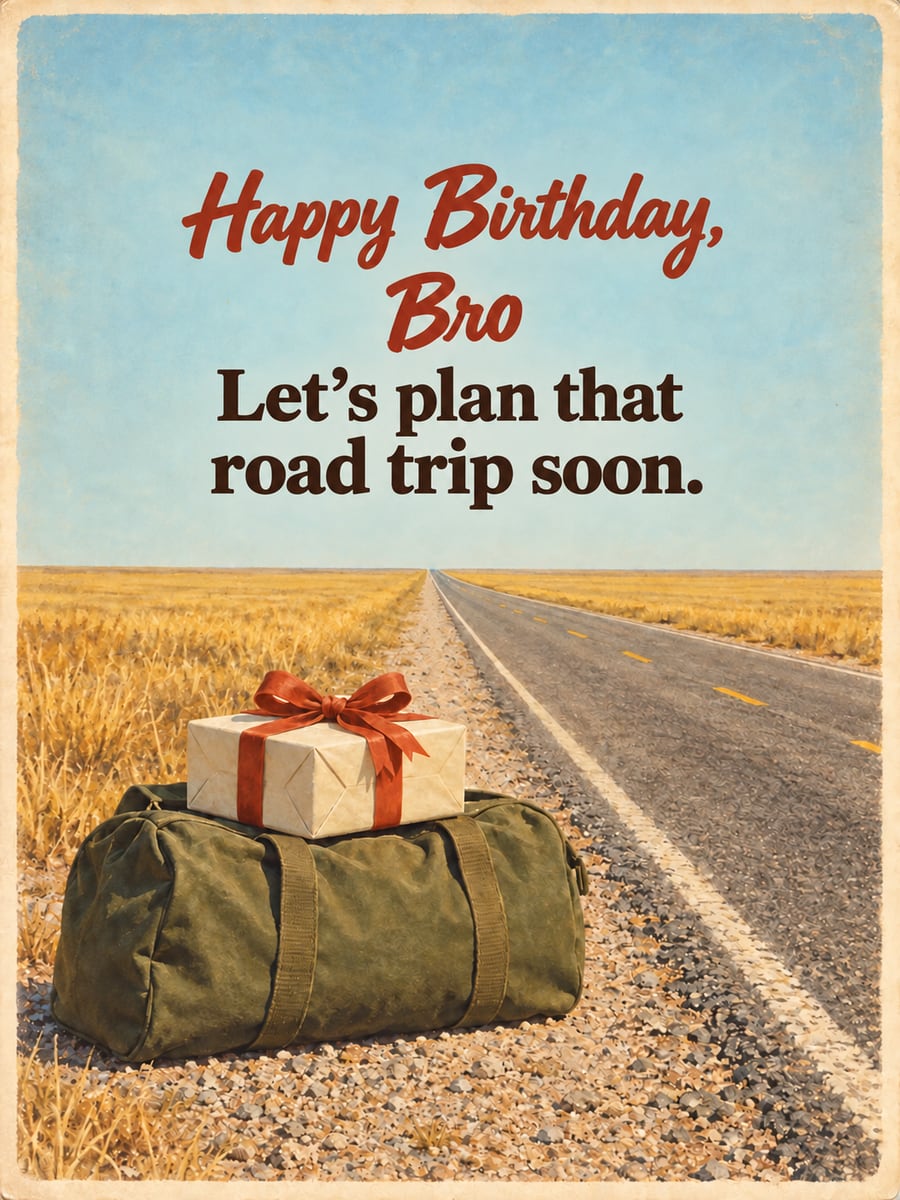 Happy Birthday, Bro
Let’s plan that road trip soon. -
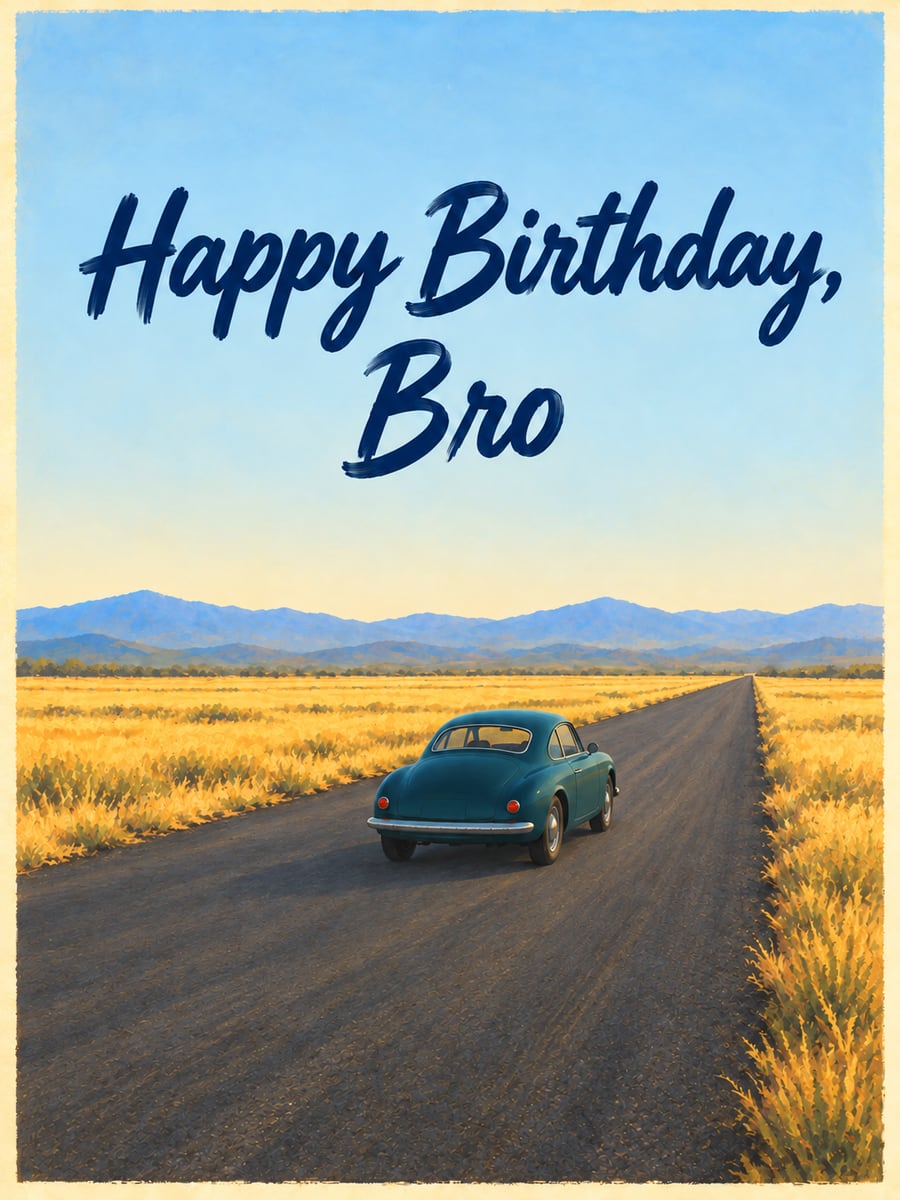 Happy Birthday, Bro
 -
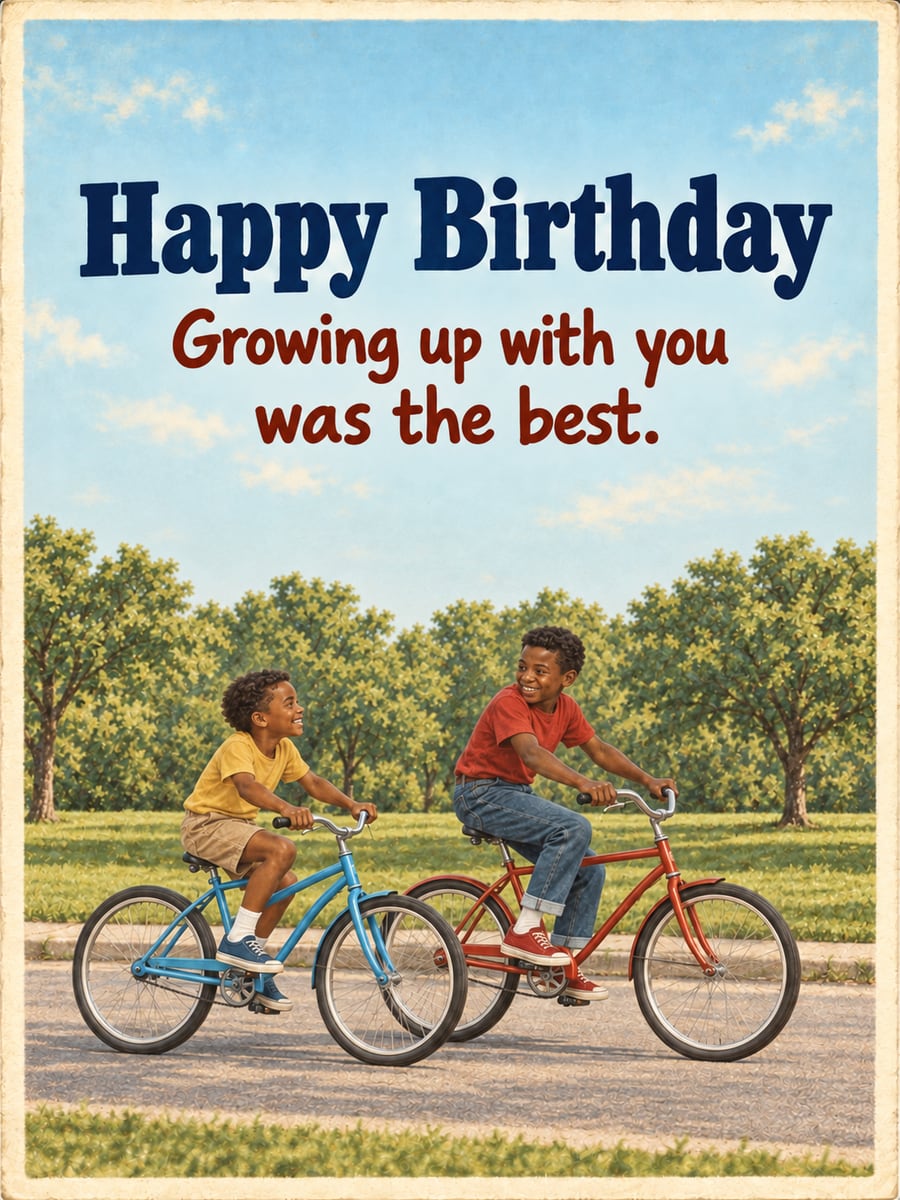 Happy Birthday
Growing up with you was the best. -
 Happy Birthday
You’re my brother and my best friend. -
 Happy Birthday, Brother
 -
 Happy Birthday, Bro
Just remember, I’m Mom’s favorite. -
 Happy Birthday, Bro
Have an epic day. -
 To my big brother
 -
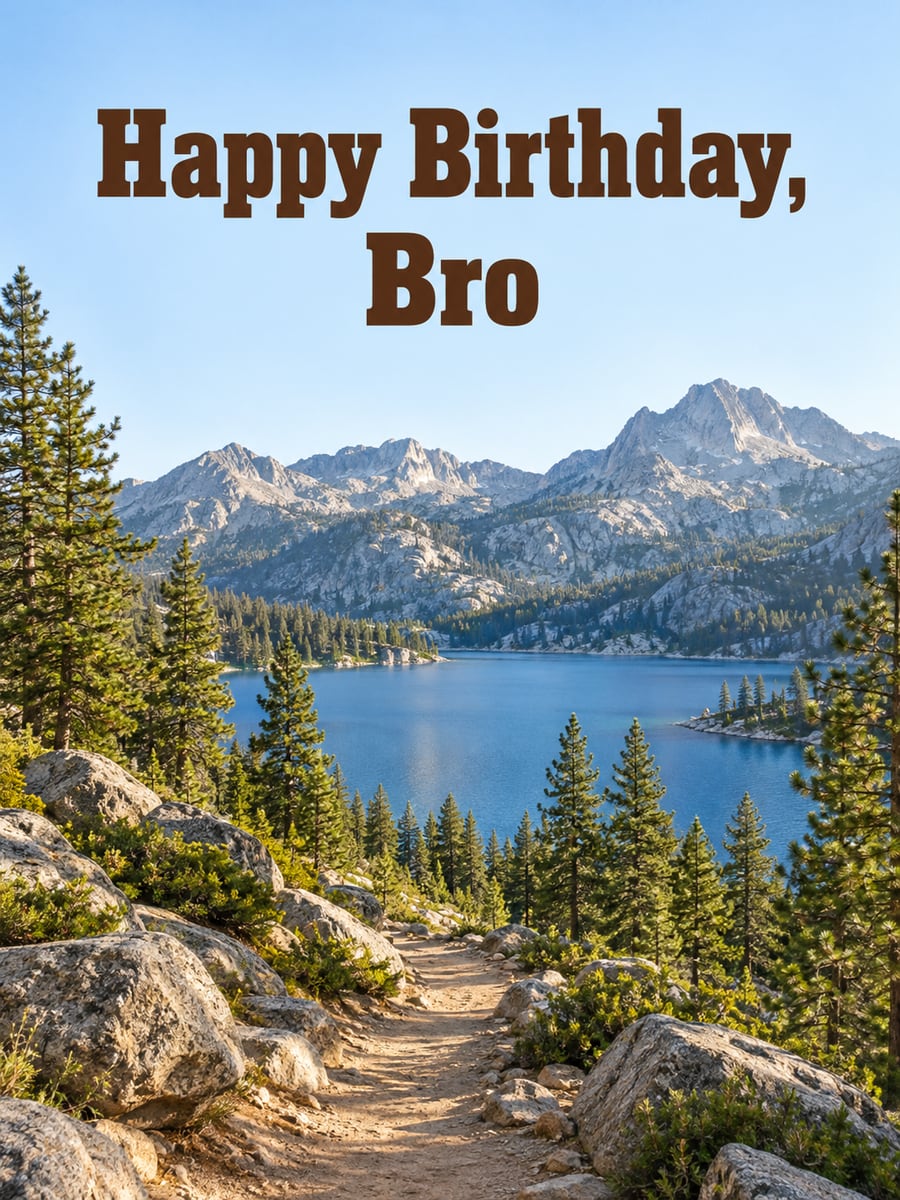 Happy Birthday, Bro
 -
 Happy Birthday
to the best brother ever. -
 Happy Birthday, Bro
 -
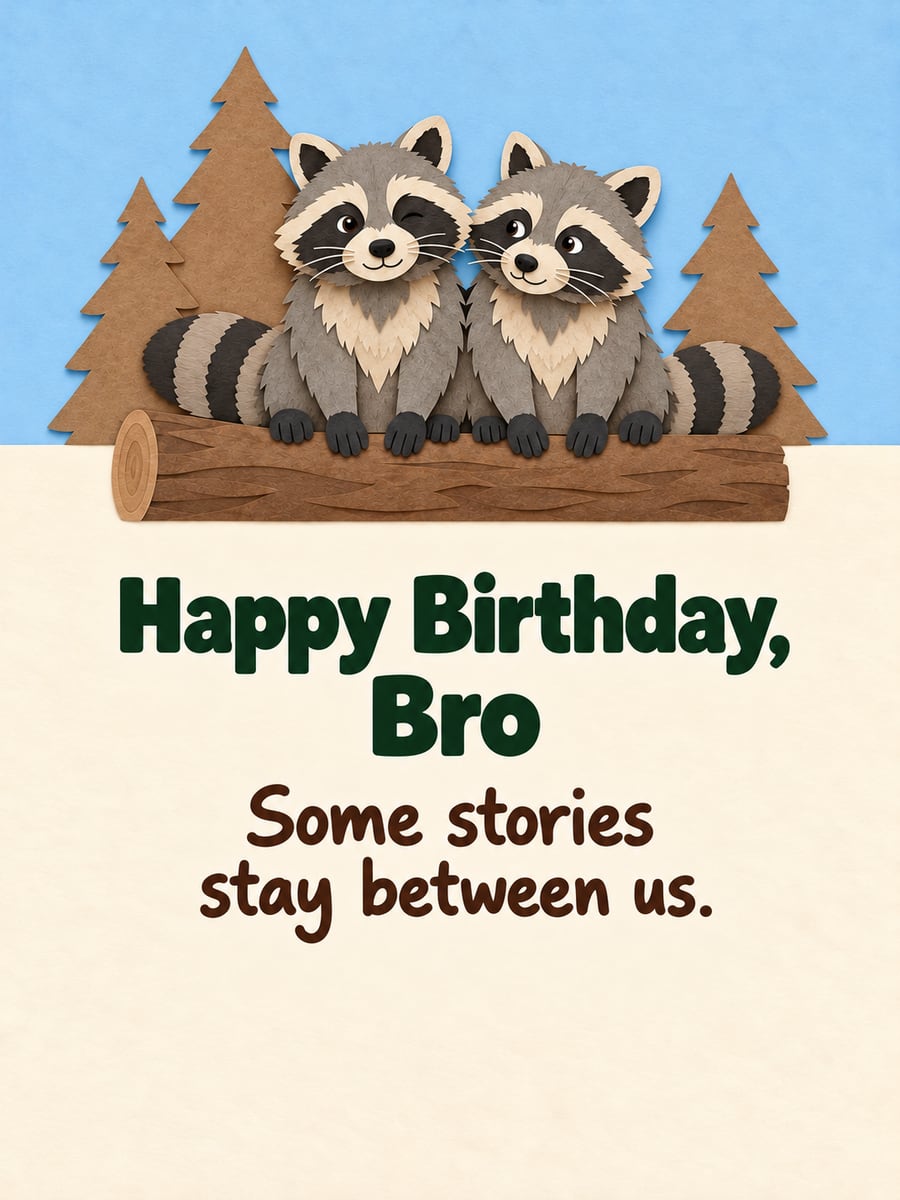 Happy Birthday, Bro
Some stories stay between us. -
 Happy Birthday, Bro
Let’s plan that road trip soon. -
 To my little brother
Not so little anymore. So proud of you. -
 Happy Birthday, Bro
 -
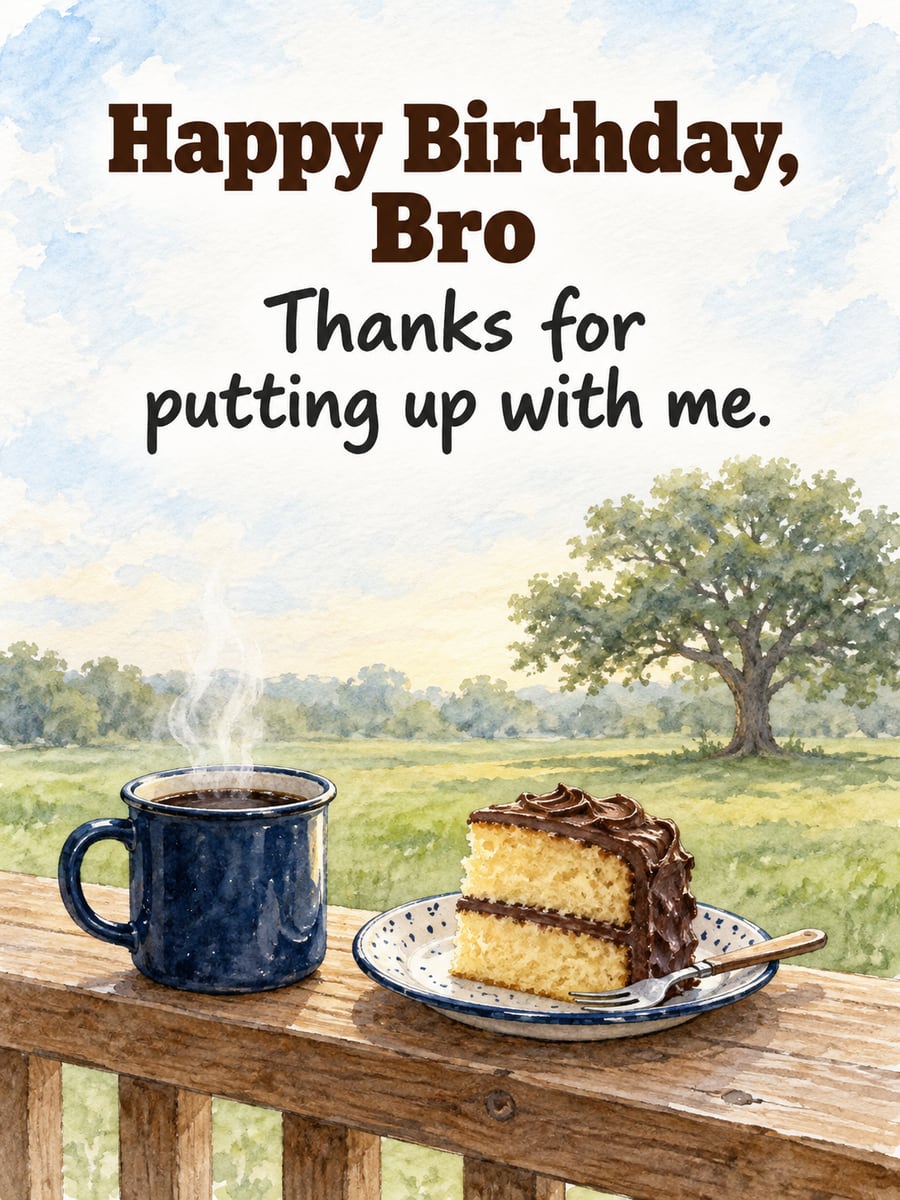 Happy Birthday, Bro
Thanks for putting up with me. -
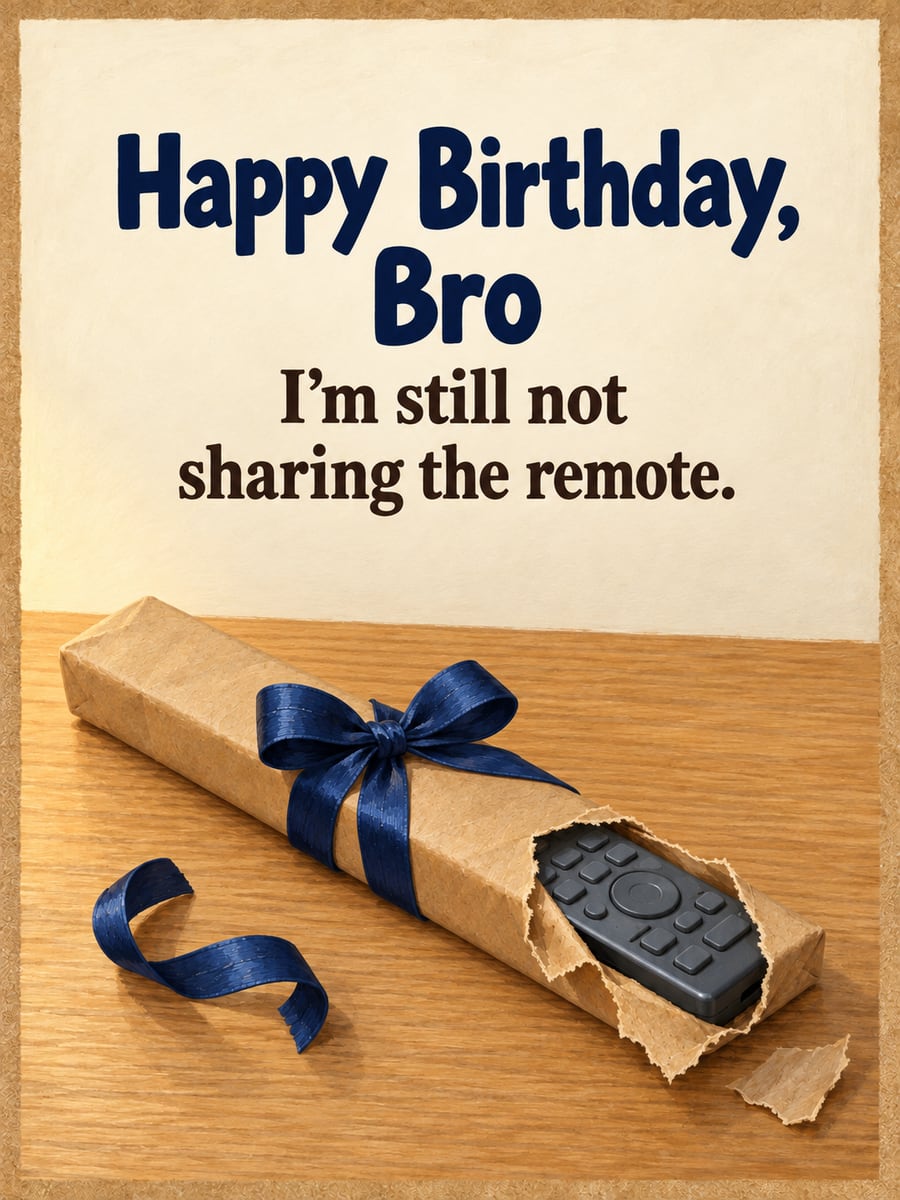 Happy Birthday, Bro
I’m still not sharing the remote. -
 Happy Birthday
You’re my brother and my best friend. -
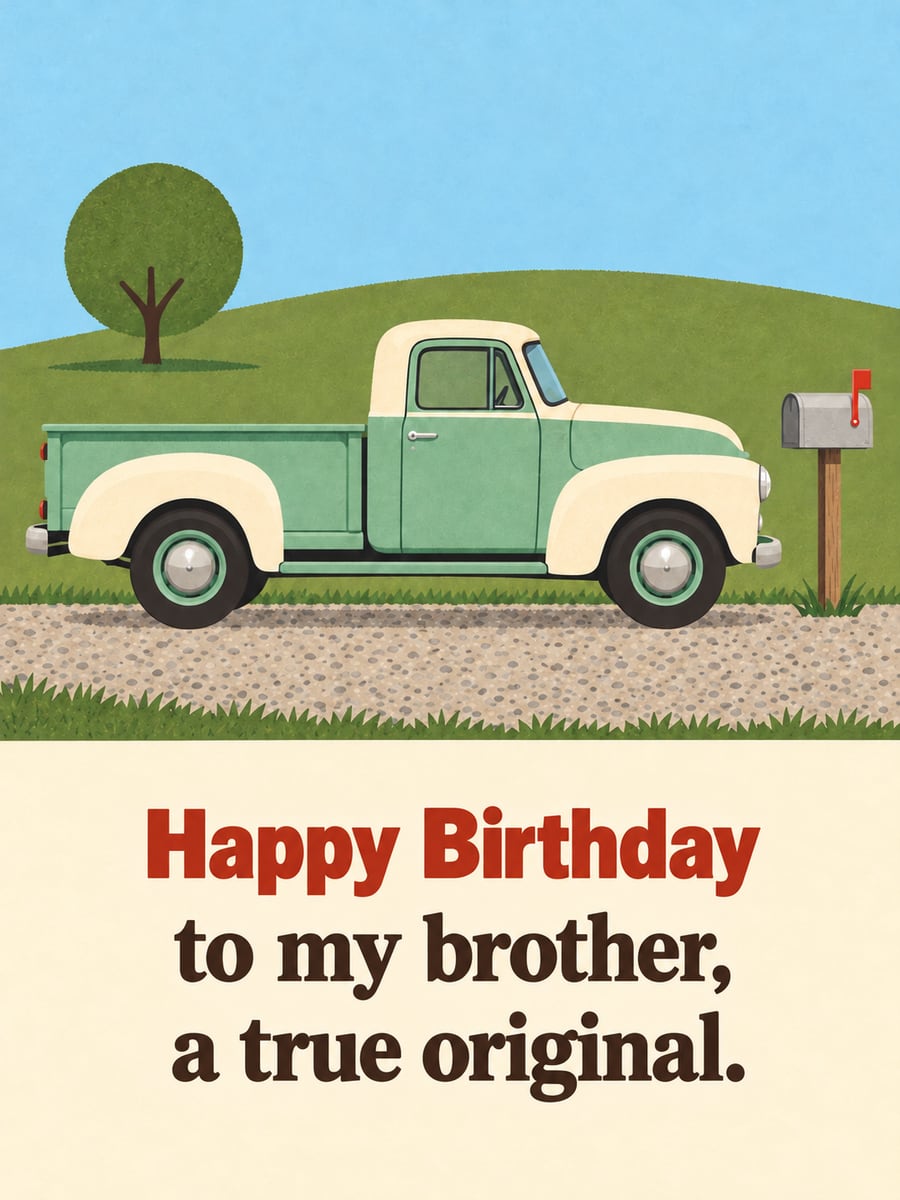 Happy Birthday
to my brother, a true original. -
 Happy Birthday
to the best brother ever.
Birthday pictures for brothers, big or little: road trips, the outdoors and a few jokes only a brother would get.
How to send a birthday picture
- Tap Share under the picture you like.
- Choose Messages to text it, or Facebook to post it. Messenger works too.
- Want to send the words too? Tap Copy text before you tap Share, then paste them into your message or post.
- Posting it on their Facebook profile? Tap Save image first. Then go to their profile, tap the box for writing a post to them, and add the picture from your photos. No box? They may have turned off posts from friends, so send it in Messenger instead.
- Posting it in a Facebook comment? Tap Save image, then tap the photo or camera icon in the comment box and pick the picture.
- On a computer? Click Save image, then add the picture to your Facebook post or email.
Questions
Where did my picture go after I saved it?
On iPhone or iPad, Save image opens a menu. Tap Save Image there, and the picture goes to your Photos app. On Android, open your Files app and look in Downloads. It may also show up in your Gallery or Google Photos. On a computer, look in your Downloads folder.
Are these pictures free to share?
Yes. There’s no charge, no sign-up and no watermark. Text or email them to family and friends, or post them on Facebook. They’re meant for personal greetings.
I don’t see Facebook when I tap Share. What do I do?
On iPhone or iPad, swipe left on the row of apps and tap More at the end of the row. On Android, swipe up to see all apps. Facebook shows up there only if you have the Facebook app. No app? Tap Save image, then add the picture to your post.
What if I missed the birthday?
It happens. Our Happy Belated Birthday pictures say sorry for being late, with a smile.
All pictures on this page were made with AI.