
Good Afternoon Images to Share
Picture categories
20 pictures
No pictures here yet.
-
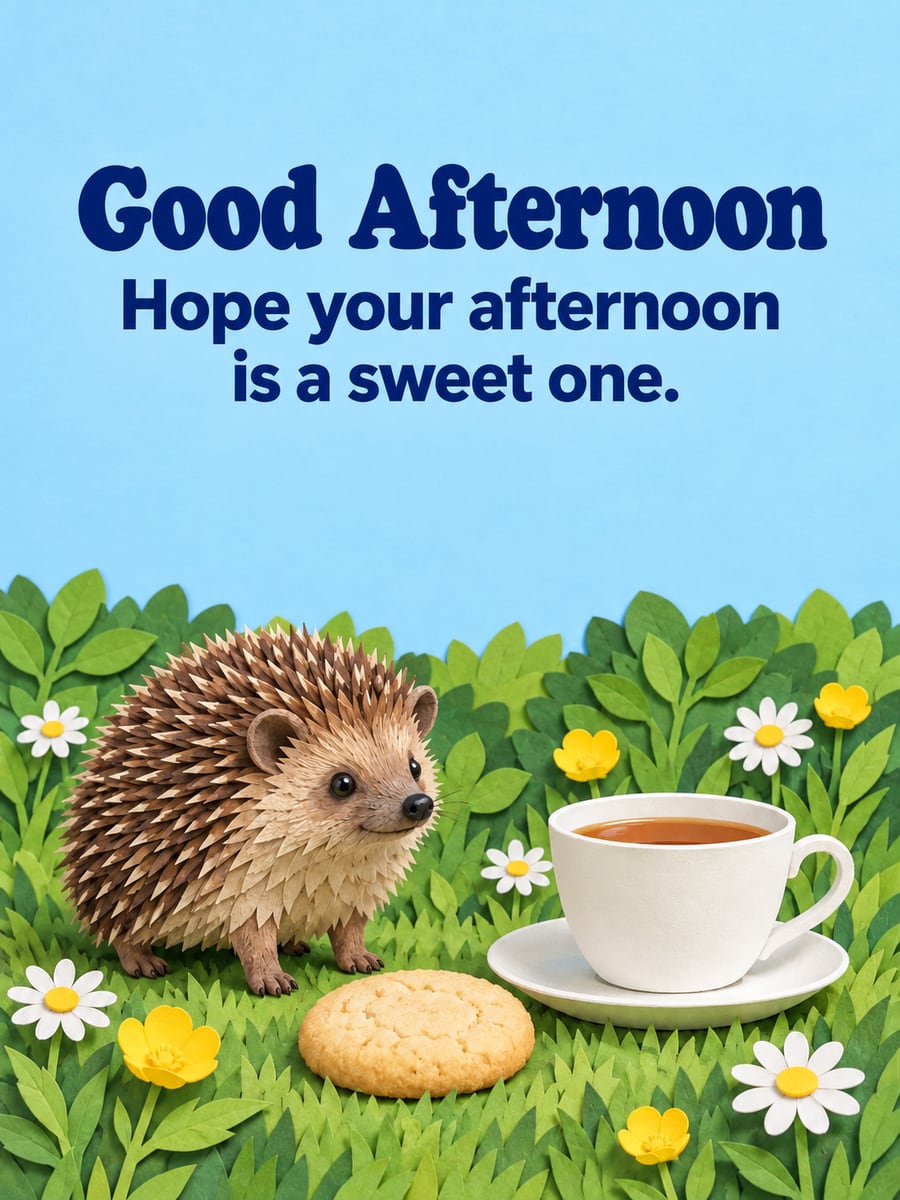 Good Afternoon
Hope your afternoon is a sweet one. -
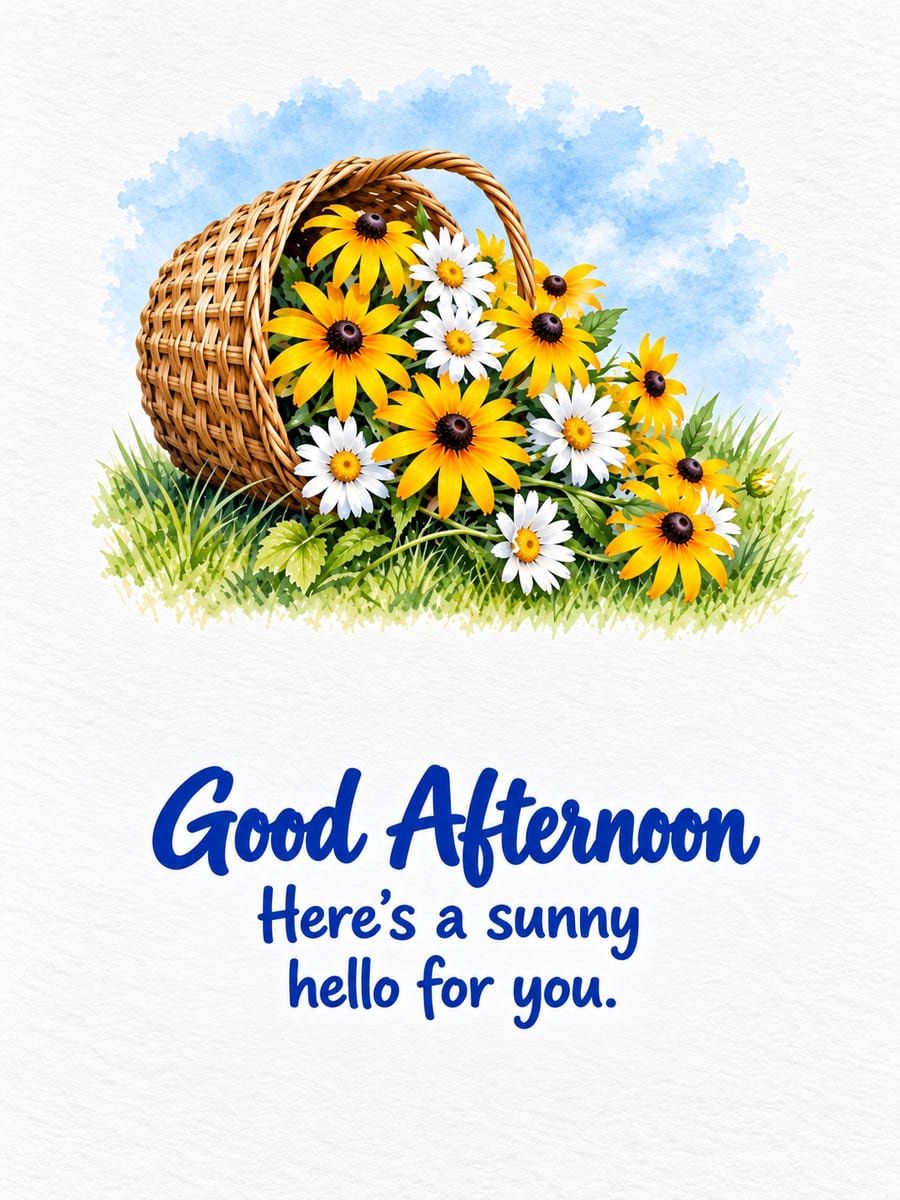 Good Afternoon
Here’s a sunny hello for you. -
 Good Afternoon
May the rest of your day be easy. -
 Good Afternoon
Pause, breathe and enjoy a cup of tea. -
 Good Afternoon
Recharge and finish strong. -
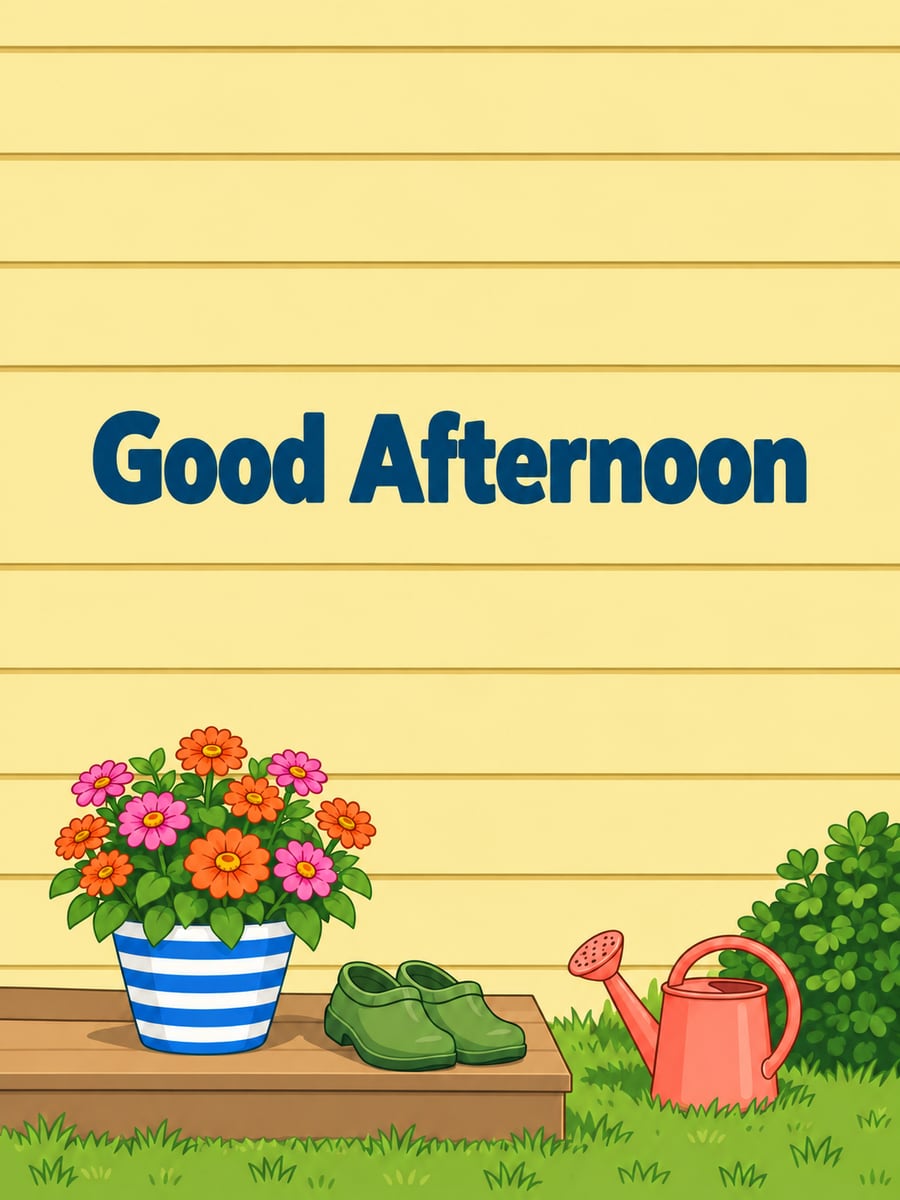 Good Afternoon
 -
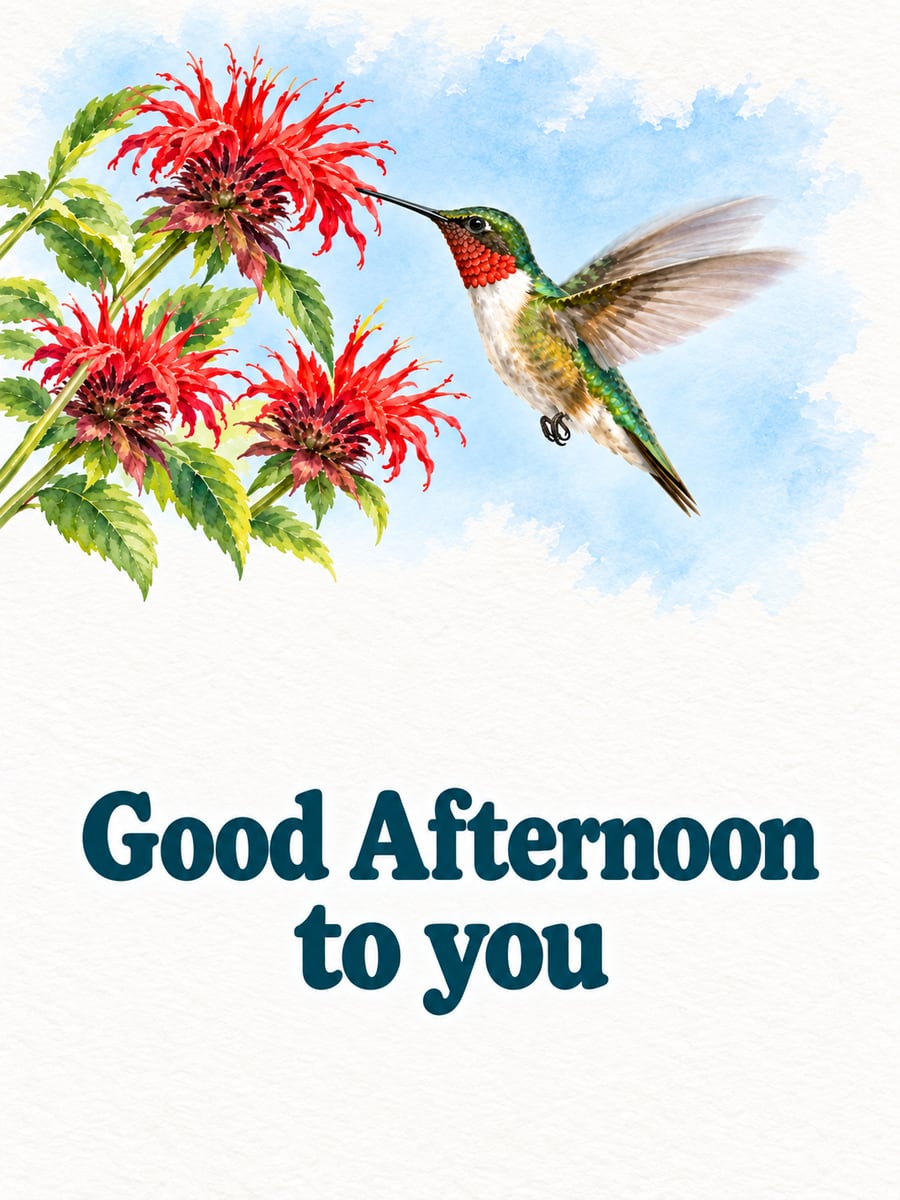 Good Afternoon to you
 -
 Good Afternoon
Halfway there. Keep going. -
 Time for a break
 -
 Good Afternoon
Just stopping by to say hi. -
 Good Afternoon
You’re doing better than you think. -
 Good Afternoon
 -
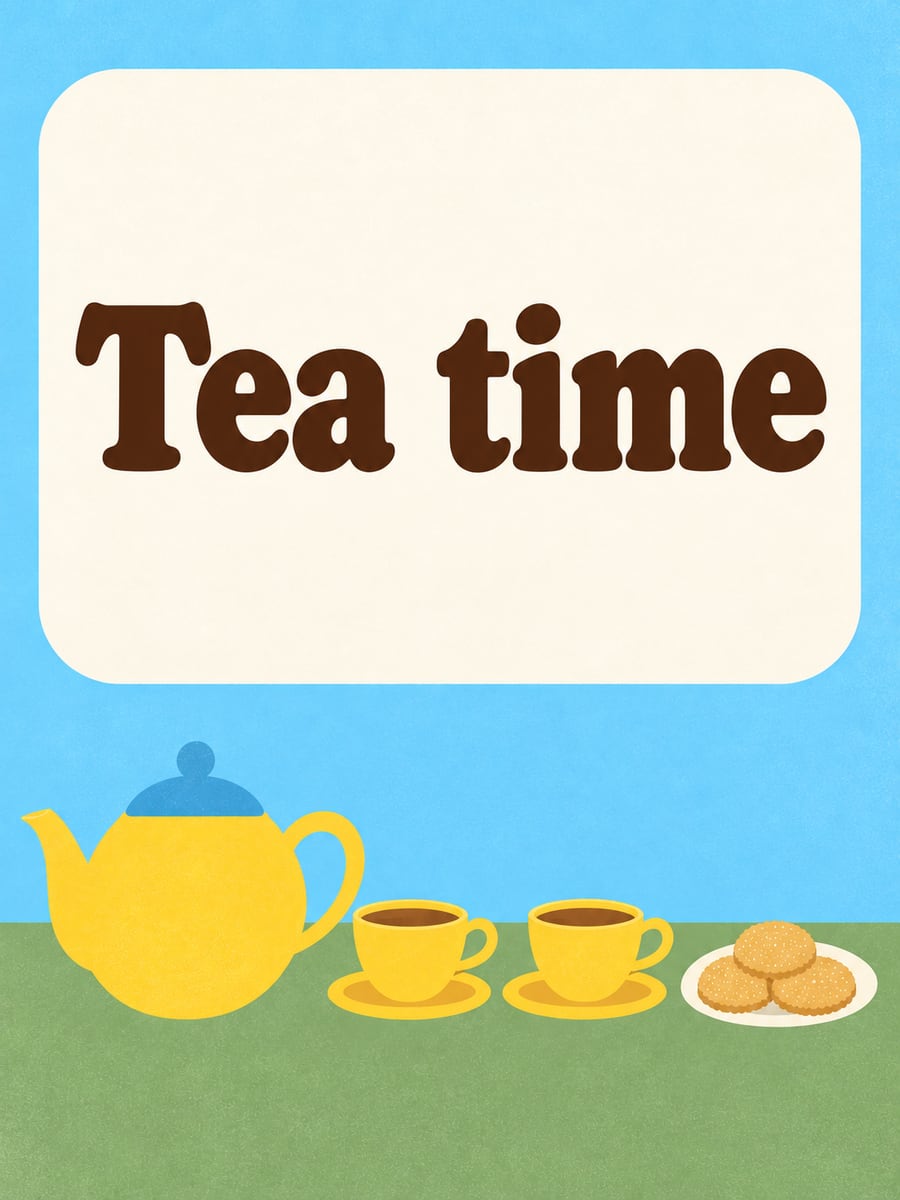 Tea time
 -
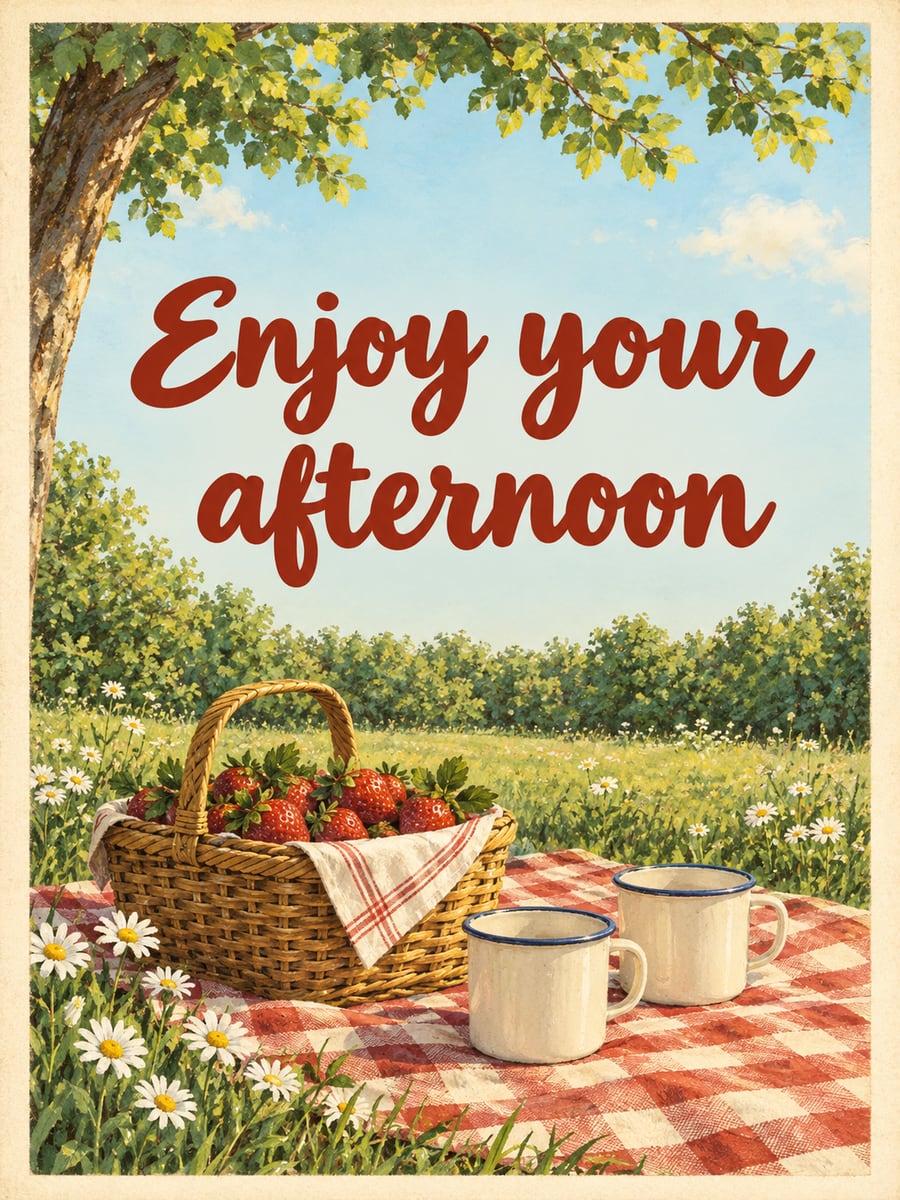 Enjoy your afternoon
 -
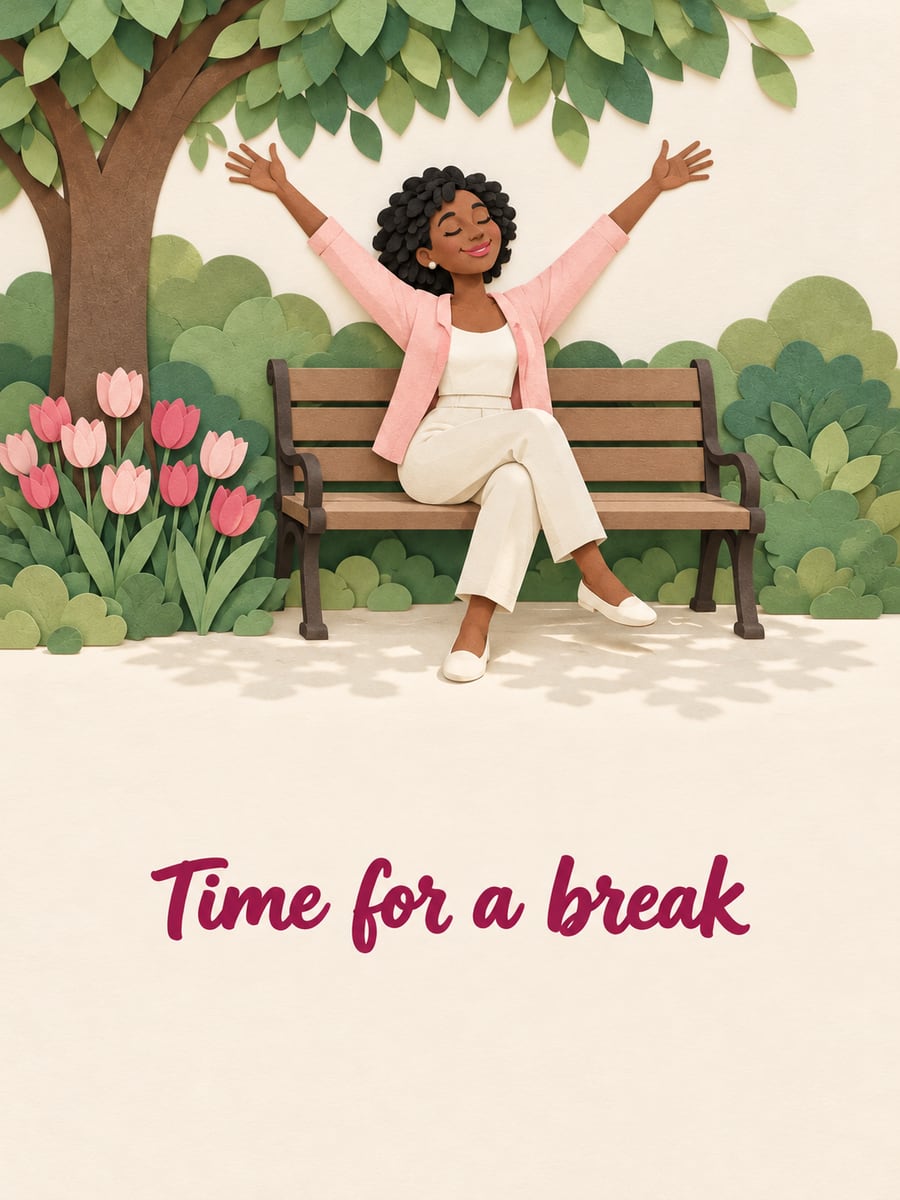 Time for a break
 -
 Enjoy your afternoon
 -
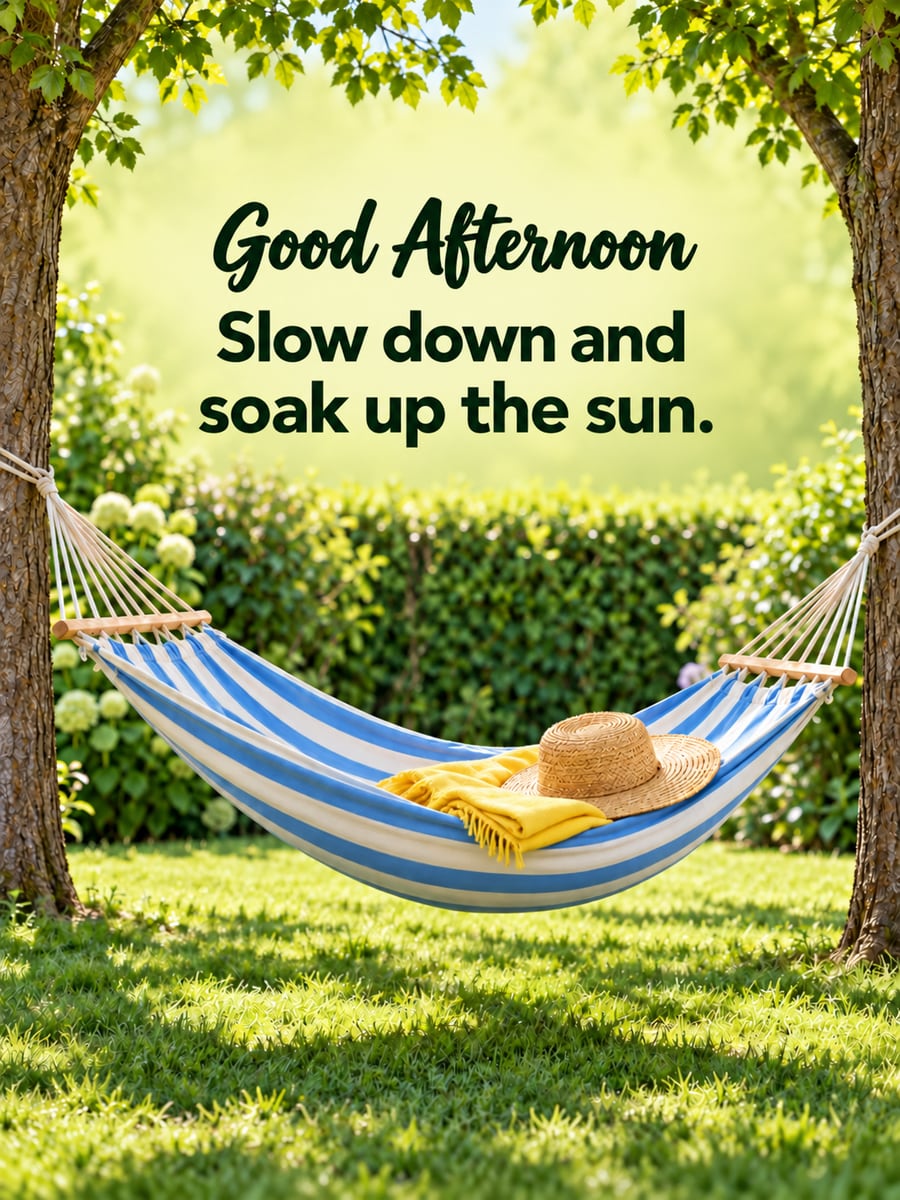 Good Afternoon
Slow down and soak up the sun. -
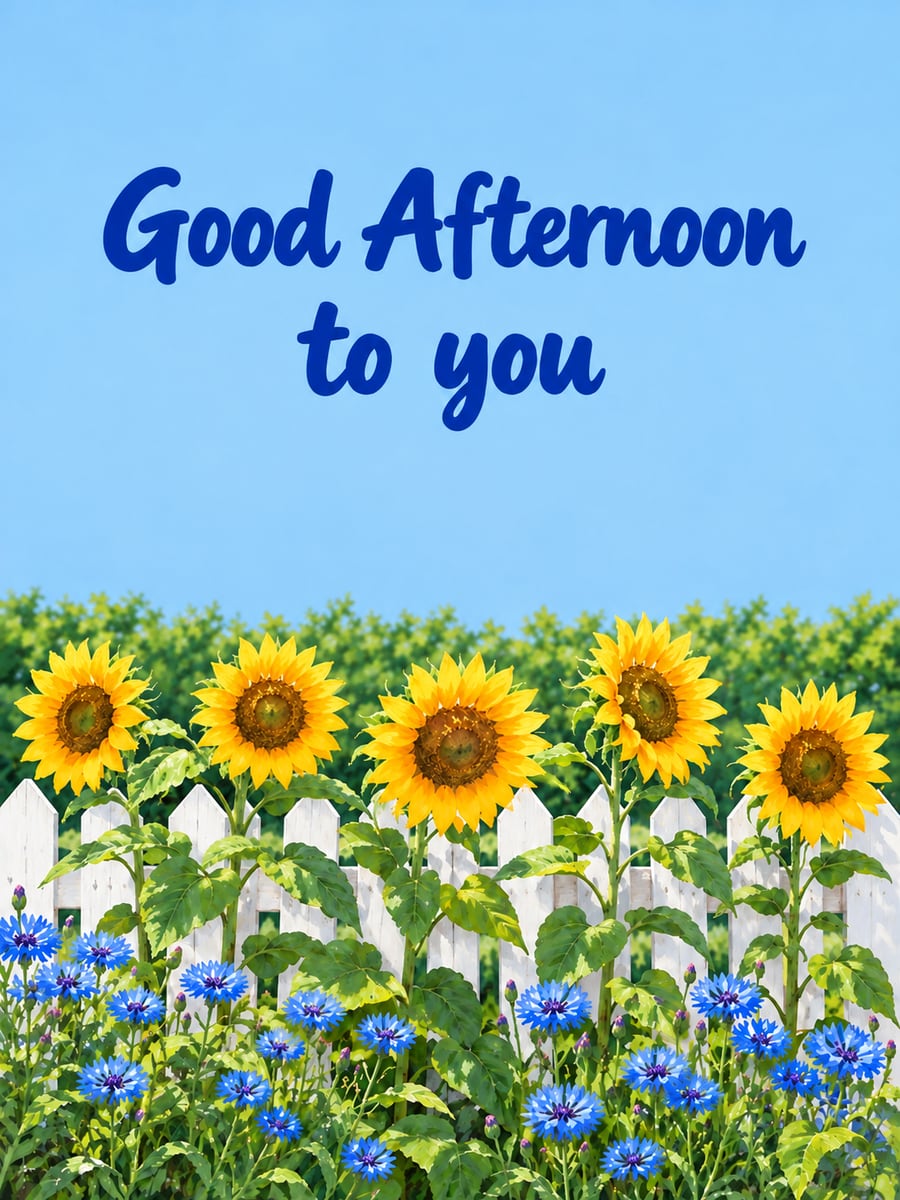 Good Afternoon to you
 -
 Good Afternoon
Tea, cookies and a quiet moment. -
 Good Afternoon
Hope your day is going well.
A little hello for the middle of the day: sunshine, flowers and a coffee or tea break. Pick one and text it to someone who could use a smile.
How to send a Good Afternoon picture
- Tap Share under the picture you like.
- Choose Messages to text it, or Facebook to post it. Messenger works too.
- Want to send the words too? Tap Copy text before you tap Share, then paste them into your message or post.
- Posting it in a Facebook comment? Tap Save image, then tap the camera icon in the comment box and pick the picture.
- On a computer? Click Save image, then add the picture to your Facebook post or email.
Questions
Where did my picture go after I saved it?
On iPhone or iPad, Save image opens a menu. Tap Save Image there, and the picture goes to your Photos app. On Android, open your Files app and look in Downloads. It may also show up in your Gallery or Google Photos. On a computer, look in your Downloads folder.
Are these pictures free to share?
Yes. There’s no charge, no sign-up and no watermark. Text or email them to family and friends, or post them on Facebook. They’re meant for personal greetings.
I don’t see Facebook when I tap Share. What do I do?
On iPhone or iPad, swipe left on the row of apps and tap More at the end of the row. On Android, swipe up to see all apps. Facebook shows up there only if you have the Facebook app. No app? Tap Save image, then add the picture to your post.
All pictures on this page were made with AI.